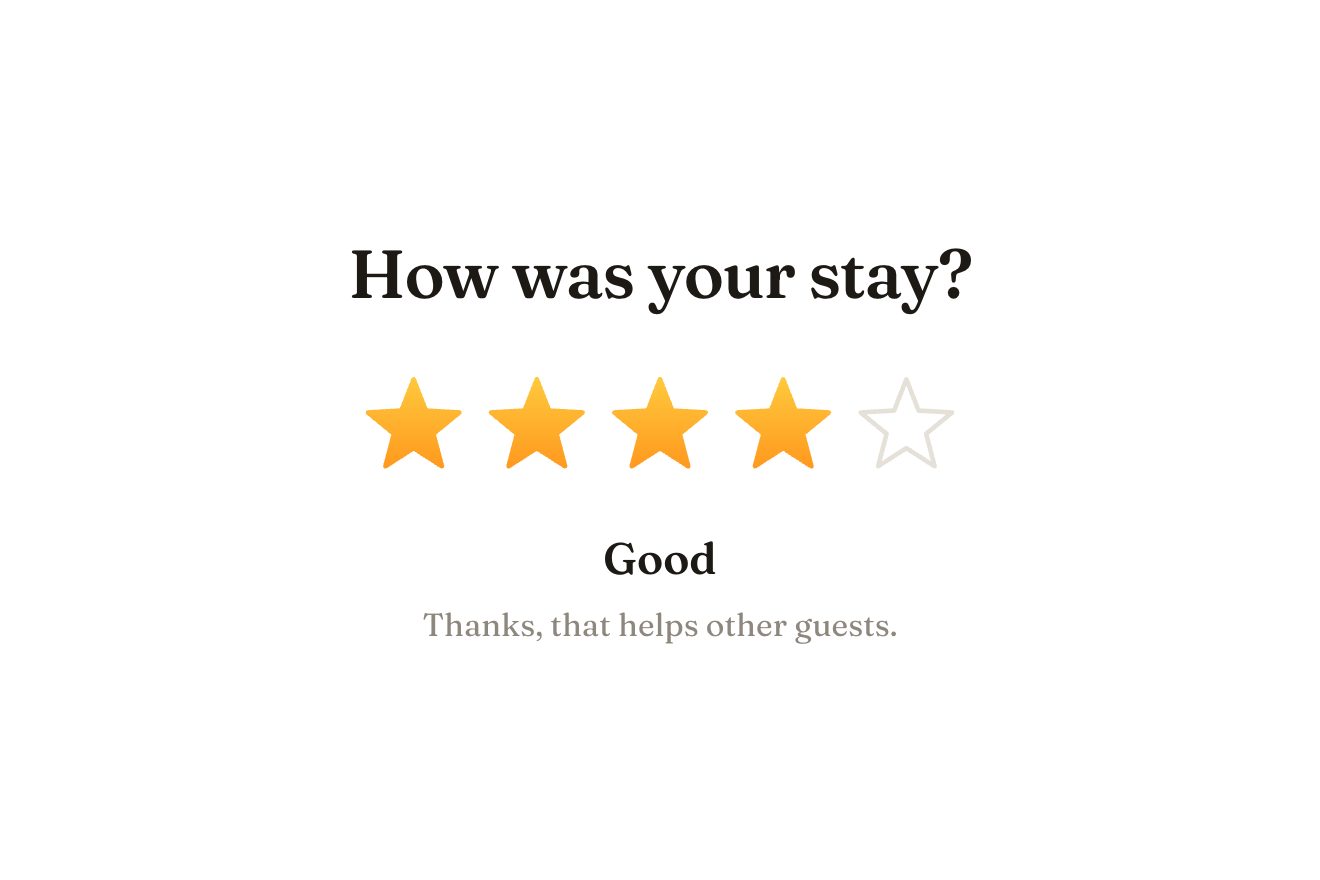
The star rating
Ratings, SVG, Hover
NewFree
A row of links where the current one is marked in yellow, with a highlighter pen resting beside it. Choosing another link the pen lifts, flies over in an arc, lands at the start of the word and runs across it, laying the yellow down under its tip, while the old mark thins and fades; pointing at a link, the pen leans towards it.
A folder that runs on its own: index.html, style.css, script.js and the libraries from a CDN. The React and Vue tabs hold the same demo as a ready component, which switches its animations off when it leaves the page.
<!doctype html>
<html lang="en">
<head>
  <meta charset="utf-8">
  <meta name="viewport" content="width=device-width, initial-scale=1">
  <title>The highlighter nav</title>
  <link rel="stylesheet" href="https://cdn.jsdelivr.net/npm/@fontsource-variable/petrona@5.3.0/index.css">
  <link rel="stylesheet" href="style.css">
</head>
<body>
  <main class="stage">
    <!-- the nav: the current link is marked in yellow, and the highlighter pen rests by it; choosing another link the
         pen flies over and draws the new mark across the word, while the old one dries away -->
    <nav class="hl" aria-label="Main" data-nav>
      <svg class="hl__marks" aria-hidden="true" data-marks><defs data-clips></defs></svg>
      <ul class="hl__list" data-list>
        <li><a class="hl__link" href="#" aria-current="page" data-link><span data-word>Work</span></a></li>
        <li><a class="hl__link" href="#" data-link data-autoclic><span data-word>Studio</span></a></li>
        <li><a class="hl__link" href="#" data-link data-autoclic><span data-word>Journal</span></a></li>
        <li><a class="hl__link" href="#" data-link data-autoclic><span data-word>Contact</span></a></li>
      </ul>
      <!-- the pen and its shadow on the paper: the point of the felt tip is the corner they turn around -->
      <div class="hl__shadow" aria-hidden="true" data-shadow>
        <svg viewBox="0 0 30 120"><path d="M5 9Q5 4 10 4H20Q25 4 25 9V92L21 106V112L13 120L10 117V106L5 92Z"/></svg>
      </div>
      <div class="hl__pen" aria-hidden="true" data-pen>
        <div class="hl__bob" data-bob>
          <svg viewBox="0 0 30 120">
            <path class="pen__tip" d="M10 105H20V112L13 120L10 117Z"/>
            <path class="pen__collar" d="M5 91H25L21 106H9Z"/>
            <rect class="pen__body" x="4" y="22" width="22" height="71" rx="3"/>
            <path class="pen__grip" d="M8 78H22M8 82.5H22M8 87H22"/>
            <rect class="pen__label" x="9.5" y="36" width="11" height="30" rx="2"/>
            <rect class="pen__sheen" x="6.5" y="25" width="2.4" height="62" rx="1.2"/>
            <rect class="pen__cap" x="5" y="3" width="20" height="23" rx="5"/>
            <rect class="pen__ring" x="3.5" y="20" width="23" height="5" rx="2"/>
          </svg>
        </div>
      </div>
    </nav>
  </main>

  <script src="https://cdn.jsdelivr.net/npm/gsap@3.15.0/dist/gsap.min.js"></script>
  <script src="script.js"></script>
</body>
</html>Change values, colours and text with the controls and watch the animation respond live. Or write in the code yourself. Then download the folder with your changes.
15 values to change
With the Animorio connector, Claude Code takes it from here, guide included, and fits it into your project. Paste this request:
Take “The highlighter nav” from Animorio and fit it into my siteBehind the links there is an SVG as big as the nav, with no viewBox, so its units are pixels. A word's mark is a band from 10% to 97% of its height (the word is a span, measured with offsetLeft and offsetTop), stretched 4 to 8 pixels on the left and 4 to 9 on the right, with ends slanted by a third of its height like a chisel tip, broken edges with half a pixel of wobble, a ragged end, two white lines at 32% and darker ink along the edges.
Each mark has its own clipPath with a rectangle: while the pen runs across the word, at every update its width reaches the tip plus half the chisel, so the yellow is there as far as the tip has gone. At the end the rectangle opens fully and the ink along the edges comes in over 0.6 seconds.
The pen and its shadow are two boxes of no size placed at the tip, with the drawing hanging above and sized in em, so it follows the size of the text. One state (place, rotation and lift) moves both: lifted, the pen rises up to 24 pixels and grows by 12%, while the shadow stays on the paper, moves away and pales. Near the right side of the window the pen stands up as far as needed not to leave the page.
A timeline: it lifts (0.2 seconds), flies on a quadratic Bézier curve from where it is to the start of the word, with the control point ARC pixels higher (0.3 seconds plus the distance over 1100, at most 0.7), lands (0.12 seconds), runs across the word at SPEED pixels a second with power1.inOut (at least 0.26 seconds) and lifts a little, stopping just past the end. The old mark dries out: scaleY to 0.3 from its middle and opacity to zero in 0.5 seconds, then it is removed with its clip.
Pointing at a link with the mouse, or reaching it with Tab, the pen moves towards it by LEAN of the distance, lifting and turning up to 8 degrees one way or 16 the other; leaving the row, or with the focus going away, it goes back to rest. The clicks are the links' own, and aria-current moves to the link chosen. The library's preview clicks the other links in turn.
| Name | File | Default | What it changes |
|---|---|---|---|
SPEED | script.js | 420 | How fast the pen runs across a word, in pixels a second. |
ARC | script.js | 46 | How high the pen flies between two words, in pixels. |
SLANT | script.js | 1.4 | How much a mark can slope, at most, in degrees. |
LEAN | script.js | 0.3 | How far the pen leans towards a link pointed at, as a share of the distance. |
For the nav of a site that writes or teaches: a magazine, a blog, a publisher, a course, a stationery shop, an illustrator's portfolio.
The row shrinks with the screen (the text down to 19 pixels, the gaps down to 14) and each link is 45 pixels tall; a tap chooses without waiting for a double tap, and near the right edge the pen stands up to stay on screen.
The new mark appears whole at once and the old one disappears, the pen jumps to its place beside the word without flying or leaning towards the links pointed at, does not breathe and does not come in on arrival: it is already there.
GSAP 3.15.0, Petrona (font variabile) 5.3.0.
Compressed with gzip, the three demo files weigh 6.6 KB; the libraries: GSAP 28 KB.
Tested on 4 October 2026
Use it in your own projects and in your clients’ projects. Do not resell it or redistribute it as is. GSAP stays under its own Standard license. Full license.
With your account’s email and password.
or with your email
You’re signed in as .
With your account, you can download the zip of every animation and every pack, for free.