The curtain menu
Menus, Physics, WebGL, Transitions
NewFree
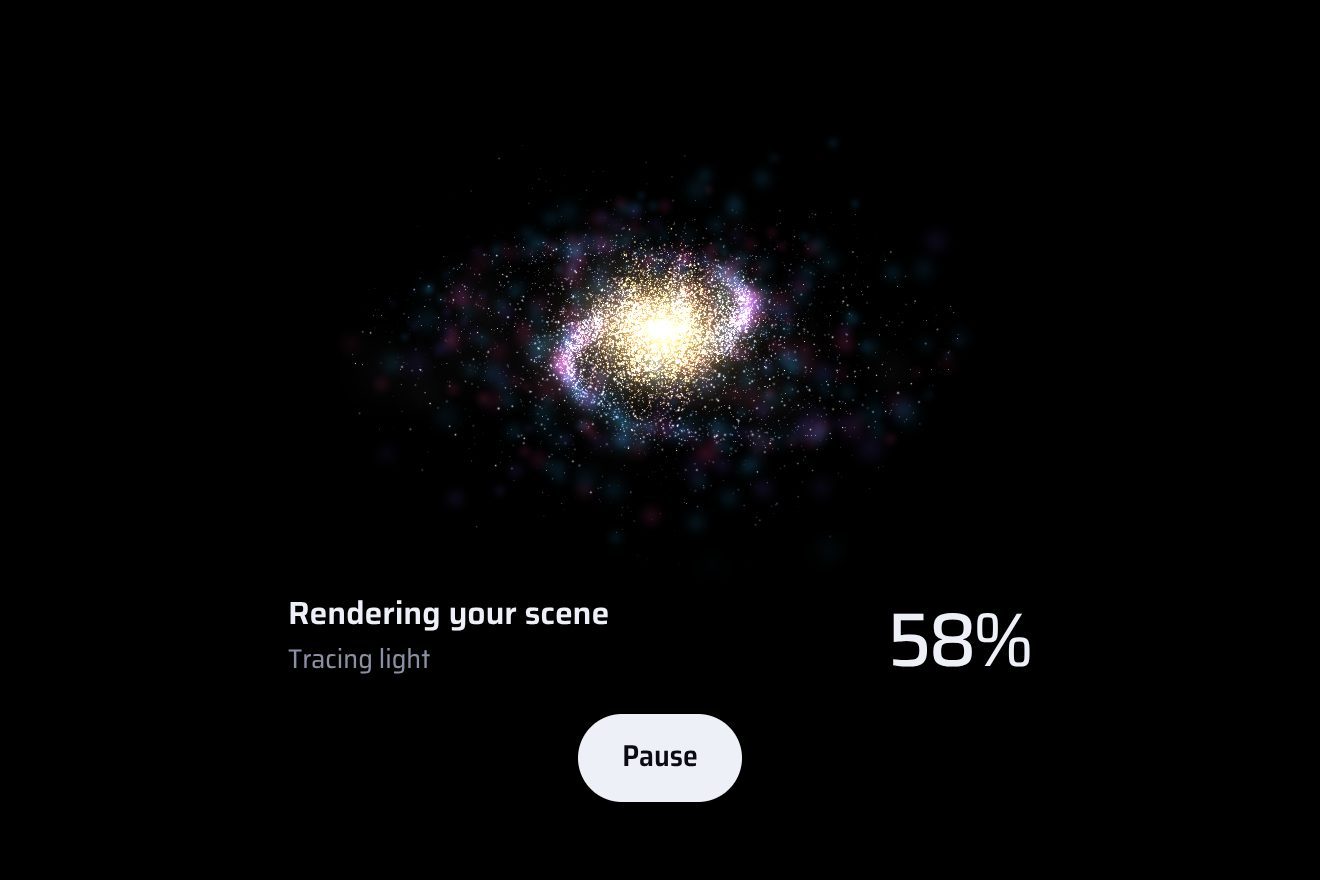
A full-frame menu that comes out of its button like ink poured into water: pressing Menu, an indigo and orange fluid bursts from the button in jets that curl into scrolls and eddies, fills the whole frame, and the links surface only once the fluid has covered them. The pointer stirs the ink; closing, the fluid is sucked back towards the button in a spiral. A real fluid, solved in WebGL, not a growing circle.
A folder that runs on its own: index.html, style.css, script.js and the libraries from a CDN. The React and Vue tabs hold the same demo as a ready component, which switches its animations off when it leaves the page.
<!doctype html>
<html lang="en">
<head>
  <meta charset="utf-8">
  <meta name="viewport" content="width=device-width, initial-scale=1">
  <title>The fluid menu</title>
  <link rel="stylesheet" href="https://cdn.jsdelivr.net/npm/@fontsource-variable/fraunces@5.3.0/full.css">
  <link rel="stylesheet" href="https://cdn.jsdelivr.net/npm/@fontsource-variable/instrument-sans@5.3.0/index.css">
  <link rel="stylesheet" href="style.css">
</head>
<body>
  <main class="stage">
    <!-- the fluid menu: a frame with its Menu button. Pressed, indigo and orange ink pours out of the button like ink
         in water, curling into eddies until it fills the frame, and the links surface where it covers them -->
    <div class="panel" data-panel>
      <canvas class="panel__ink" aria-hidden="true" data-ink></canvas>
      <!-- with reduced motion, or without WebGL, the ink is a still wash that fades in -->
      <div class="panel__still" aria-hidden="true" data-still></div>

      <button class="toggle" type="button" aria-expanded="false" aria-controls="fluid-menu" data-toggle data-autoclic>
        <span class="toggle__words" aria-hidden="true"><span class="toggle__word" data-word>Menu</span></span>
        <span class="toggle__icon" aria-hidden="true"><i></i><i></i></span>
        <span class="sr" data-name>Open the menu</span>
      </button>

      <nav class="menu" id="fluid-menu" aria-label="Main" data-menu inert>
        <ul class="menu__list">
          <li><a class="item" href="#" data-item><span class="item__word">Work</span><svg class="item__arrow" viewBox="0 0 40 24" aria-hidden="true"><path d="M2 12h34M26 3l10 9-10 9"/></svg></a></li>
          <li><a class="item" href="#" data-item><span class="item__word">Services</span><svg class="item__arrow" viewBox="0 0 40 24" aria-hidden="true"><path d="M2 12h34M26 3l10 9-10 9"/></svg></a></li>
          <li><a class="item" href="#" data-item><span class="item__word">Studio</span><svg class="item__arrow" viewBox="0 0 40 24" aria-hidden="true"><path d="M2 12h34M26 3l10 9-10 9"/></svg></a></li>
          <li><a class="item" href="#" data-item><span class="item__word">Journal</span><svg class="item__arrow" viewBox="0 0 40 24" aria-hidden="true"><path d="M2 12h34M26 3l10 9-10 9"/></svg></a></li>
          <li><a class="item" href="#" data-item><span class="item__word">Contact</span><svg class="item__arrow" viewBox="0 0 40 24" aria-hidden="true"><path d="M2 12h34M26 3l10 9-10 9"/></svg></a></li>
        </ul>
        <div class="menu__foot" data-item>
          <a href="#">Start a project</a>
          <a href="#">Careers</a>
          <a href="#">Newsletter</a>
        </div>
      </nav>
    </div>
  </main>

  <script src="https://cdn.jsdelivr.net/npm/gsap@3.15.0/dist/gsap.min.js"></script>
  <script src="script.js"></script>
</body>
</html>Change values, colours and text with the controls and watch the animation respond live. Or write in the code yourself. Then download the folder with your changes.
25 values to change
With the Animorio connector, Claude Code takes it from here, guide included, and fits it into your project. Paste this request:
Take “The fluid menu” from Animorio and fit it into my siteVelocity, pressure and ink are half float (RGBA16F) WebGL2 textures, the velocity on a grid of GRID cells across the short side and the ink on a finer one. Each step is a row of draws on a triangle that covers everything: the curl and its push (vorticity confinement, strength SWIRL), the divergence, ITERATIONS Jacobi passes for the pressure, starting from the previous step's, the subtraction of its gradient, and the semi-Lagrangian transport of velocity and ink, which take each cell from where the flow brings it back in time.
Opening, JETS jets leave the middle of the button on every step: gaussian splats of velocity and ink, aimed into the frame and swung with two sines, and the first jet turns orange in bursts, so the orange stays a vein of its own and does not tint everything. On top of that, for the ink only, a source at the button pushes it out in every direction, harder in some that change with time, and where the ink already is it thickens: this is what makes sure it reaches the corners.
The source, the thickening and the jets follow not the clock but the simulation's time, one step at a time (capped at 1/30 of a second): on a slow phone that runs fewer steps the fluid never falls behind its own direction. The source does not drop below a third until the ink has reached every point of the frame; then it lets go.
Every frame the ink is reduced to a 48 by 32 pixel picture of how covered each point is, and the script reads it every four frames. For each link it looks at three points along the word, takes the least covered and turns it into the opacity and a small rise: a link appears only when the ink is behind the whole word, and no white text ever lands on white.
The screen gives thin ink a vivid indigo and thick ink a deep one, and puts the orange wherever its share passes a threshold; the slope of the ink catches a little light, so the folds of the eddies read. Closing, a field that turns and pulls towards the button carries the ink in a spiral, and beyond a ragged edge that closes in on the button the ink is wiped out fast; at the end the textures are emptied and the frames stop. Even with the menu open, when the mouse has not moved for a few seconds the fluid stops and is not redrawn.
| Name | File | Default | What it changes |
|---|---|---|---|
OPEN | script.js | 1.7 | The seconds the ink takes to fill the frame. |
CLOSE | script.js | 1.15 | The seconds it takes to be drawn back into the button. |
SWIRL | script.js | 16 | How hard the fluid curls into eddies (0 = smooth, no eddies). |
JETS | script.js | 3 | How many jets of ink leave the button each step while it opens. |
STIR | script.js | 1 | How much the pointer stirs the open menu. |
ORANGE | script.js | 0.34 | How much of the ink is orange, 0 to 1. |
GRID | script.js | 112 | The cells of the simulation across the short side of the frame (fewer is faster; a quarter fewer on a phone). |
ITERATIONS | script.js | 18 | The passes that find the pressure: more, a truer fluid. |
For the site of a creative studio, an agency, a photographer or a brand that wants a memorable way into the menu. The fluid asks for a moment's attention and a decent graphics card: for an everyday site a quieter menu is better.
The frame takes the width of the screen and becomes tall; the grid has a quarter fewer cells and the canvas stays under about a million pixels, so the fluid stays fluid. A tap opens and closes; the links are big and easy to touch.
No fluid: a still wash of indigo and orange ink, made of gradients, fades in and the links fade in after it; closing, everything fades away. The same happens where WebGL2 is missing.
GSAP 3.15.0, Fraunces (font variabile) 5.3.0, Instrument Sans (font variabile) 5.3.0.
Compressed with gzip, the three demo files weigh 12 KB; the libraries: GSAP 28 KB.
Tested on 5 October 2026
Use it in your own projects and in your clients’ projects. Do not resell it or redistribute it as is. GSAP stays under its own Standard license. Full license.
With your account’s email and password.
or with your email
You’re signed in as .
With your account, you can download the zip of every animation and every pack, for free.