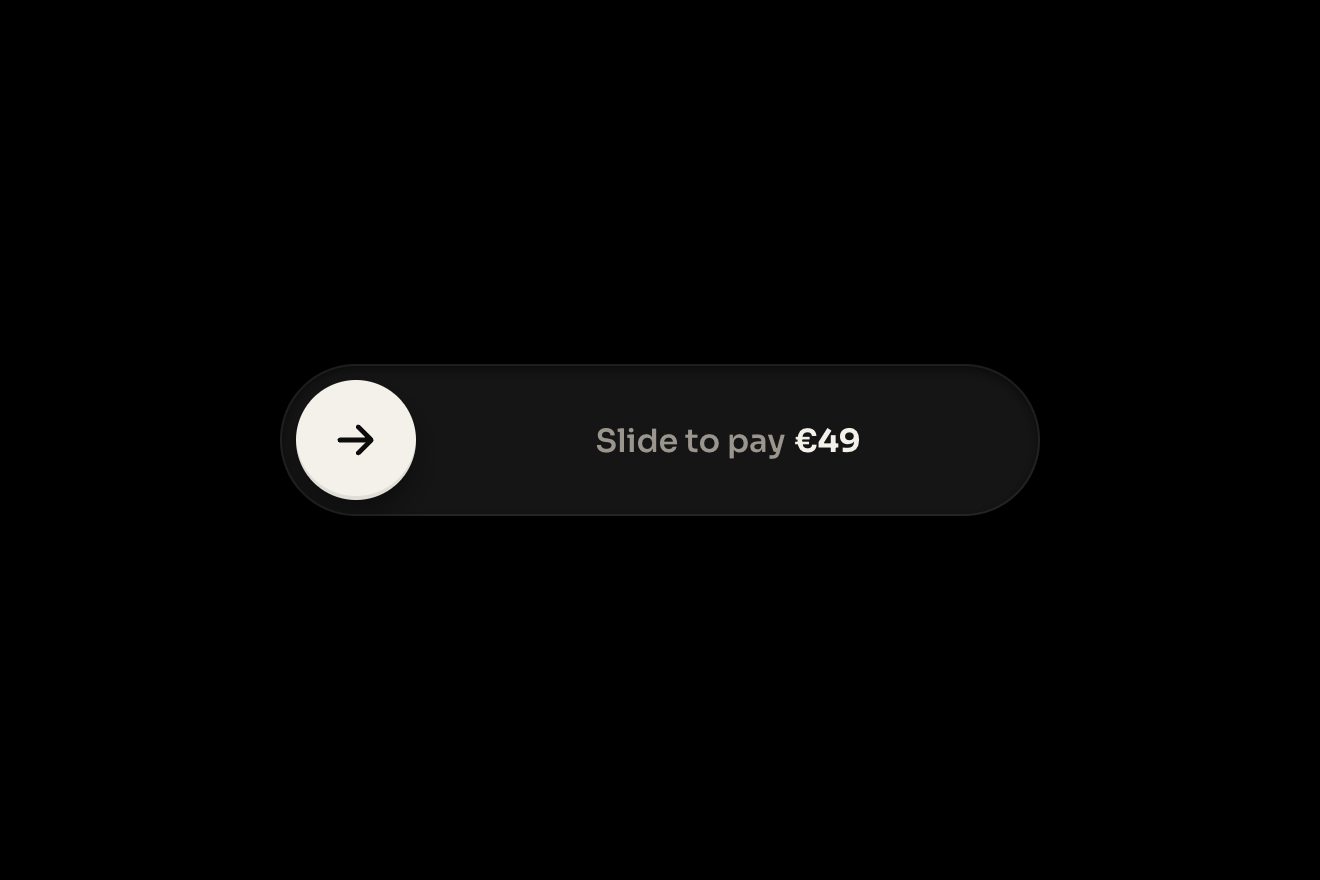
The slide-to-confirm button
Buttons, Physics, Transitions
The focus session timer of the productivity app Orrin, on black: the time is a thick glass ring full of a glowing mint liquid that empties backwards towards the top, with the meniscus climbing the walls, a line of light on the surface and the glass taking the colour where the liquid touches it. The digits roll, Pause and Skip give under the finger, the liquid sloshes when it stops; at zero the session counts in the day and the ring fills with the amber of the break.
A folder that runs on its own: index.html, style.css, script.js and the libraries from a CDN. The React and Vue tabs hold the same demo as a ready component, which switches its animations off when it leaves the page.
<!doctype html>
<!--
  "Glass focus timer" from Animorio · https://animorio.com
  License: free on your own sites and your clients’ sites, paid work included.
  Not for resale, redistribution, templates or code collections · https://animorio.com/en/license/
-->
<html lang="en">
<head>
  <meta charset="utf-8">
  <meta name="viewport" content="width=device-width, initial-scale=1">
  <title>The focus timer with the glass ring that empties</title>
  <link rel="stylesheet" href="https://cdn.jsdelivr.net/npm/@fontsource-variable/mona-sans@5.3.0/wdth.css">
  <link rel="stylesheet" href="style.css">
</head>
<body>
  <main class="stage">
    <!-- the focus session timer of a productivity app: a thick glass ring with a glowing liquid inside that empties as
         the time goes, the minutes and seconds rolling in the middle, Pause and Skip under it, and at the end the break,
         when the ring fills again with another colour and the day's sessions go up by one -->
    <section class="timer" data-timer aria-label="Focus timer">
      <span class="timer__glow" data-glow aria-hidden="true"></span>

      <header class="timer__head">
        <span class="timer__brand">
          <svg class="timer__mark" viewBox="0 0 20 20" aria-hidden="true">
            <path d="M10 2.2a7.8 7.8 0 1 0 7.8 7.8"/>
            <path d="M10 6.2a3.8 3.8 0 1 0 3.8 3.8"/>
          </svg>
          Orrin
        </span>
        <span class="timer__chip" data-chip><span class="timer__chip-words" data-chip-words>Deep work</span></span>
      </header>

      <div class="ring" data-ring>
        <canvas class="ring__glass" data-canvas aria-hidden="true"></canvas>
        <div class="ring__face">
          <p class="ring__time" data-time role="timer" aria-label="25 minutes left">
            <span class="dig" data-dig="10"></span><span class="dig" data-dig="10"></span><span class="ring__colon">:</span><span class="dig" data-dig="6"></span><span class="dig" data-dig="10"></span>
          </p>
          <p class="ring__label" data-label>
            <svg class="ring__check" viewBox="0 0 16 16" aria-hidden="true"><path data-check pathLength="1" d="M3.4 8.6l3 3 6.2-6.8"/></svg>
            <span class="ring__label-words" data-label-words>Focus</span>
          </p>
        </div>
      </div>

      <div class="controls">
        <button class="btn btn--main" type="button" data-pause aria-label="Pause">
          <span class="btn__face" data-face>
            <svg class="btn__icon" viewBox="0 0 24 24" aria-hidden="true"><polygon data-shape/><polygon data-shape/></svg>
            <span class="btn__words" data-pause-words>Pause</span>
          </span>
        </button>
        <button class="btn btn--ghost" type="button" data-skip aria-label="Skip to the break">
          <span class="btn__face" data-face>
            <svg class="btn__icon" viewBox="0 0 24 24" aria-hidden="true"><path class="btn__skip" d="M6 6.5l8.2 5.5L6 17.5zM17.6 6.5v11"/></svg>
            <span class="btn__words">Skip</span>
          </span>
        </button>
      </div>

      <footer class="today">
        <p class="today__words"><span class="today__num" data-count><span class="today__roll" data-count-roll>3</span></span> <span data-count-unit>sessions</span> today</p>
        <span class="today__bars" data-bars aria-hidden="true">
          <span class="today__bar"><i></i></span><span class="today__bar"><i></i></span><span class="today__bar"><i></i></span><span class="today__bar"><i></i></span>
        </span>
      </footer>

      <p class="sr" aria-live="polite" data-live></p>
    </section>
  </main>

  <script src="https://cdn.jsdelivr.net/npm/gsap@3.15.0/dist/gsap.min.js"></script>
  <script src="script.js"></script>
</body>
</html>Change values, colours and text with the controls and watch the animation respond live. Or write in the code yourself. Then download the folder with your changes.
27 values to change
With the Animorio connector, Claude Code, ChatGPT, Cursor or VS Code take it from here, guide included, and fit it into your project. Paste this request:
Take “Glass focus timer” from Animorio and fit it into my siteThe ring is a 2D canvas a little bigger than its box (128%), so the glow can spill. The glass body is an annulus filled with a radial gradient from the inner edge to the outer one: brighter at the walls, almost clear in the middle, like a thick tube seen across. The walls are two one pixel circles with a linear gradient from the top left (light) to the bottom right, the reflections are arcs with round caps, and all of it is drawn in lighter mode, so it adds to the light of the liquid.
The liquid runs from the top (−90°) to the angle of the time left. Its front is not a straight line: over sixteen radii between the two walls the angle draws back by depth × (1 − u²) / r, with u from −1 to 1, so the surface climbs the walls and lags in the middle, like in a test tube. The fill is a radial gradient dark at the walls and bright along the middle of the tube, under it the same path with shadowBlur makes the glow, and a 1.1 pixel white line follows the front.
Every frame the speed of the front is measured in pixels and its change kicks a damped spring (stiffness 190, damping 3.4, step at most 1/30 s). The spring's offset tilts the surface (u × w) and a small sine wave keeps it alive while it runs: when the pilot presses Pause the front stops dead and the surface swings a couple of times, the same at the end of the pour.
The countdown is a GSAP tween with ease none on a { left } object, as long as the time left divided by the speed (FOCUS_MINUTES × 60 / RING_SECONDS seconds per second): Pause pauses it and Resume resumes it, Skip kills it and drains the liquid with another tween. This way the site's bench also governs the timer's time.
Each digit has a window with a strip inside holding the figures twice (0-9, or 0-5 for the tens of seconds), moved with yPercent: going down the strip moves downwards and the new figure comes from above, and the twin lets it always turn the right way and end on a copy of the figure. With the time sped up the changes are capped at one every 0.14 s and last 0.12 s; at rest they roll in 0.46 s with one pixel too many.
| Name | File | Default | What it changes |
|---|---|---|---|
FOCUS_MINUTES | script.js | 25 | How long a focus session is, in minutes. |
BREAK_MINUTES | script.js | 5 | How long the break is, in minutes. |
RING_SECONDS | script.js | 13 | How many real seconds the demo takes to empty the whole ring (0 = real time). |
THICKNESS | script.js | 0.15 | How thick the glass tube is, as a share of the ring. |
MENISCUS | script.js | 1 | How curved the surface of the liquid is (0 flat). |
SLOSH | script.js | 1 | How much the liquid sloshes when it stops or starts. |
GLOW | script.js | 1 | How bright the liquid glows. |
LOOP | script.js | true | The pilot presses Pause and Skip by itself and runs the sessions again. |
For a productivity, study or meditation app, a pomodoro timer, the dashboard of someone who works in sessions or the widget on the landing page of such an app: the falling liquid reads at a glance, without looking at the digits, and the break in another colour tells at once which phase you are in. The same ring works for any countdown: the cooking in a recipe, the time of an auction, the rest at the gym.
The same animation with adapted sizes: the card is 90% of the screen wide, the ring is sized on the width and the height (min(64vw, 45vh, 240px)) and the canvas redraws at its size on every change, the spacing and the buttons tighten on the height. Pause and Skip answer the tap like the click.
Nothing moves: the card fades in, the liquid fades in and out instead of being poured and drained, it does not slosh and has no moving bubbles or caustic; the level goes down with the time because it is the timer itself. The digits and the words change with a fade, the buttons do not squash.
GSAP 3.15.0, Mona Sans (font variabile) 5.3.0.
Compressed with gzip, the three demo files weigh 11 KB; the libraries: GSAP 28 KB.
Tested on 7 November 2026
Use it in your own projects and in your clients’ projects. Do not resell it or redistribute it as is. GSAP stays under its own Standard license. Full license.
Support Animorio
Animorio stays free thanks to the people who support it. If you like, buy us a coffee: it helps us make the next animations.
You asked for
We made it for you: it’s in the library, with the preview, the Playground and the code to copy.
An animation you can’t find, or a site to take apart in the journal: tell us which. We pick the next ones from here.
With your account’s email and password.
or with your email
You’re signed in as .
With your account, you can download the zip of every animation and every pack, for free.