The wire cube
3D, Physics, Text
NewFree
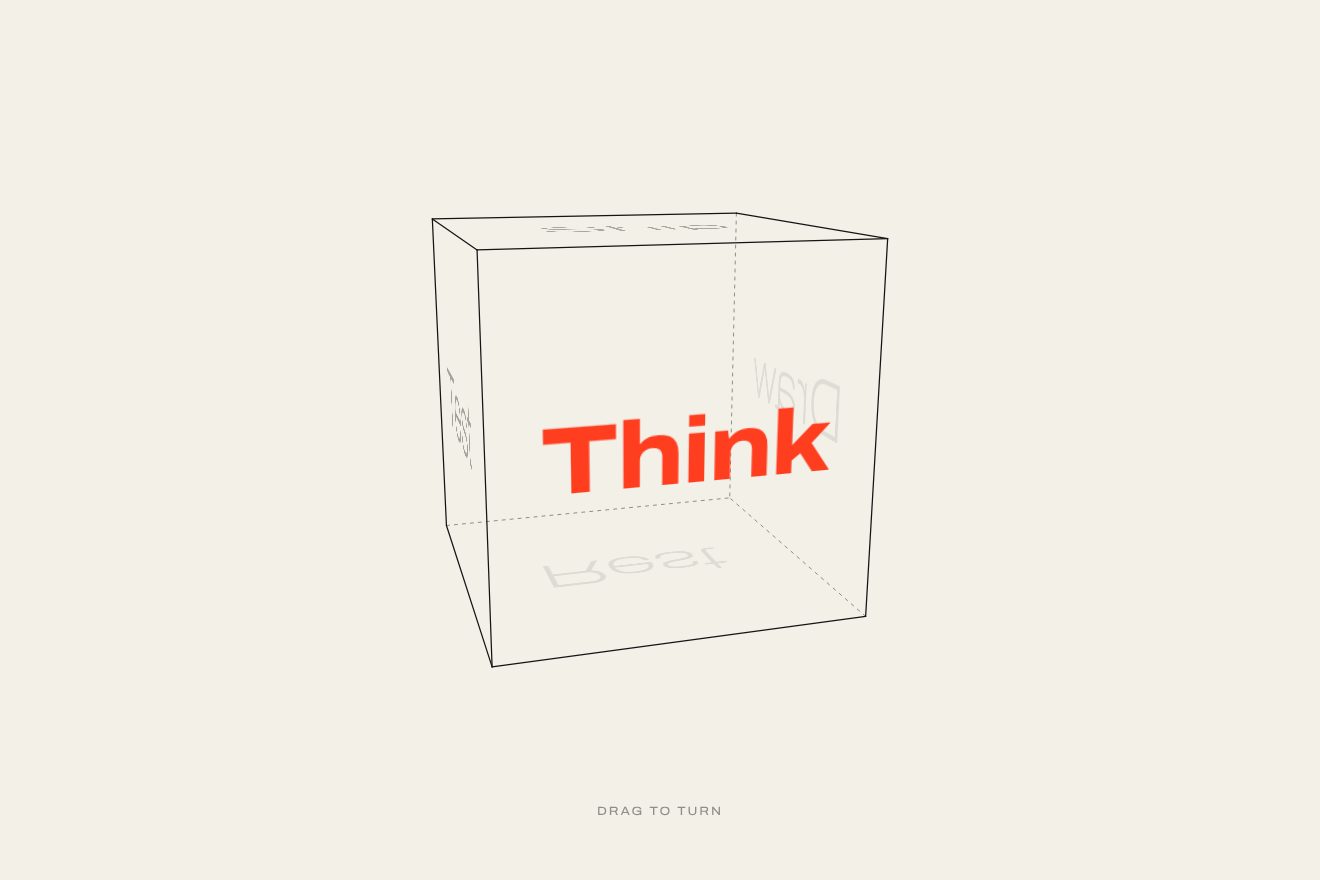
A globe made only of thin meridians and parallels, in the minimal style, with invented place names on it: in front they read clearly, behind they turn hairline thin, pale and mirrored. You take it and throw it: it spins on with the speed of your hand, slows down, and a spring stops it on a name, which takes on weight and the accent colour while its meridian draws itself to the poles.
A folder that runs on its own: index.html, style.css, script.js and the libraries from a CDN. The React and Vue tabs hold the same demo as a ready component, which switches its animations off when it leaves the page.
<!doctype html>
<html lang="en">
<head>
  <meta charset="utf-8">
  <meta name="viewport" content="width=device-width, initial-scale=1">
  <title>The globe of names</title>
  <link rel="stylesheet" href="https://cdn.jsdelivr.net/npm/@fontsource-variable/fraunces@5.3.0/full-italic.css">
  <link rel="stylesheet" href="style.css">
</head>
<body>
  <main class="stage" data-stage tabindex="0" aria-label="A globe of thin lines with invented place names on it. Drag it, or use the arrow keys, to turn it.">
    <!-- the globe is drawn in two layers: the lines on the far side (under everything), then the names behind, then
         the lines on the near side, then the names in front. The script moves every name from one layer to the other
         as it goes round -->
    <canvas class="lines lines--back" data-back aria-hidden="true"></canvas>
    <div class="names" data-names aria-hidden="true"></div>
    <canvas class="lines lines--front" data-front aria-hidden="true"></canvas>

    <p class="hint" data-hint>Drag to turn the globe</p>
    <p class="sr" data-live aria-live="polite"></p>
  </main>

  <script src="https://cdn.jsdelivr.net/npm/gsap@3.15.0/dist/gsap.min.js"></script>
  <script src="script.js"></script>
</body>
</html>Change values, colours and text with the controls and watch the animation respond live. Or write in the code yourself. Then download the folder with your changes.
35 values to change
With the Animorio connector, Claude Code takes it from here, guide included, and fits it into your project. Paste this request:
Take “The globe of names” from Animorio and fit it into my siteEvery point of the globe is given by two angles: how high it is above the equator and how far along the round it is. The script places it in space (x, y, z) on the sphere of radius R, adds the angle the globe has turned by, tips it towards the eye and projects it with the CSS perspective (x times P over P minus z). The meridians and parallels are curves made of these points, one every GRID degrees, sampled on every frame. A point is on the visible side when z is more than R squared over P: there the curve moves from the back canvas to the front one, so the far lines stay pale and the near ones darker.
Every name is an HTML element, not a drawing, so it stays sharp text with its variable typeface. To lay it on the globe the script projects its point and two very close points, one to the east and one to the north: the differences on the screen give the four numbers of a CSS matrix(), which narrows the name towards the edge and mirrors it when it goes behind. From how much the point faces the eye come the weight (wght from 110 behind to 360 in front), the opacity and the layer: in front of the near lines or under them.
Dragging sideways, the point in front follows the finger (the turn changes by dx over the radius on the screen); dragging up and down tips the eye, held back by a hyperbolic tangent that works as an elastic. On release the speed is the movement of the last 90 milliseconds divided by the time. Then on every physics step, 1/240 of a second, the turn moves on by the speed and friction multiplies it by e to the minus friction times dt; the names grow thinner while the globe runs.
When the speed falls below 1.5 radians per second, the globe left alone would stop further on by the speed over the friction: the name closest to that point is chosen, among those still ahead in the direction of the turn (if the hand has barely moved, the nearest one on either side). A tween with back.out takes the turn exactly there. back.out starts at (c1 + 3) times the mean speed, so its length is worked out so that the spring starts at the same speed as the globe, without a jolt; c1 comes from SNAP and is the hair by which it passes the name. The moment it reaches it, the name takes on weight with elastic.out, turns the accent colour and its meridian draws itself from the place to the poles; the eye moves a little towards the name.
The opening is a timeline: the outline, the parallels and the meridians grow staggered while the globe turns slowly, the names rise one after the other, then a throw. Every throw is the same: a 0.3 second push with power2.in, with the speed worked out so that friction brings the globe right onto the wanted name, then the free flight and the spring. The tour on its own is a repeating timeline: the globe starts turning slowly again, a throw, the name, and again, until it is back at the first one; it stops at the first touch and after six quiet seconds starts again from the first name, reached the shorter way.
| Name | File | Default | What it changes |
|---|---|---|---|
PLACES | script.js | [['Orvane', 24, 0], ['Calvesh', -14, 44], ['Ulmaro', 38, 92], ['Ilvara', -30, 136], ['Teshwick', 12, 178], ['Sabeline', 40, 226], ['Quenna', -22, 268], ['Marrowby', 6, 314]] | The places: the name, how many degrees above or below the equator (from -60 to 60) and how many degrees round the globe (from 0 to 360). The globe always stops on one of them; the first is the one of the opening. |
WEIGHT | script.js | 760 | The weight the chosen name takes, from 300 to 900. The others stay light in front and hairline thin behind. |
SPIN | script.js | 8 | The degrees per second the globe drifts when nobody touches it. |
GLIDE | script.js | 1 | How long the globe keeps spinning after you let go: 2 twice as long, 0.5 half. |
SNAP | script.js | 0.5 | The spring that stops it: 0 it lands softly on the name, 1 it passes it and comes back. |
TILT | script.js | 18 | The degrees the eye looks down on the globe from: 0 the equator straight on. |
GRID | script.js | 20 | The degrees between two meridians and between two parallels: 15 a dense net, 45 a few lines. |
HOLD | script.js | 1.6 | How many seconds it rests on every name when it turns by itself. |
For the destinations page of a travel agency or a hotel with several sites, for the stops of a tour or a festival, for the cities a studio works in: an object to touch that says «we are here» without a real map. It works with short names (up to nine or ten letters), six to ten places and a single accent colour.
The same animation: the globe is sized on the width of the screen, the names grow with it, you throw it with a finger with the same inertia and the same spring, and the page does not scroll while you turn it.
Nothing turns and nothing moves: the globe fades in already drawn and resting on the first name, full and coloured, with its meridian. Every change (by itself, by dragging or with the arrow keys) is a fade to the next name, already in place.
GSAP 3.15.0, Fraunces (font variabile, corsivo, asse wght) 5.3.0.
Compressed with gzip, the three demo files weigh 11 KB; the libraries: GSAP 28 KB.
Tested on 16 October 2026
Use it in your own projects and in your clients’ projects. Do not resell it or redistribute it as is. GSAP stays under its own Standard license. Full license.
With your account’s email and password.
or with your email
You’re signed in as .
With your account, you can download the zip of every animation and every pack, for free.