The woven thread background
Backgrounds, Hover
NewFree
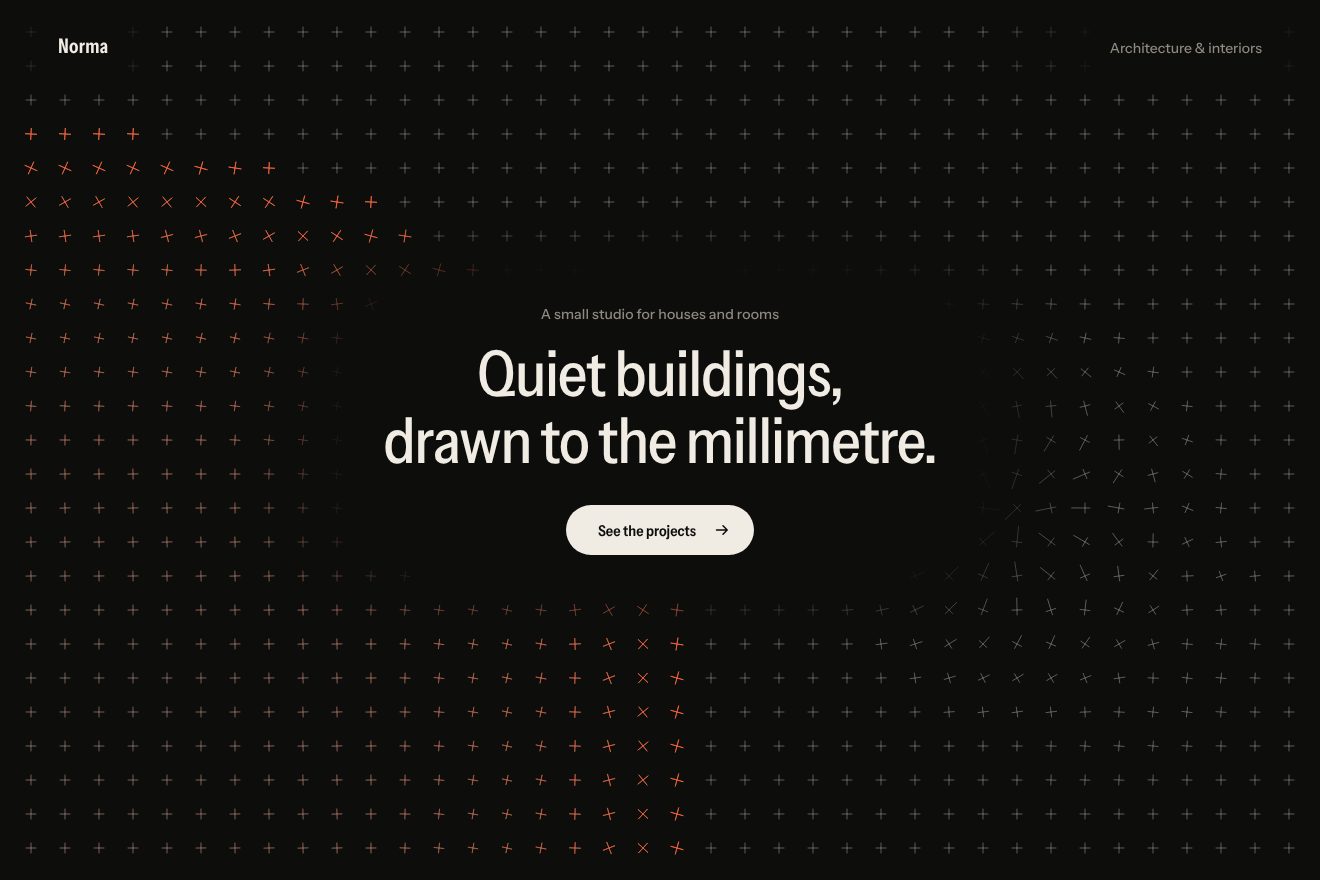
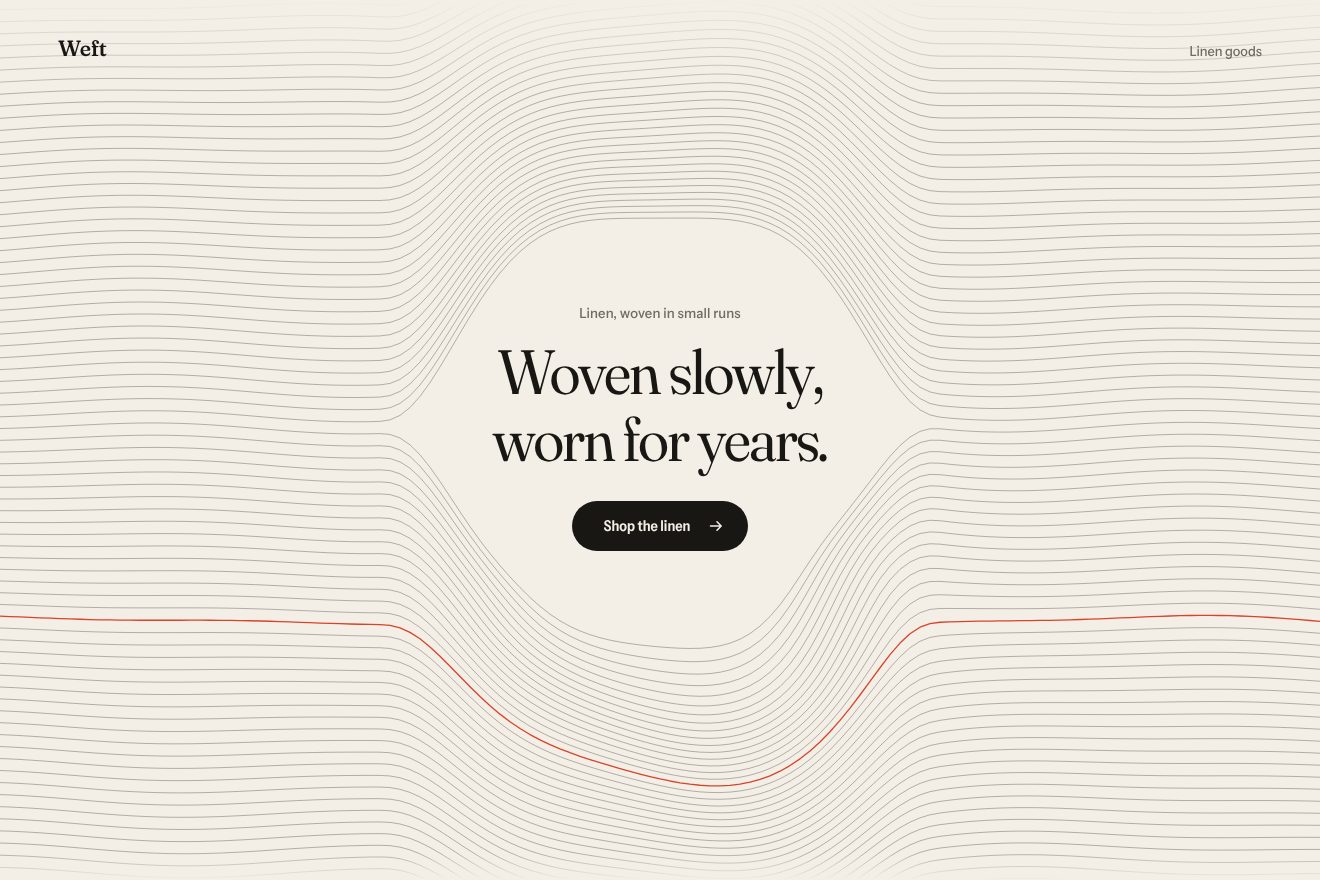
An animated background to put behind a heading: a warm white paper covered in a four-pass pencil hatching, denser where the shadow is darker. The pointer is a lamp: where the light falls the strokes draw back, and when the light moves on the pencil goes over them again one by one, vermilion for a moment like fresh ink. A tap makes a flash that bleaches half the page. Minimal style.
A folder that runs on its own: index.html, style.css, script.js and the libraries from a CDN. The React and Vue tabs hold the same demo as a ready component, which switches its animations off when it leaves the page.
<!doctype html>
<html lang="en">
<head>
  <meta charset="utf-8">
  <meta name="viewport" content="width=device-width, initial-scale=1">
  <title>Penumbra</title>
  <link rel="stylesheet" href="https://cdn.jsdelivr.net/npm/@fontsource-variable/instrument-sans@5.3.0/wdth.css">
  <link rel="stylesheet" href="style.css">
</head>
<body>
  <!-- the background: a pencil hatching on a canvas behind the page; the pointer is a lamp, the hatching thins out
       where the light falls and is drawn again, stroke by stroke, where the shadow comes back -->
  <main class="pagina" data-pagina>
    <canvas class="fondo" aria-hidden="true" data-fondo></canvas>

    <header class="testa">
      <p class="marchio">Penumbra</p>
      <p class="testa__nota">Lighting design</p>
    </header>

    <section class="eroe">
      <div class="blocco" data-blocco>
        <p class="occhiello" data-entra>Light for homes, shops and galleries</p>
        <h1 class="titolo">
          <span class="riga"><span class="riga__dentro" data-riga>Where the light falls,</span></span>
          <span class="riga"><span class="riga__dentro" data-riga>the shadow draws back.</span></span>
        </h1>
        <div class="azione" data-entra>
          <a class="pillola" href="#">
            <span class="pillola__scritta" data-testo="See the projects">See the projects</span>
            <svg class="pillola__freccia" viewBox="0 0 16 16" aria-hidden="true"><path d="M2.5 8h10.5M9 3.8 13.2 8 9 12.2" /></svg>
          </a>
        </div>
      </div>
    </section>

    <footer class="piede">
      <p class="piede__nota">Move the lamp, tap for a flash</p>
      <p class="piede__lettura" aria-hidden="true">Light <span data-luce>0.00</span><span class="piede__riga"><span data-barra></span></span></p>
    </footer>
  </main>

  <script src="https://cdn.jsdelivr.net/npm/gsap@3.15.0/dist/gsap.min.js"></script>
  <script src="script.js"></script>
</body>
</html>Change values, colours and text with the controls and watch the animation respond live. Or write in the code yourself. Then download the folder with your changes.
23 values to change
With the Animorio connector, Claude Code takes it from here, guide included, and fits it into your project. Paste this request:
Take “The hatched background that catches the light” from Animorio and fit it into my siteOn a full-page canvas (devicePixelRatio capped at 2) the paper is divided into cells of PASSO pixels. Each cell can have four strokes: from a bottom corner to the top one, the other diagonal, the horizontal through the middle, the vertical through the middle. Neighbouring cells touch, so the strokes become continuous lines. Each end has a fixed half-pixel tremor, worked out once from a hash, so the hand is always the same.
The fixed shadow of every cell comes from two octaves of a soft noise plus a veil towards the corners. Every frame the lamp's light, a Gaussian of radius LUCE round the pointer, is taken away, and the result is multiplied by the clean area round the text (a superellipse with its feather). Each pass switches on above its threshold (0.12, 0.36, 0.6, 0.84): darker, more passes.
Every stroke has a progress from 0 to 1 that moves towards the wanted one at PENNA strokes per second, and it is only drawn that far, always from its starting end: so you see the pencil drawing it. When the light arrives the stroke draws back faster, from the end. Every stroke that has just started has its light at 1, which then drops with e^(−3.2·t).
The four passes are four strokes, with slightly different widths; the cells near the text are drawn afterwards, with their transparency and always whole. On top, the fresh strokes in the accent colour, gathered into four transparency bunches, so they are four more strokes rather than thousands.
A pointerdown on the page (not on the pill) makes the flash: a GSAP timeline takes a number to 1 in 0.14 s and back to 0 in 1.6 s, and that number widens the light and lightens the whole page. After 2.4 s without the real pointer the lamp follows a Lissajous curve on a spring (MOLLA), and a round of twice LAMPO_OGNI makes two flashes. When the page opens the cells switch on diagonally from the top left; IntersectionObserver and visibilitychange stop everything when the page is not visible.
| Name | File | Default | What it changes |
|---|---|---|---|
PASSO | script.js | 14 | The size of a hatching cell, in px: smaller means closer lines (a little less on a phone). |
LUCE | script.js | 230 | The radius of the lamp's light, in px. |
OMBRA | script.js | 0.42 | How dark the page is where the light does not reach: 0 light, 1 full of strokes. |
PENNA | script.js | 6 | How fast the pencil goes over a stroke again, in strokes per second. |
LAMPO_OGNI | script.js | 7 | How many seconds between the fake lamp's flashes. |
MOLLA | script.js | [70, 11] | The lamp's spring: how stiff and how damped. |
SPESSORE | script.js | 1 | The thickness of the strokes, in px. |
As the background of the first screen of a lighting design studio, a photographer, an illustrator, a gallery, an architecture practice or an art magazine; in general behind a short heading when you want a hand-drawn paper that reacts. The stroke colour and the accent are set in the CSS.
The same animations with the sizes adapted: the cells are a little smaller, the heading smaller and the clean area follows it; the line at the bottom left is not there. The finger moves the lamp while it touches and drags, a tap makes the flash; the page still scrolls vertically.
The hatching is still, with the light fixed at the top left: no pencil going over, no fresh ink, no flashes. The heading, the small line and the pill fade in.
GSAP 3.15.0, Instrument Sans (font variabile) 5.3.0.
Compressed with gzip, the three demo files weigh 7.4 KB; the libraries: GSAP 28 KB.
Tested on 23 October 2026
Use it in your own projects and in your clients’ projects. Do not resell it or redistribute it as is. GSAP stays under its own Standard license. Full license.
With your account’s email and password.
or with your email
You’re signed in as .
With your account, you can download the zip of every animation and every pack, for free.