Column shutter
Transitions
NewFree
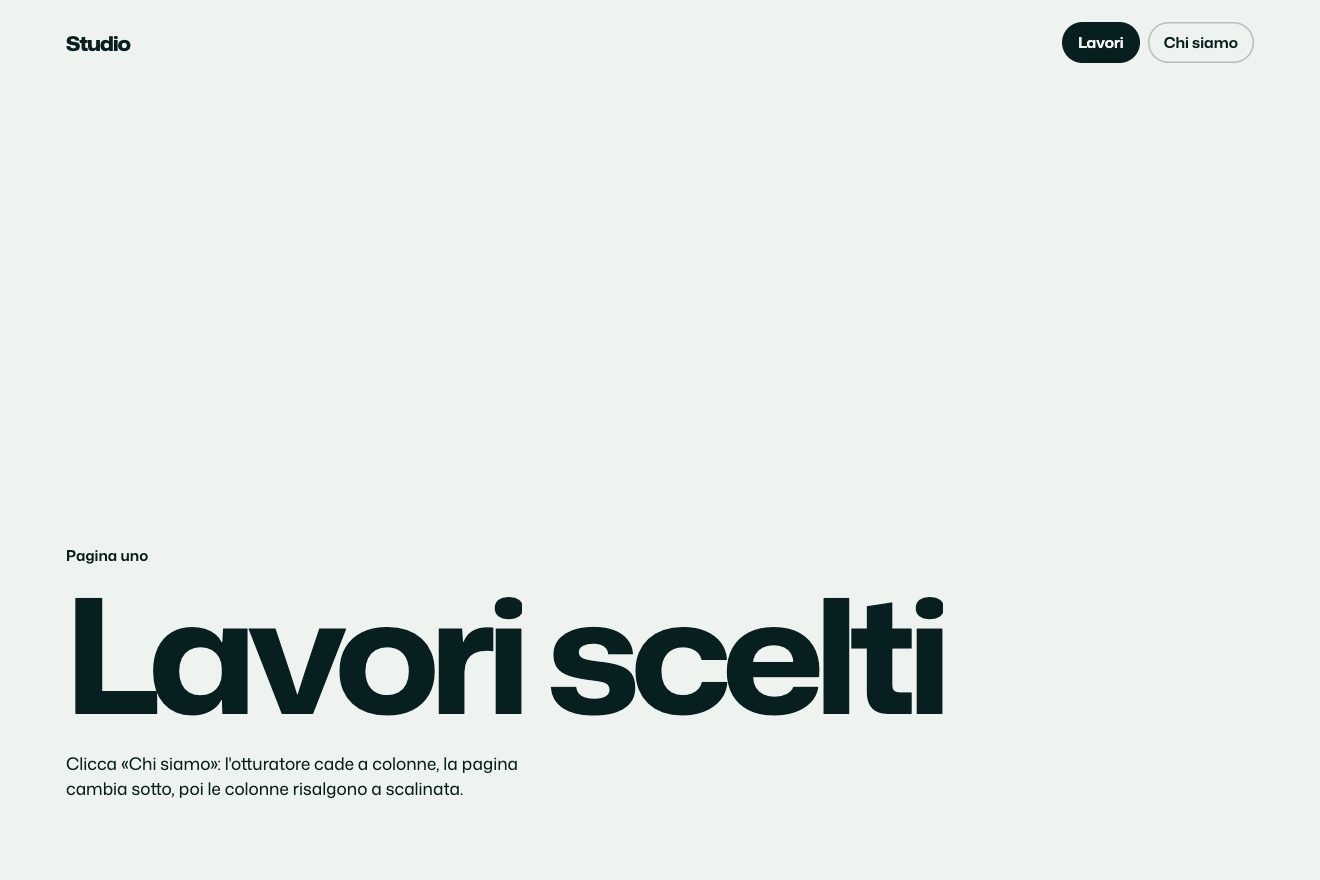
A minimal click page change: the page shows its layout grid, the thin columns it is set on, and the columns lift one after another like piano keys, carrying away the pieces of the old page. They fall back with the new page, each with its own bounce, and the title comes together in a ripple.
A folder that runs on its own: index.html, style.css, script.js and the libraries from a CDN. The React and Vue tabs hold the same demo as a ready component, which switches its animations off when it leaves the page.
<!doctype html>
<html lang="en">
<head>
  <meta charset="utf-8">
  <meta name="viewport" content="width=device-width, initial-scale=1">
  <title>The layout grid transition</title>
  <link rel="stylesheet" href="https://cdn.jsdelivr.net/npm/@fontsource-variable/archivo@5.3.0/wdth.css">
  <link rel="stylesheet" href="style.css">
</head>
<body>
  <main class="stage" data-stage>
    <!-- the first page: everything sits on the columns of the layout grid -->
    <section class="page page--a is-on" data-page="a" aria-label="Index">
      <header class="bar">
        <span class="brand">Kolm</span>
        <nav class="nav" aria-label="Pages">
          <a class="w" href="#index" aria-current="page"><span class="w__t">Index</span></a>
          <a class="w" href="#work" data-go="b"><span class="w__t">Work</span></a>
        </nav>
      </header>
      <div class="slab" aria-hidden="true"></div>
      <h1 class="big big--a" data-fit><span class="big__line">Quiet</span><span class="big__line">buildings.</span></h1>
      <p class="lede" data-late>A practice of four architects. We draw slowly, build little and keep every line on the grid.</p>
      <a class="go w" href="#work" data-go="b" data-autoclic data-late>
        <span class="w__t">See the work</span>
        <svg class="go__arrow" viewBox="0 0 26 12" aria-hidden="true"><path class="go__shaft" d="M1 6h22"/><path d="M18.5 1.5 23.5 6l-5 4.5"/></svg>
      </a>
      <footer class="foot">
        <span>Architecture and interiors</span>
        <span>Since 2014</span>
      </footer>
    </section>

    <!-- the second page: dark, like the black keys -->
    <section class="page page--b" data-page="b" aria-label="Work" aria-hidden="true">
      <header class="bar">
        <span class="brand">Kolm</span>
        <nav class="nav" aria-label="Pages">
          <a class="w" href="#index" data-go="a"><span class="w__t">Index</span></a>
          <a class="w" href="#work" aria-current="page"><span class="w__t">Work</span></a>
        </nav>
      </header>
      <h2 class="big big--b" data-fit><span class="big__line">Selected work</span></h2>
      <ul class="list" aria-label="Projects">
        <li class="row"><span class="row__rule" data-rule></span><span class="row__name">House on a slope</span><span class="row__kind">Dwelling</span><span class="row__year">2025</span></li>
        <li class="row"><span class="row__rule" data-rule></span><span class="row__name">Two rooms</span><span class="row__kind">Interior</span><span class="row__year">2023</span></li>
        <li class="row"><span class="row__rule" data-rule></span><span class="row__name">Small library</span><span class="row__kind">Public</span><span class="row__year">2021</span></li>
      </ul>
      <a class="go go--back w" href="#index" data-go="a" data-autoclic data-late>
        <svg class="go__arrow" viewBox="0 0 26 12" aria-hidden="true"><path class="go__shaft" d="M25 6H3"/><path d="M7.5 1.5 2.5 6l5 4.5"/></svg>
        <span class="w__t">Back to index</span>
      </a>
      <footer class="foot">
        <span>Built and in progress</span>
        <span>Since 2014</span>
      </footer>
    </section>

    <!-- the keys (slices of a page, one per column) and the layout grid drawn on top: both built by the script -->
    <div class="keys" data-keys aria-hidden="true"></div>
    <div class="grid" data-grid aria-hidden="true"></div>
  </main>

  <script src="https://cdn.jsdelivr.net/npm/gsap@3.15.0/dist/gsap.min.js"></script>
  <script src="script.js"></script>
</body>
</html>Change values, colours and text with the controls and watch the animation respond live. Or write in the code yourself. Then download the folder with your changes.
40 values to change
With the Animorio connector, Claude Code takes it from here, guide included, and fits it into your project. Paste this request:
Take “The layout grid transition” from Animorio and fit it into my siteBoth pages are CSS grids with the same columns: grid-template-columns: repeat(var(--cols), minmax(0, 1fr)), the same margin and the same gap. The script works out the columns, margin and gap from the width and writes them as variables, together with where each piece sits (for example --at-slab: 6 / span 2), so changing COLUMNS is enough to lay everything out again.
The real pages are never cut. For every column the script makes a div with overflow hidden, from the middle of the gap on its left to the middle of the gap on its right, and puts in it a copy of the whole page shifted by -x: each key shows only its slice, and together they cover the page with no seams. In the copies data-autoclic and data-go are removed and the links leave the Tab order.
Each key dips DIP pixels in 0.12 seconds with power2.out, then rises off the screen with power3.in, which starts slow and speeds up. The next key goes STAGGER seconds later, in the same order the grid drew itself: each column leaves as soon as its guide is in place.
Each key of the new page starts as soon as its own has left and falls with power2.in, like a weight. Once down it rises BOUNCE pixels with power2.out and drops back with power2.in, then the same again at a quarter of the height and half the time: two real bounces, not an elastic. In the same instant the guide of its column lights up and fades in half a second. Since the keys arrive staggered, so do the bounces, and the title comes together in a ripple.
Each change is one timeline, with timeScale for SPEED; a click that comes while the page is changing waits in a queue. At the end the real page takes the keys' place, the grid draws away into the bottom and the last details (the rules of the list, the text, the link) arrive last. On a phone the grid has half the columns and the pieces stack one under the other. With reduced motion the grid fades in, the pages swap with a fade and the grid fades away.
| Name | File | Default | What it changes |
|---|---|---|---|
COLUMNS | script.js | 8 | The columns of the grid, and so the keys, on a wide screen; a phone uses half of them. |
STAGGER | script.js | 0.07 | The seconds between one key and the next: 0 = they all lift and fall together. |
LIFT | script.js | 0.55 | The seconds a key takes to rise off the screen with the old page. |
DROP | script.js | 0.5 | The seconds a key takes to fall back with the new page. |
BOUNCE | script.js | 14 | How many pixels a key bounces when it lands: 0 = it just stops. |
DIP | script.js | 5 | How many pixels a key dips, as if pressed, before it lifts: 0 = it goes at once. |
SPEED | script.js | 1 | The speed of everything: 2 is twice as fast, 0.5 half as fast. |
To move from one page to another on a site built on a grid you can feel: an architecture or graphic design studio, a portfolio, a magazine, an archive of projects, the step from the home page to the list of work. It looks best with a light page and a dark one, like the white and black keys.
The same transition with the sizes adapted: the grid has four columns instead of eight, so four keys, the titles shrink to fit the width, the red block sits above the headline and the text goes above the link. A tap on the link starts it and brings it back.
Nothing moves: the grid fades in, the new page fades in over the old one with everything already in place, then the grid fades away.
GSAP 3.15.0, Archivo (font variabile) 5.3.0.
Compressed with gzip, the three demo files weigh 7.5 KB; the libraries: GSAP 28 KB.
Tested on 14 October 2026
Use it in your own projects and in your clients’ projects. Do not resell it or redistribute it as is. GSAP stays under its own Standard license. Full license.
With your account’s email and password.
or with your email
You’re signed in as .
With your account, you can download the zip of every animation and every pack, for free.