The mercury button
Buttons, WebGL, Physics, Hover
NewFree
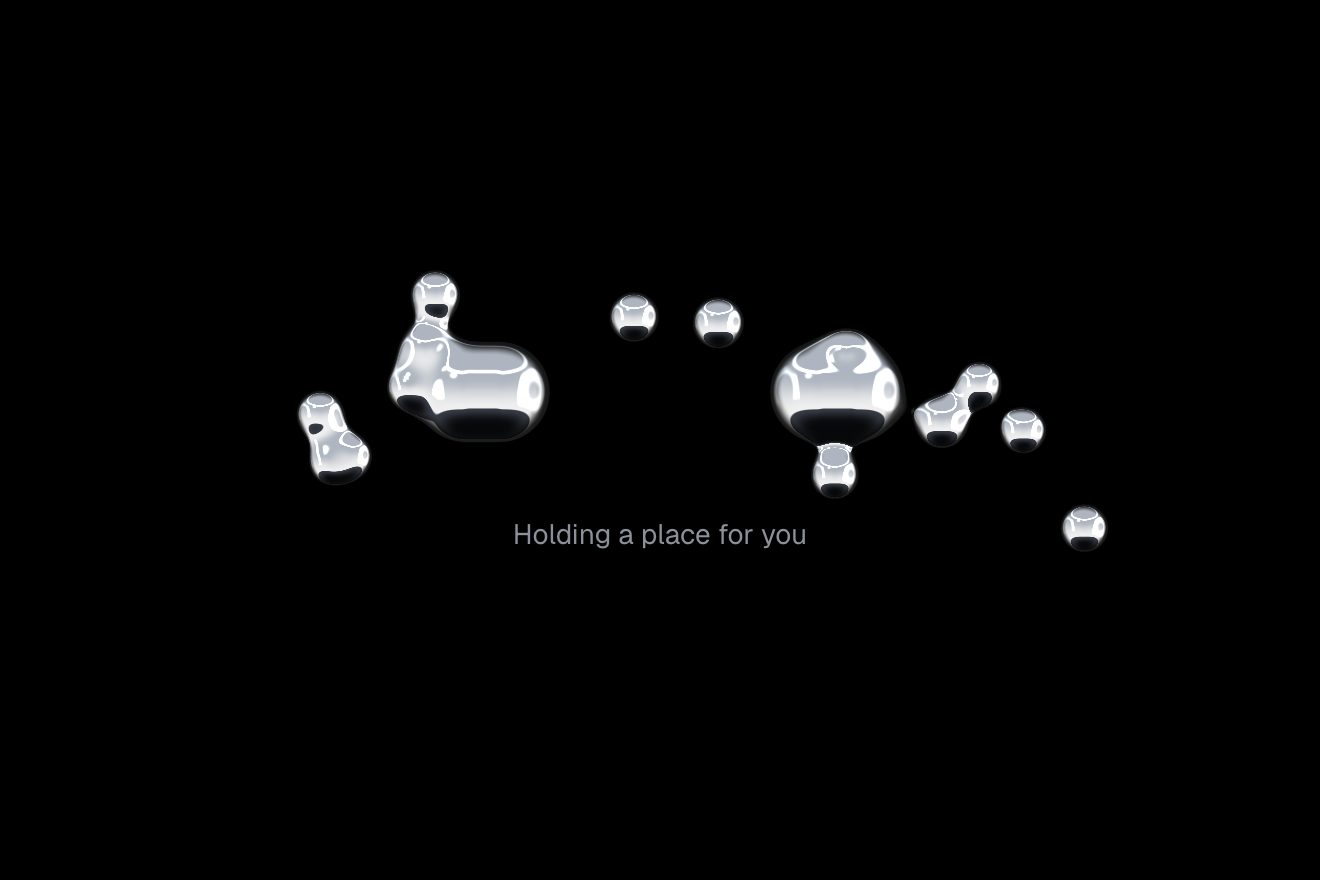
A pill of thick glass over its own small picture, a blue panel where two lines of big letters slide without stopping: the glass truly bends the letters passing under it, more and more towards the edge and with a thread of rainbow, a line of light runs along the rim towards the pointer, and pressed it squashes on a spring. Clicked, it becomes a round drop holding two seats, then widens into the answer.
A folder that runs on its own: index.html, style.css, script.js and the libraries from a CDN. The React and Vue tabs hold the same demo as a ready component, which switches its animations off when it leaves the page.
<!doctype html>
<html lang="en">
<head>
  <meta charset="utf-8">
  <meta name="viewport" content="width=device-width, initial-scale=1">
  <title>The liquid glass button</title>
  <link rel="stylesheet" href="https://cdn.jsdelivr.net/npm/@fontsource-variable/inter@5.3.0/index.css">
  <link rel="stylesheet" href="https://cdn.jsdelivr.net/npm/@fontsource-variable/unbounded@5.3.0/index.css">
  <link rel="stylesheet" href="style.css">
</head>
<body>
  <main class="stage">
    <!-- the button: a pill of thick glass over its own small picture, a rounded cobalt panel where two lines of type
         slide past each other. Picture and glass are drawn in the same WebGL canvas, inside the panel: first the
         picture, then the glass that bends it. Over the glass, a clear <button> moved and sized by the same springs.
         The words on the glass are painted by the script from the three faces below (rest, busy, done) -->
    <div class="glass" data-glass data-autoclic>
      <div class="glass__slot" data-slot>
        <canvas class="glass__scene" data-canvas aria-hidden="true"></canvas>
        <button class="glass__btn" type="button" data-btn>
          <span class="glass__face" data-face="rest" aria-hidden="true">
            <svg viewBox="0 0 24 24"><path d="M4 7.5A1.5 1.5 0 0 1 5.5 6h13A1.5 1.5 0 0 1 20 7.5v2.2a2.3 2.3 0 0 0 0 4.6v2.2a1.5 1.5 0 0 1-1.5 1.5h-13A1.5 1.5 0 0 1 4 16.5v-2.2a2.3 2.3 0 0 0 0-4.6z"/><path d="M14.5 8v8" data-dashed/></svg>
            <span data-text>Get tickets</span>
          </span>
          <span class="glass__face" data-face="busy" aria-hidden="true">
            <span data-text>Holding your seats</span>
          </span>
          <span class="glass__face" data-face="done" aria-hidden="true">
            <svg viewBox="0 0 24 24"><path d="M5.5 12.5l4.2 4.2 8.8-9.4" data-check/></svg>
            <span data-text>2 seats held</span>
            <span data-sub>Row F</span>
          </span>
        </button>
      </div>
      <!-- the line under the panel: empty at rest, it says what the button is doing -->
      <p class="glass__hint"><span data-hint></span></p>
      <p class="sr" aria-live="polite" data-live></p>
    </div>
  </main>

  <script src="https://cdn.jsdelivr.net/npm/gsap@3.15.0/dist/gsap.min.js"></script>
  <script src="script.js"></script>
</body>
</html>Change values, colours and text with the controls and watch the animation respond live. Or write in the code yourself. Then download the folder with your changes.
23 values to change
With the Animorio connector, Claude Code takes it from here, guide included, and fits it into your project. Paste this request:
Take “The liquid glass button” from Animorio and fit it into my siteNo backdrop-filter: to bend what lies under it the glass must be able to read it, so the picture and the glass are drawn by the same WebGL canvas, as big as the panel and with its rounded corners. First the picture, into a texture the size of the panel: the blue plus the two lines of letters, painted once on a 2D canvas at the size they are shown and repeated sideways with fract(); then the glass, which reads that texture bent. So it works the same in Chrome, Safari and Firefox.
The pill is a signed distance: a horizontal segment with a radius, as long as the width minus the height. So the same function makes the wide pill, the squashed one and the round drop, and gives every pixel the normal of the edge and how far it is from the edge, that is, where it sits on the curve.
In the flat middle the glass reads the picture magnified by ZOOM. On the rim, BEVEL pixels wide, the curve is 1 − √(1 − s²): zero where the rim begins, steeper and steeper towards the edge. The pixel reads the picture moved outwards by this curve times BEND, so the letters lying just outside are drawn in and squeezed. There are three reads, one per channel, with red moved a little less and blue a little more (PRISM): the faint rainbow on the edge.
The light comes from the pointer (or, without one, swings slowly over the top left): a thin line just inside the edge, strong where the rim faces it and weak on the opposite side, and a wider glow on the curve. The shadow is the same distance moved down 10 pixels and softened. The words are painted on a canvas in two channels, red for the letters and green for a halo, and the glass colours them by how light the picture is over some forty pixels around: white over the blue, dark blue over the cream letters.
Width, height, offset and the thickness of the lens are five springs (SPRING: stiffness and damping), integrated in steps of 1/240 of a second inside a frame capped at 1/30. Under the pointer the pill grows 4% and leans; pressed it squashes by SQUISH and the lens gets thicker; let go it gets a push and bounces. Since the refraction is computed from the shape, it changes with it. The real button is a clear button laid exactly on top, moved by the same springs: the focus ring and the touches match the glass.
| Name | File | Default | What it changes |
|---|---|---|---|
ROWS | script.js | ['Look', 'Through'] | The two lines of letters sliding behind the glass. |
DRIFT | script.js | 52 | How fast the letters slide, in pixels a second. |
BEND | script.js | 44 | How far the rim of the glass reaches for what lies outside it, in pixels. |
BEVEL | script.js | 30 | How wide the curved rim of the glass is, in pixels. |
ZOOM | script.js | 0.07 | How much the flat middle of the glass magnifies. |
PRISM | script.js | 0.16 | How far apart red and blue bend on the rim: the rainbow. |
FROST | script.js | 1.6 | The blur inside the glass, in pixels. |
SPRING | script.js | [420, 13] | The spring of the glass: stiffness and damping (lower, more wobble). |
SQUISH | script.js | 0.16 | How much the glass squashes when pressed. |
HOLD | script.js | 2 | The seconds the arc turns while the seats are being held. |
DONE | script.js | 3.6 | The seconds the button says 2 seats held before going back to rest. |
For the main button over a living picture: the cover of an event, a record, an app, a header with a video or a moving gradient. Apple's Liquid Glass style, but in any browser. It shines when something contrasting passes under it: over a flat colour the glass has nothing to bend.
The panel is as wide as the screen minus 32 pixels, 400 at most, and its letters and height follow it; the button is a little lower. A touch squashes the glass and letting go bounces it as with the mouse, and the rim's light turns towards the finger while it is down, then goes back to swinging. The line below says Tap instead of Click. The canvas draws at density 2 at most.
The panel's letters stand still, the glass still bends them and the rim's light still follows the pointer. No springs: the pill does not swell, squash or bounce, and changes shape without travelling; the words change with a fade and instead of the turning arc there is a breathing ring.
GSAP 3.15.0, Inter (font variabile) 5.3.0, Unbounded (font variabile) 5.3.0.
Compressed with gzip, the three demo files weigh 13 KB; the libraries: GSAP 28 KB.
Tested on 4 October 2026
Use it in your own projects and in your clients’ projects. Do not resell it or redistribute it as is. GSAP stays under its own Standard license. Full license.
With your account’s email and password.
or with your email
You’re signed in as .
With your account, you can download the zip of every animation and every pack, for free.