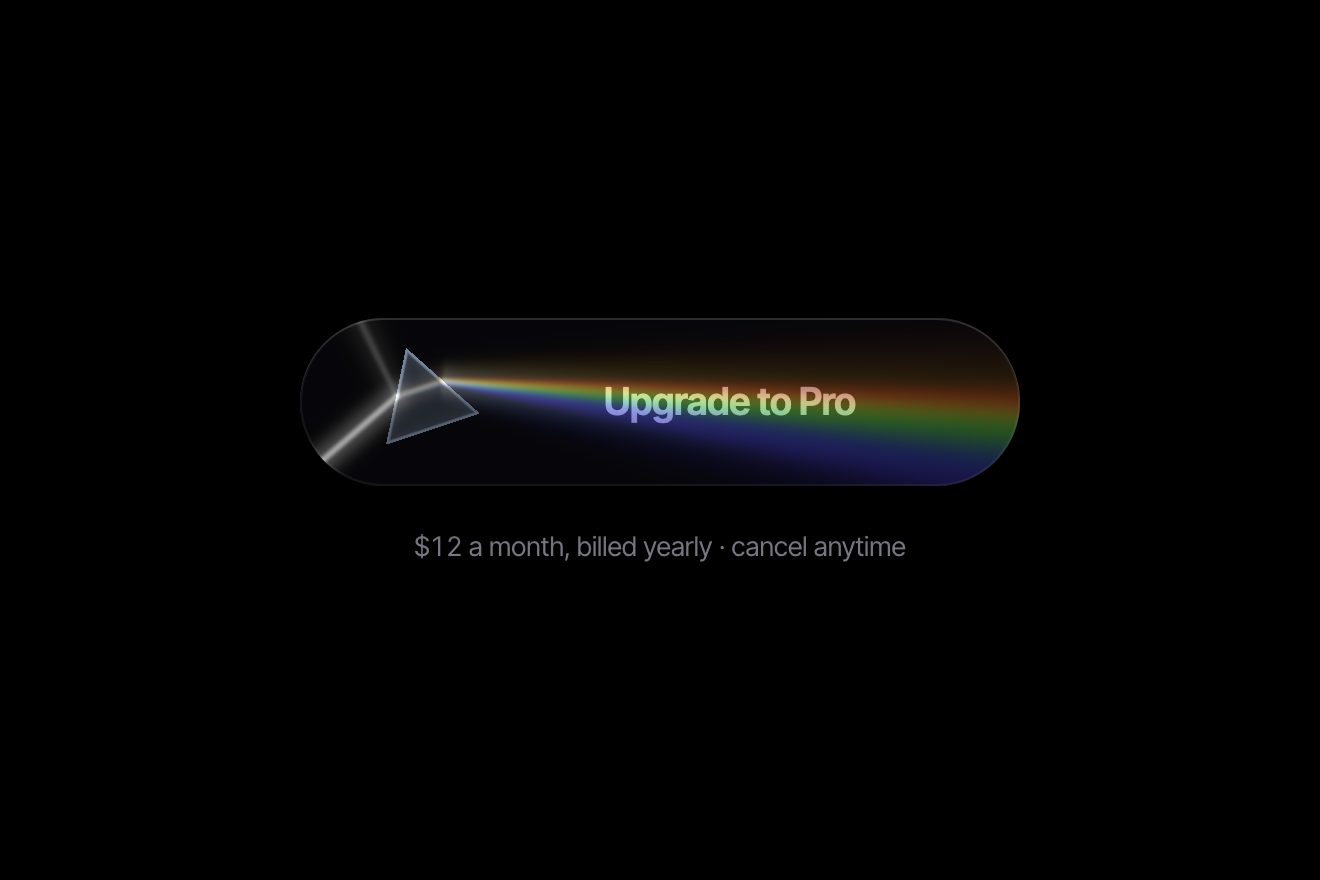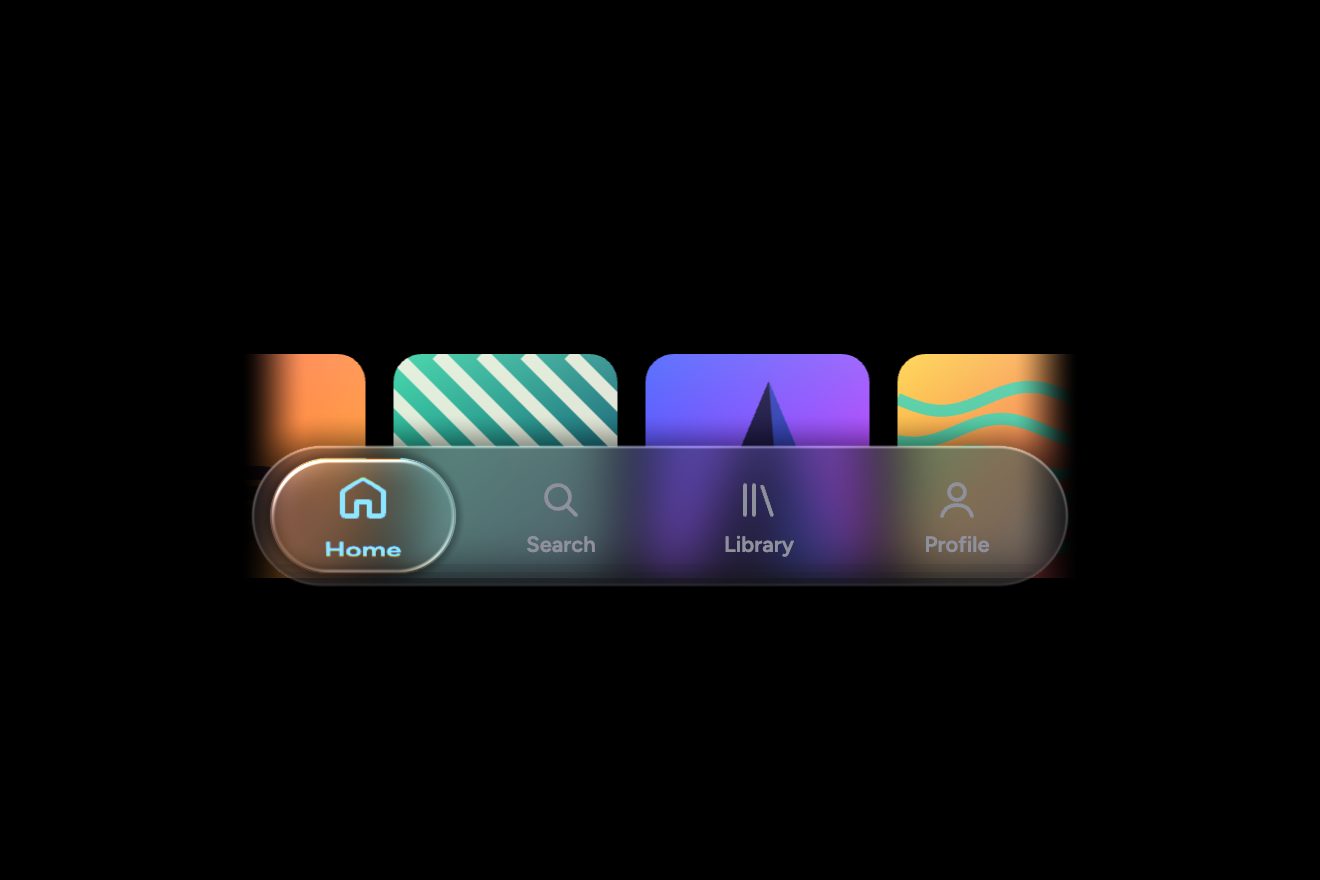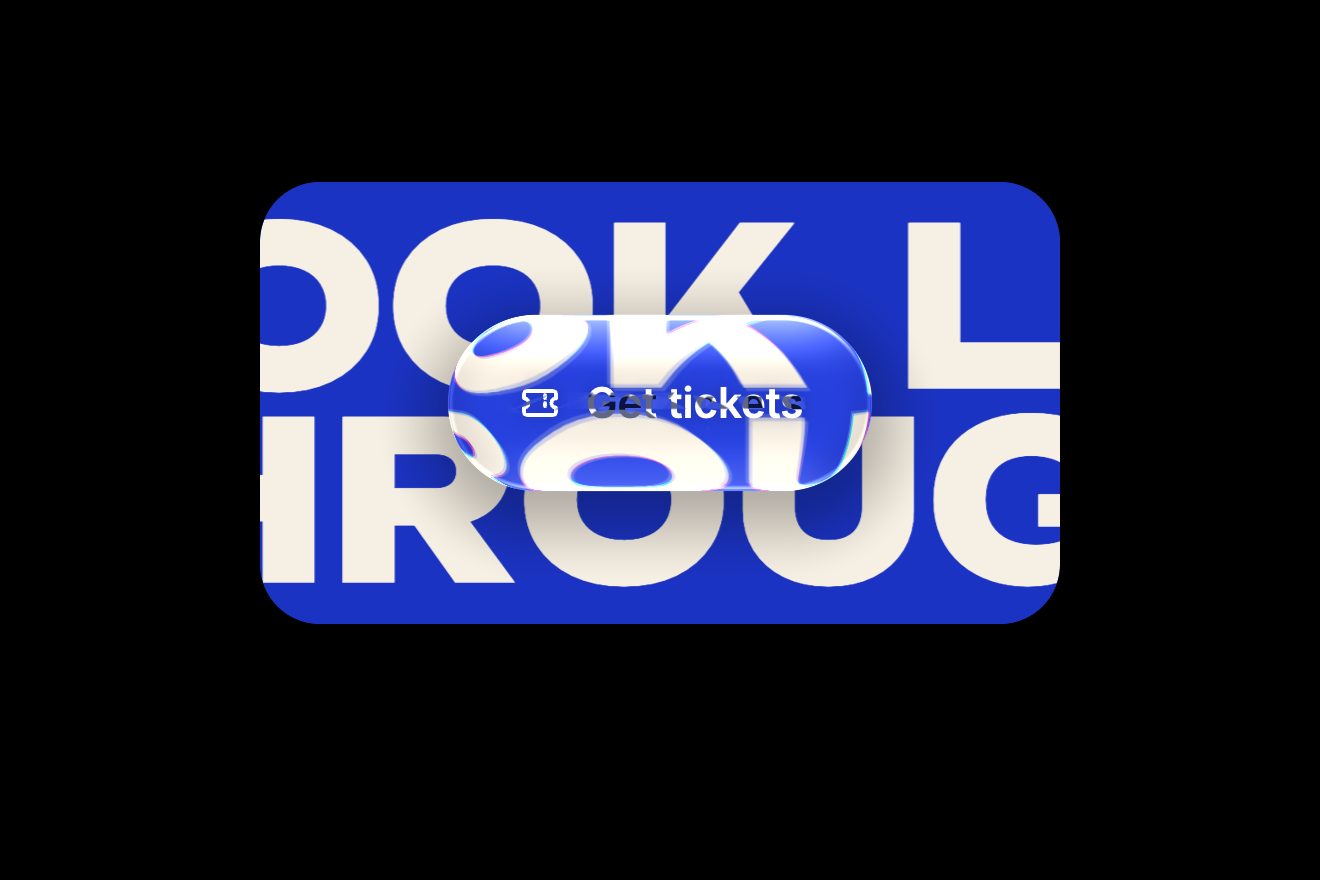
The liquid glass button
Buttons, WebGL, Hover, Physics
NewFree
A button full of liquid metal, drawn by a WebGL shader with the chrome reflections of a photo studio: the mercury stretches towards the pointer and chases it with a tongue when it moves fast; on a click it breaks into drops that splash, fall back and run together, a bead runs round the rim while the request waits, and at the end it pours back into the button. The words stay sharp on top, in HTML.
A folder that runs on its own: index.html, style.css, script.js and the libraries from a CDN. The React and Vue tabs hold the same demo as a ready component, which switches its animations off when it leaves the page.
<!doctype html>
<html lang="en">
<head>
<meta charset="utf-8">
<meta name="viewport" content="width=device-width, initial-scale=1">
<title>The mercury button</title>
<link rel="stylesheet" href="https://cdn.jsdelivr.net/npm/@fontsource-variable/geist@5.3.0/index.css">
<link rel="stylesheet" href="style.css">
</head>
<body>
<main class="stage">
<!-- the mercury button: a pill of liquid metal drawn in WebGL under a real button. The mercury reaches for the
pointer, breaks into drops when pressed, runs round the rim while the request waits, and pours back together
when it is done. The words stay in HTML, sharp, over the metal -->
<div class="mercury" data-mercury>
<div class="mercury__pool" data-pool>
<canvas class="mercury__canvas" data-canvas aria-hidden="true"></canvas>
<button class="mercury__btn" type="button" data-btn data-autoclic>
<span class="mercury__face" data-face="rest">
<span>Join the waitlist</span>
<svg class="mercury__icon" viewBox="0 0 24 24" aria-hidden="true"><path d="M5 12h13M13 6.5l5.5 5.5-5.5 5.5"/></svg>
</span>
<span class="mercury__face" data-face="busy" aria-hidden="true">Saving your spot</span>
<span class="mercury__face" data-face="done" aria-hidden="true">
<svg class="mercury__icon mercury__icon--check" viewBox="0 0 24 24" aria-hidden="true"><path d="M5 12.6l4.3 4.3L19 7.2" pathLength="1" data-check/></svg>
<span>You’re on the list</span>
</span>
</button>
</div>
<p class="mercury__hint" data-rise><span data-hint>2,480 people ahead of you</span></p>
<p class="sr" aria-live="polite" data-live></p>
</div>
</main>
<script src="https://cdn.jsdelivr.net/npm/gsap@3.15.0/dist/gsap.min.js"></script>
<script src="script.js"></script>
</body>
</html>Change values, colours and text with the controls and watch the animation respond live. Or write in the code yourself. Then download the folder with your changes.
22 values to change
With the Animorio connector, Claude Code takes it from here, guide included, and fits it into your project. Paste this request:
Take “The mercury button” from Animorio and fit it into my siteThe metal is one triangle covering a canvas larger than the button, and a shader that works out for each pixel the distance from the edge of the metal: two pills (the two halves of the button) and DROPS circles, melted with a smooth minimum that joins them when they come closer than GOO pixels. The two halves are joined with the hard minimum: at rest they are one pill, and only when they part does a neck of liquid form between them.
The distance becomes a height: a quarter circle from the edge, as deep as the radius of the shape there (half the height in the body, the drop's radius inside a drop, a weighted mean in between), so each drop comes out round like a bead. The slope is read from the field at three points 2.5 pixels apart, far enough that in the middle of a drop or a neck the normal turns slowly instead of making a crease. With the normal the shader reflects a studio made of numbers: a light wall behind you, a sharp horizon, a dark floor, two strip lamps and a small light that follows the pointer.
Each drop has its place inside the button and a spring (STIFF, DAMP, a little stiffer or softer for each) that brings it back there, on GSAP's ticker with the step capped at 1/30 of a second. The pointer moves the target: the nearest drops go towards it by GATHER of the distance, and the pointer's speed, measured and smoothed, pulls them back along its path, so a fast mouse drags a tongue of metal behind it.
On the click the two halves part suddenly in the middle (the neck stretches and snaps) and each drop gets a push of about SPLASH pixels per second, away from the point pressed and a little upwards. For a second the springs are almost loose and a gravity pulls the drops down; then the grip comes back with power1.in and the drops run together by themselves. In flight they are a little smaller: it looks like spray.
While the pretend request waits (WAIT seconds) four drops, the nearest to the starting point, are drawn on points running round the button's outline (two straight stretches and two half circles), one lap every LAP seconds: the first one bigger, the others smaller and smaller behind, so the field melts them into a comet sliding along the edge. At the end they go back to their places and the button jolts on a spring.
The real button is a transparent button over the canvas, with three faces of text on top of each other (rest, waiting, done) that change with a blur; the text has a light one pixel shadow underneath, as if engraved in the metal. Enter and Space press it from the middle, aria-live says the state, aria-disabled marks it while it waits. Without WebGL it stays a chrome pill drawn with CSS.
| Name | File | Default | What it changes |
|---|---|---|---|
REACH | script.js | 130 | How far from the button, in pixels, the mercury feels the pointer. |
GATHER | script.js | 0.6 | How much of the way towards the pointer the mercury reaches out. |
STIFF | script.js | 150 | How hard each drop is pulled back into place: the spring of the metal. |
DAMP | script.js | 10 | How quickly the metal stops wobbling. |
SPLASH | script.js | 520 | How fast the drops fly off when the button is pressed, in pixels per second. |
GOO | script.js | 14 | How close two drops must come, in pixels, before they flow into one. |
DROPS | script.js | 14 | How many drops the mercury is made of. |
LAP | script.js | 1.3 | The seconds the bead takes to run once round the rim while it waits. |
WAIT | script.js | 2.4 | The seconds the pretend request takes. |
DONE | script.js | 3.2 | The seconds the button says it is done before it comes back by itself. |
For the main action of a launch page, a waitlist, a product with a metallic or futuristic look (audio, watches, technology, fashion): a single button, on a calm dark background, with room around it for the splashes. Not for a page with many buttons alike.
The canvas narrows to the width of the screen and at 390 pixels nothing spills over. With no mouse coming close, the pressing finger is the pointer: the metal dents where it touches and follows it while the finger stays down; then the splash and the bead as on a computer. The pixel density is capped at 2.
The metal stays still and shiny: it does not breathe, does not chase the pointer, does not splash and does not run round the rim. The words change with a fade, while it waits the words pulse gently, and the tick appears already drawn.
GSAP 3.15.0, Geist (font variabile) 5.3.0.
Compressed with gzip, the three demo files weigh 11 KB; the libraries: GSAP 28 KB.
Tested on 4 October 2026
Use it in your own projects and in your clients’ projects. Do not resell it or redistribute it as is. GSAP stays under its own Standard license. Full license.
With your account’s email and password.
or with your email
You’re signed in as .
With your account, you can download the zip of every animation and every pack, for free.