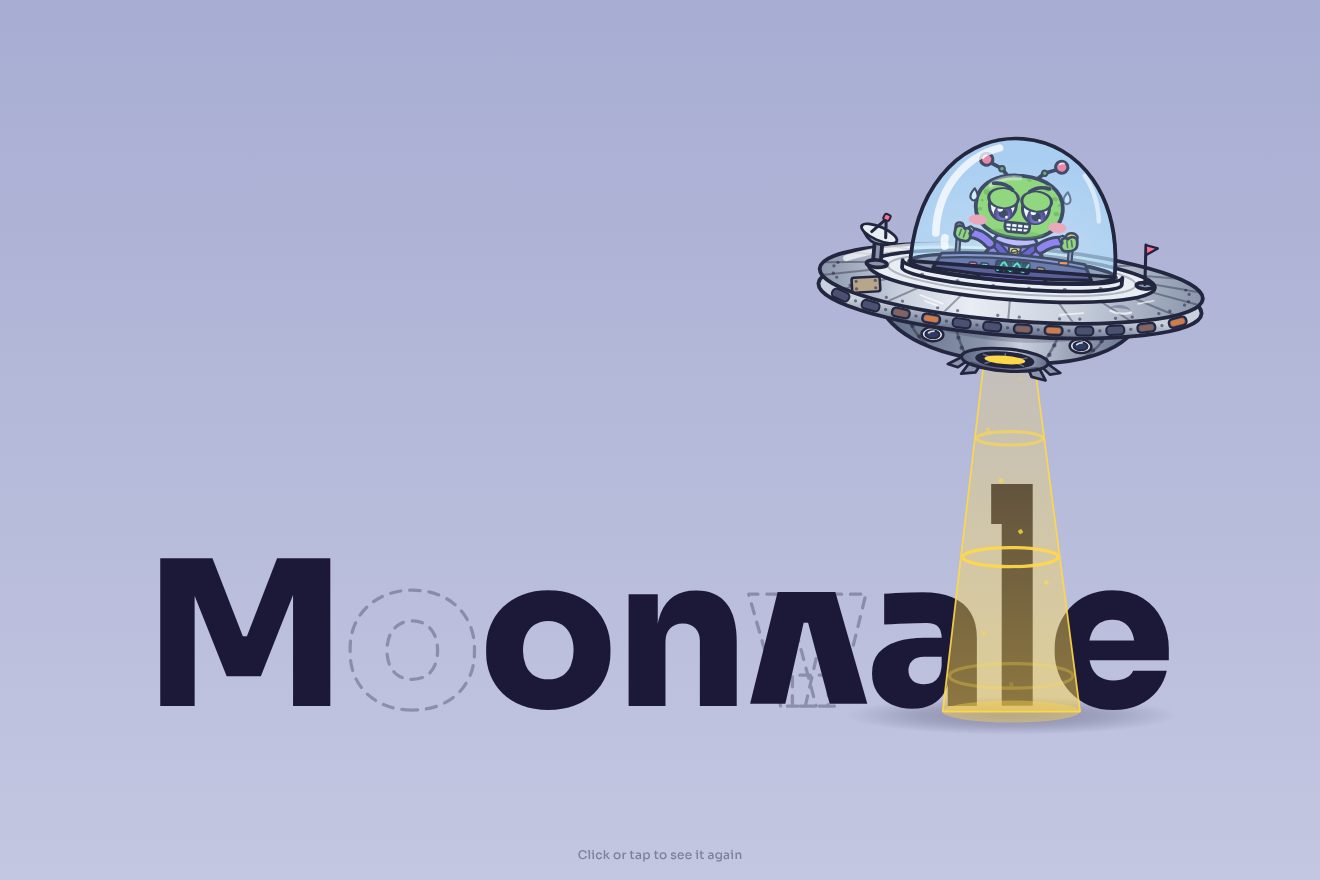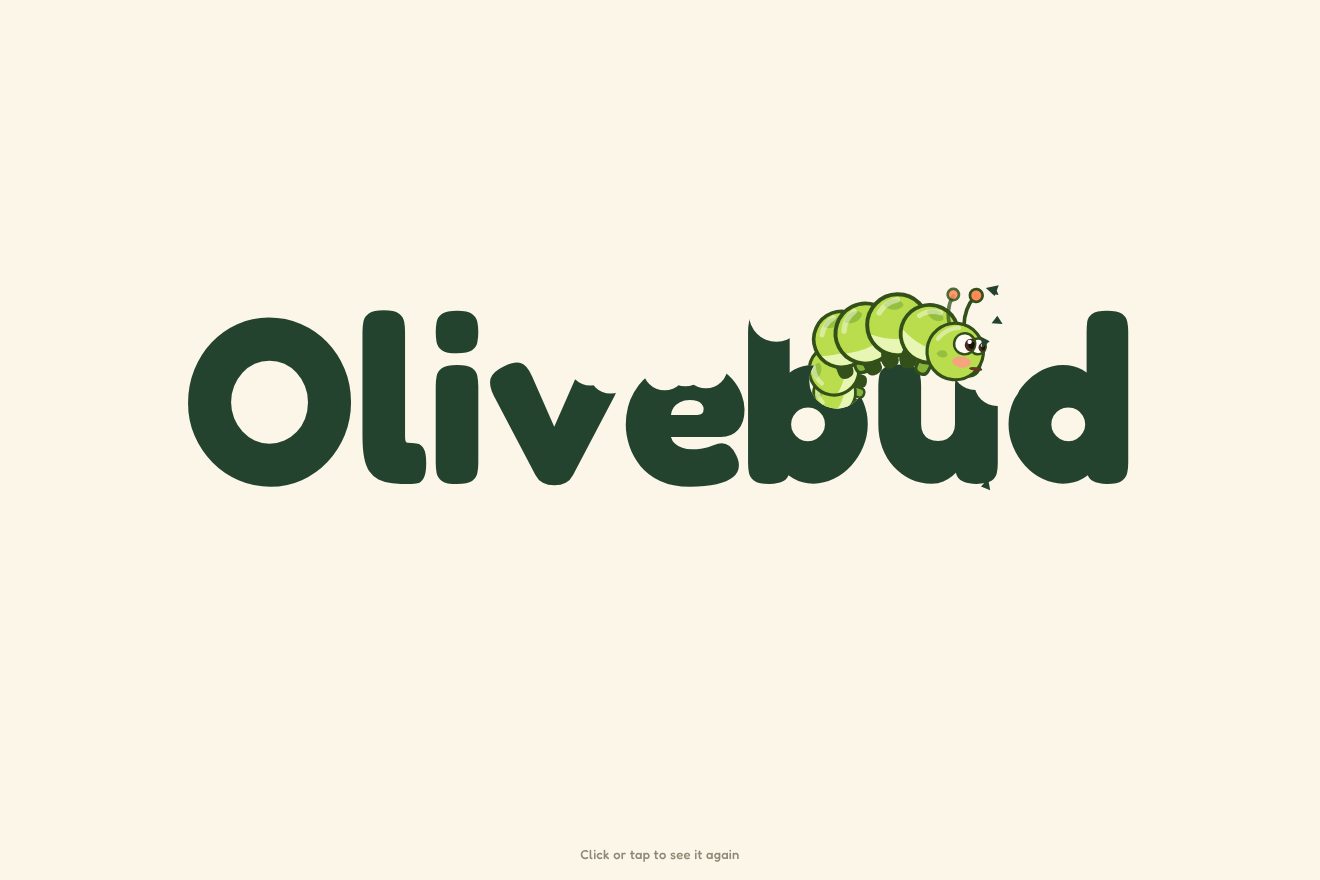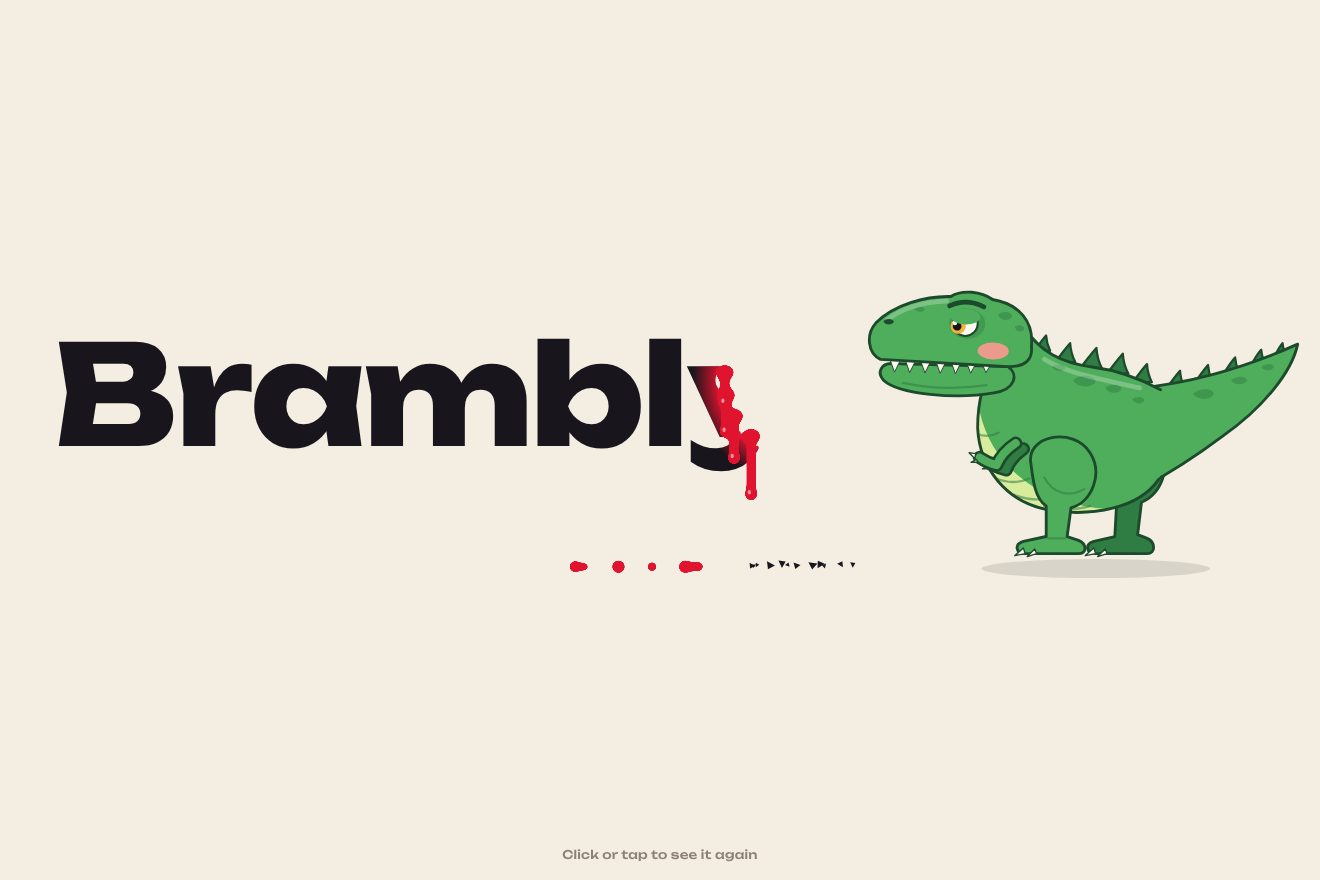
The dinosaur-bitten logo
Intro, SVG, Text
The launch screen of a made-up app, Orbel, in the clean style of today’s products: the rounded square of the icon draws itself with a thin line, the mark inside traces itself in black, an indigo liquid rises with a light wave and turns it white, the icon lands with a small bounce and its shadow widens. Then the name arrives letter by letter, a hairline bar fills up and the screen gives way to the app.
A folder that runs on its own: index.html, style.css, script.js and the libraries from a CDN. The React and Vue tabs hold the same demo as a ready component, which switches its animations off when it leaves the page.
<!doctype html>
<!--
  "Drawn app icon loader" from Animorio · https://animorio.com
  License: free on your own sites and your clients’ sites, paid work included.
  Not for resale, redistribution, templates or code collections · https://animorio.com/en/license/
-->
<html lang="en">
<head>
  <meta charset="utf-8">
  <meta name="viewport" content="width=device-width, initial-scale=1">
  <title>The loader where the app icon draws and fills itself</title>
  <link rel="stylesheet" href="https://cdn.jsdelivr.net/npm/@fontsource-variable/mona-sans@5.3.0/index.css">
  <link rel="stylesheet" href="style.css">
</head>
<body>
  <!-- the app underneath: only sketched, a top bar and two grey lines -->
  <main class="app" data-app aria-hidden="true">
    <header class="app__bar" data-ui>
      <svg class="app__mini" viewBox="0 0 120 120"><use href="#squircle" class="mini-fondo"/><use href="#segno" class="mini-segno"/></svg>
      <span class="app__nome">Orbel</span>
      <span class="app__voci"><i></i><i></i><i></i></span>
    </header>
    <section class="app__corpo">
      <p class="app__saluto" data-ui>Good morning, Ada</p>
      <span class="riga riga--lunga" data-ui></span>
      <span class="riga riga--corta" data-ui></span>
      <div class="app__card" data-ui><span class="riga riga--card"></span><span class="riga riga--card corta"></span></div>
    </section>
    <button class="replay" data-replay type="button">
      <svg viewBox="0 0 20 20" aria-hidden="true"><path d="M15.5 10a5.5 5.5 0 1 1-1.8-4.1"/><path d="M14.2 2.6v3.6h-3.6"/></svg>
      <span>Replay</span>
    </button>
  </main>

  <!-- the launch screen of an invented planning app: the icon draws itself, fills up and the name arrives -->
  <div class="avvio" data-splash role="status" aria-live="polite" aria-label="Loading Orbel">
    <div class="avvio__gruppo" data-gruppo>
    <div class="icona" data-icon>
      <div class="icona__ombra" data-shadow></div>
      <svg class="icona__svg" viewBox="0 0 120 120" aria-hidden="true">
        <defs>
          <path id="squircle" pathLength="1" d="M60 6C99 6 114 21 114 60C114 99 99 114 60 114C21 114 6 99 6 60C6 21 21 6 60 6Z"/>
          <path id="segno" pathLength="1" d="M52 41A20 20 0 1 0 74 46M80 33A32 32 0 0 1 92 58"/>
          <clipPath id="dentro"><use href="#squircle"/></clipPath>
          <linearGradient id="liquido" x1="0" y1="1" x2="0.4" y2="0">
            <stop offset="0" style="stop-color: var(--accento-scuro)"/>
            <stop offset="1" style="stop-color: var(--accento-chiaro)"/>
          </linearGradient>
          <linearGradient id="lampo" x1="0" y1="0" x2="1" y2="0">
            <stop offset="0" stop-color="#fff" stop-opacity="0"/>
            <stop offset="0.5" stop-color="#fff" stop-opacity="0.55"/>
            <stop offset="1" stop-color="#fff" stop-opacity="0"/>
          </linearGradient>
          <clipPath id="sotto-liquido"><path data-wave-clip d=""/></clipPath>
        </defs>
        <use href="#squircle" class="fondo-chiaro"/>
        <use href="#segno" class="segno segno--scuro" data-mark/>
        <g clip-path="url(#dentro)">
          <path class="liquido" data-wave d=""/>
          <g clip-path="url(#sotto-liquido)"><use href="#segno" class="segno segno--chiaro" data-mark-light/></g>
          <rect class="lampo" data-shine x="-60" y="-20" width="48" height="160" fill="url(#lampo)" transform="rotate(18 60 60)"/>
        </g>
        <use href="#squircle" class="contorno" data-outline/>
      </svg>
    </div>
    <p class="nome" data-name>Orbel</p>
    <div class="barra" data-bar><i data-bar-fill></i></div>
    <p class="sotto" data-tagline>Plan the week, keep the day</p>
    </div>
  </div>

  <script src="https://cdn.jsdelivr.net/npm/gsap@3.15.0/dist/gsap.min.js"></script>
  <script src="script.js"></script>
</body>
</html>Change values, colours and text with the controls and watch the animation respond live. Or write in the code yourself. Then download the folder with your changes.
21 values to change
With the Animorio connector, Claude Code, ChatGPT, Cursor or VS Code take it from here, guide included, and fit it into your project. Paste this request:
Take “Drawn app icon loader” from Animorio and fit it into my siteThe square and the mark are two paths in defs, with pathLength 1, called with use: once as the grey background, once as the outline that draws itself by taking stroke-dashoffset from 1 to 0, and the mark twice, black on top and white under the liquid. The same drawing also serves the small icon of the app.
An object with level, wave height and phase: GSAP moves the level from 124 to 2 and calms the wave towards the end, and a gsap.ticker rewrites the wave path on every frame, a sine sampled every 5 units. The same path is the clipPath of the white copy of the mark, which turns white exactly where the liquid reaches.
When the liquid reaches the top the outline fades and the icon takes three scale steps: down to 0.95 in 0.14 seconds, up to 1.035 and then 1 with power3.out, a short bounce with no elastic. Meanwhile the shadow, a blurred violet oval, widens from 0.6 to 1 and drops six pixels into place.
The name is split into letters, which rise from yPercent 70 with a 0.05 stagger and go from weight 360 to 560 with fontVariationSettings; then they lift by a pixel and come back. The bar fills with three scaleX steps, 0.38, 0.66 and 1, with small pauses between them, and fades at the end leaving the tagline.
The launch screen is a fixed veil over the app: once loading is done the name and the icon shrink slightly and fade, the veil dissolves and the app’s elements rise ten pixels one after the other. The grey lines have a gradient two and a half times as wide, moved with background-position for the shimmer.
| Name | File | Default | What it changes |
|---|---|---|---|
DRAW | script.js | 1 | How many seconds the outline of the icon takes to draw itself. |
MARK | script.js | 0.9 | How many seconds the mark inside takes to trace itself. |
FILL | script.js | 1.6 | How many seconds the liquid takes to fill the icon. |
WAVE | script.js | 4 | How tall the wave on the liquid is (0 = flat). |
BOUNCE | script.js | 0.035 | How far past its size the icon goes when it lands. |
LOAD | script.js | 1.4 | How many seconds the hairline bar takes to fill. |
NAME_WEIGHT | script.js | 560 | The weight of the name once it has arrived. |
HOLD | script.js | 3.2 | How many seconds the app stays before the launch plays again. |
SPEED | script.js | 1 | Speed of everything: 2 twice as fast, 0.5 half as fast. |
For the launch screen of an app or the first-visit loader of a software site, where the brand is an icon: the fill says something is getting ready, and the icon arrives already in the shape it will have on the phone.
The same animation: the icon is sized on the shorter side of the window, so it stays large even in the phone’s short box, and the app underneath narrows its lines.
Nothing draws or bounces: the icon appears already full, with the name and the tagline, in a fade; then the screen fades on the app.
GSAP 3.15.0, Mona Sans (font variabile) 5.3.0.
Compressed with gzip, the three demo files weigh 5.8 KB; the libraries: GSAP 28 KB.
Tested on 26 October 2026
Use it in your own projects and in your clients’ projects. Do not resell it or redistribute it as is. GSAP stays under its own Standard license. Full license.
Support Animorio
Animorio stays free thanks to the people who support it. If you like, buy us a coffee: it helps us make the next animations.
You asked for
We made it for you: it’s in the library, with the preview, the Playground and the code to copy.
An animation you can’t find, or a site to take apart in the journal: tell us which. We pick the next ones from here.
With your account’s email and password.
or with your email
You’re signed in as .
With your account, you can download the zip of every animation and every pack, for free.