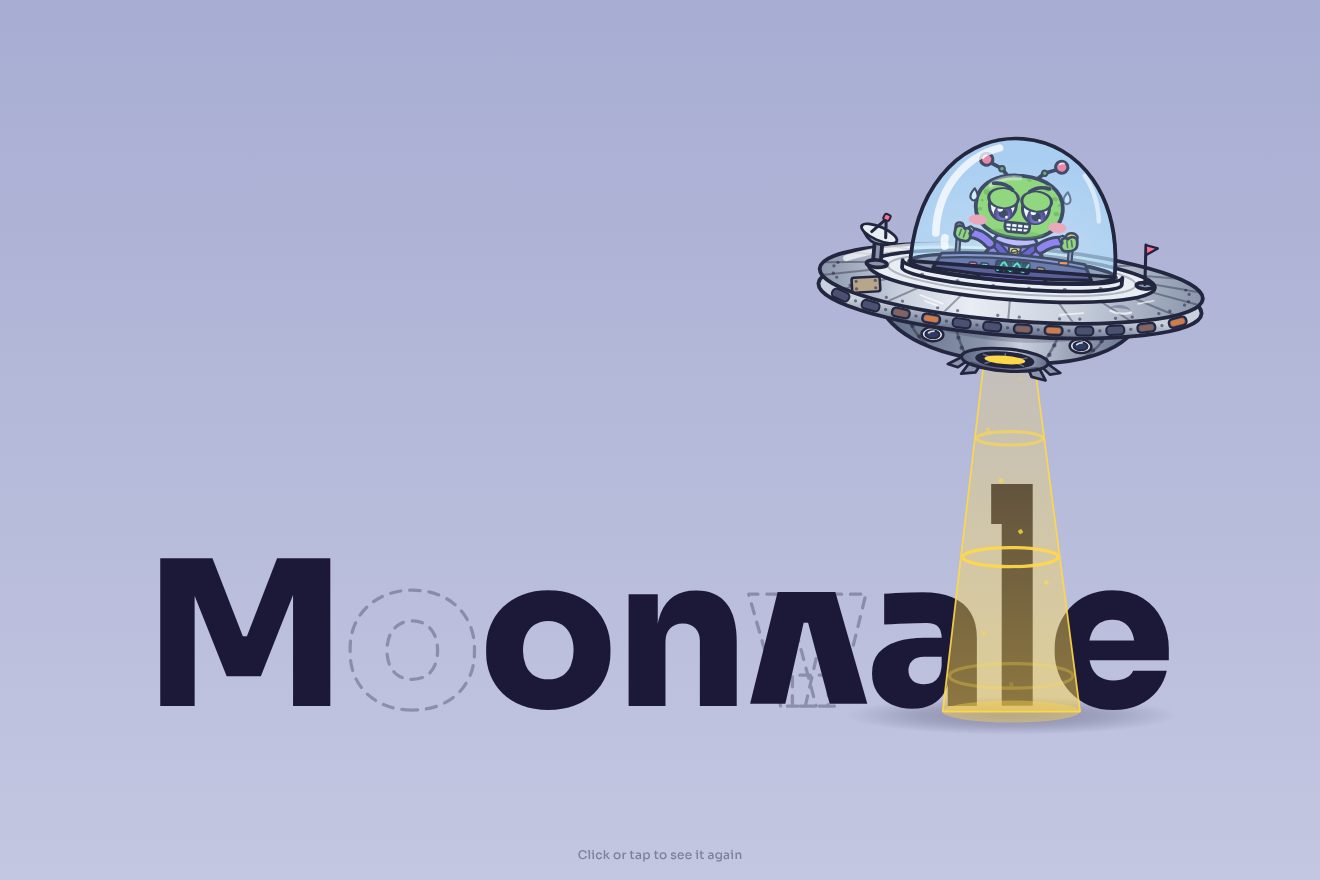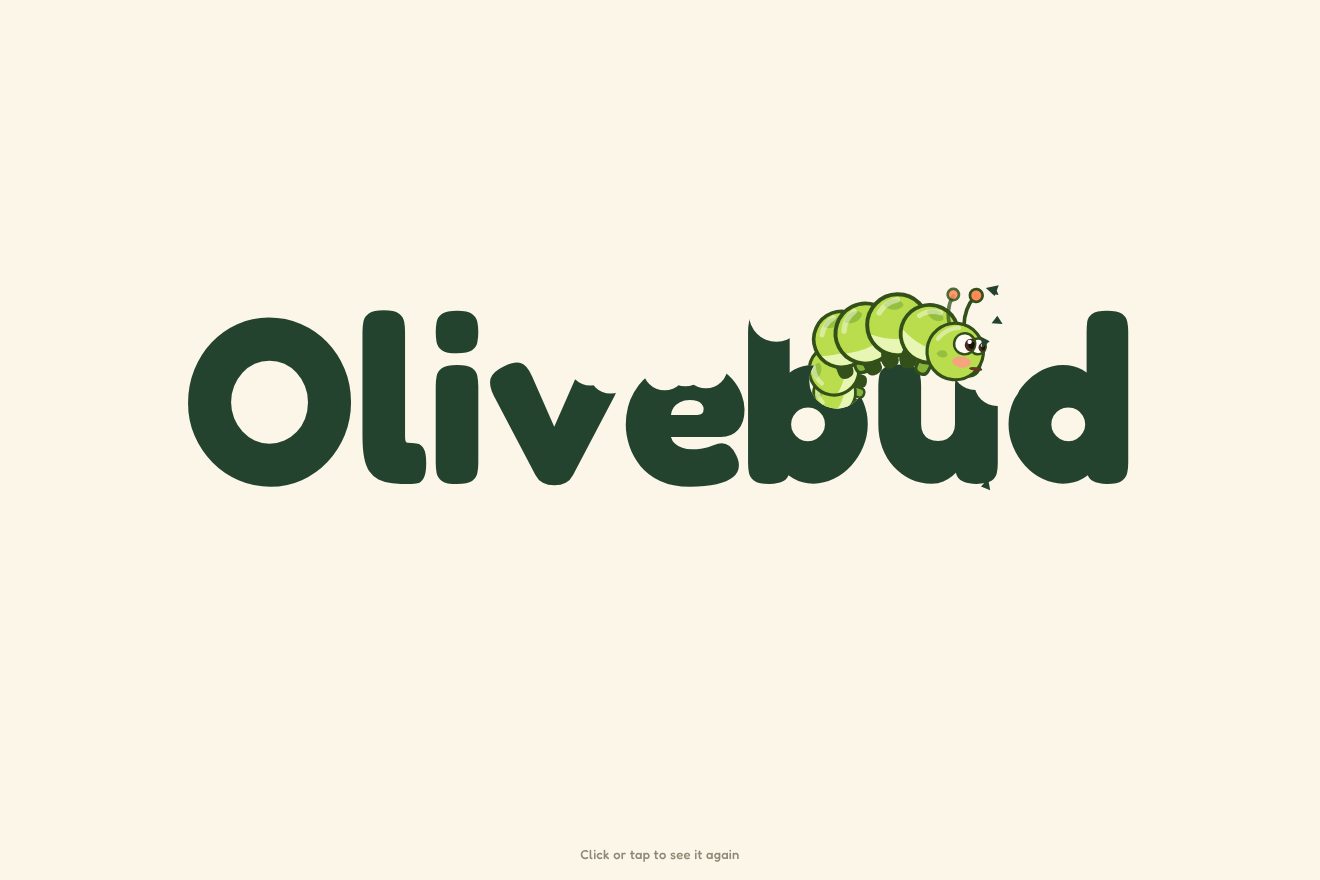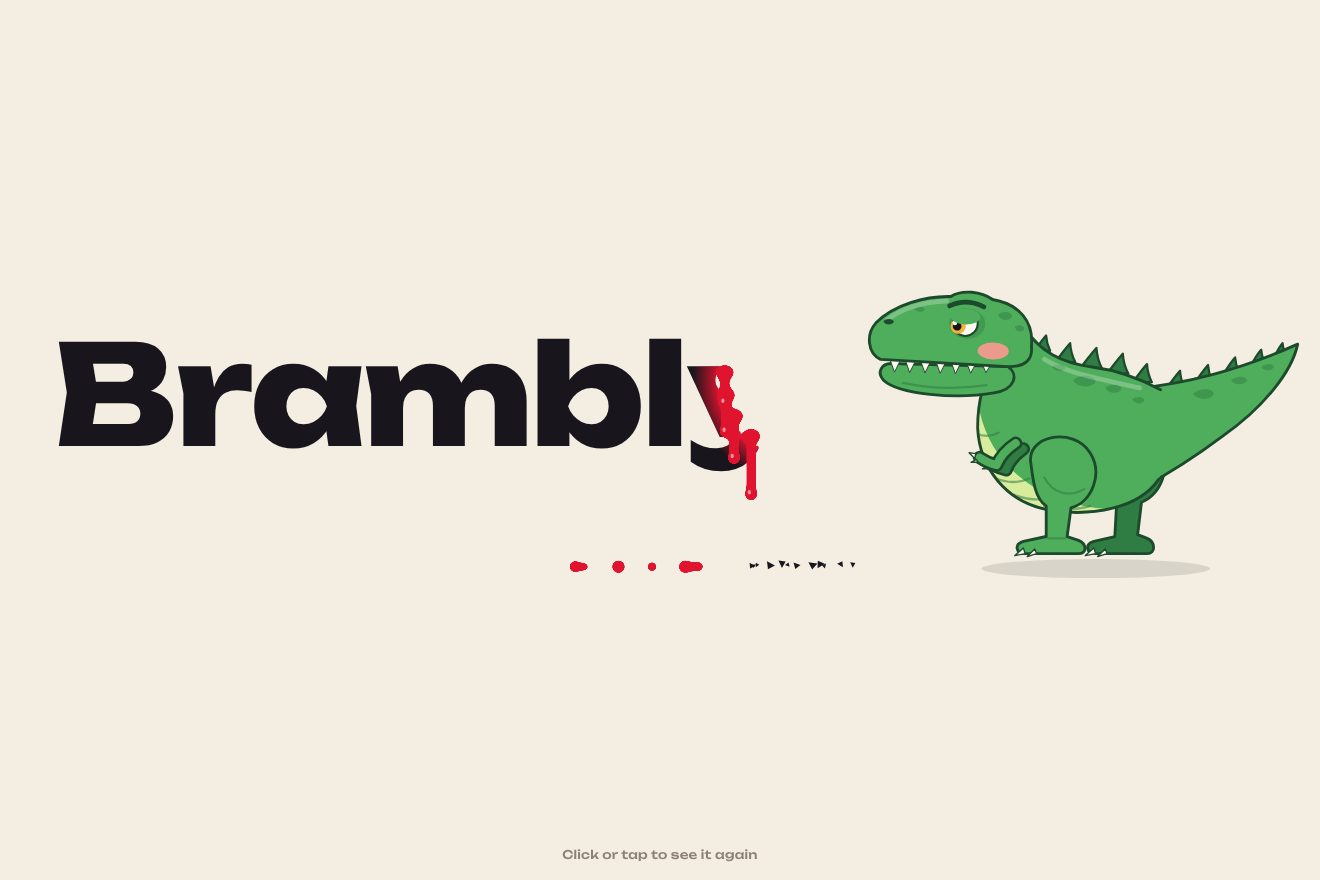
The dinosaur-bitten logo
Intro, SVG, Text
The entrance of the logo of a workflow product, Trinode, in the clean style of today’s products: three geometric shapes, an indigo quarter disc, a square and a slab, arrive from three sides on short springs, stop a hair apart and then snap together with a small bounce, while a light crosses the mark. The name arrives beside it letter by letter gaining weight, and at the end the logo glides up to the top left and becomes the page’s header.
A folder that runs on its own: index.html, style.css, script.js and the libraries from a CDN. The React and Vue tabs hold the same demo as a ready component, which switches its animations off when it leaves the page.
<!doctype html>
<!--
  "Interlocking logo" from Animorio · https://animorio.com
  License: free on your own sites and your clients’ sites, paid work included.
  Not for resale, redistribution, templates or code collections · https://animorio.com/en/license/
-->
<html lang="en">
<head>
  <meta charset="utf-8">
  <meta name="viewport" content="width=device-width, initial-scale=1">
  <title>The logo intro where three shapes lock together</title>
  <link rel="stylesheet" href="https://cdn.jsdelivr.net/npm/@fontsource-variable/mona-sans@5.3.0/index.css">
  <link rel="stylesheet" href="style.css">
</head>
<body>
  <svg width="0" height="0" style="position:absolute" aria-hidden="true">
    <defs>
      <path id="pezzo-a" d="M48.5 0V48.5H0A48.5 48.5 0 0 1 48.5 0Z"/>
      <path id="pezzo-b" d="M61.5 0H90A10 10 0 0 1 100 10V38.5A10 10 0 0 1 90 48.5H61.5A10 10 0 0 1 51.5 38.5V10A10 10 0 0 1 61.5 0Z"/>
      <path id="pezzo-c" d="M0 51.5H100V75.75A24.25 24.25 0 0 1 75.75 100H24.25A24.25 24.25 0 0 1 0 75.75Z"/>
      <linearGradient id="scuro" x1="0" y1="0" x2="0" y2="1">
        <stop offset="0" style="stop-color: var(--pezzo-alto)"/>
        <stop offset="1" style="stop-color: var(--pezzo)"/>
      </linearGradient>
      <linearGradient id="accento" x1="0" y1="0" x2="1" y2="1">
        <stop offset="0" style="stop-color: var(--accento-chiaro)"/>
        <stop offset="1" style="stop-color: var(--accento)"/>
      </linearGradient>
      <linearGradient id="lampo" x1="0" y1="0" x2="1" y2="0">
        <stop offset="0" stop-color="#fff" stop-opacity="0"/>
        <stop offset="0.5" stop-color="#fff" stop-opacity="0.45"/>
        <stop offset="1" stop-color="#fff" stop-opacity="0"/>
      </linearGradient>
      <clipPath id="sagoma"><use href="#pezzo-a"/><use href="#pezzo-b"/><use href="#pezzo-c"/></clipPath>
    </defs>
  </svg>

  <!-- the page underneath, only sketched: the header where the logo lands and a hero in grey lines -->
  <main class="pagina" aria-hidden="true">
    <header class="testata">
      <div class="testata__logo" data-slot>
        <svg class="marchio" viewBox="0 0 100 100" data-slot-mark><use href="#pezzo-a" fill="url(#accento)"/><use href="#pezzo-b" fill="url(#scuro)"/><use href="#pezzo-c" fill="url(#scuro)"/></svg>
        <span class="nome">Trinode</span>
      </div>
      <nav class="testata__voci" data-ui><span>Product</span><span>Pricing</span><span>Docs</span></nav>
      <span class="testata__cta" data-ui>Start free</span>
      <span class="testata__riga" data-ui></span>
    </header>
    <section class="eroe">
      <span class="linea linea--titolo" data-ui></span>
      <span class="linea linea--titolo corta" data-ui></span>
      <span class="linea linea--testo" data-ui></span>
      <span class="eroe__pulsante" data-ui></span>
    </section>
    <button class="replay" data-replay type="button">
      <svg viewBox="0 0 20 20" aria-hidden="true"><path d="M15.5 10a5.5 5.5 0 1 1-1.8-4.1"/><path d="M14.2 2.6v3.6h-3.6"/></svg>
      <span>Replay</span>
    </button>
  </main>

  <!-- the intro: three shapes arrive from three sides and lock into the mark of an invented workflow tool -->
  <div class="intro" data-intro role="img" aria-label="Trinode logo">
    <div class="intro__gruppo">
      <div class="lockup" data-lockup>
        <div class="lockup__marchio">
          <span class="ombra" data-shadow></span>
          <svg class="marchio marchio--grande" viewBox="-8 -8 116 116" data-mark>
            <rect class="guida" data-guide x="0" y="0" width="100" height="100" rx="14"/>
            <g data-piece="a"><use href="#pezzo-a" fill="url(#accento)"/></g>
            <g data-piece="b"><use href="#pezzo-b" fill="url(#scuro)"/></g>
            <g data-piece="c"><use href="#pezzo-c" fill="url(#scuro)"/></g>
            <g clip-path="url(#sagoma)"><rect data-shine x="-60" y="-30" width="40" height="160" fill="url(#lampo)" transform="rotate(20 50 50)"/></g>
          </svg>
        </div>
        <span class="nome" data-name>Trinode</span>
      </div>
      <p class="sotto" data-tagline>Workflows that run themselves</p>
    </div>
  </div>

  <script src="https://cdn.jsdelivr.net/npm/gsap@3.15.0/dist/gsap.min.js"></script>
  <script src="script.js"></script>
</body>
</html>Change values, colours and text with the controls and watch the animation respond live. Or write in the code yourself. Then download the folder with your changes.
25 values to change
With the Animorio connector, Claude Code, ChatGPT, Cursor or VS Code take it from here, guide included, and fit it into your project. Paste this request:
Take “Interlocking logo” from Animorio and fit it into my siteThe mark is a 100 unit square split into three paths with a gap of 3: a quarter disc at the top left, a rounded square at the top right and a slab with its two bottom corners rounded. Each sits in its own group, which GSAP moves with x, y and rotation around its centre (svgOrigin).
The shapes start 90 units away, turned, and arrive with back.out at a waiting position a few units outwards. The snap is a short power4.in tween that takes them all to zero together, followed by three scale steps of the mark: 0.965, 1.04 and 1. That tiny delay between arrival and locking is what makes the click.
A clipPath made of the three shapes clips a rectangle with a gradient that is transparent at the sides, rotated by 20 degrees: moving it across, the light passes only over the mark.
Every size of the logo is in em of the mark, both the big one and the small one in the header: the proportions match. When the glide starts the two marks are measured and scale and offset are worked out with transform-origin at the top left; at the end the big logo disappears and the header one stays, which from there follows the page even if the window changes.
| Name | File | Default | What it changes |
|---|---|---|---|
FLY | script.js | 0.8 | How many seconds each shape takes to fly in. |
DISTANCE | script.js | 90 | How far the shapes start (the mark is 100). |
SPIN | script.js | 70 | How many degrees the shapes turn as they arrive. |
GAP | script.js | 7 | How much space they leave between them before the snap. |
SNAP | script.js | 0.04 | How far past its size the mark goes on the snap. |
NAME_WEIGHT | script.js | 620 | The weight of the name once it has arrived. |
HOLD | script.js | 2.6 | How many seconds the page stays before the intro plays again. |
SPEED | script.js | 1 | Speed of everything: 2 twice as fast, 0.5 half as fast. |
For the first-visit entrance or the loader of the site of a software product, a team tool or an app, when the brand is a geometric mark: the shapes locking together say that the product’s parts work together, and the logo ends where it will stay, in the header.
The same animation: the mark is sized on the shorter side of the window, so the logo stays large even in the phone’s short box, and the header hides the menu items and keeps the button.
Nothing flies in or snaps: the logo appears already assembled, with the name and the line, in a fade; then it gives way to the page with the small logo in the header.
GSAP 3.15.0, Mona Sans (font variabile) 5.3.0.
Compressed with gzip, the three demo files weigh 5.7 KB; the libraries: GSAP 28 KB.
Tested on 26 October 2026
Use it in your own projects and in your clients’ projects. Do not resell it or redistribute it as is. GSAP stays under its own Standard license. Full license.
Support Animorio
Animorio stays free thanks to the people who support it. If you like, buy us a coffee: it helps us make the next animations.
You asked for
We made it for you: it’s in the library, with the preview, the Playground and the code to copy.
An animation you can’t find, or a site to take apart in the journal: tell us which. We pick the next ones from here.
With your account’s email and password.
or with your email
You’re signed in as .
With your account, you can download the zip of every animation and every pack, for free.