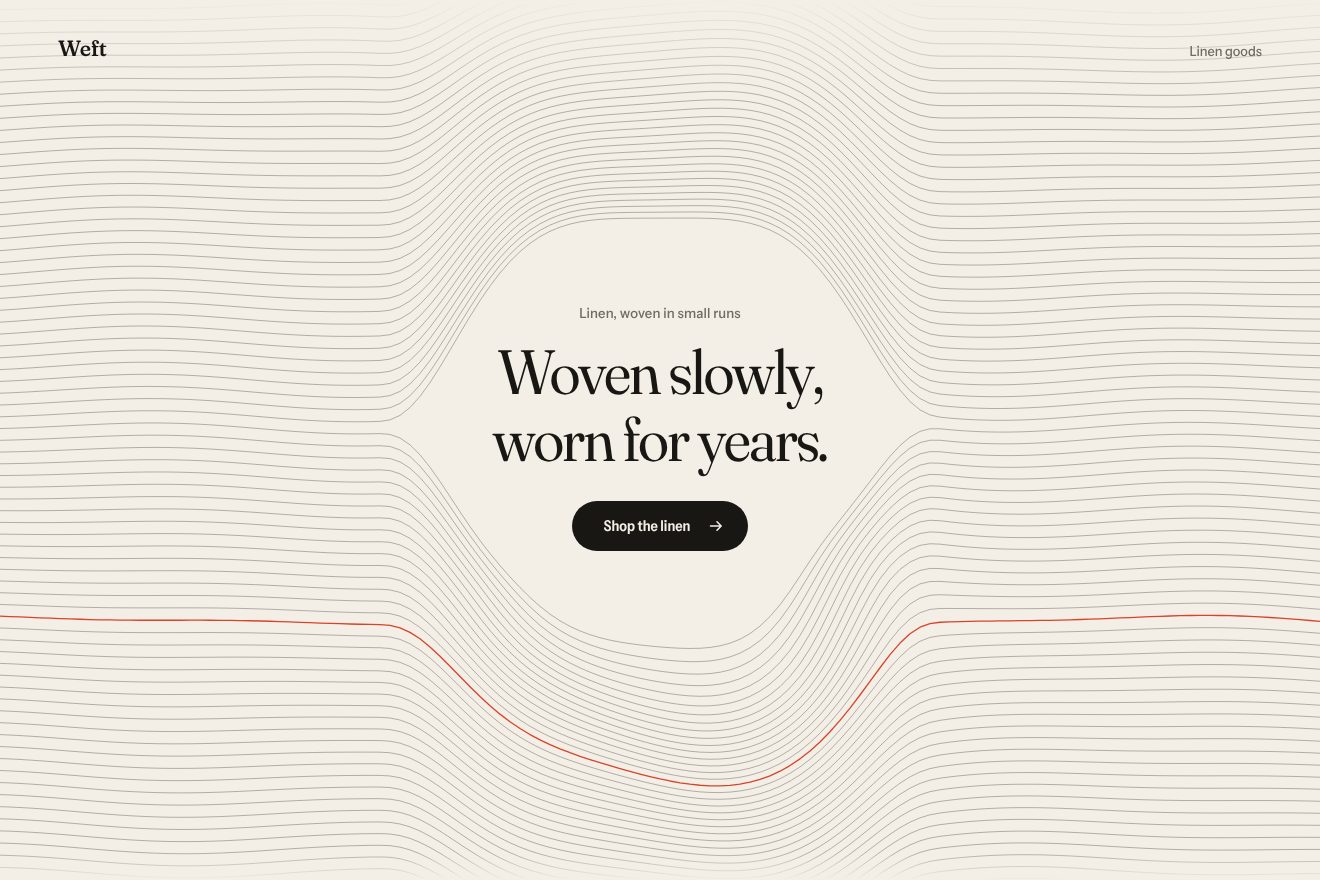
The woven thread background
Backgrounds, Hover
NewFree
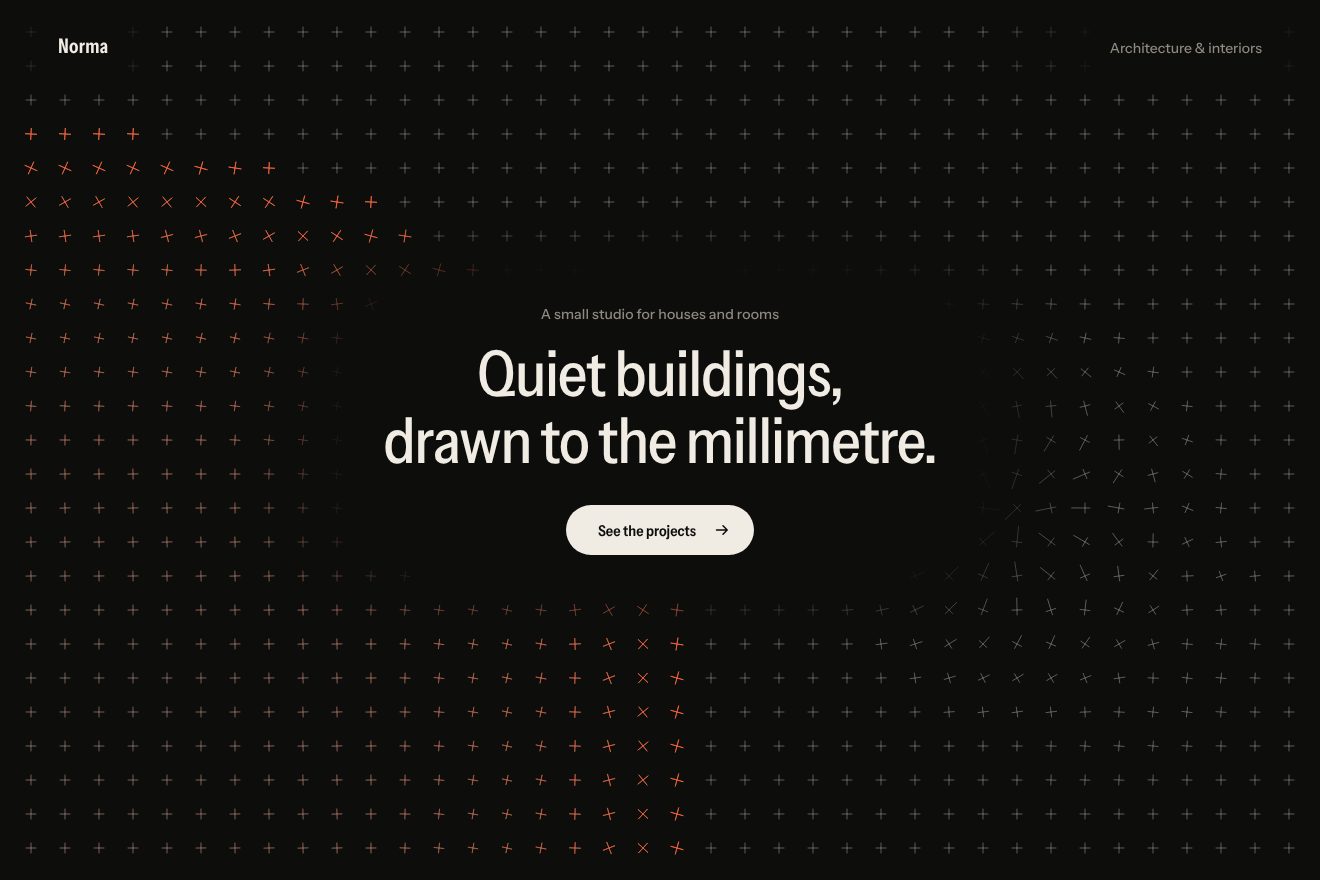
An animated background to put behind a heading: on an almost pure black, the thin lines of a magnetic field between two poles drifting very slowly, with a thread of light running along each one. The pointer is a third pole on a spring: it pulls the nearby lines towards it, lighting them vermilion, and a tap flips its sign. Minimal style.
A folder that runs on its own: index.html, style.css, script.js and the libraries from a CDN. The React and Vue tabs hold the same demo as a ready component, which switches its animations off when it leaves the page.
<!doctype html>
<html lang="en">
<head>
  <meta charset="utf-8">
  <meta name="viewport" content="width=device-width, initial-scale=1">
  <title>Fieldline</title>
  <link rel="stylesheet" href="https://cdn.jsdelivr.net/npm/@fontsource-variable/bricolage-grotesque@5.3.0/standard.css">
  <link rel="stylesheet" href="style.css">
</head>
<body>
  <!-- the background: the field lines between two invisible poles, drawn on a canvas behind the page;
       the pointer is a third pole that bends the lines near it, a tap flips it -->
  <main class="pagina" data-pagina>
    <canvas class="fondo" aria-hidden="true" data-fondo></canvas>

    <header class="testa">
      <p class="marchio" data-entra>Fieldline</p>
      <p class="testa__nota" data-entra>Studio for physical interfaces</p>
    </header>

    <section class="eroe">
      <div class="blocco" data-blocco>
        <p class="occhiello" data-entra>Objects that answer back</p>
        <h1 class="titolo">
          <span class="riga"><span class="riga__dentro" data-riga>Pulled by things</span></span>
          <span class="riga"><span class="riga__dentro" data-riga>you can’t see.</span></span>
        </h1>
        <div class="azione" data-entra>
          <a class="pillola" href="#" data-pillola>
            <span class="pillola__scritta">See the work</span>
            <svg class="pillola__freccia" viewBox="0 0 16 16" aria-hidden="true"><path d="M2.5 8h10.5M9 3.8 13.2 8 9 12.2" /></svg>
          </a>
        </div>
      </div>
    </section>

    <footer class="piede">
      <p class="piede__nota" data-entra>Move to bend the field, tap to flip the pole</p>
      <p class="piede__lettura" aria-hidden="true" data-entra>
        <svg class="polo" viewBox="0 0 12 12" aria-hidden="true"><path d="M2.6 6h6.8" /><path data-verticale d="M6 2.6v6.8" /></svg>
        <span data-segno>Attract</span>
      </p>
    </footer>
  </main>

  <script src="https://cdn.jsdelivr.net/npm/gsap@3.15.0/dist/gsap.min.js"></script>
  <script src="script.js"></script>
</body>
</html>Change values, colours and text with the controls and watch the animation respond live. Or write in the code yourself. Then download the folder with your changes.
21 values to change
With the Animorio connector, Claude Code takes it from here, guide included, and fits it into your project. Paste this request:
Take “The magnetic field lines background” from Animorio and fit it into my siteEach pole has a charge: north +1, south −1, the pointer its sign times FORZA times how present it is. The field at a point is the sum of each charge times the offset divided by the squared distance (a pole's field in two dimensions goes as 1/r), with a small soft core so it does not blow up near the pole.
Each line starts on a 7 px circle round the north pole and moves along the field direction with a midpoint step: the step is short near the poles and long far away (from 2.4 to 8 px), and it stops when it reaches a pole that takes it or leaves a wide margin beyond the page. If the pointer repels, more lines start from it too, in proportion to its strength.
Each stroke falls into one of four widths depending on how close it is to a pole, and each width is a single path: four strokes in all. The lines that end on the pointer or start from it, or pass very close to it, are drawn again on top in vermilion, in three transparency bunches.
Along each line the length is measured at every step; the 7 px dashes sit 92 px apart and their start moves forward FLUSSO px per second, offset for each line. All the dashes are a single light path on top of the lines.
The pointer's pole follows the finger or mouse on a spring (MOLLA) and its presence grows and fades gently. A pointerdown takes the sign from −1 to +1 (or back) with elastic.out in 0.9 s, so it goes through zero and just past. After 2.4 s without the real pointer the pole follows a Lissajous curve and flips its sign every 6.5 s. IntersectionObserver and visibilitychange stop the drawing when the page is not visible.
| Name | File | Default | What it changes |
|---|---|---|---|
LINEE | script.js | 30 | How many lines leave the north pole. |
FORZA | script.js | 0.5 | How strong the pointer's pole is compared with the two fixed poles. |
DERIVA | script.js | 26 | How many seconds the two poles take for their slow loop. |
FLUSSO | script.js | 34 | How fast the light runs along the lines, in px per second. |
MOLLA | script.js | [60, 10] | The spring of the pointer's pole: how stiff and how damped. |
SPESSORE | script.js | 1 | The thickness of the lines near the poles, in px. |
As the background of the first screen of a product design studio, a physics lab or a science museum, a hardware startup, a science magazine or an event about technology and research; in general behind a short heading when you want a dark background that moves slowly and answers the pointer. The line colour and the accent are set in the CSS.
The same animations with the sizes adapted: on a tall page the poles sit one above the other, so the lines fill the whole box; the heading is smaller and the side notes are not there. The finger moves the pole while it touches and drags, a tap flips its sign; the page still scrolls vertically.
The field is still, with the two poles in place and no pointer pole: no drift, no thread of light, no sign flips. The heading and the text fade in.
GSAP 3.15.0, Bricolage Grotesque (font variabile) 5.3.0.
Compressed with gzip, the three demo files weigh 7.2 KB; the libraries: GSAP 28 KB.
Tested on 24 October 2026
Use it in your own projects and in your clients’ projects. Do not resell it or redistribute it as is. GSAP stays under its own Standard license. Full license.
With your account’s email and password.
or with your email
You’re signed in as .
With your account, you can download the zip of every animation and every pack, for free.