The title that rises from a line
Transitions, Text, Images
NewFree
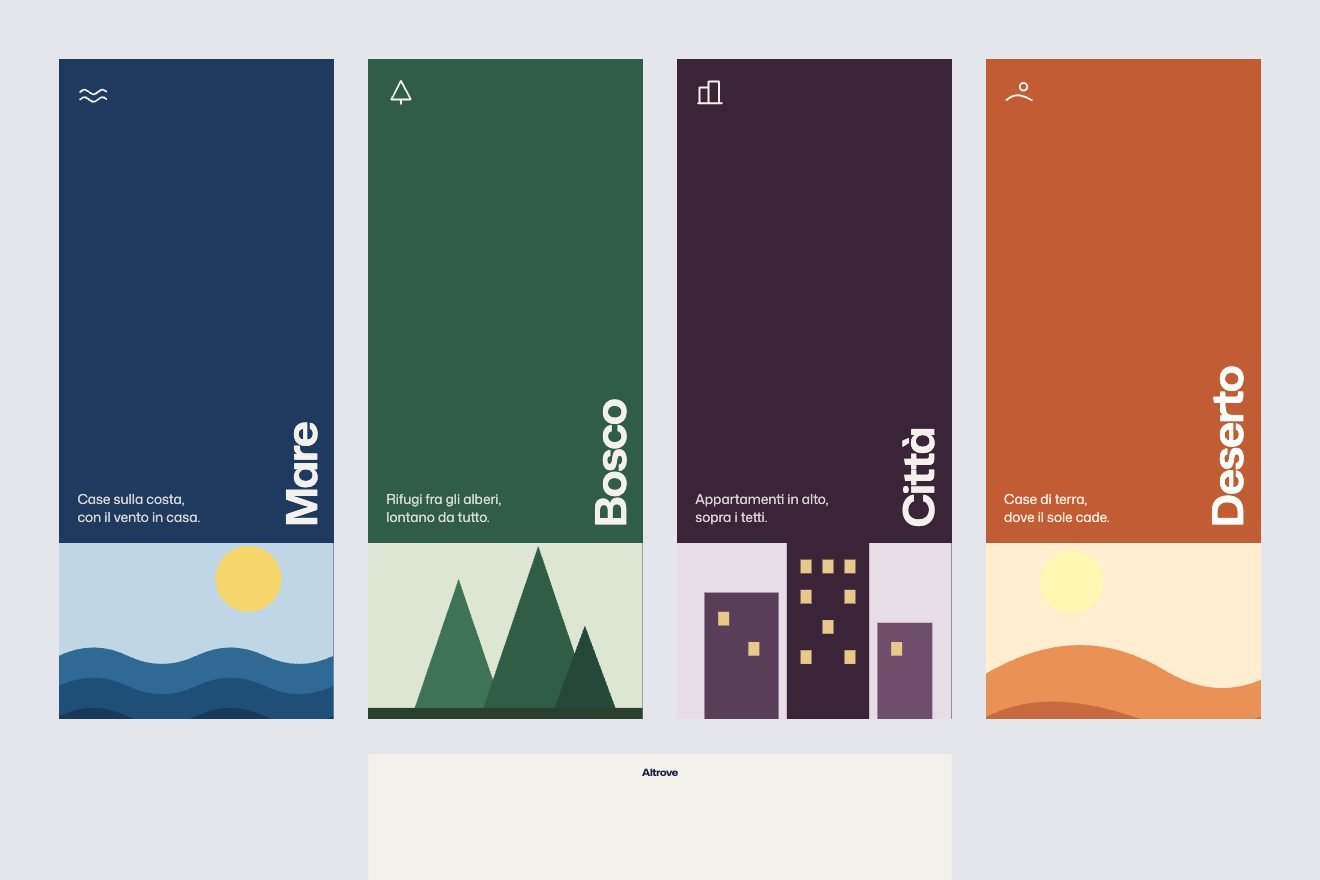
In the minimal style: five abstract pictures one inside the other. Every picture has a thin frame in its middle holding the next one; on a click the camera breathes back, then dives into the frame with a measured exponential zoom, goes three pixels past and settles, and the picture inside becomes the page while the caption rolls letter by letter. The last one holds the first again, so it never ends.
A folder that runs on its own: index.html, style.css, script.js and the libraries from a CDN. The React and Vue tabs hold the same demo as a ready component, which switches its animations off when it leaves the page.
<!doctype html>
<html lang="en">
<head>
  <meta charset="utf-8">
  <meta name="viewport" content="width=device-width, initial-scale=1">
  <title>Inward</title>
  <link rel="stylesheet" href="https://cdn.jsdelivr.net/npm/@fontsource-variable/archivo@5.3.0/wdth.css">
  <link rel="stylesheet" href="style.css">
</head>
<body>
  <!-- five pictures, one inside the other: each one holds the next in a thin frame in its middle -->
  <main class="room" data-room data-autoclic tabindex="0" role="region" aria-roledescription="gallery" aria-label="Inward, a gallery of pictures one inside the other. Click, tap or press the right arrow to step into the frame; the left arrow steps back out.">
    <canvas class="stage" data-stage aria-hidden="true"></canvas>

    <header class="top">
      <p class="mark" data-mark aria-hidden="true">Inward</p>
      <p class="sub" data-sub>Five rooms, one inside the other</p>
    </header>

    <div class="caption" aria-hidden="true">
      <p class="caption__title"><span class="slot" data-title></span></p>
      <p class="caption__note"><span class="slot" data-note></span></p>
    </div>

    <p class="hint" data-hint aria-hidden="true">Click to step inside</p>
    <p class="sr" data-live aria-live="polite"></p>
  </main>

  <script src="https://cdn.jsdelivr.net/npm/gsap@3.15.0/dist/gsap.min.js"></script>
  <script src="https://cdn.jsdelivr.net/npm/gsap@3.15.0/dist/CustomEase.min.js"></script>
  <script src="script.js"></script>
</body>
</html>Change values, colours and text with the controls and watch the animation respond live. Or write in the code yourself. Then download the folder with your changes.
23 values to change
With the Animorio connector, Claude Code takes it from here, guide included, and fits it into your project. Paste this request:
Take “The nested-frame gallery” from Animorio and fit it into my siteEvery picture is drawn in the same box as big as the page, and its window is that box shrunk by SCALE and moved to (x0, y0): a point of the next picture lands at (x0, y0) plus SCALE times the point. That map has a single point that never moves, F = (x0, y0) / (1 − SCALE). Zooming by 1/SCALE about F brings the window exactly onto the page, and every picture deeper in comes along. So the camera is one number, d: 0 is the first picture as the page, 1 the second, 0.5 halfway in; the picture k levels deeper is drawn scaled by SCALE to the (k − d) about F.
On every frame the GSAP ticker draws on a canvas the page, then the picture in its window, then the one inside it, until the next would be smaller than two pixels: each one covers the window of the one before. The starting level is the whole part of d, so d can grow for ever and the loop comes back to the first picture by itself (the remainder after dividing by the number of pictures). With d just under a whole number (the breath back) the picture that holds the page is drawn too, and shows at the edges.
The tween moves d, not the scale: the scale is SCALE to the −d, so equal steps of d always give the same zoom factor, and the eye feels a constant speed. The ZOOM_EASE curve (a CustomEase) only eases the start and the end. Before it there is a breath back of 0.014 in a quarter of a second; after it, d goes past the target by just enough to make OVERSHOOT pixels at the edge of the page (the log of 1 + OVERSHOOT / half the width, over the log of 1/SCALE) and comes back with elastic.out.
The shapes are drawn at the scale of their level, the lines are not: their width on screen is the scale to the 0.4, between 0.45 and 1.4 pixels, so a line stays a hair both on the page and three levels deeper, and it changes smoothly during the zoom (no jump when the picture becomes the page). The frame is drawn in screen pixels, on the half pixel when the page is at rest, so it is sharp. The label under the frame is written at the scale of its level and is skipped below two pixels of type size; during the dive it fades before it reaches the caption.
At the opening the frame's line draws itself with setLineDash, then the first window opens from a line on a real spring: everything deeper stays cut inside that rectangle. The caption sits in slots with hidden overflow: the old letters leave upwards while the camera is in the frame, the new ones rise as it lands, with the typeface's wdth axis going from 72 to 100 on an elastic. When the new ground covers most of the page, GSAP takes the --fg and --muted variables to the colour that reads on it.
| Name | File | Default | What it changes |
|---|---|---|---|
PICTURES | script.js | [{ title: 'Low sun', note: 'Stone and vermilion on paper' }, …] | The pictures, in order: the title (also the label under the frame that holds it) and the small note under the title. There are five drawings, repeated if there are more entries. |
SCALE | script.js | 0.3 | How big the frame is in the page: 0.3 means three tenths. The smaller it is, the longer the dive and the more pictures you see one inside the other. |
ZOOM | script.js | 2.1 | How many seconds the camera takes to go through the frame. |
ZOOM_EASE | script.js | CustomEase.create('inward', '0.62, 0, 0.24, 1') | The curve of the dive: it eases the start and the end of a zoom that otherwise runs at a constant speed. |
OVERSHOOT | script.js | 3 | How many pixels the camera goes past before it settles (0 = it arrives smoothly). |
HOLD | script.js | 2.4 | How many seconds each picture stays before the next dive. |
MAT | script.js | 10 | The gap between the window and its thin line, in pixels. |
AUTOPLAY | script.js | true | Whether the camera goes in by itself. With false it goes in only with a click, a tap or the arrow keys. |
For a gallery or a portfolio that should feel like a path, not a grid: an exhibition page, an artist's or a photographer's site, the presentation of a series, the move between the chapters of a project. It works with pictures that have a free centre, or with illustrations made on purpose to hold the next one.
The same animation with the sizes adapted: the page is upright, so the frames are too, a little bigger and a little higher to leave room for the caption. A tap goes in, a swipe to the right comes back out, to the left goes in.
No zoom: everything fades in, and at every step the page and the caption fade out and back in with the next picture, with no breath, elastic or rolling letters.
GSAP 3.15.0, Archivo (font variabile) 5.3.0.
Compressed with gzip, the three demo files weigh 8.9 KB; the libraries: GSAP + CustomEase 31 KB.
Tested on 15 October 2026
Use it in your own projects and in your clients’ projects. Do not resell it or redistribute it as is. GSAP stays under its own Standard license. Full license.
With your account’s email and password.
or with your email
You’re signed in as .
With your account, you can download the zip of every animation and every pack, for free.