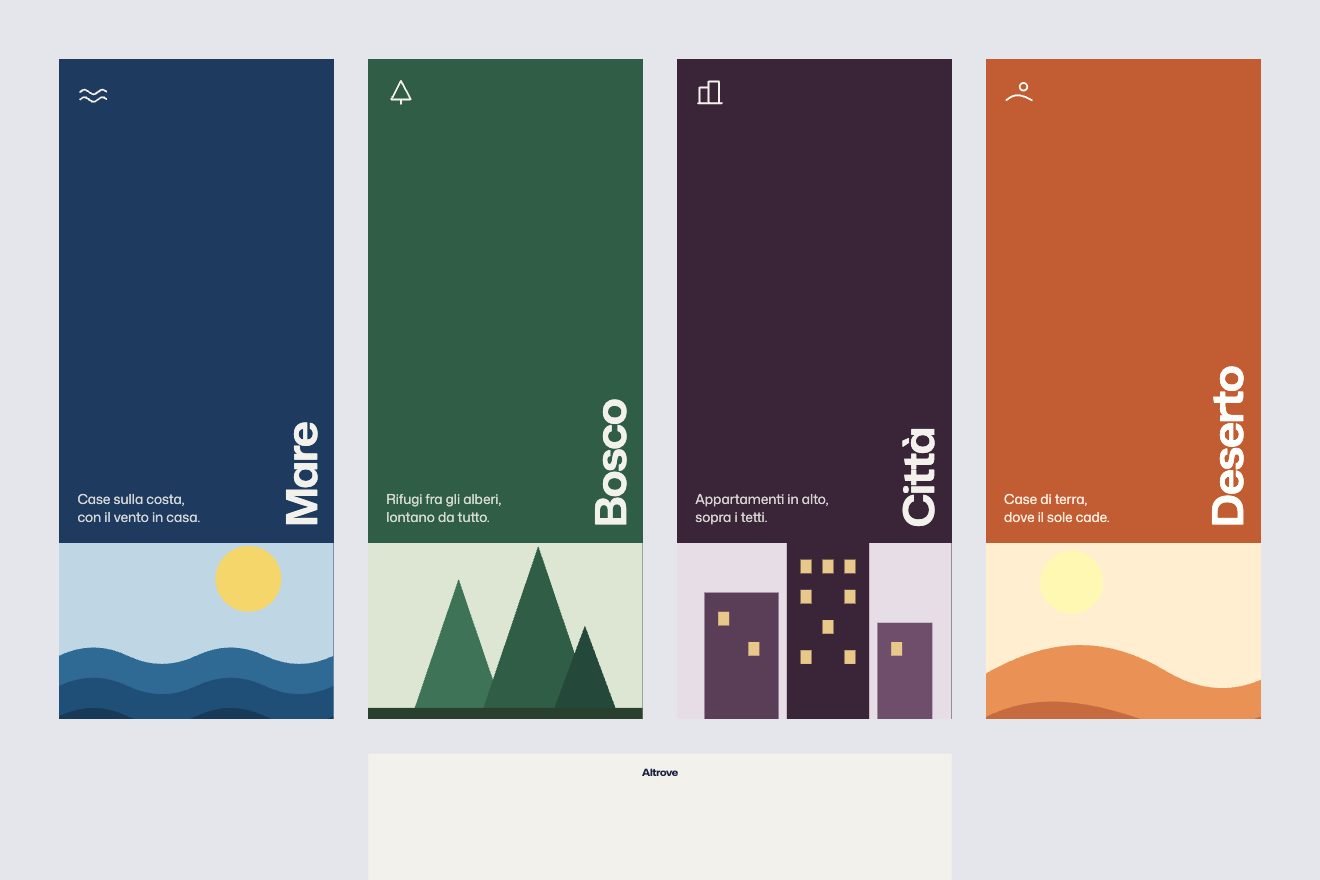
The globe of covers
Scroll, 3D, Images
Sixteen cards and three views: a dome that turns around you, a list where each card becomes the thumbnail of its name, a diagonal row that crumbles the far cards. Switching view, the cards set off one after the other.
Rebuilt from scratch studying eddy-naboulet.dev by Eddy Naboulet: the idea is theirs; code, copy and images are ours. Read how it’s made
A folder that runs on its own: index.html, style.css, script.js and the libraries from a CDN. The React and Vue tabs hold the same demo as a ready component, which switches its animations off when it leaves the page.
<!doctype html>
<!--
  "The card room" from Animorio · https://animorio.com
  License: free on your own sites and your clients’ sites, paid work included.
  Not for resale, redistribution, templates or code collections · https://animorio.com/en/license/
-->
<html lang="it">
<head>
  <meta charset="utf-8">
  <meta name="viewport" content="width=device-width, initial-scale=1">
  <title>La stanza delle carte</title>
  <link rel="stylesheet" href="https://cdn.jsdelivr.net/npm/@fontsource-variable/mona-sans@5.3.0/standard.css">
  <link rel="stylesheet" href="style.css">
</head>
<body>
  <main class="stanza" data-stanza>
    <header class="testa">
      <p class="testa__titolo">Archivio</p>
      <div class="viste" role="group" aria-label="Vista">
        <button class="vista" type="button" data-vista="cupola" aria-pressed="true">Cupola</button>
        <button class="vista" type="button" data-vista="elenco" aria-pressed="false" data-autoclic>Elenco</button>
        <button class="vista" type="button" data-vista="fila" aria-pressed="false">Fila</button>
      </div>
    </header>

    <!-- le carte: le stesse in tutte e tre le viste; lo script le dispone a ogni fotogramma -->
    <div class="palco" data-palco></div>
    <!-- l'elenco: una riga per carta, la miniatura è la carta stessa che vola a sinistra del nome -->
    <ol class="elenco" data-elenco></ol>

    <footer class="piede">
      <p class="piede__nome" data-nome aria-live="polite"></p>
      <div class="frecce" data-frecce>
        <button class="freccia" type="button" data-passo="-1" aria-label="Carta precedente">
          <svg viewBox="0 0 24 24" aria-hidden="true"><path d="M15 5l-7 7 7 7" /></svg>
        </button>
        <button class="freccia" type="button" data-passo="1" aria-label="Carta successiva">
          <svg viewBox="0 0 24 24" aria-hidden="true"><path d="M9 5l7 7-7 7" /></svg>
        </button>
      </div>
    </footer>
  </main>

  <script src="https://cdn.jsdelivr.net/npm/gsap@3.15.0/dist/gsap.min.js"></script>
  <script src="script.js"></script>
</body>
</html>Change values, colours and text with the controls and watch the animation respond live. Or write in the code yourself. Then download the folder with your changes.
78 values to change
With the Animorio connector, Claude Code, ChatGPT, Cursor or VS Code take it from here, guide included, and fit it into your project. Paste this request:
Take “The card room” from Animorio and fit it into my siteThe cards sit on a sphere along the Fibonacci spiral (y = 1 − 2i/(n−1), longitude i × π(3 − √5)). A rotation matrix turns them; for each one we take the angle from the view axis, squeeze it to 0.62 and derive position and tilt: the cards in front are large, the side ones turned towards the centre, the ones behind fade away.
Dragging does not turn the dome: it moves a target. Two gsap.quickTo follow it over one second with power2, and every frame the difference becomes a small rotation around the screen axes. After a quarter of a second at rest, we compute the angle that brings the nearest card to the front.
On a switch we photograph each card’s pose (position, turn, scale, opacity, dither) and a number goes from 0 to 1 in 1.6 seconds, linearly. Each card uses half of the time, starting later the further down it comes: p = smoothstep((t − i/(n−1) × 0.5) / 0.5). The target pose is live: the row or the dome keep moving while the cards arrive.
In the row each card sits e places from the middle one: x = e × 0.62 widths, y = −e × 0.3, further back the further away. Beyond the first place a Bayer mask covers it at 80, 60, 40 and 20%: the card crumbles instead of fading.
| Name | File | Default | What it changes |
|---|---|---|---|
CARTE | script.js | 16 carte | Name, two colours and cover shape of each card: the covers draw themselves with a dither. |
CAMBIO | script.js | 1.6 | Seconds of a view switch; each card uses half of it. |
COMPRESSO | script.js | 0.62 | How much the dome gathers the cards towards the centre: lower, a tighter dome. |
--lato | style.css | clamp(104px, 11.5vw, 168px) | Width of a card; the height is 1.12 times that. |
For a studio’s work archive, a product collection or a gallery: three ways of looking at the same thing, and moving between them is already a show.
It starts from the row, which reads better on phones. A sideways finger scrolls the row or turns the dome; inside an iframe a vertical finger stays with the page.
The view switch is immediate with a two-tenths fade; no entrance from the back, no soft follow and no automatic return to the front.
GSAP 3.15.0, Mona Sans (font variabile) 5.3.0.
Compressed with gzip, the three demo files weigh 8.6 KB; the libraries: GSAP 28 KB.
Tested on 27 September 2026
Use it in your own projects and in your clients’ projects. Do not resell it or redistribute it as is. GSAP stays under its own Standard license. Full license.
Support Animorio
Animorio stays free thanks to the people who support it. If you like, buy us a coffee: it helps us make the next animations.
You asked for
We made it for you: it’s in the library, with the preview, the Playground and the code to copy.
An animation you can’t find, or a site to take apart in the journal: tell us which. We pick the next ones from here.
With your account’s email and password.
or with your email
You’re signed in as .
With your account, you can download the zip of every animation and every pack, for free.