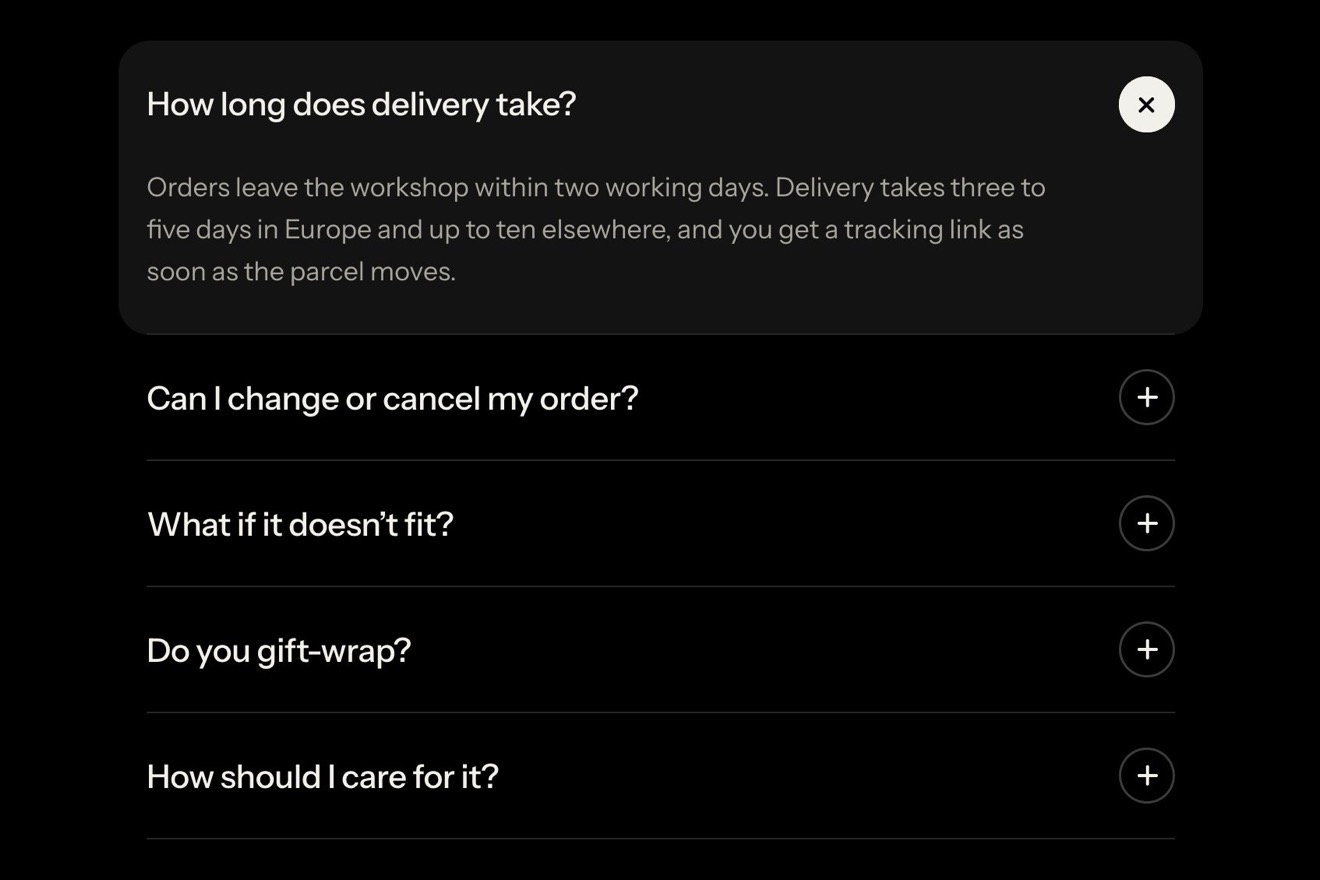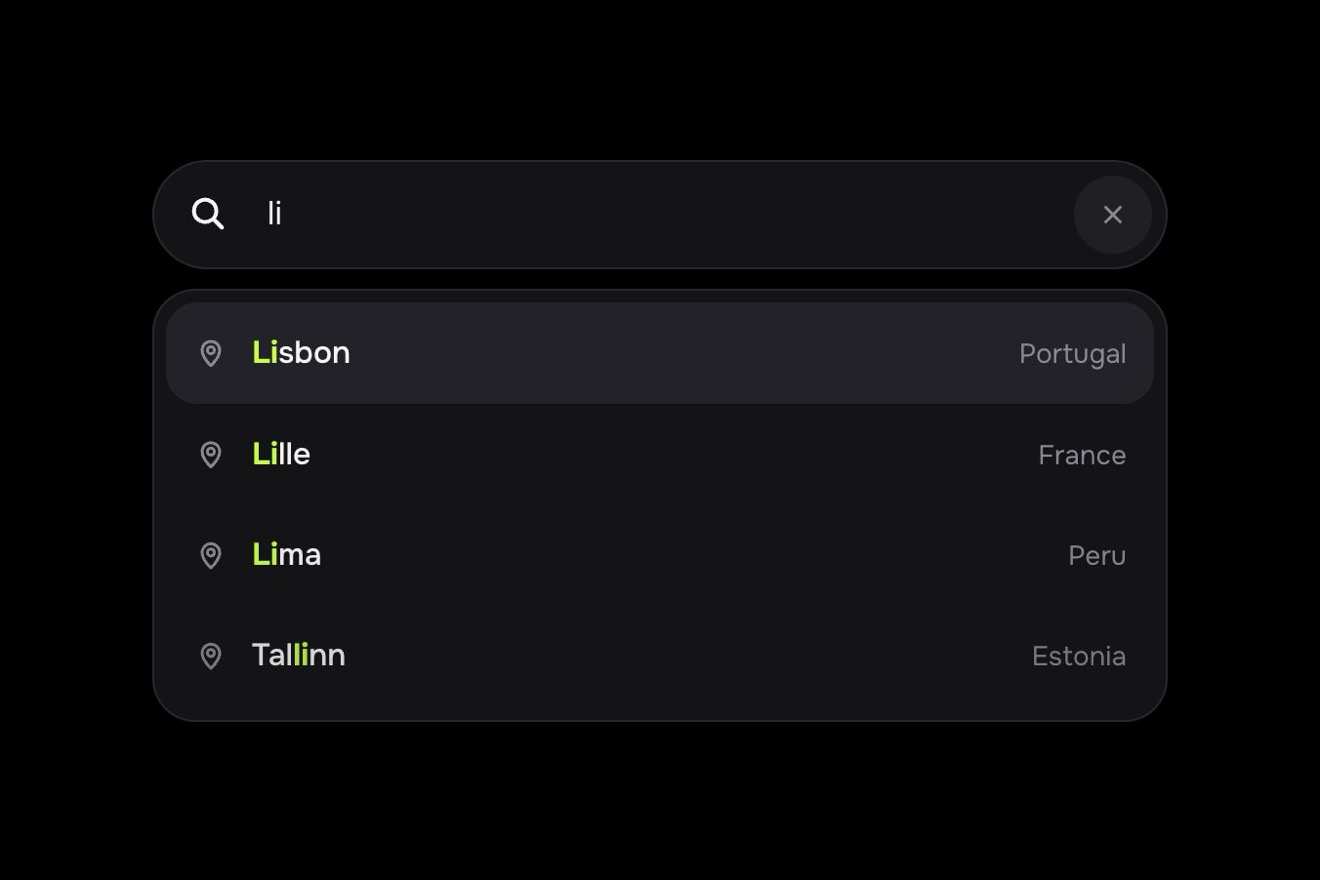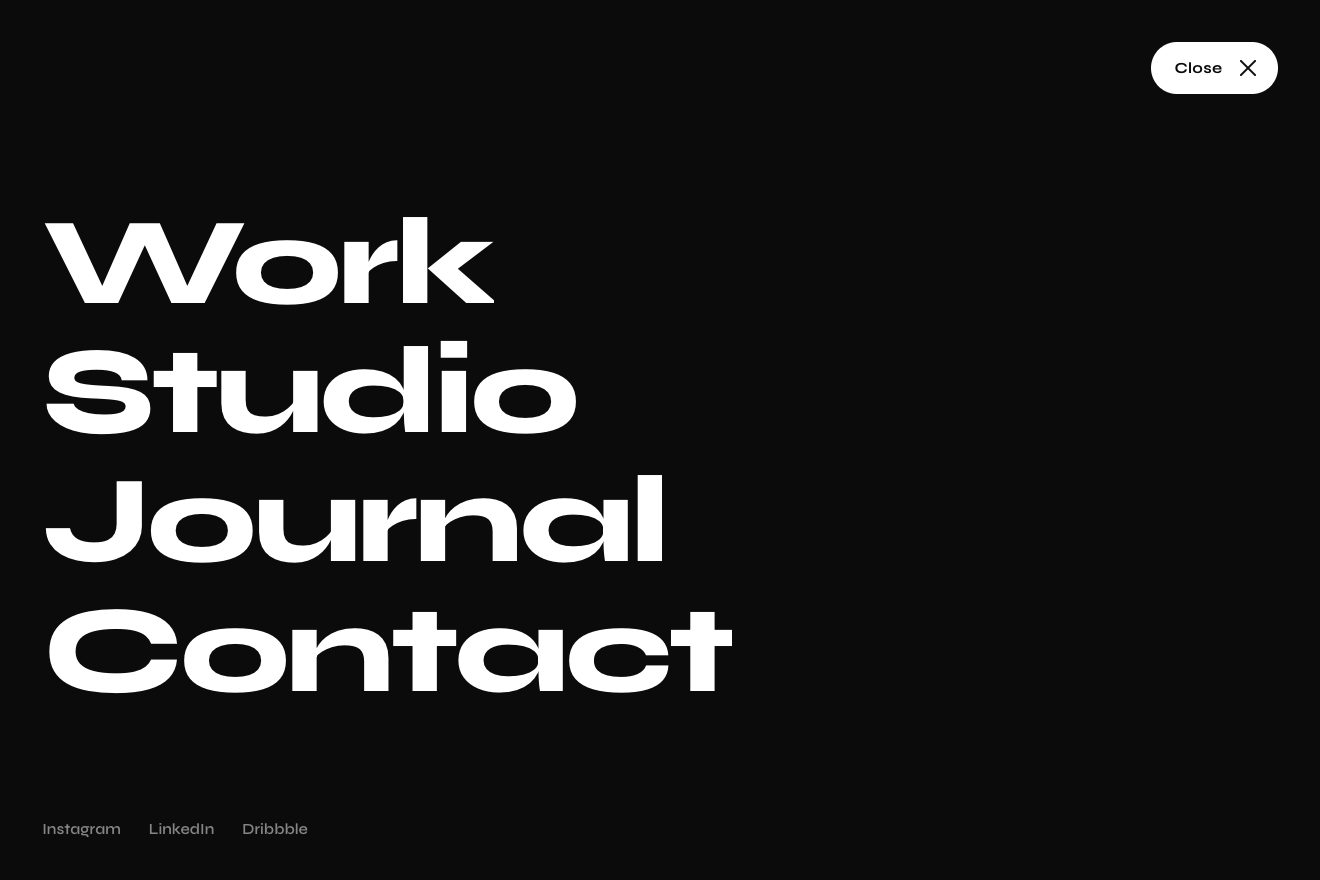
Button menu
Menus, Transitions, Text
The install panel of a library's docs, Lumen Motion, like a Dribbble shot: light porcelain with a grain, a one pixel edge and layered shadows. On top the npm, pnpm, yarn and bun tabs in a groove, with the white pill running on two springs, one per edge, stretching towards the new tab. Below, the command does not swap whole: only the letters that differ fall out and the new ones are typed one at a time, then the install line runs again with the turning arc, the check and the bar of seconds. Copy really copies and turns into Copied.
A folder that runs on its own: index.html, style.css, script.js and the libraries from a CDN. The React and Vue tabs hold the same demo as a ready component, which switches its animations off when it leaves the page.
<!doctype html>
<!--
  "Package manager tabs" from Animorio · https://animorio.com
  License: free on your own sites and your clients’ sites, paid work included.
  Not for resale, redistribution, templates or code collections · https://animorio.com/en/license/
-->
<html lang="en">
<head>
  <meta charset="utf-8">
  <meta name="viewport" content="width=device-width, initial-scale=1">
  <title>The package manager tabs with the command that retypes itself</title>
  <link rel="stylesheet" href="https://cdn.jsdelivr.net/npm/@fontsource-variable/mona-sans@5.3.0/wdth.css">
  <link rel="stylesheet" href="https://cdn.jsdelivr.net/npm/@fontsource-variable/geist-mono@5.3.0/index.css">
  <link rel="stylesheet" href="style.css">
</head>
<body>
  <main class="stage">
    <!-- the install panel of a docs page: the package manager tabs on top, with a pill that runs on two springs, the
         command below that erases only the letters that change and types the new ones, the install line that runs
         again, and the Copy button that really copies -->
    <section class="panel" data-panel aria-label="Install Lumen Motion">
      <i class="panel__light" aria-hidden="true"></i>
      <i class="panel__sheen" aria-hidden="true"></i>

      <header class="head">
        <div class="tabs" role="tablist" aria-label="Package manager" data-tabs>
          <span class="pill" data-pill aria-hidden="true"><i class="pill__glint" data-glint></i></span>
          <button class="tab" role="tab" type="button" id="tab-npm" data-tab="npm" aria-selected="true" aria-controls="code" tabindex="0">npm</button>
          <button class="tab" role="tab" type="button" id="tab-pnpm" data-tab="pnpm" aria-selected="false" aria-controls="code" tabindex="-1">pnpm</button>
          <button class="tab" role="tab" type="button" id="tab-yarn" data-tab="yarn" aria-selected="false" aria-controls="code" tabindex="-1">yarn</button>
          <button class="tab" role="tab" type="button" id="tab-bun" data-tab="bun" aria-selected="false" aria-controls="code" tabindex="-1">bun</button>
        </div>

        <button class="copy" type="button" data-copy aria-label="Copy command">
          <span class="copy__icon" aria-hidden="true">
            <svg viewBox="0 0 20 20" width="16" height="16" fill="none" stroke="currentColor" stroke-width="1.5" stroke-linecap="round" stroke-linejoin="round">
              <g data-sheets>
                <rect class="copy__back" x="6.5" y="2.75" width="10.75" height="10.75" rx="2.4" data-back></rect>
                <rect class="copy__front" x="2.75" y="6.5" width="10.75" height="10.75" rx="2.4" data-front></rect>
              </g>
              <path d="M4.2 10.6 8.1 14.3 15.9 5.9" pathLength="1" stroke-dasharray="1" stroke-dashoffset="1" stroke-width="1.8" data-tick></path>
            </svg>
          </span>
          <span class="copy__label" data-label>
            <span class="copy__word" data-word-a>Copy</span>
            <span class="copy__word copy__word--done" data-word-b aria-hidden="true">Copied</span>
          </span>
        </button>
      </header>

      <div class="well" id="code" role="tabpanel" aria-labelledby="tab-npm" data-well>
        <i class="well__sweep" data-sweep aria-hidden="true"></i>
        <div class="line line--cmd">
          <span class="prompt" aria-hidden="true">$</span>
          <span class="cmd" data-cmd><span class="sr" data-cmd-sr></span><span class="cmd__chars" data-chars aria-hidden="true"></span><i class="caret" data-caret aria-hidden="true"></i></span>
        </div>
        <div class="line line--out" data-out>
          <span class="out__mark" aria-hidden="true">
            <svg viewBox="0 0 16 16" width="12" height="12" fill="none" stroke="currentColor" stroke-width="1.8" stroke-linecap="round" stroke-linejoin="round">
              <path d="M3.4 8.4 6.6 11.4 12.7 4.8" pathLength="1" stroke-dasharray="1" stroke-dashoffset="1" data-out-tick></path>
            </svg>
            <svg class="out__spin" viewBox="0 0 16 16" width="12" height="12" fill="none" stroke="currentColor" stroke-width="1.6" stroke-linecap="round" data-out-spin>
              <path d="M8 2.5a5.5 5.5 0 1 1-5.5 5.5"></path>
            </svg>
          </span>
          <span class="out__text" data-out-text>1 package added</span>
          <span class="out__bar" aria-hidden="true"><i data-bar></i></span>
          <span class="out__time"><span data-time>0.0</span>s</span>
        </div>
      </div>

      <footer class="foot">
        <span class="foot__pkg">
          <svg viewBox="0 0 16 16" width="13" height="13" fill="none" stroke="currentColor" stroke-width="1.3" stroke-linejoin="round" aria-hidden="true">
            <path d="M8 1.8 13.6 4.9v6.2L8 14.2 2.4 11.1V4.9Z"></path>
            <path d="M2.6 5 8 8l5.4-3M8 8v6"></path>
          </svg>
          <span data-pkg>@lumen/motion</span>
          <span class="foot__ver">2.4.1</span>
        </span>
        <span class="foot__meta">12.6 kB gzipped</span>
      </footer>
      <span class="sr" aria-live="polite" data-live></span>
    </section>
  </main>

  <script src="https://cdn.jsdelivr.net/npm/gsap@3.15.0/dist/gsap.min.js"></script>
  <script src="script.js"></script>
</body>
</html>Change values, colours and text with the controls and watch the animation respond live. Or write in the code yourself. Then download the folder with your changes.
32 values to change
With the Animorio connector, Claude Code, ChatGPT, Cursor or VS Code take it from here, guide included, and fit it into your project. Paste this request:
Take “Package manager tabs” from Animorio and fit it into my siteThe pill has no position and width but two edges, left and right, each with its own spring integrated in a requestAnimationFrame with four sub-steps (largest step 1/30 of a second). The edge heading to the new tab has its stiffness multiplied by STRETCH, the trailing one divided: the pill stretches and shortens by itself. When everything is still the loop stops.
The old and the new command are compared letter by letter from the start and from the end: the common prefix and suffix stay, the part in between is erased and retyped. From npm install to pnpm add only the package name stays; from yarn add to bun add the n and add stay too.
Each letter is an inline-block span. The one leaving takes its width in pixels, then GSAP brings it to zero while it tips and fades: the rest of the line slides instead of jumping. A new one starts at zero width and reaches its own with back.out, which gives it the one pixel bounce.
While the letters change width, a function on the GSAP ticker puts the caret back on the offsetLeft of the right letter every frame, only for the 450 milliseconds after the last change; at the end it glides to the end of the line and blinks again.
navigator.clipboard.writeText copies the real text of the command. The two rectangles of the icon shrink as they turn, the check draws itself by animating the stroke-dashoffset attribute on pathLength 1, the width of the label goes from Copy to Copied on the same spring and a gradient light crosses the well.
| Name | File | Default | What it changes |
|---|---|---|---|
PACKAGE | script.js | @lumen/motion | The package the command installs. |
TYPING | script.js | 24 | How many letters per second the command types. |
ERASE | script.js | 40 | How many letters per second fall out while erasing. |
STIFFNESS | script.js | 300 | The spring pulling the pill to its tab: higher is quicker. |
DAMPING | script.js | 24 | Lower lets the pill wobble more before it settles. |
STRETCH | script.js | 1.9 | How much quicker the leading edge is: 1 does not stretch. |
HOLD | script.js | 2.1 | How many seconds each tab stays when it runs by itself. |
AUTO | script.js | true | Goes through the tabs and copies by itself until someone touches it. |
For the docs of a library, an SDK, a component kit or a developer tool: the Install panel at the top of the guide, on the landing page of a developer product or in a site's README. The tabs let people pick their package manager and the command changes without losing sight of the package name.
The same animation with adapted sizes: the card is 92% of the screen wide, the tabs get narrower, the Copy button keeps only its icon (the check and the light over the code are still there) and the package size leaves the foot. The tabs are chosen with a finger.
Nothing runs: the pill appears on the new tab with a fade, the new command appears whole with a fade, the bar and the seconds are already in place, and Copy turns into Copied with the check already drawn, with a fade.
GSAP 3.15.0, Mona Sans (font variabile) 5.3.0, Geist Mono (font variabile) 5.3.0.
Compressed with gzip, the three demo files weigh 10 KB; the libraries: GSAP 28 KB.
Tested on 6 November 2026
Use it in your own projects and in your clients’ projects. Do not resell it or redistribute it as is. GSAP stays under its own Standard license. Full license.
Support Animorio
Animorio stays free thanks to the people who support it. If you like, buy us a coffee: it helps us make the next animations.
You asked for
We made it for you: it’s in the library, with the preview, the Playground and the code to copy.
An animation you can’t find, or a site to take apart in the journal: tell us which. We pick the next ones from here.
With your account’s email and password.
or with your email
You’re signed in as .
With your account, you can download the zip of every animation and every pack, for free.