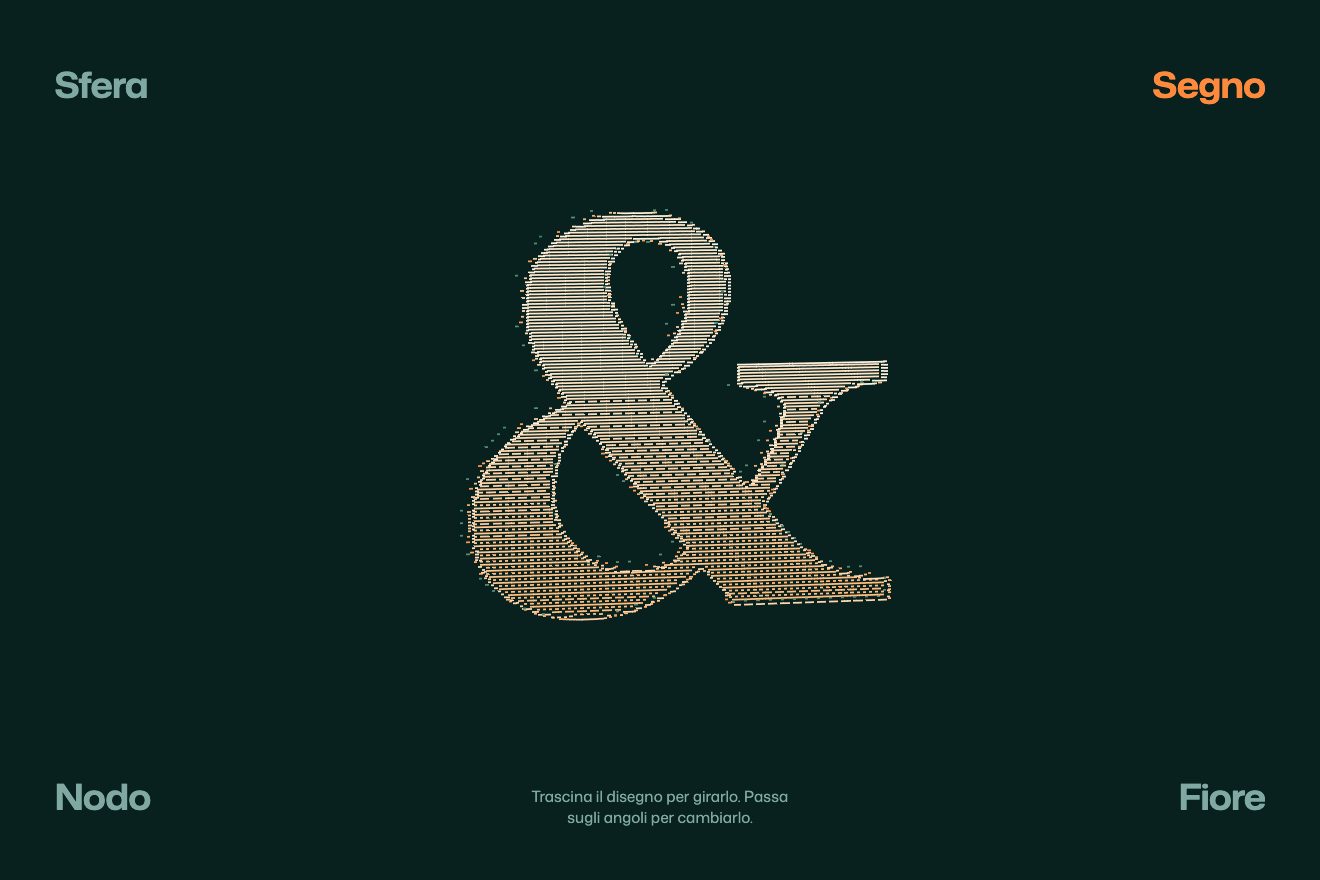
The dash relief
WebGL, 3D, Hover
A 3D phone made only of CSS, with a real metal edge, that tilts towards your finger on a spring: the rim catches a sliding highlight, the glass a reflection moving the other way, and the screen keeps the running app Pacewell switched on, with the week’s chart and a list that scrolls by itself. Let go, it rights itself with a small wobble. A clean style, for an app’s page.
A folder that runs on its own: index.html, style.css, script.js and the libraries from a CDN. The React and Vue tabs hold the same demo as a ready component, which switches its animations off when it leaves the page.
<!doctype html>
<!--
  "Tilting phone" from Animorio · https://animorio.com
  License: free on your own sites and your clients’ sites, paid work included.
  Not for resale, redistribution, templates or code collections · https://animorio.com/en/license/
-->
<html lang="en">
<head>
  <meta charset="utf-8">
  <meta name="viewport" content="width=device-width, initial-scale=1">
  <title>The phone you tilt with your finger, app switched on</title>
  <link rel="stylesheet" href="https://cdn.jsdelivr.net/npm/@fontsource-variable/mona-sans@5.3.0/wdth.css">
  <link rel="stylesheet" href="style.css">
</head>
<body>
  <main class="stage" data-stage>
    <!-- a phone in CSS 3D, with a real edge made of stacked layers: it tilts towards the finger on a spring,
         the metal rim catches a sliding highlight, the glass a reflection moving the other way, and the app on
         the screen keeps running by itself -->
    <div class="scene" data-scene>
      <div class="shadow" data-shadow aria-hidden="true"></div>
      <div class="tilt" data-tilt>
        <div class="phone" data-phone aria-label="Pacewell app on a phone">
          <div class="edges" data-edges aria-hidden="true"></div>
          <div class="back" aria-hidden="true">
            <span class="back__cam"><i></i><i></i><i></i></span>
            <span class="back__logo" data-brand-back>Pacewell</span>
          </div>
          <div class="front">
            <div class="screen" data-screen>
              <div class="island" aria-hidden="true"></div>
              <div class="status" aria-hidden="true">
                <span>9:41</span>
                <svg viewBox="0 0 40 12"><path d="M1 9h2v2H1zM5 7h2v4H5zM9 5h2v6H9zM13 3h2v8h-2z"/><rect x="21" y="2" width="16" height="8" rx="2.2" fill="none" stroke="currentColor" stroke-width="1"/><rect x="22.6" y="3.6" width="11" height="4.8" rx="1"/></svg>
              </div>
              <div class="app">
                <header class="app__head">
                  <span class="app__hello">Tuesday run</span>
                  <span class="app__brand" data-brand>Pacewell</span>
                </header>
                <section class="card">
                  <div class="card__top">
                    <span class="card__label">This week</span>
                    <span class="card__km"><b data-km>24.6</b> km</span>
                  </div>
                  <svg class="chart" viewBox="0 0 200 70" preserveAspectRatio="none" aria-hidden="true">
                    <path class="chart__grid" d="M0 17.5H200M0 35H200M0 52.5H200"/>
                    <path class="chart__area" data-area d="M0 70 L0 52 C20 50 28 34 50 38 S82 56 100 44 S132 18 150 24 S182 30 200 12 L200 70 Z"/>
                    <path class="chart__line" data-line d="M0 52 C20 50 28 34 50 38 S82 56 100 44 S132 18 150 24 S182 30 200 12"/>
                    <circle class="chart__tip" data-tip cx="200" cy="12" r="3.4"/>
                  </svg>
                  <div class="days" aria-hidden="true"><span>M</span><span>T</span><span>W</span><span>T</span><span>F</span><span>S</span><span>S</span></div>
                </section>
                <div class="list__title">Recent</div>
                <div class="list" data-list>
                  <div class="list__track" data-track></div>
                </div>
              </div>
              <nav class="tabs" aria-hidden="true">
                <svg viewBox="0 0 24 24"><path d="M4 11.5 12 5l8 6.5V20h-5.5v-5h-5v5H4z"/></svg>
                <svg viewBox="0 0 24 24"><path d="M4 18 9 12l4 3 7-8"/></svg>
                <svg viewBox="0 0 24 24"><circle cx="12" cy="9" r="3.6"/><path d="M5 20c1.4-3.6 4-5 7-5s5.6 1.4 7 5"/></svg>
              </nav>
              <div class="glare" data-glare aria-hidden="true"></div>
            </div>
          </div>
        </div>
      </div>
    </div>
    <p class="hint" data-hint>Drag to tilt</p>
    <svg class="pointer" data-pointer viewBox="0 0 24 24" aria-hidden="true"><path d="M5 3.5 18.5 12l-6 1.6-2.9 5.9z"/></svg>
  </main>
  <script src="https://cdn.jsdelivr.net/npm/gsap@3.15.0/dist/gsap.min.js"></script>
  <script src="script.js"></script>
</body>
</html>Change values, colours and text with the controls and watch the animation respond live. Or write in the code yourself. Then download the folder with your changes.
30 values to change
With the Animorio connector, Claude Code, ChatGPT, Cursor or VS Code take it from here, guide included, and fit it into your project. Paste this request:
Take “Tilting phone” from Animorio and fit it into my siteThe edge is not a drawing: behind the glass there are many copies of the rounded outline, one every pixel with translateZ, as many as three per cent of the phone’s height needs. Together, inside a container with transform-style preserve-3d, they make a solid edge you can see from the side; the copies in the middle also carry the buttons, which stick out by two and a half pixels.
A single gsap.ticker brings the angles towards the target with a hand-written spring: the acceleration is the distance times the stiffness minus the velocity times the damping. With the damping below the critical value the phone overshoots a touch and wobbles as it rights itself; each step’s time is capped at 40 milliseconds, so it doesn’t jump after the page pauses.
The metal has a gradient three and a third times as wide as the edge, slid with background-position from a CSS variable tied to the angle; the glass has a layer with a diagonal light in mix-blend-mode screen, moved with xPercent and yPercent the other way. The shadow below shifts, narrows and blurs more as the tilt grows.
The chart is an SVG path that draws itself with strokeDashoffset, with the area below appearing after and the end point arriving with back.out; the week’s number counts with a tween on an object. The list holds the runs twice and scrolls on the same ticker, wrapped back at half, so it never ends.
The autopilot is a timeline moving a point around the phone with keyframes, and at each step it computes the angles just as a real finger would, then presses, lets go and waits. The first real touch stops it; after eight quiet seconds it starts again.
| Name | File | Default | What it changes |
|---|---|---|---|
APP | script.js | 'Pacewell' | The made-up app’s name, on the screen and on the back. |
TILT | script.js | 26 | The maximum degrees of tilt towards the finger. |
STIFFNESS | script.js | 140 | The strength of the spring pulling the phone towards the finger. |
DAMPING | script.js | 12 | The spring’s damping: the lower it is, the more the phone wobbles as it rights itself. |
DEPTH | script.js | 0.034 | The phone’s thickness, as a share of its height. |
SCROLL_SPEED | script.js | 14 | The pixels per second of the list scrolling by itself in the app. |
ACCENT | script.js | '#ff5b2e' | The app’s colour: chart, numbers and selected tab. |
For the opening of an app’s page, the section that shows the product or the launch of a new version: a real phone to turn with your finger shows the app running without a video and invites a touch.
The same animation with adapted sizes: the phone is sized on the window’s height and width, and on a touch screen it tilts while the finger drags it and rights itself when let go.
No spring and no motion: the phone stays still, turned a little, with its thickness and reflections in place; the chart appears with a fade and the list changes run with a fade every three seconds.
GSAP 3.15.0, Mona Sans (font variabile) 5.3.0.
Compressed with gzip, the three demo files weigh 6.9 KB; the libraries: GSAP 28 KB.
Tested on 27 October 2026
Use it in your own projects and in your clients’ projects. Do not resell it or redistribute it as is. GSAP stays under its own Standard license. Full license.
Support Animorio
Animorio stays free thanks to the people who support it. If you like, buy us a coffee: it helps us make the next animations.
You asked for
We made it for you: it’s in the library, with the preview, the Playground and the code to copy.
An animation you can’t find, or a site to take apart in the journal: tell us which. We pick the next ones from here.
With your account’s email and password.
or with your email
You’re signed in as .
With your account, you can download the zip of every animation and every pack, for free.