The rearing ribbon
Scroll, 3D, WebGL, Images
Free
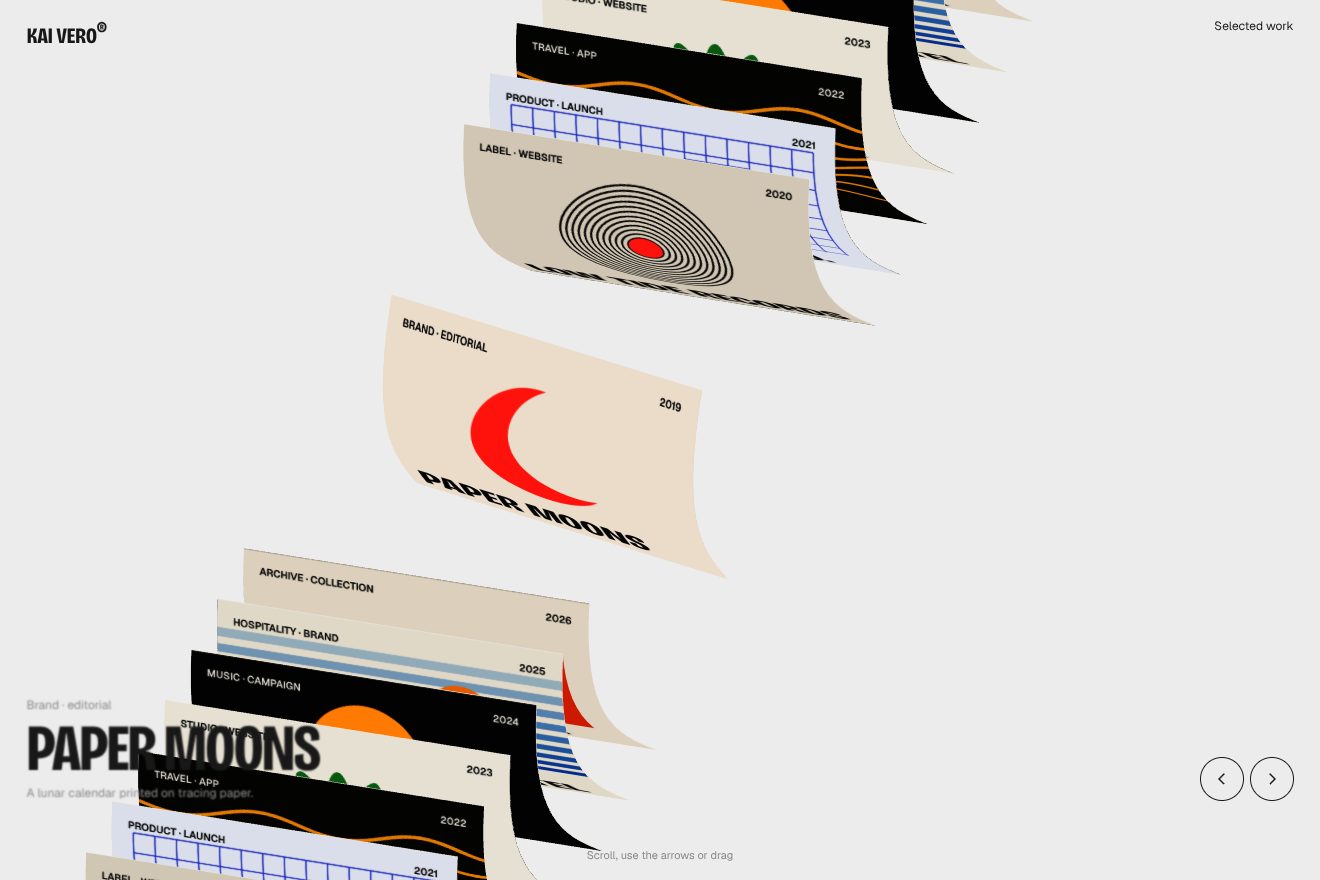
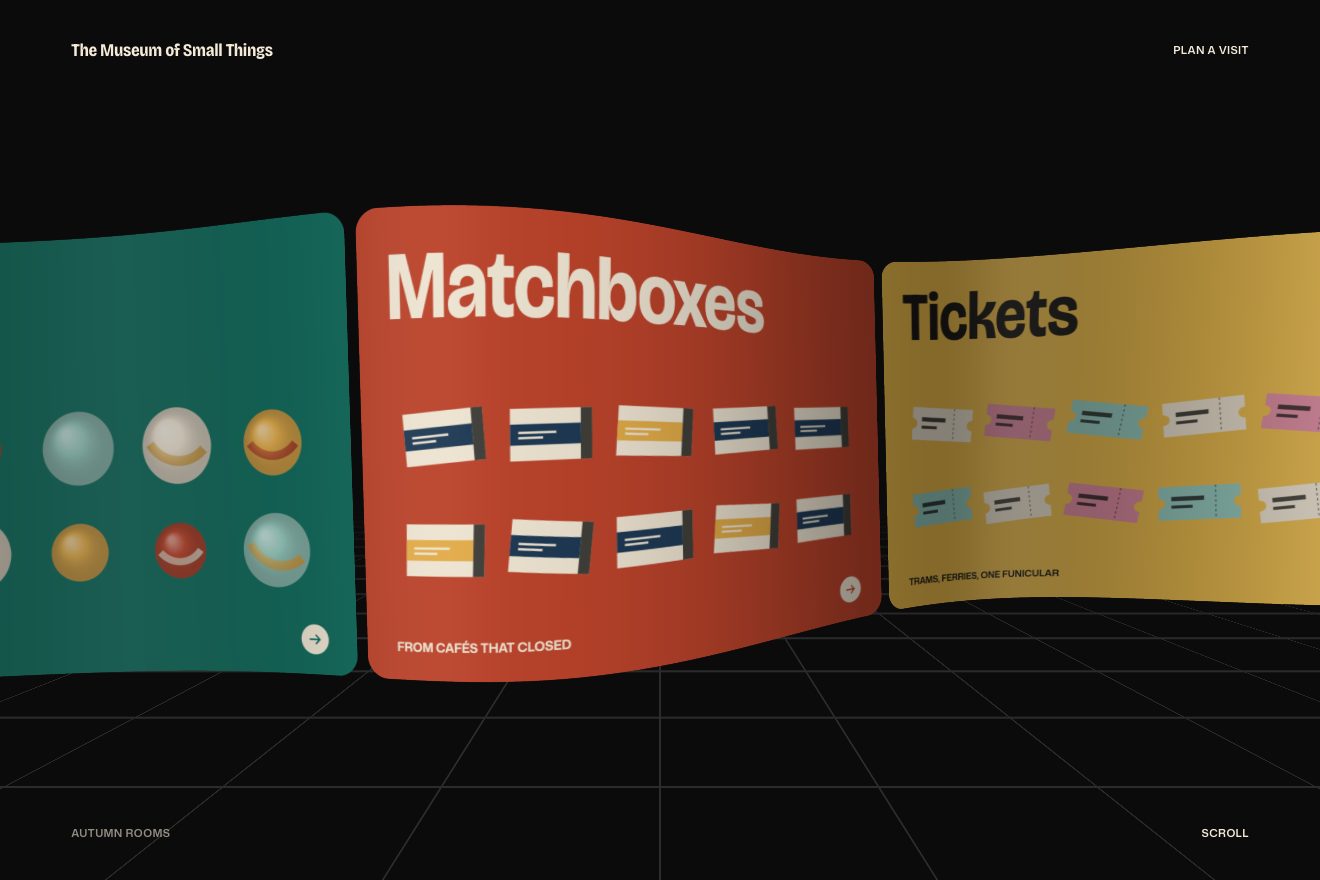
A minimal-style WebGL gallery: we stand in the middle of a dome of fashion prints and turn it by dragging or with the wheel. The push dies down slowly with inertia, the prints bow while they run and the ones behind us change photo, so the dome never ends.
A folder that runs on its own: index.html, style.css, script.js and the libraries from a CDN. The React and Vue tabs hold the same demo as a ready component, which switches its animations off when it leaves the page.
<!doctype html>
<html lang="en">
<head>
  <meta charset="utf-8">
  <meta name="viewport" content="width=device-width, initial-scale=1">
  <title>Velure</title>
  <link rel="stylesheet" href="https://cdn.jsdelivr.net/npm/@fontsource-variable/fraunces@5.3.0/full.css">
  <link rel="stylesheet" href="style.css">
  <script type="importmap">
    { "imports": {
      "three": "https://cdn.jsdelivr.net/npm/three@0.178.0/build/three.module.min.js"
    } }
  </script>
</head>
<body>
  <!-- a dome of prints around the camera: drag, swipe or scroll to turn it; it keeps going on its own momentum, the
       prints bow while it runs, and the twelve frames are refilled behind your back so the dome never ends -->
  <main class="pagina" data-pagina>
    <canvas class="tela" aria-label="A dome of photographs, drag to turn it" role="img" data-tela></canvas>

    <header class="testa">
      <p class="testa__voce" data-entra>Autumn archive</p>
      <p class="testa__voce" data-entra data-nota>Drag to turn</p>
    </header>

    <footer class="piede">
      <h1 class="marchio" data-entra data-marchio>Velure</h1>
      <p class="didascalia" data-entra><span class="didascalia__finestra"><span data-didascalia>Linen</span></span></p>
    </footer>
  </main>

  <script src="https://cdn.jsdelivr.net/npm/gsap@3.15.0/dist/gsap.min.js"></script>
  <script type="module" src="script.js"></script>
</body>
</html>Change values, colours and text with the controls and watch the animation respond live. Or write in the code yourself. Then download the folder with your changes.
17 values to change
With the Animorio connector, Claude Code takes it from here, guide included, and fits it into your project. Paste this request:
Take “The photo dome you turn” from Animorio and fit it into my siteThe Three.js camera sits at the origin and the prints are twelve planes hung on a circle of radius 0.95 times 15.2. The height of each comes from an angle that changes in a round of three, 0.52 π plus or minus 0.24, times the radius and 0.88; those above zero are pulled down by 80 per cent and all go down by 0.9. Each plane calls lookAt towards the centre, so it faces us. It is 8.1 times 0.94 tall and as wide as its format, between 5.6 and 9.9, with 16 by 16 segments so it can bend.
The images are 2D canvases 600 pixels tall: a flat tone, a soft radial light, a blurred shape chosen from a list, grain from a fixed-seed number generator and a caption in Fraunces. They become CanvasTextures with mipmaps and anisotropy, so prints seen side-on do not shimmer. Three's colour management is off and the output is linear: the tones come out the same as written in the code, and the renderer's background is the warm white of :root.
Wheel, drag and arrow keys do not move the dome: they add speed, held between minus 180 and 180. On every frame the speed is multiplied by 0.92 to the power of the number of 60-per-second frames that have passed, and the displacement is the exact sum of that series, 0.92 times v times one minus the remainder, divided by 0.08: so the inertia is the same at 30, 60 or 120 frames per second. The camera angle grows by the displacement times 0.005, times 0.5, times 0.253, and the camera looks at a point 0.9 radii away, four units lower.
One ShaderMaterial per print, with the bend uniforms shared. In the vertex shader the point goes down by the sine of uv.x times π times the speed: the edges stay put and the middle moves the most, like a sheet on the run. The z moves away by the height distance from the centre to the power of 1.25, so the top and bottom prints follow the curved wall. PIEGA multiplies the site's bend: at 1 it barely shows, at 6 it shows well.
On every frame the twelve places are ranked by the dot product between their position and the direction the camera looks: the front eight are visible. A place that drops out of the eight is behind us, and there it receives the next print in the list, with its geometry and its texture. The first of the ranking gives its name to the caption, which slides out and back in with back.out in the direction the dome is turning.
Everything runs on GSAP's ticker, with no setTimeout. The entrance has the site's timings: the places, sorted from the top, start 1.25 lower, 0.45 further back and at scale 0.92, and arrive in 0.78 times 0.89 seconds with power3.out, one every 0.045 seconds, lighting up in 0.48 times 0.89. Then a repeating timeline gives a push every OGNI seconds, but only if nobody has touched the dome for four seconds. An IntersectionObserver stops drawing when the page is not visible.
| Name | File | Default | What it changes |
|---|---|---|---|
RAGGIO | script.js | 15.2 | The radius of the dome, as on the site. |
ALTEZZA | script.js | 8.1 | The height of a print. |
PIEGA | script.js | 6 | How much the prints bow while the dome runs (1 as on the site). |
CURVA | script.js | 0.05 | How much the top and bottom prints follow the curved wall. |
ATTRITO | script.js | 0.92 | How much speed is left each frame: closer to 1, the longer it spins. |
SPINTA | script.js | 110 | The push the dome gives itself now and then. |
OGNI | script.js | 6.5 | How many seconds between those pushes. |
DERIVA | script.js | 0.035 | How fast it turns on its own, slowly, in radians per second. |
CAMPO | script.js | 60 | The camera's vertical angle, in degrees. |
As the home page of a photographer, a fashion studio or an image archive; as the gallery of a collection in a clothing shop; as the page of a photography exhibition or festival; anywhere you want to show many images together and let the viewer turn them.
The same dome: a finger drags horizontally or vertically (the axis locks after six pixels) and the push carries on by itself. On a narrow screen the camera opens its angle a little, so more than one print shows at the sides, and the brand is sized on the height too.
The prints fade in already in place; the dome does not turn on its own, give itself pushes or bend. Dragging and the wheel stay, with their inertia, because the motion is the viewer's choice.
Three.js 0.178.0, GSAP 3.15.0, Fraunces (font variabile) 5.3.0.
Compressed with gzip, the three demo files weigh 7.8 KB; the libraries: GSAP 28 KB, Three.js 174 KB.
Tested on 22 October 2026
Use it in your own projects and in your clients’ projects. Do not resell it or redistribute it as is. GSAP stays under its own Standard license. Full license.
With your account’s email and password.
or with your email
You’re signed in as .
With your account, you can download the zip of every animation and every pack, for free.