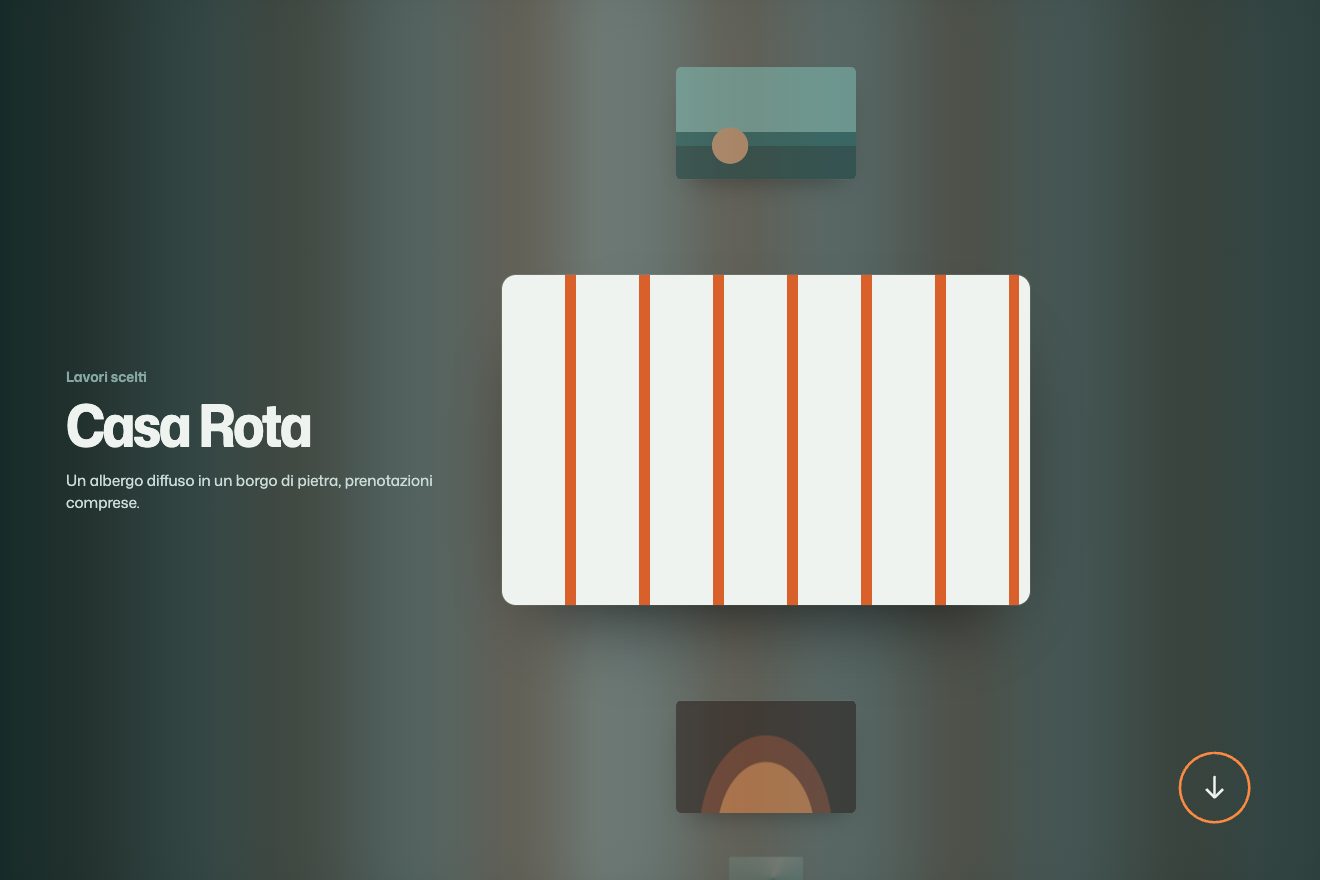
Projects in a row with a ring
Scroll, Images, Text
NewFree
A big sentence with small pictures tucked after some of its words. A few are open; one at a time they close and others open somewhere else: the words after them slide back to close the gap or step aside, and the lines keep changing shape.
A folder that runs on its own: index.html, style.css, script.js and the libraries from a CDN. The React and Vue tabs hold the same demo as a ready component, which switches its animations off when it leaves the page.
<!doctype html>
<html lang="en">
<head>
<meta charset="utf-8">
<meta name="viewport" content="width=device-width, initial-scale=1">
<title>Pictures between the words</title>
<link rel="stylesheet" href="https://cdn.jsdelivr.net/npm/@fontsource-variable/fraunces@5.3.0/index.css">
<link rel="stylesheet" href="https://cdn.jsdelivr.net/npm/@fontsource-variable/dm-sans@5.3.0/index.css">
<link rel="stylesheet" href="style.css">
</head>
<body>
<header class="bar">
<a class="brand" href="#">Slip & Fire</a>
<nav class="bar__nav" aria-label="Sections">
<a href="#">Shop</a>
<a href="#">Classes</a>
<a href="#">Visit</a>
</nav>
</header>
<main class="stage">
<!-- the sentence: each picture is a small window that follows its word; the script opens and closes them in turn.
A word, its window and the punctuation after it stay together on one line -->
<h1 class="sentence" data-sentence>
Every <span class="pair">cup<span class="win" data-win><svg class="win__pic" viewBox="0 0 138 100" preserveAspectRatio="xMidYMid slice" aria-hidden="true">
<rect width="138" height="100" fill="#c9643f"/>
<ellipse cx="69" cy="80" rx="40" ry="8" fill="#a54f30"/>
<path d="M44 34h46l-4 38c-1 6-6 10-12 10H60c-6 0-11-4-12-10z" fill="#f3e7d3"/>
<path d="M44 34h46l-1 8H45z" fill="#e3d2b8"/>
<path d="M89 44c11 0 15 6 14 12s-7 11-17 11" fill="none" stroke="#f3e7d3" stroke-width="6" stroke-linecap="round"/>
<path d="M60 25c-4-5 4-8 0-14M72 25c-4-5 4-8 0-14" fill="none" stroke="#f3e7d3" stroke-width="3" stroke-linecap="round" opacity="0.75"/>
</svg></span></span> starts as river <span class="pair">clay<span class="win" data-win><svg class="win__pic" viewBox="0 0 138 100" preserveAspectRatio="xMidYMid slice" aria-hidden="true">
<rect width="138" height="100" fill="#dbc6a6"/>
<ellipse cx="69" cy="82" rx="46" ry="7" fill="#c4ab87"/>
<path d="M31 78c-4-16 6-34 24-40 9-3 13-14 25-12 14 2 18 14 24 22 8 10 7 24 3 30z" fill="#9a6a4d"/>
<path d="M45 66c4-10 14-16 24-16s18 6 21 14" fill="none" stroke="#b9876a" stroke-width="3" stroke-linecap="round"/>
<path d="M52 70c3-7 10-11 17-11s13 4 15 10" fill="none" stroke="#b9876a" stroke-width="3" stroke-linecap="round"/>
<path d="M60 31c5-4 12-5 17-2" fill="none" stroke="#c8987b" stroke-width="4" stroke-linecap="round"/>
</svg></span>,</span> takes its colour from wood <span class="pair">ash<span class="win" data-win><svg class="win__pic" viewBox="0 0 138 100" preserveAspectRatio="xMidYMid slice" aria-hidden="true">
<rect width="138" height="100" fill="#7b8a5c"/>
<ellipse cx="69" cy="80" rx="38" ry="7" fill="#64724a"/>
<path d="M33 38h72c-2 22-15 40-36 40S35 60 33 38z" fill="#2f3a33"/>
<path d="M33 38h72c0 7-1 13-3 18-3-4-6 0-8 7-2-5-5-6-7 1-3-6-7-6-9 3-2-7-6-8-9-1-3-6-7-5-9 2-3-6-6-5-9-1-4-7-7-5-9-1-2-6-3-12-3-18z" fill="#bcd3b4"/>
<ellipse cx="69" cy="38" rx="36" ry="7" fill="#d7e6cf"/>
<ellipse cx="69" cy="38" rx="28" ry="4.6" fill="#a9c29f"/>
</svg></span></span> and spends a night in the <span class="pair">kiln<span class="win" data-win><svg class="win__pic" viewBox="0 0 138 100" preserveAspectRatio="xMidYMid slice" aria-hidden="true">
<rect width="138" height="100" fill="#23324a"/>
<path d="M30 88V52c0-22 17-38 39-38s39 16 39 38v36z" fill="#8a4b3a"/>
<path d="M42 88V56c0-15 12-27 27-27s27 12 27 27v32z" fill="#140f12"/>
<path d="M50 88c-6-12 4-18 4-28 6 6 6 12 6 12 2-10 8-16 8-24 7 9 12 16 10 26 3-4 5-8 4-13 7 9 9 18 5 27z" fill="#f08a3c"/>
<path d="M58 88c-3-8 3-12 4-18 3 4 4 7 3 9 3-6 6-10 6-15 5 7 8 13 5 24z" fill="#ffd166"/>
</svg></span>.</span>
</h1>
<p class="note">Thrown, glazed and fired by four people in one small workshop.</p>
</main>
<footer class="foot">
<button class="foot__pause" type="button" data-pause aria-pressed="false">Pause the pictures</button>
</footer>
<script src="https://cdn.jsdelivr.net/npm/gsap@3.15.0/dist/gsap.min.js"></script>
<script src="https://cdn.jsdelivr.net/npm/gsap@3.15.0/dist/CustomEase.min.js"></script>
<script src="script.js"></script>
</body>
</html>Change values, colours and text with the controls and watch the animation respond live. Or write in the code yourself. Then download the folder with your changes.
26 values to change
With the Animorio connector, Claude Code takes it from here, guide included, and fits it into your project. Paste this request:
Take “Pictures between the words” from Animorio and fit it into my siteEach picture sits in an inline-block span with overflow: hidden and rounded corners, attached to its word with no space; the space comes after, in the text. The word, its window and the punctuation after it sit in a span with white-space: nowrap, so they never break onto different lines. The window opens and closes by changing its width and its left margin together: when it is closed, a single space is left between the word and the next.
Inside the window the SVG always has its full width (WIDTH em) and is centred with left: 50% and a negative margin of half of it: the window crops it rather than squeezing it. While the window closes the picture grows to SINK, while it opens it goes back to 1.
Widths and margins come and go in em, written on both sides of the tween: if the font size changes (turning a phone, for instance) the open windows stay right on later rounds of the loop too, which would otherwise remember the pixels of the first time.
At the start the first OPEN windows are open. The loop is worked out once: at every change the window open for longest closes and the one closed for longest opens. With four windows, after four changes it is back at the start, so the timeline can repeat forever. The loop’s tweens have immediateRender: false: otherwise, as soon as they were created, they would open windows the entrance has yet to open.
The button at the bottom pauses the entrance and the loop, and starts them again from where they were; it states its choice with aria-pressed. Text that moves by itself for more than five seconds must be possible to stop.
| Name | File | Default | What it changes |
|---|---|---|---|
OPEN | script.js | 3 | How many pictures are open at the same time; at least one always stays closed. |
HOLD | script.js | 1.5 | The seconds between one change and the next. |
SWAP | script.js | 0.5 | The seconds a picture takes to close, and the next one to open. |
WIDTH | script.js | 1.38 | An open window’s width, in letter heights. |
GAP | script.js | 0.18 | The space between a word and its picture, in letter heights. |
SINK | script.js | 1.18 | How much the picture grows inside its window as it closes. |
DELAY | script.js | 0.5 | The seconds before the first picture opens. |
--radius | style.css | 0.16em | The windows’ corners, in letter heights. |
--clay | style.css | #f4ece0 | The page’s colour. |
For an opening sentence that says what something is made of: ingredients, materials, people, places. It wants small pictures that read even a centimetre wide, so simple subjects on flat backgrounds; busy photos turn into smudges. It looks best centred and over three or four lines, where the changing line breaks can be seen.
The sentence drops to 28-40 pixels and runs over five lines; the windows follow the font size because they are in em. The loop is the same.
No entrance and no loop: the first three pictures are open and stay that way, and the button to pause them is not needed and not there.
GSAP 3.15.0, CustomEase (GSAP) 3.15.0, Fraunces (font variabile) 5.3.0, DM Sans (font variabile) 5.3.0.
Compressed with gzip, the three demo files weigh 4.6 KB; the libraries: GSAP + CustomEase 31 KB.
Tested on 1 October 2026
Use it in your own projects and in your clients’ projects. Do not resell it or redistribute it as is. GSAP stays under its own Standard license. Full license.
With your account’s email and password.
or with your email
You’re signed in as .
With your account, you can download the zip of every animation and every pack, for free.