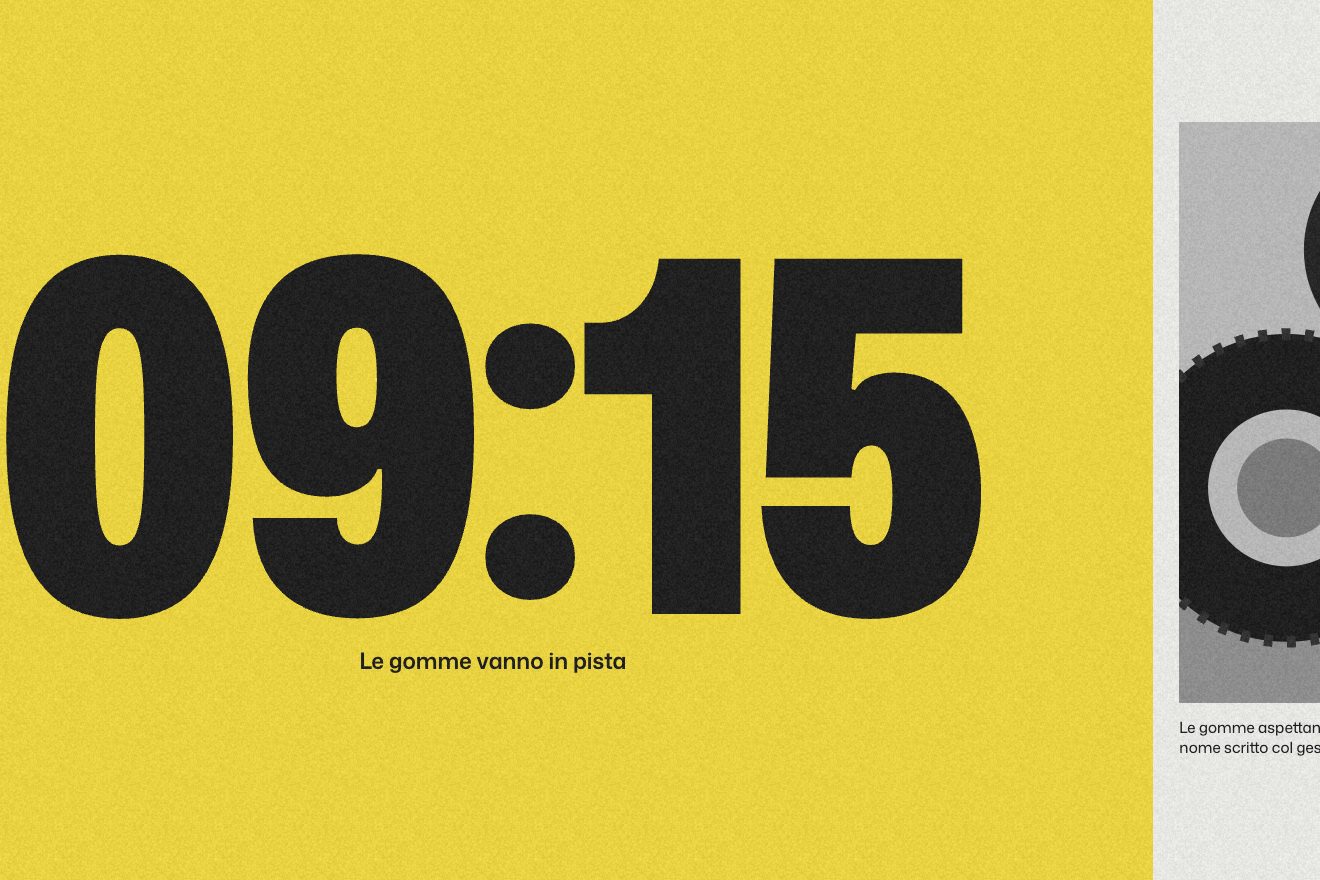
The hour that covers the photo
Scroll, Images, Text
NewLifetime
A pinned scene where projects go by one at a time: the current one big in the centre, its neighbours small above and below, and a ring filling towards the next.
A folder that runs on its own: index.html, style.css, script.js and the libraries from a CDN.
The code for this animation is part of lifetime access.
The preview stays open: watch it, slow it down, try it on your phone.
Lifetime accessScrollTrigger pins the section for N screen heights (one per project). In onUpdate, progress times N gives a number like 2.4: the integer part is the current project, the decimal part is how far the next one is.
A posto(r) function says where a card sits at distance r from the current one: r = 0 centred and full, r = ±1 small and faded above or below, further away almost invisible. On change every card goes to its place with power3.out and overwrite, so fast changes do not pile up.
An SVG circle with stroke-dasharray equal to the circumference (2π times 35); stroke-dashoffset follows the decimal part of the progress. It says how much is left without counting the projects.
Name and description are rewritten into spans, one word each, and rise staggered. The background is two heavily blurred layers taking turns: one lights up with the new project while the other fades.
| Name | File | Default | What it changes |
|---|---|---|---|
SALTO | script.js | 0.36 (0.28 sul telefono) | How far from the centre the neighbouring cards sit, as a fraction of the scene's height. |
PICCOLE | script.js | 0.34 | The scale of the neighbouring cards. |
DURATA | script.js | 0.7 | Seconds for each change: cards, words and background. |
data-nome / data-testo | index.html | cinque progetti | Name and description of every project, written on its card. |
To show three to seven pieces of work calmly, one at a time, when each deserves its moment. With many projects the run gets long: a grid is better.
The text moves to the top and the cards below, wider; the gap between cards shrinks so they do not touch the text.
The scene stays pinned but the changes are instant: no sliding, no rising words.
GSAP 3.15.0, ScrollTrigger (GSAP) 3.15.0, Mona Sans (font variabile) 5.3.0.
Weight: 11 KB of our own files.
Tested on 26 September 2026
Use it in your own projects and in your clients’ projects. Do not resell it or redistribute it as is. GSAP stays under its own Standard license. Full license.
With your account’s email and password.
You’re signed in as .
Your plan is free. When lifetime access arrives, it will switch on for this same account.

