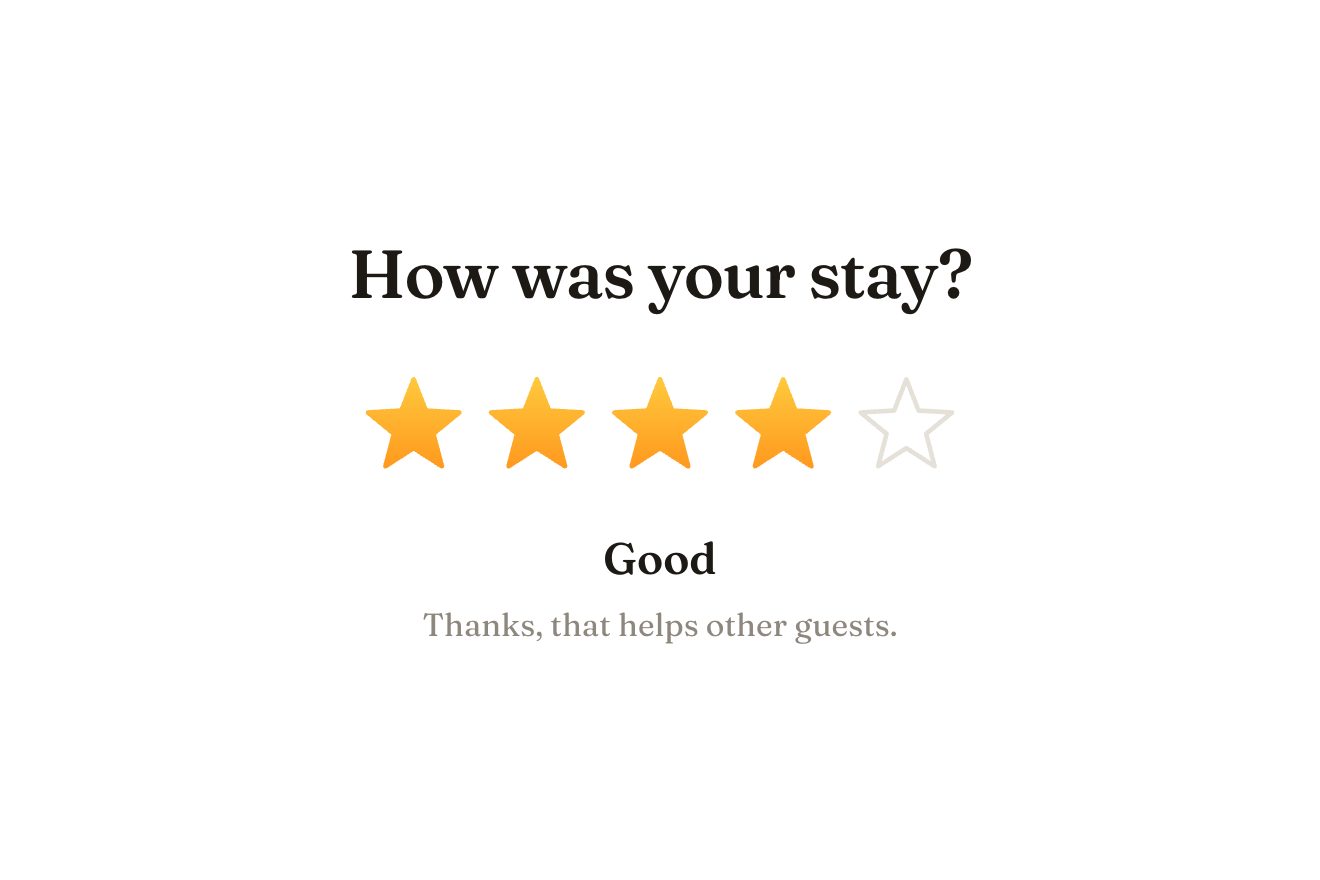
The star rating
Ratings, SVG, Hover
NewFree
Big links, one under the other, with an arrow by the current page. Pointing at a link, it takes its colour and the others step back, and beside the word a card comes up with a drawing of that page: it follows the pointer a moment late, leans the way it moves, and going from one link to the next the drawings slide past inside it, each with its own little scene.
A folder that runs on its own: index.html, style.css, script.js and the libraries from a CDN. The React and Vue tabs hold the same demo as a ready component, which switches its animations off when it leaves the page.
<!doctype html>
<html lang="en">
<head>
  <meta charset="utf-8">
  <meta name="viewport" content="width=device-width, initial-scale=1">
  <title>The preview nav</title>
  <link rel="stylesheet" href="https://cdn.jsdelivr.net/npm/@fontsource-variable/radio-canada-big@5.3.0/index.css">
  <link rel="stylesheet" href="style.css">
</head>
<body>
  <main class="stage">
    <!-- the nav: big links, one under the other; pointed at, a link takes its colour and a card with a picture of its
         page follows the pointer, leaning as it moves; the arrow shows the current page -->
    <nav class="pv" aria-label="Main" data-nav data-autoclic>
      <svg class="pv__here" viewBox="0 0 24 24" aria-hidden="true" data-here><path d="M4 12H19M13 6L19 12L13 18"/></svg>
      <ul class="pv__list" data-list>
        <li><a class="pv__link" href="#" aria-current="page" style="--c: #f2552c" data-link>Projects</a></li>
        <li><a class="pv__link" href="#" style="--c: #3552f2" data-link data-poster>Studio</a></li>
        <li><a class="pv__link" href="#" style="--c: #d69a00" data-link>Journal</a></li>
        <li><a class="pv__link" href="#" style="--c: #109a63" data-link>Shop</a></li>
        <li><a class="pv__link" href="#" style="--c: #9a4cf0" data-link>Contact</a></li>
      </ul>
    </nav>

    <!-- the card: one picture for each link, one above the other in a strip that slides inside the card -->
    <div class="pv__card" aria-hidden="true" data-card>
      <div class="pv__strip" data-strip>
        <div class="pv__panel" style="--bg: #ff6b4a" data-panel="projects">
          <svg viewBox="0 0 200 200">
            <rect class="a-back" x="55" y="45" width="90" height="112" rx="10" fill="#ffffff" opacity="0.35"/>
            <rect class="a-mid" x="55" y="45" width="90" height="112" rx="10" fill="#ffffff" opacity="0.6"/>
            <g class="a-front">
              <rect x="55" y="45" width="90" height="112" rx="10" fill="#ffffff"/>
              <rect x="65" y="55" width="70" height="62" rx="5" fill="#ffd8cc"/>
              <circle class="a-sun" cx="112" cy="74" r="8" fill="#ff6b4a"/>
              <path d="M65 117L86 90L101 106L111 96L135 117Z" fill="#ff8a6e"/>
              <rect x="65" y="127" width="46" height="6" rx="3" fill="#ffd8cc"/>
              <rect x="65" y="139" width="30" height="6" rx="3" fill="#ffd8cc"/>
            </g>
          </svg>
          <p class="pv__cap">Selected work</p>
        </div>
        <div class="pv__panel" style="--bg: #4363ff" data-panel="studio">
          <svg viewBox="0 0 200 200">
            <rect x="48" y="30" width="104" height="104" rx="8" fill="#ffffff" opacity="0.18"/>
            <path d="M100 34V130M52 82H148" stroke="#ffffff" stroke-opacity="0.45" stroke-width="5"/>
            <rect class="a-light" x="58" y="40" width="30" height="36" rx="3" fill="#ffffff" opacity="0.3"/>
            <rect x="40" y="134" width="120" height="8" rx="4" fill="#ffffff" opacity="0.7"/>
            <g class="a-leaves">
              <path class="a-leaf" d="M100 118C88 104 84 86 92 70C104 82 106 100 100 118Z" fill="#7ee8a8"/>
              <path class="a-leaf" d="M100 118C104 100 116 88 132 86C128 104 116 116 100 118Z" fill="#53d48b"/>
              <path class="a-leaf" d="M100 118C92 106 76 100 62 104C70 118 86 122 100 118Z" fill="#a4f2c3"/>
            </g>
            <path d="M84 116H116L111 134H89Z" fill="#ff8a5c"/>
          </svg>
          <p class="pv__cap">Who we are</p>
        </div>
        <div class="pv__panel" style="--bg: #ffcf33" data-panel="journal">
          <svg viewBox="0 0 200 200">
            <path d="M100 52C84 44 60 42 38 46V150C60 146 84 148 100 156Z" fill="#ffffff" opacity="0.75"/>
            <path d="M100 52C116 44 140 42 162 46V150C140 146 116 148 100 156Z" fill="#ffffff"/>
            <path class="a-line" d="M112 66H150M112 80H148M112 94H150M112 108H140M112 122H148" stroke="#e0a800" stroke-width="4" stroke-linecap="round" fill="none"/>
            <path d="M50 66H86M50 80H84M50 94H88" stroke="#ffffff" stroke-width="4" stroke-linecap="round"/>
            <g class="a-pencil">
              <path d="M0 0L-5 -14H5Z" fill="#5a3b00"/>
              <rect x="-5" y="-62" width="10" height="48" rx="2" fill="#ff7a59"/>
              <rect x="-5" y="-66" width="10" height="7" rx="2" fill="#ffd1c4"/>
            </g>
          </svg>
          <p class="pv__cap">Notes and essays</p>
        </div>
        <div class="pv__panel" style="--bg: #1bbf80" data-panel="shop">
          <svg viewBox="0 0 200 200">
            <g class="a-bag">
              <path d="M78 74V64C78 50 88 42 100 42C112 42 122 50 122 64V74" stroke="#ffffff" stroke-width="6" fill="none" stroke-linecap="round"/>
              <rect x="56" y="70" width="88" height="92" rx="10" fill="#ffffff"/>
              <rect x="56" y="70" width="88" height="16" rx="8" fill="#d9f7ea"/>
              <g class="a-tag">
                <path d="M128 92L128 112" stroke="#0e7a52" stroke-width="2"/>
                <path d="M118 112H138V136L128 144L118 136Z" fill="#0e7a52"/>
                <circle cx="128" cy="119" r="2.5" fill="#d9f7ea"/>
              </g>
            </g>
          </svg>
          <p class="pv__cap">Prints and books</p>
        </div>
        <div class="pv__panel" style="--bg: #b26bff" data-panel="contact">
          <svg viewBox="0 0 200 200">
            <rect class="a-letter" x="62" y="76" width="76" height="62" rx="4" fill="#ffffff"/>
            <path class="a-letter-lines" d="M72 88H120M72 98H112" stroke="#d7b6ff" stroke-width="4" stroke-linecap="round"/>
            <rect x="50" y="90" width="100" height="70" rx="8" fill="#e9d7ff"/>
            <path d="M50 98L100 132L150 98V152C150 156 147 160 142 160H58C53 160 50 156 50 152Z" fill="#f4eaff"/>
            <path class="a-flap" d="M52 92L100 126L148 92Z" fill="#d4b4ff"/>
          </svg>
          <p class="pv__cap">Say hello</p>
        </div>
      </div>
    </div>
  </main>

  <script src="https://cdn.jsdelivr.net/npm/gsap@3.15.0/dist/gsap.min.js"></script>
  <script src="script.js"></script>
</body>
</html>Change values, colours and text with the controls and watch the animation respond live. Or write in the code yourself. Then download the folder with your changes.
28 values to change
With the Animorio connector, Claude Code takes it from here, guide included, and fits it into your project. Paste this request:
Take “The preview nav” from Animorio and fit it into my siteThe card is a fixed element outside the nav, which lets the pointer through, and moves with gsap.quickTo on x, y and rotation: every pointer move asks for a new place and the tween reaches it in FOLLOW seconds with power3.out. The place is GAP pixels to the right of the pointer but never before the end of the word (measured with a Range on the link's text, plus the 0.12 em step it takes when pointed at), on the left if there is no room, and always inside the window.
The pointer's speed across is measured from one move to the next, in pixels a second, smoothed (each time 35% of the way to the new value) and turned into the rotation: TILT degrees per pixel a second, at most MAXTILT. When the pointer stops for a tenth of a second the card straightens up.
Inside the card the five drawings sit one above the other in a strip; showing link i takes the strip to minus i times the card's height with power3.inOut, so going down the list the drawings come from below and going up from above. Each drawing has a paused timeline that starts again from the beginning when it arrives (restart), and at rest shows how it ends (progress(1)).
Instead of pointerenter and pointerleave on the links, a single pointermove on the window looks at what is under the pointer (closest('[data-link]')): over a link the card comes, anywhere else it goes, and it also goes when the pointer leaves the window. The look of the link pointed at (the colour, the step, the others at 22%) lives in the CSS, driven by a data-hover attribute and an is-hover class.
A tap chooses the link and shows its card beside the word for 1.6 seconds; Tab (focus-visible) puts the card beside the word with the focus and Enter chooses it. A click from a script on the nav (the library's preview) is a pretend mouse: it comes onto the link after the current one, glides to the one after that, presses it and leaves to the right; a real mouse moving takes over at once.
| Name | File | Default | What it changes |
|---|---|---|---|
FOLLOW | script.js | 0.45 | The seconds the card takes to catch up with the pointer. |
TILT | script.js | 0.012 | How much the card leans for each pixel a second the pointer moves. |
MAXTILT | script.js | 14 | The most it leans, in degrees. |
GAP | script.js | 34 | How far from the pointer the card keeps, in pixels. |
For the nav of a site with a few very different pages: a creative studio, an agency, a photographer, a magazine, a shop and its departments, the full-page menu of a portfolio.
The words go from 40 to 86 pixels with the width and under 600 pixels the card becomes 150 by 186; with no hover, a tap chooses the link and shows its card beside the word, inside the screen, for 1.6 seconds.
The card appears and disappears at once and is in its place straight away, with no lag and no lean; the drawings change without sliding and already show the end of their scene, the word pointed at changes colour without moving, the arrow jumps to the page chosen and on arrival the words are already in place.
GSAP 3.15.0, Radio Canada Big (font variabile) 5.3.0.
Compressed with gzip, the three demo files weigh 7.8 KB; the libraries: GSAP 28 KB.
Tested on 4 October 2026
Use it in your own projects and in your clients’ projects. Do not resell it or redistribute it as is. GSAP stays under its own Standard license. Full license.
With your account’s email and password.
or with your email
You’re signed in as .
With your account, you can download the zip of every animation and every pack, for free.