The title that rises from a line
Transitions, Text, Images
NewFree
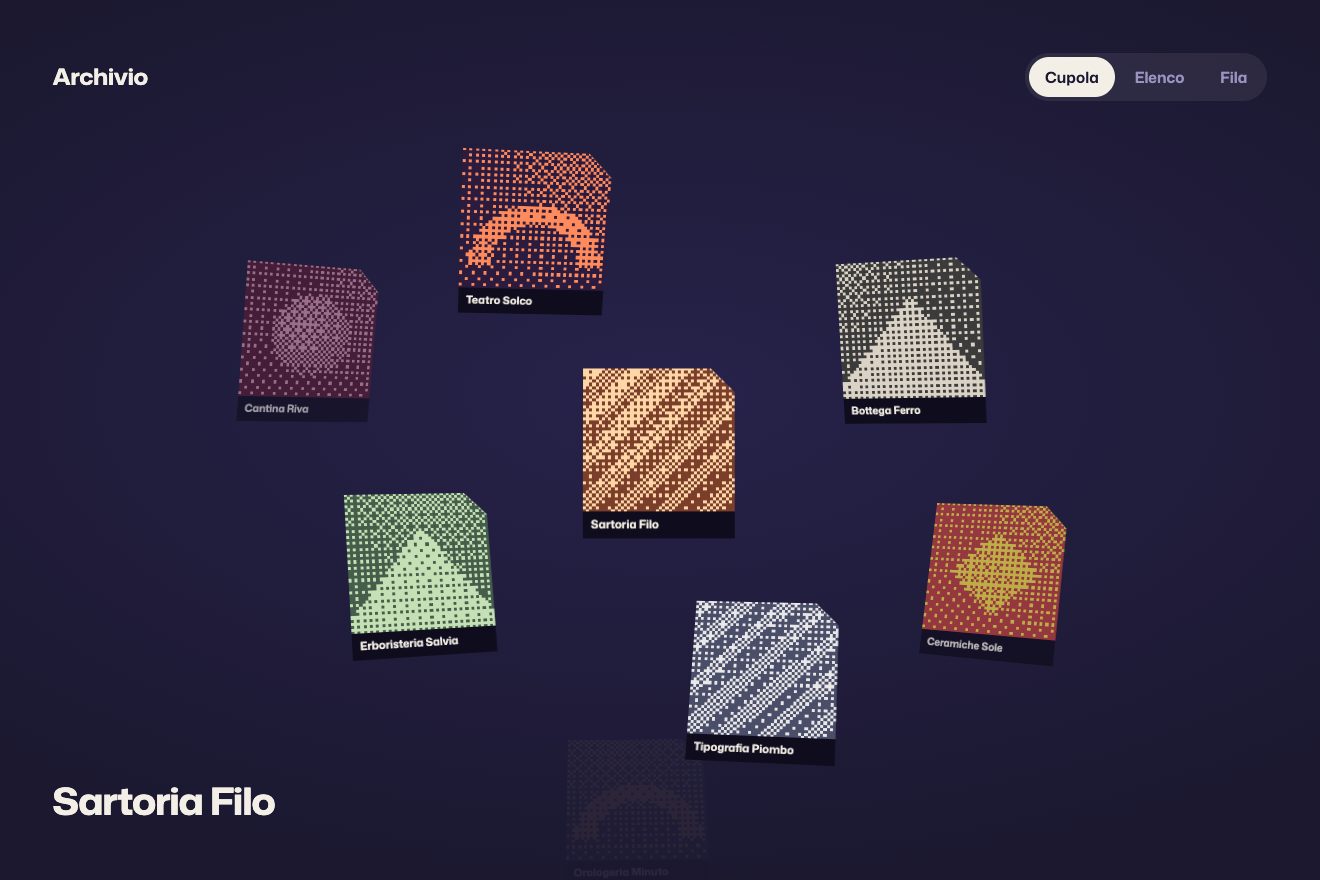
Twenty small abstract prints lying loose and a little askew on the paper: pick an order, by colour, shape or year, and each one lifts, glides on a curve to its place in a column and lands on a spring, one after another. Over the columns a thin label rolls in letter by letter, a hairline draws itself and the count ticks up as they arrive. Minimal style.
A folder that runs on its own: index.html, style.css, script.js and the libraries from a CDN. The React and Vue tabs hold the same demo as a ready component, which switches its animations off when it leaves the page.
<!doctype html>
<html lang="en">
<head>
  <meta charset="utf-8">
  <meta name="viewport" content="width=device-width, initial-scale=1">
  <title>Tally, prints in order</title>
  <link rel="stylesheet" href="https://cdn.jsdelivr.net/npm/@fontsource-variable/roboto-flex@5.3.0/wdth.css">
  <link rel="stylesheet" href="style.css">
</head>
<body>
  <!-- a small archive of abstract prints, drawn by the script: a click on an order and every print slides to its new place -->
  <main class="room" data-room>
    <header class="top">
      <p class="mark" data-mark aria-label="Tally">Tally</p>
      <nav class="sort" data-sort aria-label="Sort the prints">
        <span class="sort__by" data-by>Sort by</span>
        <span class="sort__keys">
          <span class="sort__frame" data-frame aria-hidden="true"></span>
          <button class="key" type="button" data-key="colour" data-autoclic aria-pressed="false"><span class="key__t">Colour</span></button>
          <button class="key" type="button" data-key="shape" data-autoclic aria-pressed="false"><span class="key__t">Shape</span></button>
          <button class="key" type="button" data-key="year" data-autoclic aria-pressed="false"><span class="key__t">Year</span></button>
          <button class="key" type="button" data-key="loose" data-autoclic aria-pressed="true"><span class="key__t">Loose</span></button>
        </span>
      </nav>
    </header>

    <!-- the column heads (a thin label, a count and a hairline) and the prints: both built by the script -->
    <section class="board" data-board aria-label="Prints">
      <div class="heads" data-heads aria-hidden="true"></div>
      <ul class="prints" data-prints></ul>
    </section>

    <footer class="foot" aria-hidden="true">
      <p class="foot__status"></p>
      <p class="foot__total" data-total></p>
    </footer>
    <p class="sr" data-live aria-live="polite"></p>
  </main>

  <script src="https://cdn.jsdelivr.net/npm/gsap@3.15.0/dist/gsap.min.js"></script>
  <script src="script.js"></script>
</body>
</html>Change values, colours and text with the controls and watch the animation respond live. Or write in the code yourself. Then download the folder with your changes.
119 values to change
With the Animorio connector, Claude Code takes it from here, guide included, and fits it into your project. Paste this request:
Take “Prints that fall into order” from Animorio and fit it into my sitePRINTS is a list: title, colour, shape, year and one of the three compositions of each shape. The script draws each print as a 100 by 100 SVG whose shape is filled by a class (f-vermilion, f-ink…) that reads its colour from :root, and for each order it groups the prints by that field: the columns follow the order of the colours and the shapes, the years from the oldest, and inside a column the prints go by year or by colour.
For each order the script works out the place of every print: the columns are one, two or three prints wide, whatever lets the prints be biggest in every order (one wide as long as they stay at least 80 pixels, so they rise like bars), and the loose state is a grid with the prints shuffled by a fixed-seed generator, nudged and turned a little. The prints are absolutely positioned and GSAP moves only x, y and rotation: no DOM measuring while they move.
Each print travels on a quadratic Bézier curve from where it is to its new place, with the control point pushed sideways (ARC) and always upward, over the others. A tween takes p from 0 to 1 with a real spring (SPRING sets how far it passes the spot) and on every frame the print goes to that point of the curve with gsap.quickSetter. Past 1 the curve carries on in the same direction: the overshoot goes the right way. The prints leave STAGGER seconds apart, in the order of their new places.
The moment the spring first reaches its spot is found once, by sampling the curve. There the SVG squashes (scaleX 1.03, scaleY 0.965 from the bottom) and stands up again with elastic.out, the print above in the same column dips a pixel and a half and comes back, and the column count goes up by one. The lift with its shadow sits on a child, .print__in, and the squash on the SVG: three elements, each with its own properties, so the tweens never cancel each other.
The labels are letters in spans inside a window with overflow hidden: the old ones leave at the top, the new ones come up from below widening with font-stretch, and a word too long for its column is narrowed on the wdth axis instead of being cut. A click during the move stops the timeline and a new one starts from wherever the prints are. On a phone the columns are one print wide and the loose grid has four columns. With reduced motion the prints fade out and fade back in at their new places.
| Name | File | Default | What it changes |
|---|---|---|---|
PRINTS | script.js | 20 stampe | The prints: title, colour (vermilion, ink, stone, sand), shape (circle, square, triangle, arch), year and composition (0, 1 or 2). A new year makes a new column. |
STAGGER | script.js | 0.035 | The seconds between one print setting off and the next: 0 = they all go together. |
GLIDE | script.js | 0.95 | The seconds a print takes to reach its new place. |
SPRING | script.js | 0.12 | How far a print passes its place before it stops: 0 = not at all, 1 = a lot. |
ARC | script.js | 0.16 | How much the path of a print bends: 0 = straight lines. |
TILT | script.js | 3.5 | The degrees the loose prints lie askew; in the columns they stand straight. |
SPEED | script.js | 1 | The speed of everything: 2 is twice as fast, 0.5 half as fast. |
For an archive or a catalogue to rearrange without changing page: the works in a portfolio by year or by medium, the products of a shop by colour or by category, the rooms of a hotel, the dishes on a menu, the dates of a festival. It looks best when the items are small square images all the same size.
The same animations with the sizes adapted: the orders go under the name, the columns are one print wide, the loose grid has four columns and a label too long for its column (Vermilion) narrows on the width axis. A tap on an order starts the sorting.
Nothing glides: on load everything fades in; changing order the prints and the labels fade out and fade back in already in their new places, and the frame of the chosen order jumps without a spring.
GSAP 3.15.0, Roboto Flex (font variabile) 5.3.0.
Compressed with gzip, the three demo files weigh 12 KB; the libraries: GSAP 28 KB.
Tested on 14 October 2026
Use it in your own projects and in your clients’ projects. Do not resell it or redistribute it as is. GSAP stays under its own Standard license. Full license.
With your account’s email and password.
or with your email
You’re signed in as .
With your account, you can download the zip of every animation and every pack, for free.