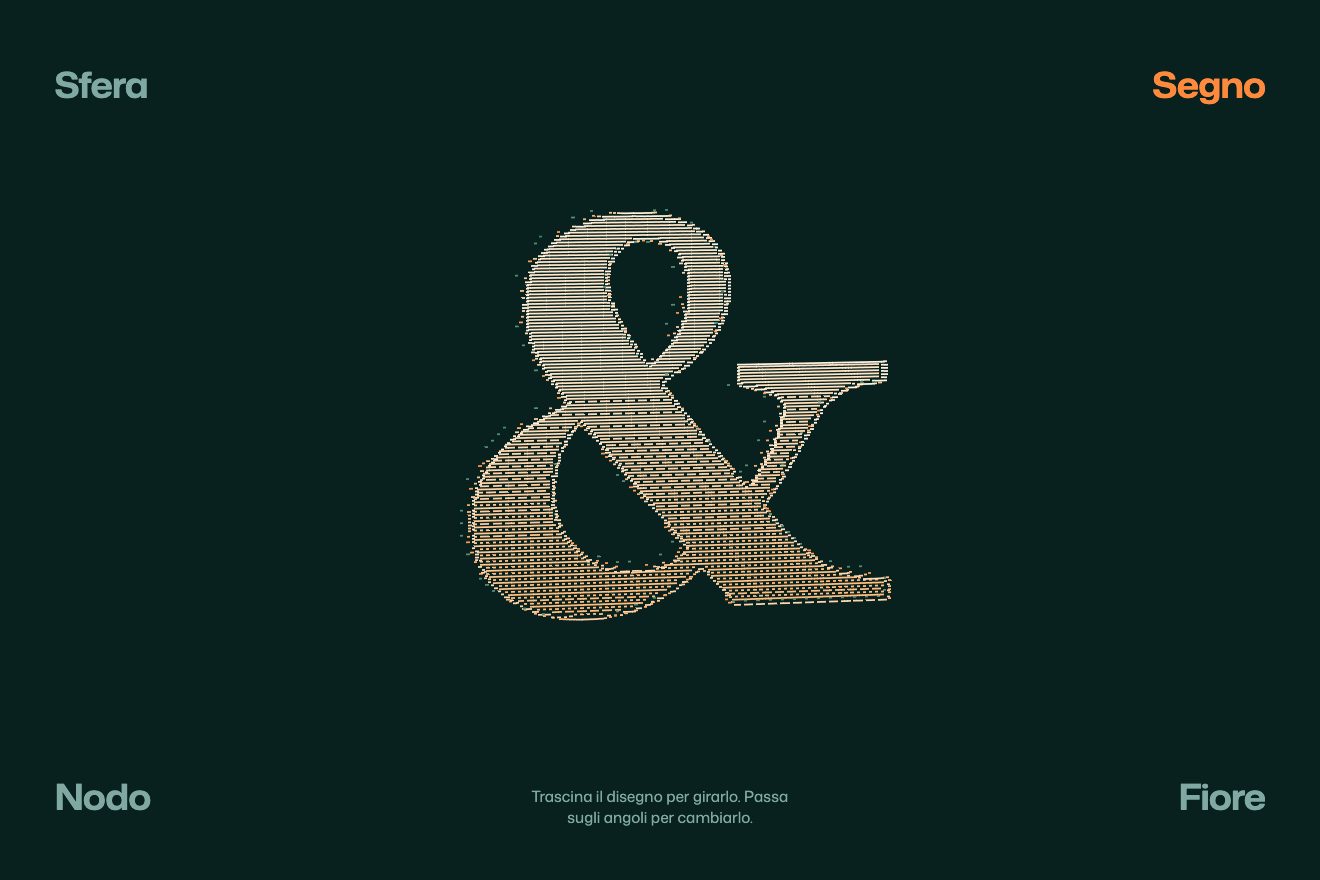
The dash relief
WebGL, 3D, Hover
A light cardboard box in real CSS 3D, turned a little: on hover its four flaps open one after another on a spring, the tissue paper folds back over the rim and the cube speaker by Tarnby, a made-up brand, rises out of the box and turns slowly above it. Move away and everything goes back in, the flaps closing with a small knock. Drag it to turn it a little. A clean style, for a product page.
A folder that runs on its own: index.html, style.css, script.js and the libraries from a CDN. The React and Vue tabs hold the same demo as a ready component, which switches its animations off when it leaves the page.
<!doctype html>
<!--
  "Opening product box" from Animorio · https://animorio.com
  License: free on your own sites and your clients’ sites, paid work included.
  Not for resale, redistribution, templates or code collections · https://animorio.com/en/license/
-->
<html lang="en">
<head>
  <meta charset="utf-8">
  <meta name="viewport" content="width=device-width, initial-scale=1">
  <title>The product box that opens as you hover</title>
  <link rel="stylesheet" href="https://cdn.jsdelivr.net/npm/@fontsource-variable/mona-sans@5.3.0/wdth.css">
  <link rel="stylesheet" href="style.css">
</head>
<body>
  <main class="stage" data-stage>
    <!-- a cardboard box in CSS 3D: hover it and the flaps open one after another on a spring, the tissue paper
         folds back over the rim and the speaker inside rises out, turning slowly; leave it and everything goes back
         in and the flaps close. Drag it to turn it a little -->
    <header class="head">
      <p class="head__brand">Tarnby</p>
      <p class="head__line">Cube speaker, <span data-state>in the box</span></p>
    </header>

    <div class="fit" data-fit>
      <div class="scene" data-scene>
        <div class="floor" data-floor aria-hidden="true"></div>
        <div class="turn" data-turn role="img" aria-label="A Tarnby box that opens to show the Cube speaker">
          <div class="origin" data-origin></div>
        </div>
      </div>
    </div>

    <p class="hint" data-hint>Hover to open, drag to turn</p>

    <svg class="pointer" data-pointer viewBox="0 0 24 24" aria-hidden="true"><path d="M5 3.2 19.2 12.4 12.6 13.6 9.6 19.8z"/></svg>
  </main>

  <script src="https://cdn.jsdelivr.net/npm/gsap@3.15.0/dist/gsap.min.js"></script>
  <script src="script.js"></script>
</body>
</html>Change values, colours and text with the controls and watch the animation respond live. Or write in the code yourself. Then download the folder with your changes.
22 values to change
With the Animorio connector, Claude Code, ChatGPT, Cursor or VS Code take it from here, guide included, and fit it into your project. Paste this request:
Take “Opening product box” from Animorio and fit it into my siteEach wall is a group with transform-style preserve-3d, turned ninety degrees and pushed out by half the width: inside it are the outer face and the inner one, turned a hundred and eighty degrees, each with backface-visibility hidden. So from outside you see the light cardboard and, with the box open, the darker inside with its shadow at the top.
Each flap sits in a hinge on the top edge of its wall and turns on the X axis: at ninety degrees it is shut and flat, past a hundred it is open outwards. The side ones have their hinge a pixel and a half lower, so when shut they lie under the front and back ones, like a real box. They open in a row with back.out and close in the opposite order.
Two sheets of tissue paper, hinged on the side walls, lie over the speaker and fold back over the rim; they only exist while the box is open, because when it is shut no flap must let them show through. The speaker is a six-faced cube that rises with back.out and then turns on an endless tween, slowed at the start with timeScale; going back in it turns to the nearest full turn.
A single gsap.ticker brings the box’s angles towards the target with a hand-written spring: the target is the base angle plus the drag and a small lean towards the pointer. Let go, the box rights itself; the shadow on the floor shifts with the turn.
| Name | File | Default | What it changes |
|---|---|---|---|
BRAND | script.js | "Tarnby" | The made-up brand printed on the side and on the speaker. |
OPEN_TIME | script.js | 0.7 | The seconds each flap takes to open. |
FLAP_STAGGER | script.js | 0.1 | The seconds between one flap and the next. |
RISE | script.js | 34 | The pixels the speaker rises above the rim. |
SPIN | script.js | 9 | The seconds of one full turn of the speaker. |
TURN | script.js | 0.35 | How much the box turns when dragged, in degrees per pixel. |
ACCENT | script.js | "#e8552f" | The colour of the label and the light ring. |
For a product page or the launch of a new object: the box opening by itself under the pointer gives the unboxing feeling without a video, and shows the real product, turning.
The same animation with adapted sizes: the scene is sized on the box’s height and width; on a touch screen a tap opens and closes the box, and dragging turns it.
No springs and no turning: the box is already open, flaps down, tissue folded back and the speaker still above it, and nothing moves.
GSAP 3.15.0, Mona Sans (font variabile) 5.3.0.
Compressed with gzip, the three demo files weigh 7.9 KB; the libraries: GSAP 28 KB.
Tested on 27 October 2026
Use it in your own projects and in your clients’ projects. Do not resell it or redistribute it as is. GSAP stays under its own Standard license. Full license.
Support Animorio
Animorio stays free thanks to the people who support it. If you like, buy us a coffee: it helps us make the next animations.
You asked for
We made it for you: it’s in the library, with the preview, the Playground and the code to copy.
An animation you can’t find, or a site to take apart in the journal: tell us which. We pick the next ones from here.
With your account’s email and password.
or with your email
You’re signed in as .
With your account, you can download the zip of every animation and every pack, for free.