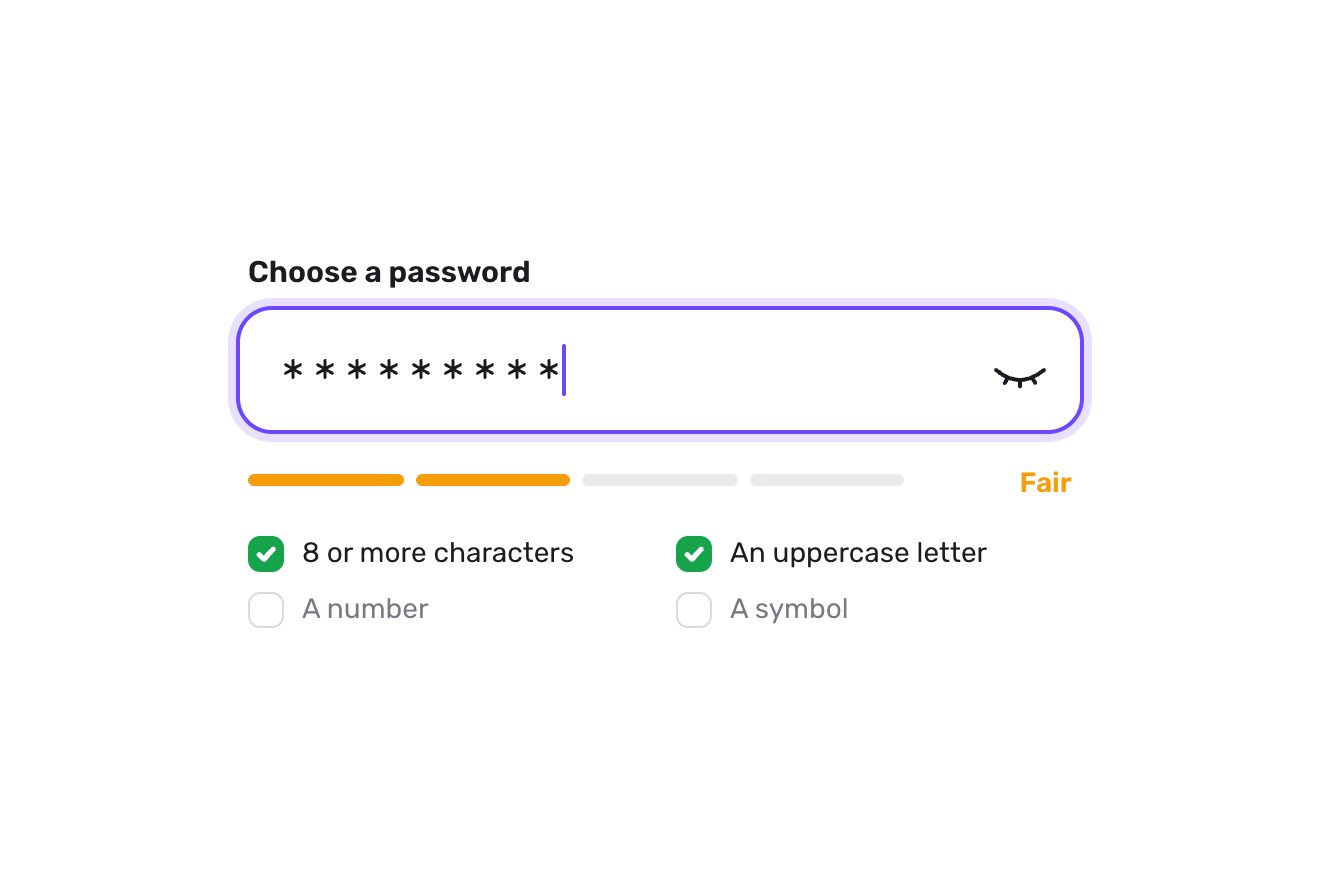
The password field
Forms, Text, SVG
The Bio field of a profile, alone on white in the premium style of product shots: a text area with a small ring in the bottom right corner that closes as you type. Twenty characters from the end the ring swells with a bounce, turns amber and shows how many are left inside; past the 150 limit it turns red, the box gives a small tremor, the extra characters are marked in red in the text and the line below says how much too long it is, while the Save button goes off. Brought back under the limit, Save lights up again and saving draws a check.
A folder that runs on its own: index.html, style.css, script.js and the libraries from a CDN. The React and Vue tabs hold the same demo as a ready component, which switches its animations off when it leaves the page.
<!doctype html>
<!--
  "Bio field with counter" from Animorio · https://animorio.com
  License: free on your own sites and your clients’ sites, paid work included.
  Not for resale, redistribution, templates or code collections · https://animorio.com/en/license/
-->
<html lang="en">
<head>
  <meta charset="utf-8">
  <meta name="viewport" content="width=device-width, initial-scale=1">
  <title>The profile bio field with the ring character counter</title>
  <link rel="stylesheet" href="https://cdn.jsdelivr.net/npm/@fontsource-variable/mona-sans@5.3.0/wdth.css">
  <link rel="stylesheet" href="style.css">
</head>
<body>
  <main class="stage">
    <!-- the Bio field of a profile: a small ring closes while you type, turns amber and shows what is left near the
         end, turns red past the limit with the extra letters marked in the text and a small tremor; Save goes off -->
    <form class="bio" data-bio novalidate>
      <div class="bio__top">
        <label class="bio__label" for="bio-text">Bio</label>
        <span class="bio__note">Shown on your profile</span>
      </div>

      <div class="box" data-box>
        <span class="box__ring" aria-hidden="true"></span>
        <div class="box__area">
          <div class="mirror" data-mirror aria-hidden="true"></div>
          <textarea class="txt" id="bio-text" data-input rows="4" spellcheck="false" placeholder="Tell people what you make."
                    aria-describedby="bio-hint bio-left"></textarea>
        </div>
        <div class="box__foot">
          <span class="chip" aria-hidden="true">
            <svg viewBox="0 0 16 16"><path d="M8 2.2a5.8 5.8 0 1 0 0 11.6A5.8 5.8 0 0 0 8 2.2Zm0 3v3.2l2.1 1.3" /></svg>
            <span data-saved-at>Edited just now</span>
          </span>
          <span class="meter" data-meter>
            <svg class="meter__svg" viewBox="0 0 28 28" aria-hidden="true">
              <circle class="meter__track" cx="14" cy="14" r="10"></circle>
              <circle class="meter__arc" data-arc cx="14" cy="14" r="10"></circle>
            </svg>
            <span class="meter__num" data-num aria-hidden="true"></span>
          </span>
        </div>
      </div>

      <div class="bio__bottom">
        <p class="hint" id="bio-hint" data-hint aria-live="polite"><span class="hint__line" data-hintline>Up to 150 characters.</span></p>
        <button class="save" type="submit" data-save disabled>
          <span class="save__face">
            <span class="save__sweep" aria-hidden="true"></span>
            <span class="save__label" data-savelabel>Save</span>
            <span class="save__done" data-done aria-hidden="true">
              <svg viewBox="0 0 16 16"><path data-donepath d="M3.6 8.4 6.6 11.2 12.4 5" /></svg>Saved
            </span>
          </span>
        </button>
      </div>
      <p class="sr" id="bio-left" data-leftsr>150 characters left</p>
    </form>

    <svg class="ghost" data-ghost viewBox="0 0 24 24" aria-hidden="true"><path d="M5 3.2 19.2 11l-6.3 1.6-3.3 5.9Z"></path></svg>
  </main>

  <script src="https://cdn.jsdelivr.net/npm/gsap@3.15.0/dist/gsap.min.js"></script>
  <script src="script.js"></script>
</body>
</html>Change values, colours and text with the controls and watch the animation respond live. Or write in the code yourself. Then download the folder with your changes.
23 values to change
With the Animorio connector, Claude Code, ChatGPT, Cursor or VS Code take it from here, guide included, and fit it into your project. Paste this request:
Take “Bio field with counter” from Animorio and fit it into my siteThe text is counted with Array.from, so an emoji counts as one character as the writer sees it. From there come the characters left, the zone (room, warning, over) and the fraction of the ring.
An SVG circle of radius 10 turned by -90 degrees, with stroke-dasharray equal to the circumference: the stroke-dashoffset drops with the written fraction. An in-between object chases the fraction with power3.out, so the ring does not jump letter by letter.
Under the transparent textarea there is a mirror with the same type, line height, padding and wrapping (pre-wrap and break-word): the mirror text is invisible, and the characters past the limit sit in a mark with a soft red background. The mirror scroll follows the textarea’s.
Only when typing into the over zone does the box tremble, with a small timeline damping from 3 pixels to zero, while the ring twists elastically. Save is disabled while the text is over the limit or equal to the saved one; on saving the label leaves upwards, Saved comes in and the check draws itself with stroke-dashoffset.
| Name | File | Default | What it changes |
|---|---|---|---|
MAX_LENGTH | script.js | 150 | The most characters allowed in the bio. |
WARN_AT | script.js | 20 | How many characters from the end the ring turns amber and shows the number. |
RING_GROW | script.js | 1.3 | How much the ring swells when it shows the number. |
SHAKE | script.js | 3 | How many pixels the box trembles when the limit is passed. |
TYPE_SPEED | script.js | 0.032 | How many seconds per letter when the autopilot types. |
BIO | script.js | Type designer and slow runner… | The bio the autopilot writes, longer than the limit. |
KEEP | script.js | 146 | Up to which character the autopilot trims it before saving. |
In the profile editing of a social network, a community, a portfolio or a dating app, in a product description in an admin panel, in a comment or review field with a limit: wherever the text has a maximum and it pays to say so while typing, not after pressing Save.
The box narrows to the screen width minus thirty-two pixels; the text is sixteen pixels so iOS does not zoom the page on tap, and the text area grows up to seven lines and then scrolls, with the mirror following it.
No tremors, bounces or chases: the ring changes at once, the number and the lines fade in, Saved and the check appear already drawn. The drawn pointer is not shown, the demo still loops.
GSAP 3.15.0, Mona Sans (font variabile) 5.3.0.
Compressed with gzip, the three demo files weigh 7.6 KB; the libraries: GSAP 28 KB.
Tested on 14 November 2026
Use it in your own projects and in your clients’ projects. Do not resell it or redistribute it as is. GSAP stays under its own Standard license. Full license.
Support Animorio
Animorio stays free thanks to the people who support it. If you like, buy us a coffee: it helps us make the next animations.
You asked for
We made it for you: it’s in the library, with the preview, the Playground and the code to copy.
An animation you can’t find, or a site to take apart in the journal: tell us which. We pick the next ones from here.
With your account’s email and password.
or with your email
You’re signed in as .
With your account, you can download the zip of every animation and every pack, for free.