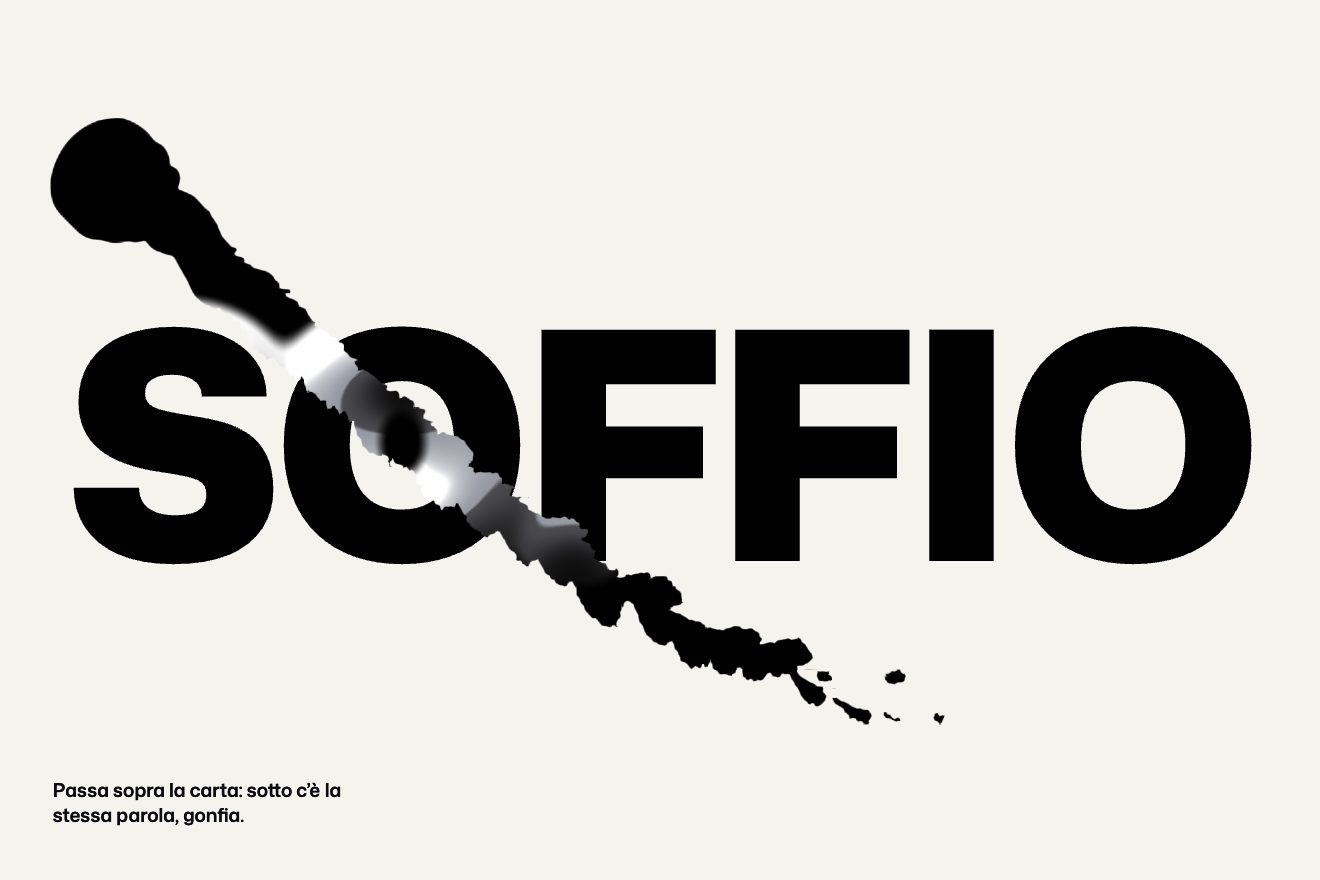
Ink that reveals
WebGL, Hover
The prompt field of Ondra, a made-up AI assistant, on a near black page. The field is real: you type, the send button lights up and, once sent, turns into a stop square. While the assistant thinks, a thread of liquid metal runs along the edge in hand written WebGL: chrome reflections, a current of thicker beads going round, the metal pooling in the four corners and a faint rainbow of dispersion. When the answer arrives the current slows down and settles into a hairline, and the first line comes in word by word. Under the pointer the metal swells towards it like a drop that is drawn out.
A folder that runs on its own: index.html, style.css, script.js and the libraries from a CDN. The React and Vue tabs hold the same demo as a ready component, which switches its animations off when it leaves the page.
<!doctype html>
<!--
  "Liquid metal prompt" from Animorio · https://animorio.com
  License: free on your own sites and your clients’ sites, paid work included.
  Not for resale, redistribution, templates or code collections · https://animorio.com/en/license/
-->
<html lang="en">
<head>
  <meta charset="utf-8">
  <meta name="viewport" content="width=device-width, initial-scale=1">
  <title>The prompt field with the liquid metal running on its edge while it thinks</title>
  <link rel="stylesheet" href="https://cdn.jsdelivr.net/npm/@fontsource-variable/geist@5.3.0/index.css">
  <link rel="stylesheet" href="https://cdn.jsdelivr.net/npm/@fontsource-variable/geist-mono@5.3.0/index.css">
  <link rel="stylesheet" href="style.css">
</head>
<body>
  <main class="stage" data-stage>
    <!-- the prompt field of a made-up AI assistant, Ondra. While it thinks, a thread of liquid metal runs along the
         edge of the field (hand written WebGL), pools in the corners and settles when the answer arrives. Under the
         pointer the metal swells towards it like a drop that is drawn out -->
    <div class="chat">
      <header class="head">
        <svg class="head__mark" viewBox="0 0 24 24" aria-hidden="true">
          <path d="M12 3.2c4.9 0 8.8 3.9 8.8 8.8s-3.9 8.8-8.8 8.8S3.2 16.9 3.2 12"/>
          <path d="M12 8.1a3.9 3.9 0 1 1-3.9 3.9"/>
        </svg>
        <span class="head__name">Ondra</span>
        <span class="head__tag">Assistant</span>
      </header>

      <div class="thread" data-thread aria-live="polite">
        <p class="ask" data-ask><span class="ask__in" data-ask-in></span></p>
        <div class="reply" data-reply>
          <svg class="reply__mark" data-reply-mark viewBox="0 0 24 24" aria-hidden="true">
            <path d="M12 3.2c4.9 0 8.8 3.9 8.8 8.8s-3.9 8.8-8.8 8.8S3.2 16.9 3.2 12"/>
            <path d="M12 8.1a3.9 3.9 0 1 1-3.9 3.9"/>
          </svg>
          <div class="reply__body">
            <span class="thinking" data-thinking>Thinking</span>
            <p class="answer" data-answer></p>
          </div>
        </div>
      </div>

      <form class="field" data-field autocomplete="off">
        <span class="field__rim" aria-hidden="true"></span>
        <label class="sr" for="prompt">Message Ondra</label>
        <textarea class="field__input" id="prompt" data-input rows="2" placeholder="Ask Ondra anything"></textarea>
        <div class="field__bar">
          <button class="tool" type="button" aria-label="Attach a file">
            <svg viewBox="0 0 20 20" aria-hidden="true"><path d="M10 4.5v11M4.5 10h11"/></svg>
          </button>
          <span class="model">
            Ondra 2
            <svg viewBox="0 0 12 12" aria-hidden="true"><path d="M3.2 4.7 6 7.5l2.8-2.8"/></svg>
          </span>
          <button class="send" type="submit" data-send aria-label="Send" disabled>
            <span class="send__face" data-send-face>
              <svg class="send__arrow" data-arrow viewBox="0 0 20 20" aria-hidden="true"><path d="M10 15.5v-11M5.2 9.2 10 4.4l4.8 4.8"/></svg>
              <span class="send__stop" data-stop aria-hidden="true"></span>
            </span>
          </button>
        </div>
        <canvas class="metal" data-metal aria-hidden="true"></canvas>
      </form>
    </div>

    <svg class="cursor" data-cursor viewBox="0 0 24 24" aria-hidden="true"><path d="M5 2.8v16.4l4.2-4 2.8 6.2 2.9-1.3-2.8-6.1h5.9Z"/></svg>
  </main>

  <script src="https://cdn.jsdelivr.net/npm/gsap@3.15.0/dist/gsap.min.js"></script>
  <script src="script.js"></script>
</body>
</html>Change values, colours and text with the controls and watch the animation respond live. Or write in the code yourself. Then download the folder with your changes.
28 values to change
With the Animorio connector, Claude Code, ChatGPT, Cursor or VS Code take it from here, guide included, and fit it into your project. Paste this request:
Take “Liquid metal prompt” from Animorio and fit it into my siteA WebGL canvas sits over the field, 40 px larger on every side. For each pixel the shader works out the distance to the rounded rectangle of the field (sdRoundRect) and keeps its absolute value minus a half width: below zero there is metal. The edge is antialiased over one real pixel (0.5 - distance x dpr).
The half width changes along the way round: atan(y / height, x / width) tells where on the edge you are, and two waves raised to the fifth and twelfth power make thicker stretches that travel with a phase. In the corners (where both coordinates pass the straight part) 2.4 px are added, breathing slowly: the metal pools there. The phase grows with time by how much the assistant is thinking, so when it stops the current slows down by itself.
From the distance and its slope (two samples next to it) comes the normal of a tube: upright in the middle of the thread, lying down at its sides. The reflected ray reads a little studio of lights (a strip at the top, one that runs with the way round, a side light and the bounce from the floor); red, green and blue read it at slightly different angles, more towards the sides, and there the dispersion shows.
In JavaScript the point of the edge nearest the pointer is found, with the direction towards it; the centre of a small sphere goes from there towards the pointer, up to 13 px, on a slightly under damped spring (190 stiffness, 14 damping), so it arrives, goes past and wobbles. In the shader the sphere melts into the thread with a smooth minimum (smin) that grows with the pull: it is the neck of the drop.
A real textarea: Enter or the button send the text, which rises in a bubble; the arrow leaves and the stop square turns in on back.out. Tapping the square brings the answer at once. The thinking state is a number from 0 to 1 animated by GSAP and read by the shader every frame; when the answer arrives it falls in 1.6 s on power3.inOut while a second number fills and empties the corners.
Without WebGL the edge is a chrome conic gradient masked to a frame, which thickens and turns with an @property while it thinks. On its own, a GSAP timeline moves a fake pointer along the edge, writes the prompt at 24 letters a second, presses send, waits by the edge and starts again; a real gesture stops it and it starts again after a few quiet seconds.
| Name | File | Default | What it changes |
|---|---|---|---|
FLOW_SPEED | script.js | 0.42 | Turns per second of the current around the edge while it thinks. |
THICKNESS | script.js | 2.1 | Half width in pixels of the metal thread while it thinks. |
REST_WIDTH | script.js | 0.6 | Half width in pixels of the hairline at rest. |
CORNER_POOL | script.js | 2.4 | Extra pixels of metal that pool in the corners. |
DISPERSION | script.js | 0.08 | How far apart red, green and blue are in the reflections (the rainbow). |
PULL | script.js | 13 | Pixels the drop stretches towards the pointer. |
REACH | script.js | 80 | Pixels from the edge at which the metal starts to feel the pointer. |
THINK_TIME | script.js | 3.2 | Seconds the assistant thinks before the answer. |
SETTLE_TIME | script.js | 1.6 | Seconds the metal takes to slow down and settle when the answer arrives. |
TYPE_SPEED | script.js | 24 | Letters per second of the prompt written on its own. |
LOOP | script.js | true | Left alone, it writes, sends and answers again and again. |
For the field of an AI assistant, a support chat, a copilot inside an app or a search that answers: the metal edge says «working on it» without spinners or bars, and the drop under the pointer makes the field feel alive before you even type. The metal thread on its own also works for a loading card.
The same animation with adapted sizes: the field takes the width of the screen, the conversation above is measured in height with clamp and vh, the canvas is measured again at every resize. With a finger: a touch near the edge draws the drop towards it; you type and send as in a real chat.
No current and no drop: the thread stays still and, while it thinks, becomes thicker and brighter with a fade. The prompt appears all at once, the bubble and the answer fade in, no pointer on its own.
GSAP 3.15.0, Geist (font variabile) 5.3.0, Geist Mono (font variabile) 5.3.0.
Compressed with gzip, the three demo files weigh 12 KB; the libraries: GSAP 28 KB.
Tested on 13 November 2026
Use it in your own projects and in your clients’ projects. Do not resell it or redistribute it as is. GSAP stays under its own Standard license. Full license.
Support Animorio
Animorio stays free thanks to the people who support it. If you like, buy us a coffee: it helps us make the next animations.
You asked for
We made it for you: it’s in the library, with the preview, the Playground and the code to copy.
An animation you can’t find, or a site to take apart in the journal: tell us which. We pick the next ones from here.
With your account’s email and password.
or with your email
You’re signed in as .
With your account, you can download the zip of every animation and every pack, for free.