
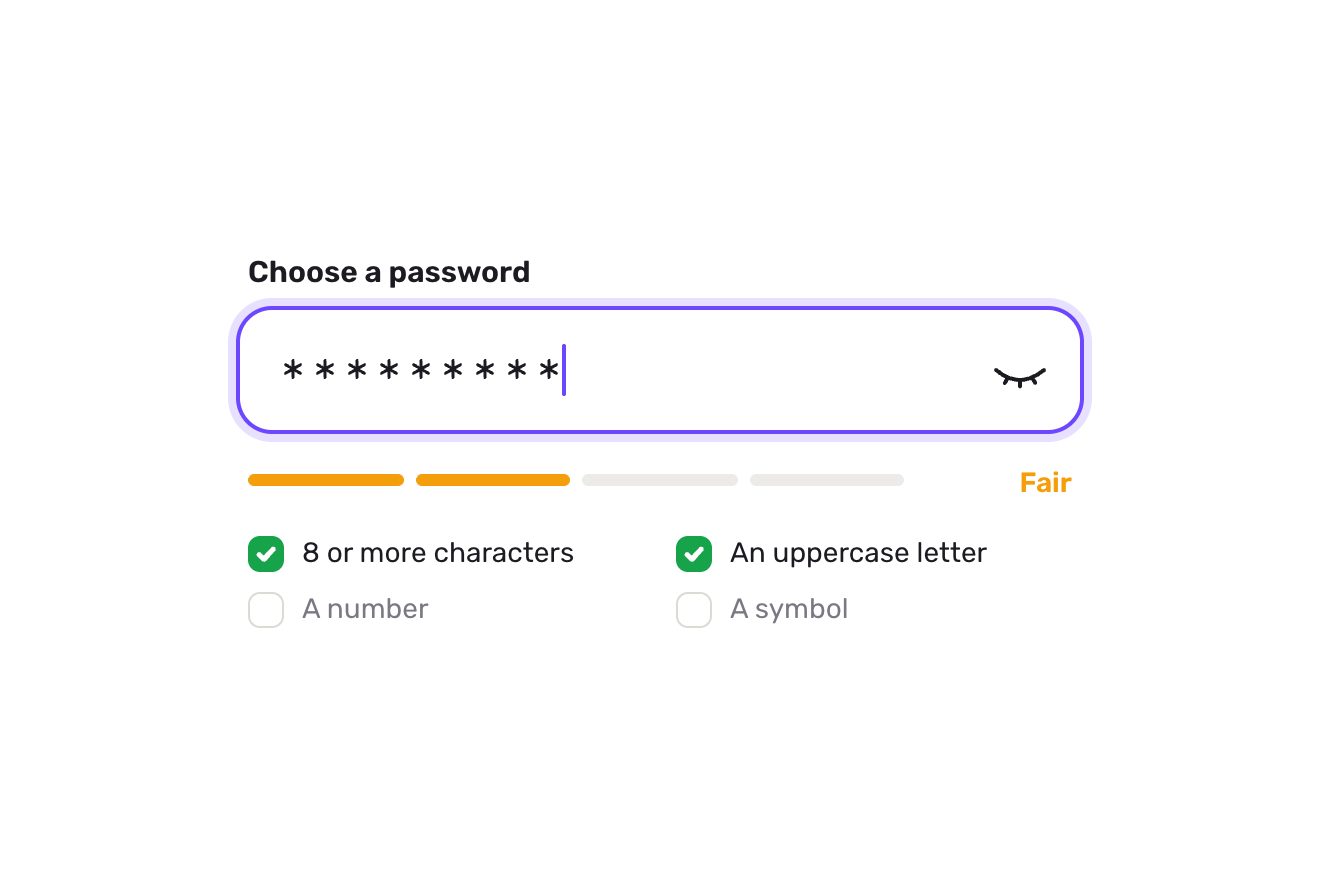
The password field
Forms, Text, SVG
NewFree
The chapter index of a long read, made as a dial. Under the text a thin bar says which chapter you are in and how many minutes are left; at its right a small dial with its rim cut into one arc per chapter, as long as the chapter, and a blue hand that turns as you read. Opened, the dial rises out of the bar over the page on a spring, with the chapters' names set along their arcs: the hand can be taken and turned, and the article runs under it, clicking onto the start of every chapter; a name glides you there.
A folder that runs on its own: index.html, style.css, script.js and the libraries from a CDN. The React and Vue tabs hold the same demo as a ready component, which switches its animations off when it leaves the page.
<!doctype html>
<html lang="en">
<head>
  <meta charset="utf-8">
  <meta name="viewport" content="width=device-width, initial-scale=1">
  <title>The reading dial</title>
  <link rel="stylesheet" href="https://cdn.jsdelivr.net/npm/@fontsource-variable/newsreader@5.3.0/opsz.css">
  <link rel="stylesheet" href="https://cdn.jsdelivr.net/npm/@fontsource-variable/newsreader@5.3.0/opsz-italic.css">
  <link rel="stylesheet" href="style.css">
</head>
<body>
  <main class="stage">
    <!-- the chapter index of a long read, as a dial. Under the article a thin bar says which chapter you are in and how
         many minutes are left; at its right a small dial whose rim is cut into one arc per chapter, as long as the
         chapter, with a hand that turns as you read. Opened, the dial rises over the page with the chapters' names
         set along their arcs: the hand can be dragged round to run through the article, and a name takes you there.
         The article is only there to be read and scrolled -->
    <section class="reader" aria-label="Fire, slowly" data-reader>
      <article class="text" tabindex="0" data-text>
        <p class="kicker">A long read · Ceramics</p>
        <h1 class="title">Fire, slowly</h1>
        <p class="lede">A week inside a small pottery by the river, from a block of wet clay to the morning the kiln is opened.</p>

        <h2 id="ch-clay" data-chapter="Clay">Clay</h2>
        <p>The clay arrives on a Monday, in grey blocks wrapped in plastic, heavier than they look. Before anything else it has to be wedged: pressed, folded and turned on a slab of plaster until every pocket of air is gone and the block feels the same all the way through. It is slow, dull work, and nobody in the studio skips it.</p>
        <p>An air bubble left in the clay will not show for days. It waits through the shaping and the drying, and then, in the heat of the kiln, it swells and splits the pot open from the inside. So the wedging goes on until the cut face of the block is smooth and even, like the inside of a loaf.</p>
        <p>By noon there are twenty balls of clay on the shelf, each one weighed, each one the size of a large orange. They will be bowls by the evening.</p>

        <h2 id="ch-wheel" data-chapter="The wheel">The wheel</h2>
        <p>Throwing starts with centring. The ball is slapped onto the middle of the wheel, the wheel spins, and wet hands push the clay up into a cone and down again until it runs true, without the slightest wobble against the palm. A pot that starts off centre will stay off centre whatever happens next.</p>
        <p>Then the thumbs go in, the floor of the bowl is opened, and the walls are drawn up in three or four slow pulls, each one thinner and taller. The trick is to stop a pull early. A wall pulled one time too many goes soft, folds over on itself, and the whole thing goes back into the bucket.</p>
        <p>Every finished bowl is cut off the wheel with a wire and set on a board to rest. Twenty go up; seventeen are kept.</p>

        <h2 id="ch-drying" data-chapter="Drying">Drying</h2>
        <p>For two days the bowls dry under loose sheets of plastic, so that the rims, which are thin, do not dry faster than the feet, which are thick. When they are firm enough to hold but still soft enough to cut, they are turned upside down on the wheel and trimmed: a sharp loop of steel takes the extra clay off the base and carves the foot ring.</p>
        <p>Then the plastic comes off. The grey turns pale, almost white, and the bowls shrink as they lose their water, about a tenth of their size. They are as fragile now as they will ever be; a careless thumb on a rim is enough to crack it.</p>

        <h2 id="ch-kiln" data-chapter="The kiln">The kiln</h2>
        <p>The first firing is gentle and goes on overnight, up to the heat at which clay stops being clay and becomes something that will never soften in water again. After it the bowls are pink and ring when they are tapped. They are dipped in glaze, a grey slurry that looks nothing like the colour it will turn into, and wiped clean at the foot so they will not stick to the shelves.</p>
        <p>The second firing is the one everybody waits for. The kiln is packed with care, shelf by shelf, the bowls a finger apart, and the door is bricked up. For fourteen hours the temperature climbs, checked every half hour, until the cones of clay set on a shelf behind a spy hole bend over and tell the potters that the heat has done its work.</p>
        <p>Then the burners go off and nothing can be done but wait. A kiln cooled too fast will craze every glaze inside it.</p>

        <h2 id="ch-opening" data-chapter="Opening">Opening</h2>
        <p>Two days later the bricks come out of the door one by one. The air inside is still warm. The grey glaze has turned into a deep celadon green, pooling darker in the hollows and thinning to a pale edge at every rim, and there is the small, glassy sound of glazes still cooling, a tick here and there like a clock.</p>
        <p>Not every bowl makes it. One has a crack along its foot, one has stuck to its neighbour, one has a glaze that ran too far. The rest are lifted out, turned over in the light, and set in a line on the long table by the window, where they will wait for the market on Saturday.</p>
        <p>The studio sweeps the kiln, orders more clay, and on Monday it all begins again.</p>
      </article>

      <div class="veil" aria-hidden="true" data-veil></div>

      <!-- the dial: drawn by the script in one SVG over the reader, from the small one in the bar to the big one -->
      <svg class="dial" aria-hidden="true" data-dial>
        <defs>
          <filter id="dial-lift" x="-30%" y="-30%" width="160%" height="160%">
            <feDropShadow dx="0" dy="10" stdDeviation="14" flood-color="#141414" flood-opacity="0.16"/>
          </filter>
        </defs>
        <circle class="dial__face" filter="url(#dial-lift)" data-face/>
        <g data-tracks></g>
        <g data-reads></g>
        <g class="dial__names" data-names></g>
        <g class="dial__hand" data-hand>
          <line class="dial__needle" data-needle/>
          <circle class="dial__pin" data-pin/>
        </g>
        <text class="dial__now" text-anchor="middle" data-now-big></text>
        <text class="dial__left" text-anchor="middle" data-left-big></text>
      </svg>

      <div class="chapters" id="reader-chapters" role="group" aria-label="Chapters" data-chapters></div>
      <div class="grip" aria-hidden="true" data-grip></div>

      <button class="bar" type="button" aria-expanded="false" aria-controls="reader-chapters" data-bar data-autoclic>
        <span class="bar__words">
          <span class="bar__now-box"><span class="bar__now" data-now>Clay</span></span>
          <span class="bar__left" data-left>5 min left</span>
        </span>
        <span class="bar__dial" data-slot></span>
      </button>
    </section>
  </main>

  <script src="https://cdn.jsdelivr.net/npm/gsap@3.15.0/dist/gsap.min.js"></script>
  <script src="script.js"></script>
</body>
</html>Change values, colours and text with the controls and watch the animation respond live. Or write in the code yourself. Then download the folder with your changes.
38 values to change
With the Animorio connector, Claude Code takes it from here, guide included, and fits it into your project. Paste this request:
Take “The reading dial” from Animorio and fit it into my siteAt start and whenever the sizes change the script reads where the chapters' headings are in the article. Each chapter's arc is its share of the text's height, in degrees; the scroll at which it starts is the heading's position less 24 pixels, rounded down to a whole pixel (the browser rounds the scroll and, half a pixel too far, the end of a glide landed in the chapter before). Inside a chapter the angle goes with the scroll in a straight line, and the same function the other way round turns an angle into a scroll.
The small dial in the bar and the big one over the page are the same drawing in one SVG over the pane. A spring (OPEN_SPRING) takes a value from 0 to 1, a touch past and back, and every frame the middle, the rim's radius (16 to 92), the arcs' thickness, the white face with its shadow and the hand all come from it. The space between the arcs is in pixels (GAP), so in degrees it changes with the radius.
Every name is a textPath centred on a 150 degree arc round the middle of its chapter. For the chapters in the bottom half the path runs the other way and a little further out, so the letters are never upside down. Over every name lies a real button, turned along the rim like it, that takes you to the chapter and shows the keyboard focus.
The article's scroll says where the hand should be; it gets there on a spring (HAND_SPRING), in steps of 1/120 of a second. Taken on the open dial, the pointer's angle from the middle becomes the article's scroll, with no spring; the hand does not jump from the end to the start across the top, and within SNAP degrees of a chapter's start it clicks onto it.
Every chapter's words are counted once; the minutes left are the words of the rest of the chapter, in proportion to the angle, plus those of the chapters after, divided by WORDS_A_MINUTE. When the chapter changes the name in the bar rolls out of its little window and the new one rolls in with a back.out, in a timeline that, if cut short, the next one replaces without leaving the old name behind.
| Name | File | Default | What it changes |
|---|---|---|---|
OPEN_SPRING | script.js | [200, 19] | The spring the dial opens and closes on: how stiff, and how much it is held back (less, further it overshoots). |
HAND_SPRING | script.js | [260, 26] | The spring the hand follows the reading on. |
DIAL_SIZE | script.js | 264 | How wide the open dial is, in pixels. |
GAP | script.js | 6 | The gap between two chapters on the rim, in pixels. |
SNAP | script.js | 5 | How close to a chapter's start, in degrees, the hand turned by hand clicks onto it. |
WORDS_A_MINUTE | script.js | 230 | How many words the reader reads in a minute: the minutes left come from it. |
For a long read split into chapters: a blog, a magazine, a story, a guide, a product's documentation. It works with three to seven chapters with short names; the chapters are read from the headings with data-chapter, so it is enough to put that attribute on the headings of your own text. Colours and type are in the variables.
On a phone the pane is as wide as the screen less 32 pixels (358 at 390) and stays 470 tall; the text takes the whole width. The open dial is 264 wide and sits inside the pane, over the veiled text. The hand turns with a finger (the dial has touch-action: none, so the page does not scroll while it is held) and a name is tapped.
The dial does not grow and the hand has no spring: opening, the big dial appears already in place in a short fade, and the hand follows the scroll without delay. A name takes you to its chapter at once, with the article fading back in; the name in the bar changes in a fade, without rolling.
GSAP 3.15.0, Newsreader (font variabile) 5.3.0.
Compressed with gzip, the three demo files weigh 11 KB; the libraries: GSAP 28 KB.
Tested on 19 October 2026
Use it in your own projects and in your clients’ projects. Do not resell it or redistribute it as is. GSAP stays under its own Standard license. Full license.
With your account’s email and password.
or with your email
You’re signed in as .
With your account, you can download the zip of every animation and every pack, for free.

