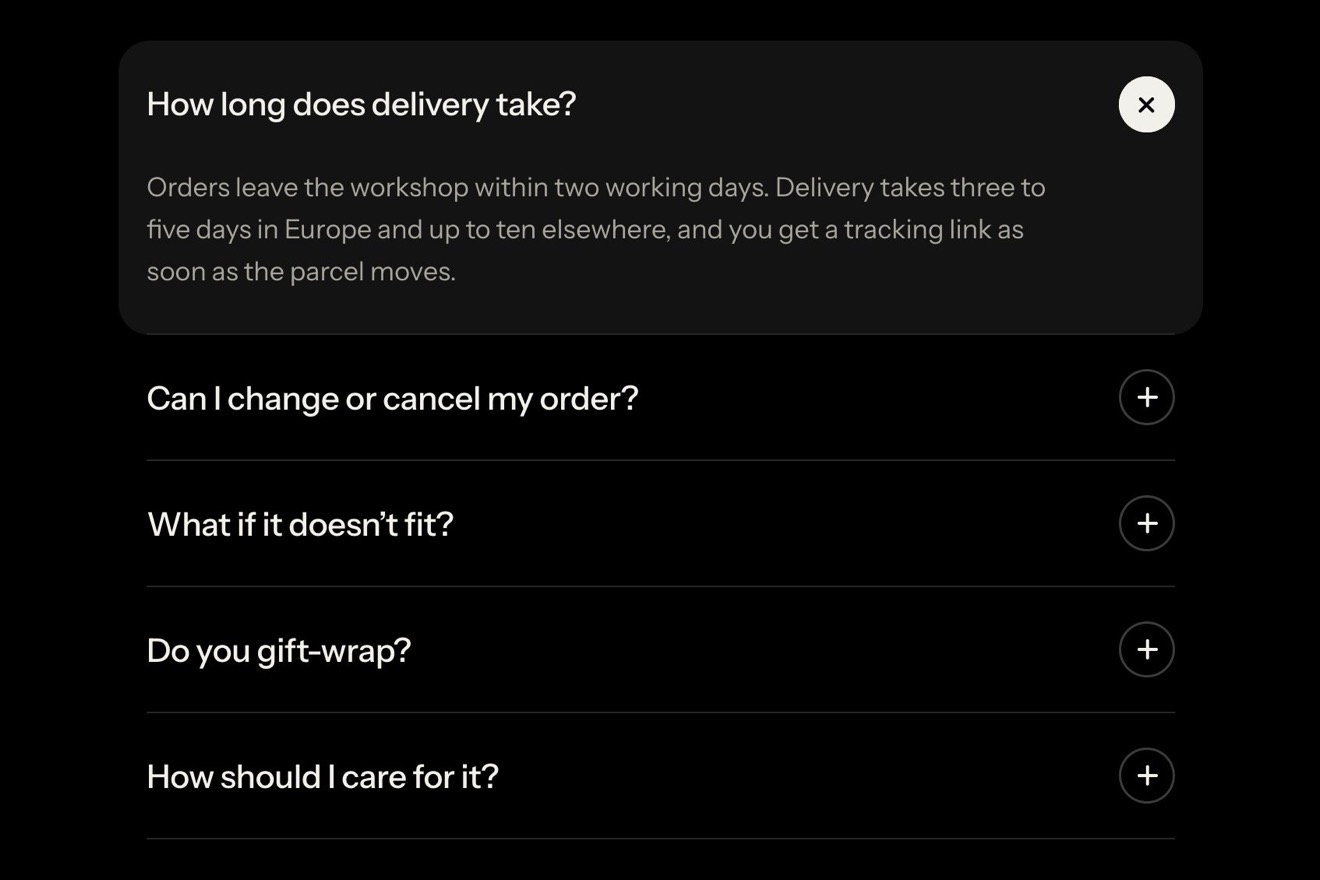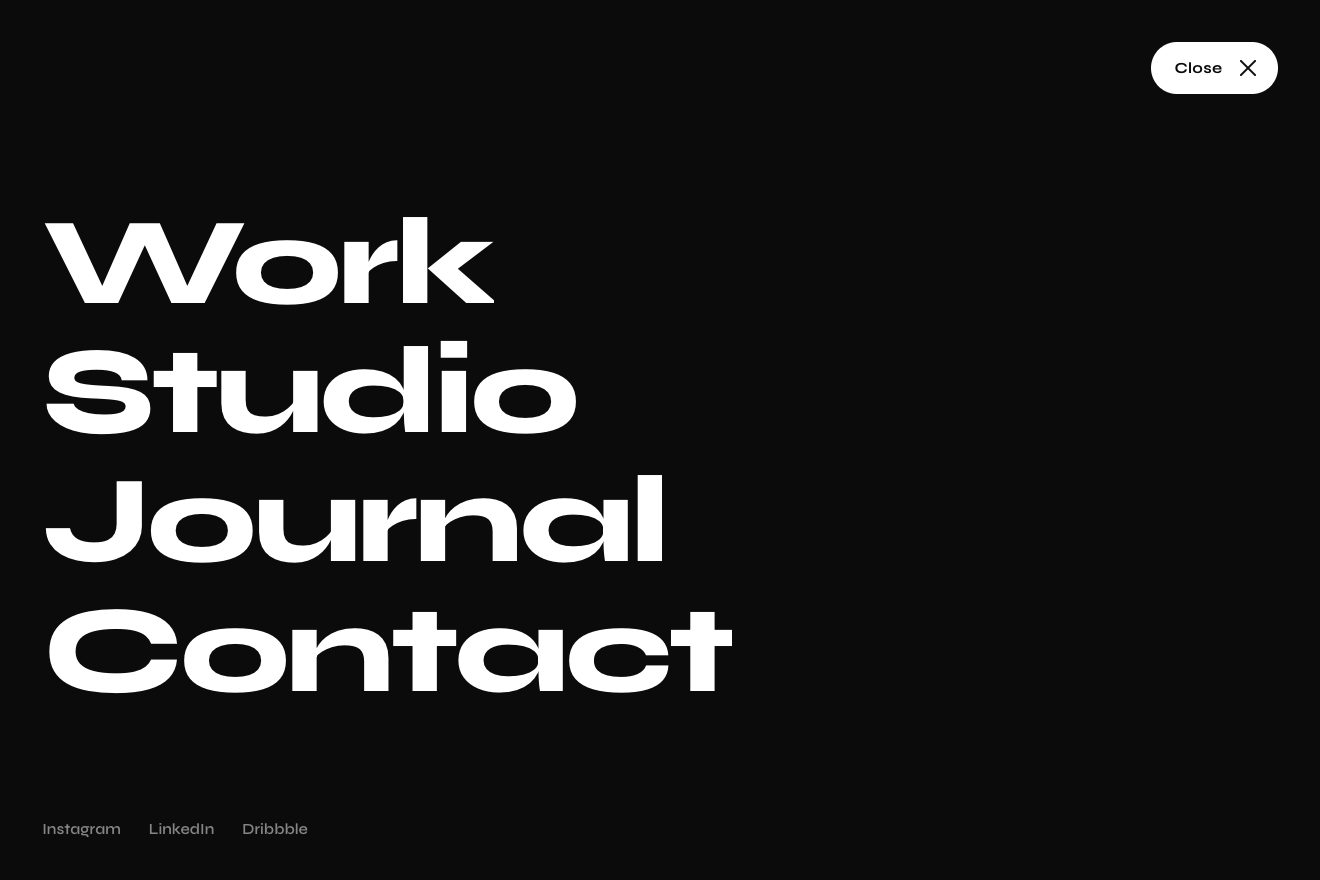
Button menu
Menus, Transitions, Text
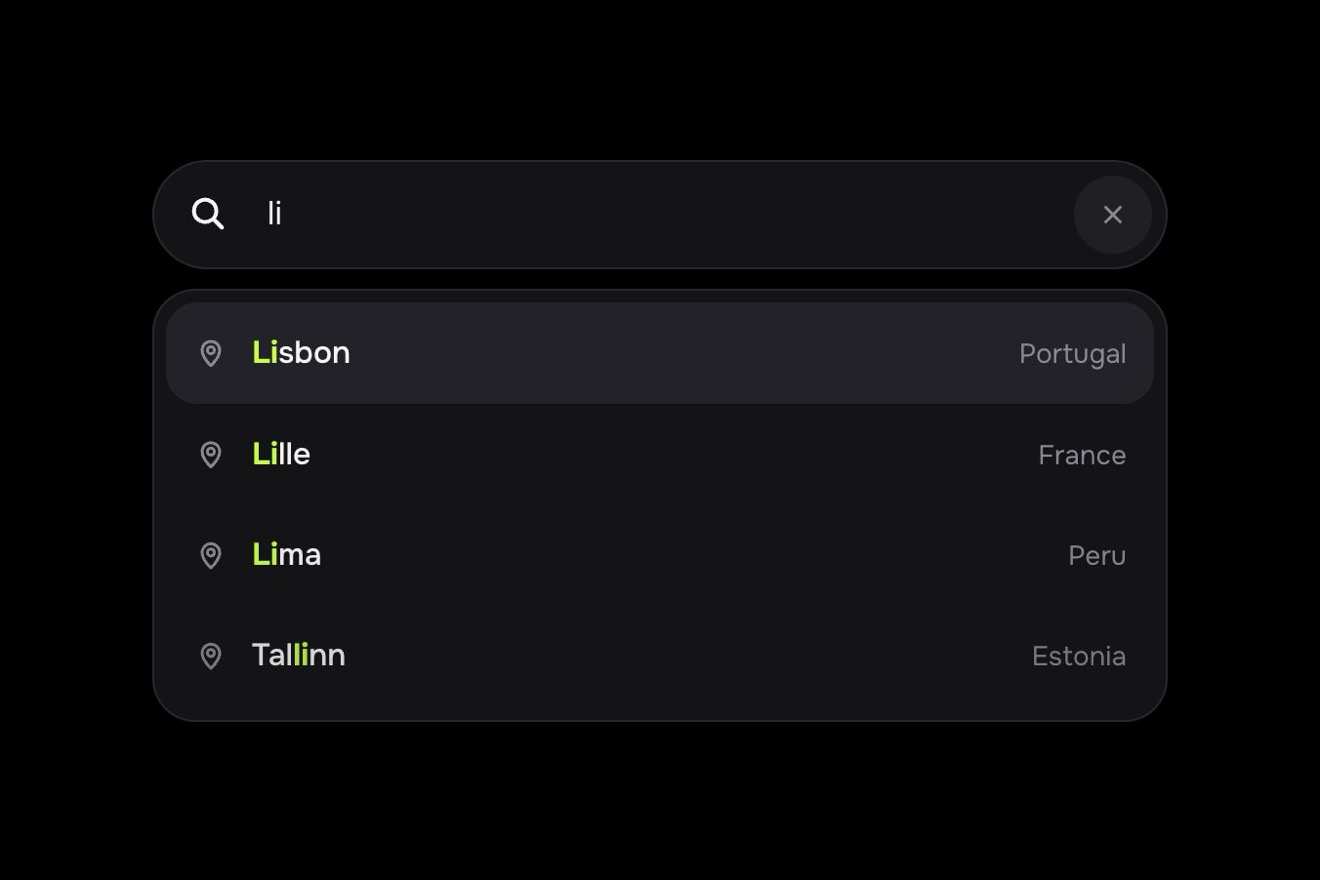
The search field of a rental homes app, on white: type it like you’d say it, «2 bedrooms under 1500 near park», and every part that is understood gets underlined in its colour, comes off the text and becomes a chip inside the field on a spring, with its icon drawing itself. The text gets shorter, the field wraps and grows, and under it the number of homes rolls. With the x a chip folds away and the rest slides back; left alone, the sentence types itself.
A folder that runs on its own: index.html, style.css, script.js and the libraries from a CDN. The React and Vue tabs hold the same demo as a ready component, which switches its animations off when it leaves the page.
<!doctype html>
<!--
  "Rental search with chips" from Animorio · https://animorio.com
  License: free on your own sites and your clients’ sites, paid work included.
  Not for resale, redistribution, templates or code collections · https://animorio.com/en/license/
-->
<html lang="en">
<head>
  <meta charset="utf-8">
  <meta name="viewport" content="width=device-width, initial-scale=1">
  <title>The rental search with the words that turn into chips</title>
  <link rel="stylesheet" href="https://cdn.jsdelivr.net/npm/@fontsource-variable/mona-sans@5.3.0/wdth.css">
  <link rel="stylesheet" href="style.css">
</head>
<body>
  <main class="stage" data-stage>
    <!-- the search of a rental app: plain words like 2 bedrooms, under 1500 or near park come off the sentence and
         become chips inside the field, the count of homes rolls under it -->
    <section class="find" aria-label="Lettly home search" data-find>
      <div class="field" data-field>
        <span class="field__glow" aria-hidden="true"></span>
        <svg class="field__lens" viewBox="0 0 24 24" aria-hidden="true"><circle cx="10.5" cy="10.5" r="6"></circle><path d="m15 15 4.5 4.5"></path></svg>
        <div class="field__clip" data-clip>
          <div class="field__line" data-line>
            <span class="field__text" data-text></span><span class="field__caret" data-caret aria-hidden="true"></span><span class="field__hint" data-hint aria-hidden="true">Try “2 bedrooms under 1500 near park”</span>
          </div>
        </div>
        <input class="field__input" data-input type="text" autocomplete="off" autocapitalize="off" spellcheck="false" enterkeyhint="search" aria-label="Describe the home you want, for example 2 bedrooms under 1500 near park">
        <button class="field__clear" data-clear type="button" aria-label="Clear the search"><svg viewBox="0 0 24 24" aria-hidden="true"><path d="M8 8l8 8M16 8l-8 8"></path></svg></button>
      </div>

      <div class="meta">
        <p class="meta__count" aria-live="polite"><span class="roll" data-roll></span> <span data-word>homes for rent</span></p>
        <p class="meta__read" data-read>
          <svg viewBox="0 0 24 24" aria-hidden="true"><path d="M12 3.5c.6 3.9 2.6 5.9 6.5 6.5-3.9.6-5.9 2.6-6.5 6.5-.6-3.9-2.6-5.9-6.5-6.5 3.9-.6 5.9-2.6 6.5-6.5Z"></path><path d="M18.5 15.5c.25 1.6 1 2.35 2.5 2.5-1.5.15-2.25.9-2.5 2.5-.25-1.6-1-2.35-2.5-2.5 1.5-.15 2.25-.9 2.5-2.5Z"></path></svg>
          <span data-read-text>Type it like you’d say it</span>
        </p>
      </div>
    </section>
    <svg class="ghost" data-ghost viewBox="0 0 24 24" aria-hidden="true"><path d="M5 3.2 19.2 11l-6.3 1.6-3.3 5.9Z"></path></svg>
  </main>
  <script src="https://cdn.jsdelivr.net/npm/gsap@3.15.0/dist/gsap.min.js"></script>
  <script src="script.js"></script>
</body>
</html>Change values, colours and text with the controls and watch the animation respond live. Or write in the code yourself. Then download the folder with your changes.
20 values to change
With the Animorio connector, Claude Code, ChatGPT, Cursor or VS Code take it from here, guide included, and fit it into your project. Paste this request:
Take “Rental search with chips” from Animorio and fit it into my siteThe real input sits over the field, transparent, and only takes the keys (on a phone too, where it opens the keyboard). What you see is a wrapping row: the chips, a span with the typed text and a drawn caret. So words can become an element of their own without touching the input.
Four regular expressions: bedrooms («2 bedrooms», «studio»), price («under 1500», «below 2k»), place («near park», «close to the beach») and pets («pet friendly»). A part only counts when it is finished, that is followed by a space, or when typing stops for half a second; the leftmost one wins. A second filter of the same kind replaces the first.
The understood words get wrapped in a span with a growing underline. Then it measures: the chip goes in their place as wide as they are, with the icon and the x at zero width, and from there it widens to its true size, while the fill swells with back.out, the icon draws itself with stroke-dashoffset on pathLength 1 and the typed words give way to the label. The text after it moves by itself, because it is the real width that grows.
A ResizeObserver watches the row and takes the field’s height to the new size with a small settle. The number is made of columns of digits from 0 to 9: each column slides with yPercent, always the same way, up when the results fall and down when they rise, with a delay from right to left.
Rest, listening with the edge and the ring, typing with a steady caret, a chip just born, a chip lit by Backspace, a chip folding away and a cleared field with the chips leaving one after the other. A GSAP timeline types the sentence, takes the price off with a drawn pointer and clears; at the first real touch it stops and starts again after seven quiet seconds.
| Name | File | Default | What it changes |
|---|---|---|---|
PHRASE | script.js | 2 bedrooms under 1500 near park | The sentence the autopilot types by itself. |
TYPE_SPEED | script.js | 0.075 | Seconds between letters when the pilot types. |
SPRING | script.js | 1.7 | How far the chip goes past and settles as it is born (0 crisp). |
RECOGNIZE | script.js | 0.24 | Seconds the understood words stay underlined before coming off. |
IDLE | script.js | 0.55 | Quiet seconds after the last letter before the last part becomes a chip too. |
HOLD | script.js | 2.2 | Seconds the pilot leaves the chips still before taking one off. |
BASE_HOMES | script.js | 2418 | The homes for rent with no filter. |
In the search of a rental site, a real estate portal, a travel site or a shop: wherever people type what they want in words and the filters need to show. The rules are changed in RULES for other words (sizes, colours, dates, guests).
The same animation: the field is the screen width minus 32 pixels, the chips wrap one per line and the field grows; the text stays at 16 pixels so iPhone does not zoom the page. The chips’ x and the clear button are tapped with a finger.
Nothing moves: the words become chips with a fade, already at their size, removed chips fade out, the number changes with a fade and the caret does not blink; the pilot’s pointer is hidden.
GSAP 3.15.0, Mona Sans (font variabile) 5.3.0.
Compressed with gzip, the three demo files weigh 11 KB; the libraries: GSAP 28 KB.
Tested on 11 November 2026
Use it in your own projects and in your clients’ projects. Do not resell it or redistribute it as is. GSAP stays under its own Standard license. Full license.
Support Animorio
Animorio stays free thanks to the people who support it. If you like, buy us a coffee: it helps us make the next animations.
You asked for
We made it for you: it’s in the library, with the preview, the Playground and the code to copy.
An animation you can’t find, or a site to take apart in the journal: tell us which. We pick the next ones from here.
With your account’s email and password.
or with your email
You’re signed in as .
With your account, you can download the zip of every animation and every pack, for free.