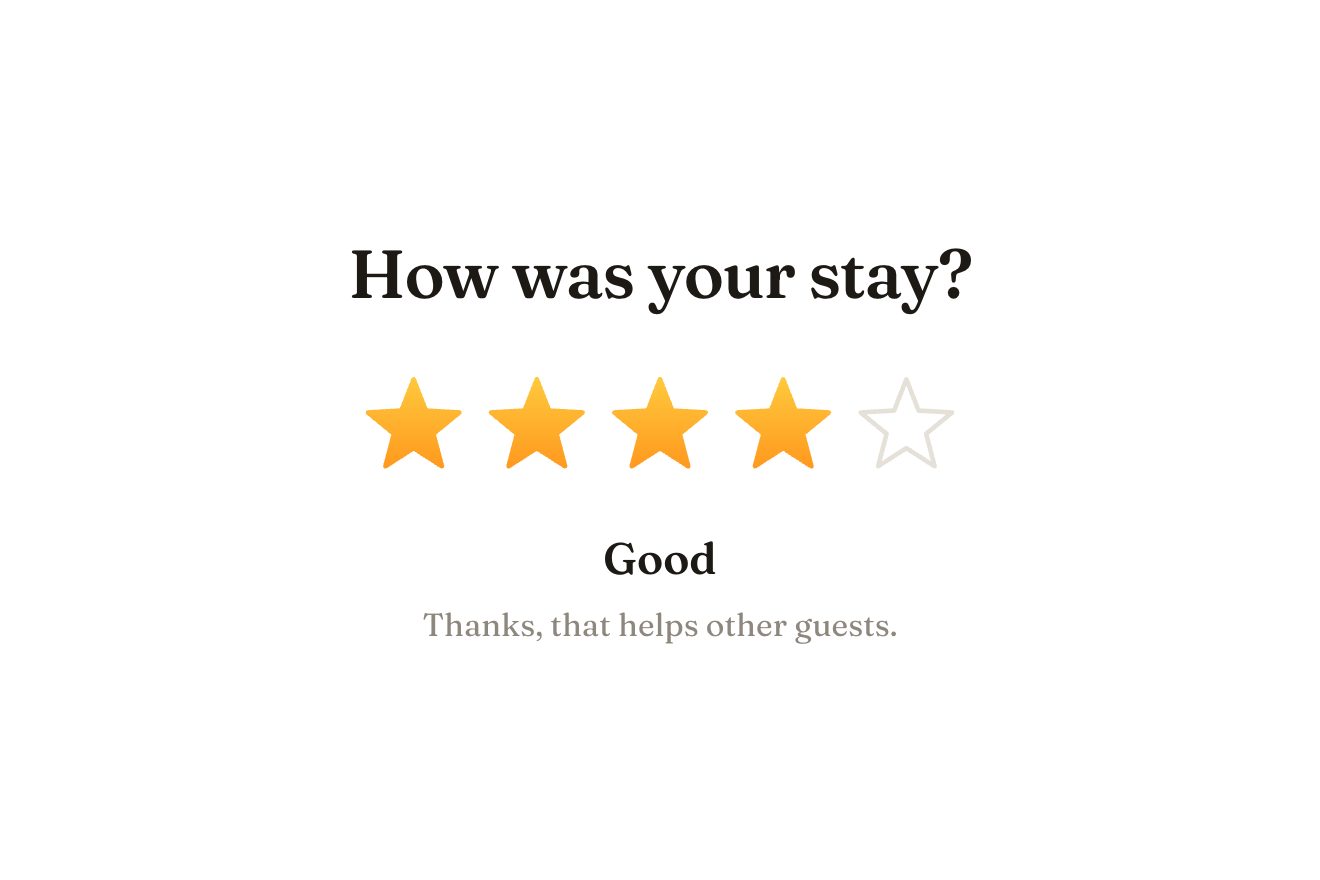
The star rating
Ratings, SVG, Hover
NewFree
In the minimal style, on white: the payment notification of a small ceramics shop. Pressing Pay drops a paper notice with a sway; a rubber stamp with a wooden handle comes down on its corner, the paper gives a pixel under the blow, and when the stamp lifts it has left PAID in vermilion ink, a little askew and with the grain of real ink. The title goes from Processing payment to Payment received; the notices stack and slip away after a few seconds.
A folder that runs on its own: index.html, style.css, script.js and the libraries from a CDN. The React tab holds the same demo as a ready component, which switches its animations off when it leaves the page.
<!doctype html>
<html lang="en">
<head>
<meta charset="utf-8">
<meta name="viewport" content="width=device-width, initial-scale=1">
<title>The rubber stamp notification</title>
<link rel="stylesheet" href="https://cdn.jsdelivr.net/npm/@fontsource-variable/archivo@5.3.0/wdth.css">
<link rel="stylesheet" href="style.css">
</head>
<body>
<main class="stage">
<!-- the rubber stamp notification: the payment confirmation of a small shop, on white. Every payment drops a
paper notice from the top; a rubber stamp comes down on its corner and leaves PAID in vermilion ink. The
notices stack, the oldest slips away -->
<div class="stamp-demo" data-demo>
<div class="stack" data-stack aria-live="polite"></div>
<button class="pay" type="button" data-pay data-autoclic>
<span class="pay__label" data-pay-label>Pay €48.00</span>
</button>
<p class="note" data-note>Fern & Co · ceramics</p>
</div>
<template data-toast>
<article class="toast" role="status">
<div class="toast__paper" data-paper>
<div class="toast__text">
<p class="toast__shop" data-shop></p>
<p class="toast__title" data-title></p>
<p class="toast__meta" data-meta></p>
</div>
<svg class="toast__ink" viewBox="0 0 120 120" aria-hidden="true" data-ink>
<defs>
<filter id="inchiostro" x="-10%" y="-10%" width="120%" height="120%">
<feTurbulence type="fractalNoise" baseFrequency="0.9" numOctaves="2" seed="4" result="grana"/>
<feColorMatrix in="grana" type="matrix" values="0 0 0 0 0 0 0 0 0 0 0 0 0 0 0 0 0 0 -1.5 1.42" result="buchi"/>
<feComposite in="SourceGraphic" in2="buchi" operator="in"/>
</filter>
</defs>
<g filter="url(#inchiostro)" class="toast__ink-g">
<circle cx="60" cy="60" r="52" class="toast__ring"/>
<circle cx="60" cy="60" r="45" class="toast__ring toast__ring--thin"/>
<text x="60" y="69" text-anchor="middle" class="toast__paid" data-word></text>
<text x="60" y="90" text-anchor="middle" class="toast__date" data-date></text>
<path d="M22 41 H98 M22 79 H98" class="toast__ring toast__ring--thin"/>
</g>
</svg>
<button class="toast__close" type="button" aria-label="Dismiss notification" data-close>
<svg viewBox="0 0 12 12" aria-hidden="true"><path d="M2.5 2.5l7 7M9.5 2.5l-7 7"/></svg>
</button>
</div>
<div class="toast__stamp" data-stamp aria-hidden="true">
<svg viewBox="0 0 80 120">
<defs>
<linearGradient id="manico" x1="0" x2="1">
<stop offset="0" stop-color="#a77b4f"/>
<stop offset="0.4" stop-color="#d2a877"/>
<stop offset="1" stop-color="#8f6640"/>
</linearGradient>
<linearGradient id="ottone" x1="0" x2="1">
<stop offset="0" stop-color="#9a8a62"/>
<stop offset="0.45" stop-color="#e7dcb6"/>
<stop offset="1" stop-color="#7d6e4a"/>
</linearGradient>
</defs>
<ellipse cx="40" cy="16" rx="17" ry="14" fill="url(#manico)"/>
<ellipse cx="34" cy="11" rx="5" ry="3" fill="#fff" opacity="0.35"/>
<path d="M33 28 Q40 32 47 28 L46 66 Q40 69 34 66 Z" fill="url(#manico)"/>
<rect x="22" y="66" width="36" height="10" rx="1.5" fill="url(#ottone)"/>
<rect x="14" y="76" width="52" height="30" rx="2" fill="#2a2724"/>
<rect x="14" y="76" width="52" height="4" fill="#fff" opacity="0.08"/>
<rect x="16" y="106" width="48" height="5" rx="1" fill="var(--accento)"/>
</svg>
</div>
</article>
</template>
</main>
<script src="https://cdn.jsdelivr.net/npm/gsap@3.15.0/dist/gsap.min.js"></script>
<script src="script.js"></script>
</body>
</html>Change values, colours and text with the controls and watch the animation respond live. Or write in the code yourself. Then download the folder with your changes.
17 values to change
With the Animorio connector, Claude Code takes it from here, guide included, and fits it into your project. Paste this request:
Take “The rubber stamp notification” from Animorio and fit it into my siteEvery notice is born from a template: the paper, the three lines of text, the SVG mark and the stamp, which sits outside the paper so the paper can dip under it. Notices go on top of the stack with prepend and a single function puts them back in line: the first at zero, the others 13 pixels lower per step, a little smaller and paler.
Before the blow the script measures where the mark is with getBoundingClientRect and puts the stamp above it, one and six tenths the width of the mark, with its rubber face on the centre: so the blow lands right at any size, even after a window change.
A single timeline: the notice drops with back.out(1.7), the stamp arrives in 0.34 seconds and then strikes in 0.14 with power3.in, which speeds up like a real hand. At the same instant the paper dips and squashes by PRESS pixels and springs back with elastic.out, and the mark appears a hair larger and settles, turned at random up to TILT degrees.
The mark goes through an SVG filter: feTurbulence makes the grain, a colour matrix turns it into gaps and feComposite takes them out of the ink. Every notice has its own filter, with its own id and seed, so no two stamps look the same.
The stack is aria-live, every notice is role status and the cross has its own label; the keyboard focus ring shows only with the keyboard. With reduced motion there is no stamp: the notice and the mark fade in.
| Name | File | Default | What it changes |
|---|---|---|---|
SHOP | script.js | Fern & Co | The shop name on every notice. |
WORD | script.js | PAID | The word the stamp leaves. |
DONE | script.js | Payment received | The title after the blow. |
WAIT | script.js | Processing payment | The title while the stamp comes down. |
DWELL | script.js | 6 | How many seconds a notice stays before it goes. |
PRESS | script.js | 2 | How many pixels the paper gives under the stamp. |
TILT | script.js | 7 | How many degrees at most the mark can land askew. |
STACK | script.js | 3 | How many notices stay stacked. |
For the confirmation of a payment or an order in a shop, an accepted booking, a paid invoice, an approved request: wherever a stamp says the thing is done.
The notice narrows with the screen, the mark and the stamp shrink a little and the blow is measured on the real mark, so it lands right; a tap does what a click does.
There is no stamp: the notice fades in, the mark fades in half a second later and the notices leave without moving.
GSAP 3.15.0, Archivo (font variabile) 5.3.0.
Compressed with gzip, the three demo files weigh 5.4 KB; the libraries: GSAP 28 KB.
Tested on 24 October 2026
Use it in your own projects and in your clients’ projects. Do not resell it or redistribute it as is. GSAP stays under its own Standard license. Full license.
With your account’s email and password.
or with your email
You’re signed in as .
With your account, you can download the zip of every animation and every pack, for free.