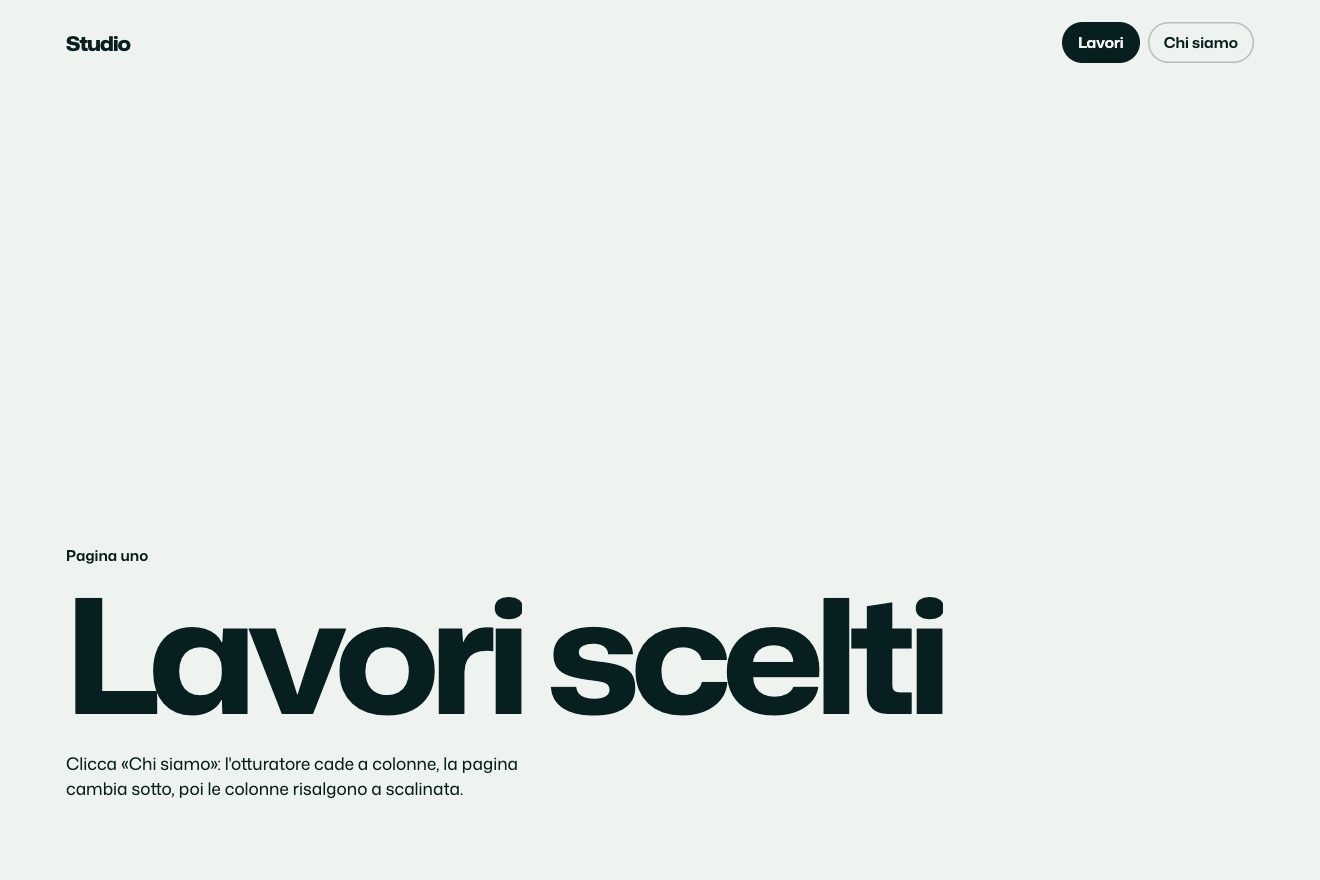
Column shutter
Transitions
NewFree
A minimal-style page change: three pages of a small magazine sit side by side like a strip and slide sideways with a click, the arrow keys or a drag of the finger. Inside each page the content lags a little, the leaving title runs ahead and the arriving one lands late on a spring, the letters narrow while the strip runs and a thin seam between the pages bends.
A folder that runs on its own: index.html, style.css, script.js and the libraries from a CDN. The React and Vue tabs hold the same demo as a ready component, which switches its animations off when it leaves the page.
<!doctype html>
<html lang="en">
<head>
  <meta charset="utf-8">
  <meta name="viewport" content="width=device-width, initial-scale=1">
  <title>The side-scroll transition</title>
  <link rel="stylesheet" href="https://cdn.jsdelivr.net/npm/@fontsource-variable/archivo@5.3.0/wdth.css">
  <link rel="stylesheet" href="style.css">
</head>
<body>
  <!-- three pages of a small magazine side by side, like a strip: Next, Back, the arrow keys or a drag move it -->
  <main class="stage" data-stage tabindex="-1">
    <div class="track" data-track>
      <section class="page" data-page aria-label="Archive">
        <div class="page__inner" data-inner>
          <p class="kicker" data-kicker>Issue four, autumn</p>
          <h1 class="title" data-title>Things kept.</h1>
          <p class="line" data-line>Objects we could not throw away, and the stories they still tell.</p>
          <div class="rule" aria-hidden="true"><span></span></div>
        </div>
      </section>
      <section class="page" data-page aria-label="Studio" aria-hidden="true">
        <div class="page__inner" data-inner>
          <p class="kicker" data-kicker>Where it is made</p>
          <h2 class="title" data-title>Made by hand.</h2>
          <p class="line" data-line>Two rooms, one long table and a window that faces north.</p>
          <div class="rule" aria-hidden="true"><span></span></div>
        </div>
      </section>
      <section class="page" data-page aria-label="Contact" aria-hidden="true">
        <div class="page__inner" data-inner>
          <p class="kicker" data-kicker>Letters welcome</p>
          <h2 class="title" data-title>Write to us.</h2>
          <p class="line" data-line>We read everything, slowly, and answer on Fridays.</p>
          <div class="rule" aria-hidden="true"><span></span></div>
        </div>
      </section>
      <!-- the seams between the pages: thin lines that bend a little while the strip runs -->
      <svg class="seams" data-seams aria-hidden="true"></svg>
    </div>

    <header class="bar">
      <span class="brand">Ferrow</span>
      <span class="bar__note">A small magazine</span>
    </header>

    <footer class="foot">
      <nav class="names" data-names aria-label="Pages">
        <button type="button" class="name" data-name>Archive</button>
        <button type="button" class="name" data-name>Studio</button>
        <button type="button" class="name" data-name>Contact</button>
        <span class="names__bar" data-bar aria-hidden="true"></span>
      </nav>
      <div class="moves">
        <button type="button" class="pillola pillola--vuota" data-back>
          <svg class="pillola__freccia pillola__freccia--indietro" viewBox="0 0 16 16" aria-hidden="true"><path d="M13.5 8H3M7 3.8 2.8 8 7 12.2" /></svg>
          <span class="pillola__scritta" data-testo="Back">Back</span>
        </button>
        <button type="button" class="pillola" data-next data-autoclic>
          <span class="pillola__scritta" data-testo="Next">Next</span>
          <svg class="pillola__freccia" viewBox="0 0 16 16" aria-hidden="true"><path d="M2.5 8h10.5M9 3.8 13.2 8 9 12.2" /></svg>
        </button>
      </div>
    </footer>
  </main>

  <script src="https://cdn.jsdelivr.net/npm/gsap@3.15.0/dist/gsap.min.js"></script>
  <script src="script.js"></script>
</body>
</html>Change values, colours and text with the controls and watch the animation respond live. Or write in the code yourself. Then download the folder with your changes.
31 values to change
With the Animorio connector, Claude Code takes it from here, guide included, and fits it into your project. Paste this request:
Take “The side-scroll transition” from Animorio and fit it into my siteThe three pages sit in one container (track) side by side, at left 0, 100% and 200%. All the motion depends on a single number, st.pos, the position of the strip in pages: GSAP moves it from page to page with power3.inOut and one function on the ticker draws everything else on every frame with translate3d. So the drag, the arrows, the names and the click all move the same thing, and resizing the window halfway does not break anything: the pixel positions are worked out from the current width.
For each page d = i − pos says how far away it is. The page content moves by −d × width × PARALLAX, so it lags behind the page. The headlines chase the strip on a spring (stiffness and damping in TITLE_SPRING, in small steps): the gap between strip and spring, times TITLE_LAG, pushes the leaving page’s headline forward and holds back the arriving one; the weight switches sides with clamp(2 × d × direction), so when the page is still the gap is zero and nothing jumps. When the spring arrives it goes a hair too far and back: that is the headline settling.
The speed of the headline spring, divided by a reference speed, says how fast things run; the width of the face (font-stretch of variable Archivo) goes from 112% at rest towards 62% according to SQUEEZE, easing towards the value. The seams between pages are SVG paths redrawn every frame: a quadratic curve whose control point moves with the strip’s speed, up to BEND pixels.
Hand-written pointer events: under 6 pixels of movement it is still a click; then the strip follows the hand (pos = starting pos − movement ÷ width), and at the two ends the movement is multiplied by RESISTANCE. On release, the speed of the last samples, times SNAP, says where the strip would stop; it goes to the page nearest that point, never more than one at a time, with power3.out. touch-action: pan-y leaves vertical scrolling to the phone.
The vermilion line under the names is a single element: its x and width are interpolated between those of the name before and the name after according to the fractional part of pos, measured on every resize. With reduced motion the pages sit on top of each other and swap with a fade, with no parallax or sliding; a drag also changes the page with a fade.
| Name | File | Default | What it changes |
|---|---|---|---|
DURATION | script.js | 1.1 | The seconds to move from one page to the next (a little less after a drag). |
PARALLAX | script.js | 0.3 | How far the content lags behind its page: 0 moves with it, 0.5 lags half a page. |
TITLE_LAG | script.js | 0.55 | How far the leaving page’s headline runs ahead and the arriving one lags behind. |
TITLE_SPRING | script.js | [150, 21] | The headline spring: stiffness and damping. Less damping, the further the headline overshoots before settling. |
SQUEEZE | script.js | 0.6 | How much the headline letters narrow while the strip runs: 0 not at all, 1 down to the face’s narrowest width. |
SNAP | script.js | 0.25 | How much the fling of the finger counts in choosing the page to stop on. |
RESISTANCE | script.js | 0.3 | The resistance at the two ends of the strip when dragging: 0 is a wall, 1 no resistance. |
BEND | script.js | 28 | How far the seams between pages bend at most, in pixels. |
To move between the sections of a small site (a magazine, a studio, a portfolio, an app presentation) as if they were pages side by side: with a click on a computer and a finger on a phone.
The same animation: the pages are dragged sideways with a finger while vertical scrolling stays with the phone; the headlines are smaller and the pills drop below the names.
No sliding or parallax: the pages swap with a fade, by click, arrow keys or a drag.
GSAP 3.15.0, Archivo (font variabile) 5.3.0.
Compressed with gzip, the three demo files weigh 7.1 KB; the libraries: GSAP 28 KB.
Tested on 21 October 2026
Use it in your own projects and in your clients’ projects. Do not resell it or redistribute it as is. GSAP stays under its own Standard license. Full license.
With your account’s email and password.
or with your email
You’re signed in as .
With your account, you can download the zip of every animation and every pack, for free.