
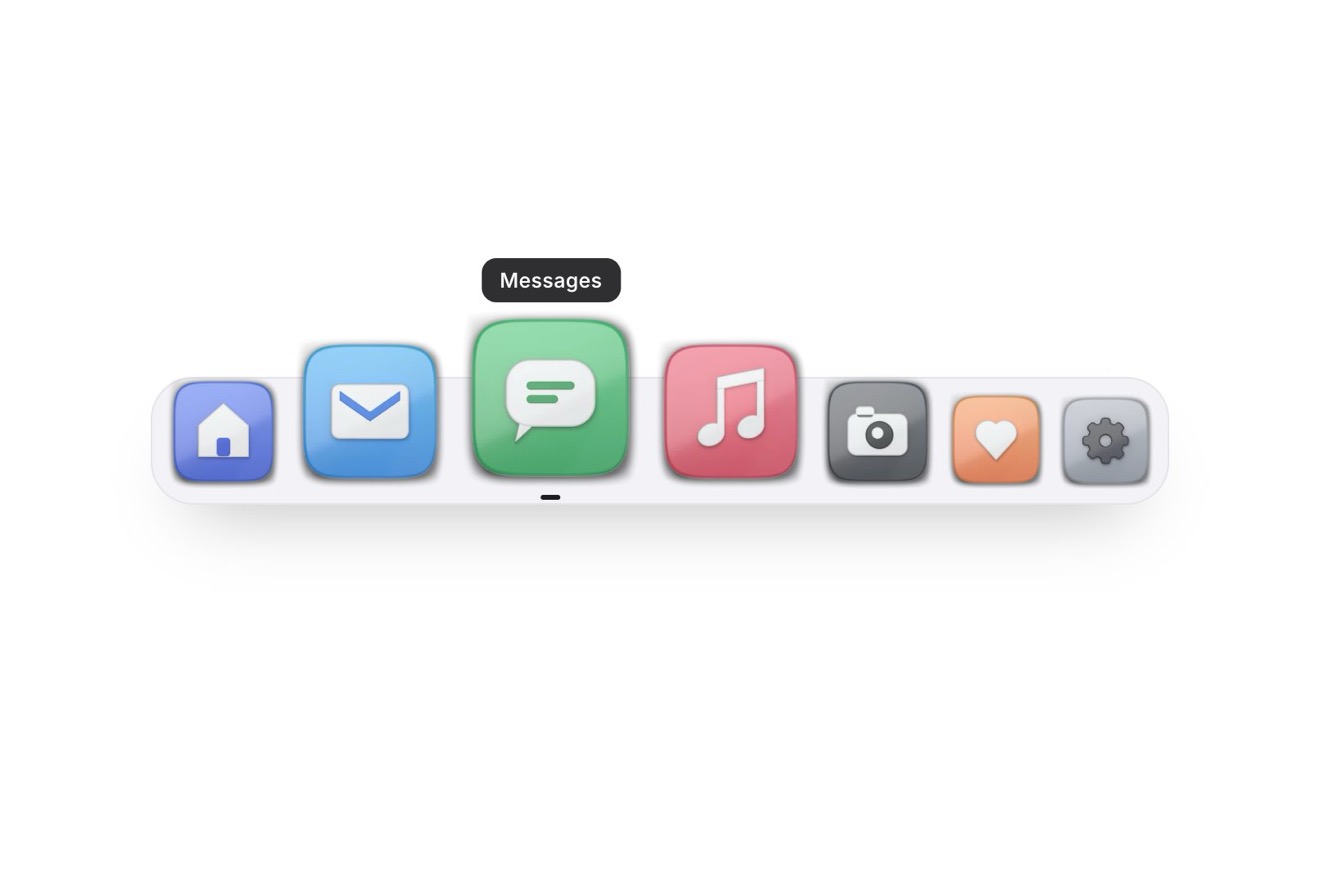
The magnifying dock
Menus, Hover, Images
Free
The top bar of a glass museum made as a leaded window: every link is a pointed lancet of coloured glass set in its lead, with the cords, the seeds and the darker painted edge of hand-blown glass. A warm light behind the bar shines through the tile of the page you are on and throws its colour on the floor under the bar, upside down and widening like the light of a church window; pointing at another link the light slides behind it on a spring. Glass, lead and floor light are worked out pixel by pixel.
A folder that runs on its own: index.html, style.css, script.js and the libraries from a CDN. The React and Vue tabs hold the same demo as a ready component, which switches its animations off when it leaves the page.
<!doctype html>
<html lang="en">
<head>
  <meta charset="utf-8">
  <meta name="viewport" content="width=device-width, initial-scale=1">
  <title>The stained glass nav</title>
  <link rel="stylesheet" href="https://cdn.jsdelivr.net/npm/@fontsource-variable/cinzel@5.3.0/index.css">
  <link rel="stylesheet" href="https://cdn.jsdelivr.net/npm/@fontsource-variable/mona-sans@5.3.0/wdth.css">
  <link rel="stylesheet" href="style.css">
</head>
<body>
  <main class="stage">
    <!-- the top bar of a glass museum, made as a leaded window: every link is a lancet of coloured glass in its dark
         lead, with the grain, the cords and the seeds of hand-made glass. A warm light behind the bar shines through
         the tile of the page you are on and throws its colour on the floor under the bar, like the light on the floor
         of a church; pointing at another tile the light slides behind it. On a phone the links open in a second
         window, one row of glass each, and the light drops into it -->
    <div class="vitrail" data-vitrail data-autoclic>
      <header class="bar" data-bar>
        <canvas class="glass" aria-hidden="true" data-glass></canvas>

        <a class="brand" href="#" aria-label="Aldgrave Glass Museum, home" data-brand>
          <span class="brand__rondel" aria-hidden="true" data-rondel></span>
          <span class="brand__name">Aldgrave</span>
        </a>

        <nav class="nav" id="aldgrave-links" aria-label="Main" data-nav>
          <canvas class="nav__glass" aria-hidden="true" data-panel-glass></canvas>
          <ul class="list" data-list>
            <li class="item" data-glass-color="ruby"><a class="link" href="#" data-link><span class="link__word" data-text="Collection">Collection</span></a></li>
            <li class="item" data-glass-color="cobalt"><a class="link" href="#" aria-current="page" data-link><span class="link__word" data-text="Exhibitions">Exhibitions</span></a></li>
            <li class="item" data-glass-color="amber"><a class="link" href="#" data-link><span class="link__word" data-text="Studio">Studio</span></a></li>
            <li class="item" data-glass-color="emerald"><a class="link" href="#" data-link><span class="link__word" data-text="Learn">Learn</span></a></li>
            <li class="item" data-glass-color="violet"><a class="link" href="#" data-link><span class="link__word" data-text="Shop">Shop</span></a></li>
          </ul>
        </nav>

        <div class="end" data-end>
          <a class="cta" href="#" data-cta><span class="cta__bg" aria-hidden="true" data-cta-bg></span><span class="cta__label">Tickets</span></a>
        </div>

        <button class="toggle" type="button" aria-expanded="false" aria-controls="aldgrave-links" data-toggle>
          <span class="toggle__label" data-toggle-label>Menu</span>
          <svg class="toggle__icon" viewBox="0 0 20 20" aria-hidden="true">
            <path class="toggle__line" d="M3.5 7.5L16.5 7.5" data-line/>
            <path class="toggle__line" d="M3.5 12.5L16.5 12.5" data-line/>
          </svg>
        </button>
      </header>

      <!-- the light that comes through the glass, on the floor under the bar (and under the window of the phone) -->
      <canvas class="floor" aria-hidden="true" data-floor></canvas>
      <canvas class="floor floor--panel" aria-hidden="true" data-panel-floor></canvas>
    </div>
  </main>

  <script src="https://cdn.jsdelivr.net/npm/gsap@3.15.0/dist/gsap.min.js"></script>
  <script src="script.js"></script>
</body>
</html>Change values, colours and text with the controls and watch the animation respond live. Or write in the code yourself. Then download the folder with your changes.
38 values to change
With the Animorio connector, Claude Code takes it from here, guide included, and fits it into your project. Paste this request:
Take “The stained glass nav” from Animorio and fit it into my siteThe script measures the links in the DOM and turns them into a plan: zones side by side (the name, the five tiles, the button), the arch of each lancet (y = F + RISE·(0.4u + 0.6(1 − √(1 − u))), u being the distance from the centre over the half width: pointed in the middle, nearly upright where it springs), the two slanted cuts of each tile kept clear of the word, the rondel beside the name. For every pixel of the canvas (up to 300,000) a function pieceAt(x, y) says which piece it belongs to. On a phone the plan is another window: coloured rows in a border of pale glass with gold squares.
Every pixel that borders a different piece is a seed; the exact distance transform of Felzenszwalb and Huttenlocher (two passes of parabolas, columns then rows) gives every pixel its distance to the nearest edge, softened with two passes of blur so the pixel staircase on the slanted cuts does not leave the lead twisted like a rope. Where the distance is under 1.6 pixels there is lead; the gradient of the field gives the normal of its round profile, lit from above with diffuse light and a shine. The dabs of solder are circles joined to the lead with a smooth minimum, and the frame comes from the signed distance of a rounded rectangle.
For each piece a fractal noise stretched along an angle of its own (scales of 30 and 6.5 pixels) makes the cords, a fine noise makes the hammering; their value is the thickness, how much light gets through, and their slope becomes a shift (RIPPLE): every pixel looks for the light at a slightly shifted point, so the light behind wobbles through the cords. The tiles have a few opal wisps and a darker painted edge along the lead; the seeds, about one for every 230 square pixels, are ellipses bright in the middle, where they focus the light, and dark at the rim. All this is worked out once for each size.
Every pixel of glass adds up the daylight, a little stronger at the top, and the warm light: an elliptical Gaussian centred behind the tile (read from a table of 1024 values), plus a second, weaker glow behind the current page when the light goes elsewhere. The colour of the glass times the thickness times the light goes through a tone curve (1 − e^(−1.6x), then the gamma) that rounds off the strong parts instead of clipping them; the lead is mixed over it by its coverage. The real letters, in the DOM, get --lit, how lit they are, for their colour and glow.
The floor is a canvas at half resolution under the bar. Each of its points, for each light, looks back through the window: row t of the floor matches row bottom − t·height of the window (the bottom lands near, the top far: the image is upside down), and x comes closer to the light by 1 + SPREAD·t, so the pool widens. The point takes the colour of the glass it passes through, its transparency and the light behind it; the lead leaves a line of shade. The lights add up like overlapping panes.
The light does not live in pixels but in the space of the links (1.5 is halfway between the second and the third): a spring with the stiffness GLIDE and the damping worked out from BOUNCE takes it to the link pointed at, in steps of 1/120 of a second with time capped at 1/30. So if the window changes size halfway, the glass is rebuilt and the light keeps its place. On the move the pool stretches with the speed. When the spring is still and no animation is running the loop stops and nothing is drawn.
| Name | File | Default | What it changes |
|---|---|---|---|
GLIDE | script.js | 150 | How hard the spring pulls the light behind the link pointed at: higher, quicker. |
BOUNCE | script.js | 0.1 | How far the light swings past the link and back, as a share of the way (0, not at all). |
LIGHT | script.js | 2.2 | How strong the warm light behind the bar is. |
DAYLIGHT | script.js | 0.3 | The dim daylight that comes through every piece of glass: higher, brighter glass even unlit. |
FLARE | script.js | 0.45 | How much the light flares up when a page is chosen (0, not at all). |
FLOOR | script.js | 0.7 | How strong the coloured light thrown on the floor is (0, none). |
SPREAD | script.js | 0.8 | How much the light on the floor widens as it goes away from the bar. |
SEEDS | script.js | 1 | How many seeds, the small bubbles of hand-made glass, are in the glass (0, none). |
RIPPLE | script.js | 1 | How much the uneven glass bends the light behind it (0, flat glass). |
For the header of anyone who works with glass, light or sacred art: a glass museum, a gallery, a glassworks or a stained glass studio, a glassblowing workshop, a church or abbey open to visitors, a festival of light. It suits a few short links, each with its own colour; the colours of the glass, the lead and the light are set in the variables.
Under 760 pixels the bar is 60 pixels tall and as wide as the screen minus 32 (358 at 390): on the left the name with its rondel, on the right the Menu button on a lancet of the colour of the page you are on, with the light behind it and its pool on the floor. Tapped, a second window drops under the bar with the five links in rows of coloured glass, in a border of pale glass with gold squares: the light falls from above into the row of the current page and its pool opens under the window. Sliding a finger along the rows the light follows it, and the row it lifts on is chosen; the glass of the button takes its colour and the window closes. Under 980 pixels the Tickets button goes.
The light does not travel: pointing at or choosing another link it fades out where it was and fades in behind the new tile, with its pool on the floor. No flare, no words that shrink, the button does not widen. On a phone the window appears and goes with a fade, with the light already in place.
GSAP 3.15.0, Cinzel (font variabile, con l'asse del peso) 5.3.0, Mona Sans (font variabile, con l'asse della larghezza, per il pulsante) 5.3.0.
Compressed with gzip, the three demo files weigh 20 KB; the libraries: GSAP 28 KB.
Tested on 17 October 2026
Use it in your own projects and in your clients’ projects. Do not resell it or redistribute it as is. GSAP stays under its own Standard license. Full license.
With your account’s email and password.
or with your email
You’re signed in as .
With your account, you can download the zip of every animation and every pack, for free.

