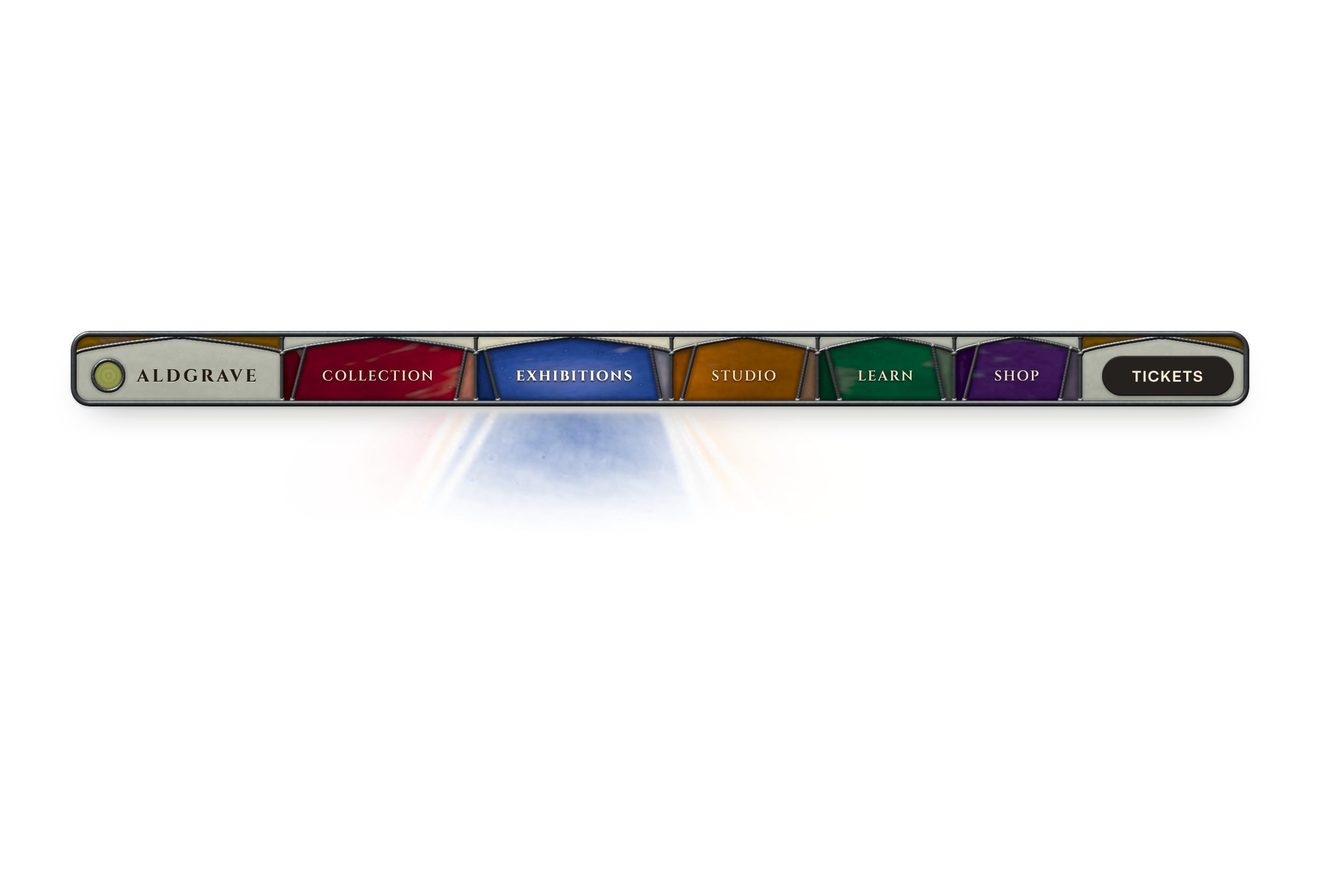
The stained glass nav
Navigation, Hover, Physics, Images
NewFree
An app dock with icons modelled in Blender: under the pointer the icons grow along a bell curve and push the others aside, the tray widens with them, the name appears above and a click makes the icon jump like an app starting.
A folder that runs on its own: index.html, style.css, script.js and the libraries from a CDN. The React and Vue tabs hold the same demo as a ready component, which switches its animations off when it leaves the page.
<!doctype html>
<html lang="en">
<head>
  <meta charset="utf-8">
  <meta name="viewport" content="width=device-width, initial-scale=1">
  <title>The magnifying dock</title>
  <link rel="stylesheet" href="https://cdn.jsdelivr.net/npm/@fontsource-variable/inter@5.3.0/index.css">
  <link rel="stylesheet" href="style.css">
</head>
<body>
  <main class="stage">
    <!-- the dock: under the pointer the icons grow and push the others aside, an opened one jumps.
         The icons are rendered in Blender, one image each -->
    <nav class="dock" aria-label="Apps" data-dock>
      <span class="dock__tray" data-tray aria-hidden="true"></span>
      <button class="dock__item" type="button" aria-label="Home" data-item><img class="dock__icon" src="home.webp" alt="" draggable="false"></button>
      <button class="dock__item" type="button" aria-label="Mail" data-item><img class="dock__icon" src="mail.webp" alt="" draggable="false"></button>
      <button class="dock__item" type="button" aria-label="Messages" data-item data-autoclic><img class="dock__icon" src="messages.webp" alt="" draggable="false"></button>
      <button class="dock__item" type="button" aria-label="Music" data-item data-autoclic><img class="dock__icon" src="music.webp" alt="" draggable="false"></button>
      <button class="dock__item" type="button" aria-label="Camera" data-item data-autoclic><img class="dock__icon" src="camera.webp" alt="" draggable="false"></button>
      <button class="dock__item" type="button" aria-label="Favorites" data-item data-extra><img class="dock__icon" src="favorites.webp" alt="" draggable="false"></button>
      <button class="dock__item" type="button" aria-label="Settings" data-item data-extra><img class="dock__icon" src="settings.webp" alt="" draggable="false"></button>
      <span class="dock__tip" data-tip aria-hidden="true"></span>
    </nav>
  </main>

  <script src="https://cdn.jsdelivr.net/npm/gsap@3.15.0/dist/gsap.min.js"></script>
  <script src="script.js"></script>
</body>
</html>Change values, colours and text with the controls and watch the animation respond live. Or write in the code yourself. Then download the folder with your changes.
11 values to change
With the Animorio connector, Claude Code takes it from here, guide included, and fits it into your project. Paste this request:
Take “The magnifying dock” from Animorio and fit it into my siteEach icon’s size is 1 + (MAX − 1) times a gaussian of the distance between the pointer and the icon’s centre at rest, with sigma equal to RANGE / 2. The distance is measured from the places at rest: measured from the swollen ones, the swell would move the icons under the pointer and feed on itself.
The places come from the sizes, one after the other from the middle of the dock: each icon takes its width plus the gap. On GSAP’s ticker each icon gets one transform per frame and grows from the bottom (transform-origin at the bottom); only the tray changes width.
The swell’s point and its strength chase the pointer with 1 − e^(−dt / FOLLOW), which does not depend on how many frames per second the screen draws. A new swell starts where it is aimed, instead of sliding over from where the last one ended.
If the swollen row goes past the window, every icon gives back the same share of its growth. Under 480 pixels two icons hide and the others start small enough to leave room for the swell.
A timeline of JUMP[1] jumps, each 45% as high as the one before; the line under the icon grows with back.out. Pressed with the keyboard, a finger or a script, the icon keeps the dock swollen around it for HOLD seconds.
Seven 320 pixel WebP images, about 12 KB each, rendered in Blender with Cycles on a transparent background, with the shadow caught by a «shadow catcher» plane. They sit in the folder next to the code.
| Name | File | Default | What it changes |
|---|---|---|---|
MAX | script.js | 1.85 | How big the icon under the pointer gets. |
RANGE | script.js | 150 | How far the swell reaches on each side, in pixels. |
FOLLOW | script.js | 0.08 | The seconds the swell takes to catch up with the pointer. |
JUMP | script.js | [24, 2] | The jump of an opened icon: how high, in pixels, and how many times. |
HOLD | script.js | 1.6 | After a press by the keyboard, a finger or a script, the seconds the dock stays swollen. |
For a bar of apps or tools with recognisable icons, from five to nine: a dashboard, a site that plays at being an operating system, a playful portfolio. With icons and no words, the name that appears above is needed.
On a phone the dock shows five of the seven icons, a little smaller, so there is room for the swell. You can slide a finger along the dock and the swell follows it; a tap makes the icon jump and keeps the dock swollen around it for a moment.
No swell and no jumps: the icons keep their size, the name appears above the one pointed at and the line under the open one.
GSAP 3.15.0, Inter (font variabile) 5.3.0.
Compressed with gzip, the three demo files weigh 5.2 KB; the libraries: GSAP 28 KB.
Tested on 2 October 2026
Use it in your own projects and in your clients’ projects. Do not resell it or redistribute it as is. GSAP stays under its own Standard license. Full license.
With your account’s email and password.
or with your email
You’re signed in as .
With your account, you can download the zip of every animation and every pack, for free.