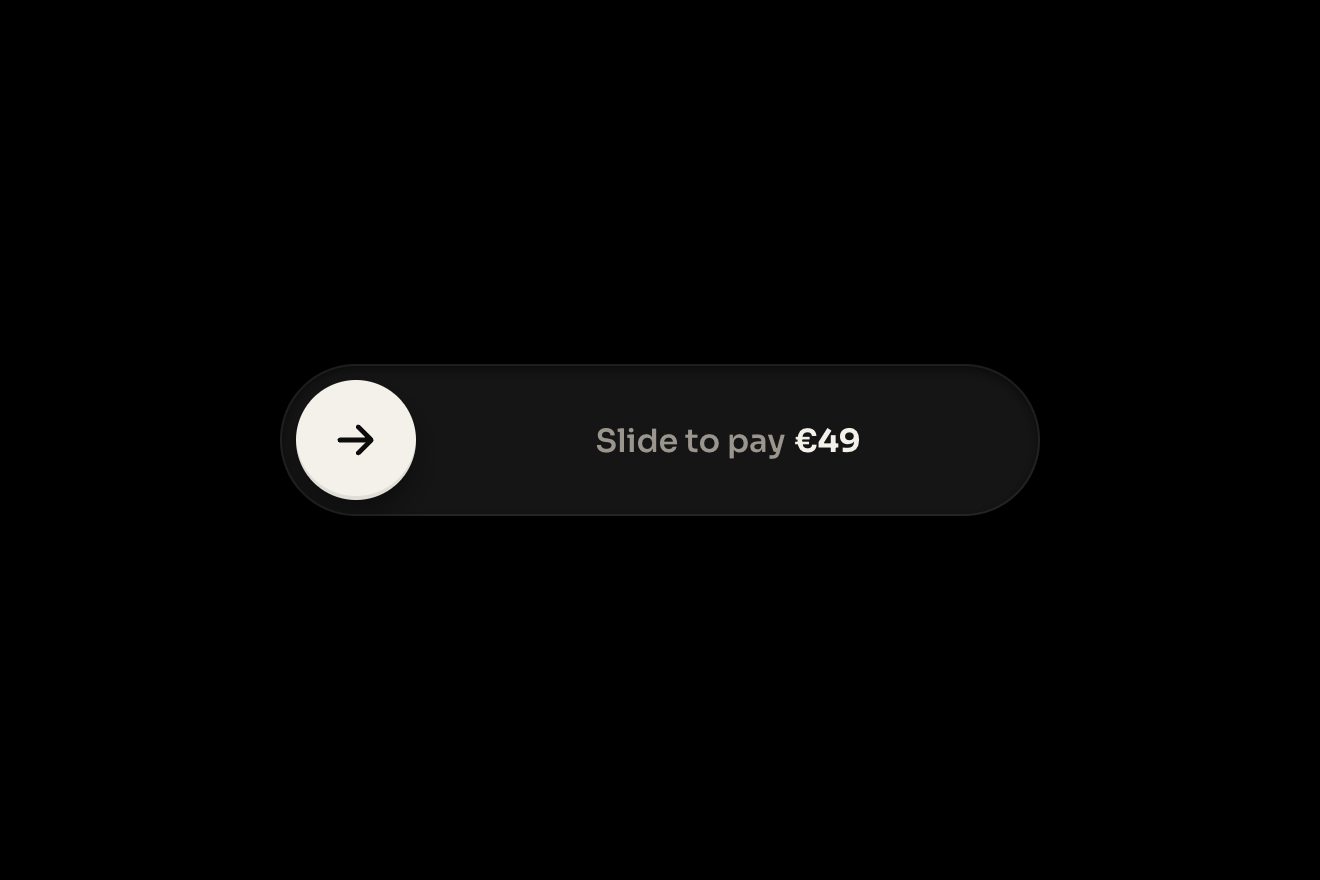
The slide-to-confirm button
Buttons, Physics, Transitions
The How was your stay? form a small hotel on Lake Como sends after checkout, like a Dribbble shot: a warm white card with a real photo of the lake on top, the dates of the stay and a score from 1 to 10 on ten segments that fill on a real spring, by dragging or tapping. The big number rolls on a drum and the word changes with it, Good, Very good, Exceptional; three chips for what you loved light up with a drawn tick, the note writes itself and Send review fills with green and becomes Thank you, Ana.
A folder that runs on its own: index.html, style.css, script.js and the libraries from a CDN. The React and Vue tabs hold the same demo as a ready component, which switches its animations off when it leaves the page.
<!doctype html>
<!--
"Stay review form" from Animorio · https://animorio.com
License: free on your own sites and your clients’ sites, paid work included.
Not for resale, redistribution, templates or code collections · https://animorio.com/en/license/
-->
<html lang="en">
<head>
<meta charset="utf-8">
<meta name="viewport" content="width=device-width, initial-scale=1">
<title>The stay review form with the score that fills up</title>
<link rel="stylesheet" href="https://cdn.jsdelivr.net/npm/@fontsource-variable/mona-sans@5.3.0/wdth.css">
<link rel="stylesheet" href="https://cdn.jsdelivr.net/npm/@fontsource-variable/fraunces@5.3.0/full.css">
<link rel="stylesheet" href="style.css">
</head>
<body>
<main class="stage">
<!-- the review form a small lake hotel sends after checkout: a real photo of the view, the dates, a score from 1 to
10 on ten segments that fill on a spring (drag or tap), three things you liked, a few words and Send review -->
<form class="review" data-review novalidate>
<figure class="review__photo" data-photo>
<img class="review__img" data-img src="vista.webp" width="1024" height="678" alt="The lake seen from the hotel">
<figcaption class="review__hotel">
<span class="review__hotel-name">Casa Merlo</span>
<span class="review__hotel-place">Lake Como</span>
</figcaption>
</figure>
<div class="review__body">
<header class="review__head">
<h1 class="review__title">How was your stay?</h1>
<p class="review__dates">
<svg class="review__cal" viewBox="0 0 16 16" aria-hidden="true"><rect x="2.5" y="3.5" width="11" height="10" rx="2"/><path d="M2.5 6.8h11M5.5 2v3M10.5 2v3"/></svg>
<span>12 – 15 Oct</span><span class="review__sep">·</span><span>3 nights</span><span class="review__sep">·</span><span>Lake view double</span>
</p>
</header>
<div class="score">
<div class="score__num" aria-hidden="true">
<span class="score__drum" data-drum></span>
</div>
<div class="score__label">
<span class="score__word" data-word>Tap to rate</span>
<span class="score__out">out of 10</span>
</div>
</div>
<div class="bar" data-bar role="slider" tabindex="0" aria-label="Your score" aria-valuemin="0" aria-valuemax="10" aria-valuenow="0" aria-valuetext="Not rated">
<div class="bar__segs" data-segs></div>
<span class="bar__knob" data-knob aria-hidden="true"><span class="bar__knob-face" data-knob-face></span></span>
</div>
<fieldset class="chips">
<legend class="sr">What did you love?</legend>
<button class="chip" type="button" aria-pressed="false" data-chip="Breakfast">
<span class="chip__face">
<svg class="chip__icon" viewBox="0 0 16 16" aria-hidden="true"><path d="M3 6.5h8v3.2a3.3 3.3 0 0 1-3.3 3.3h-1.4A3.3 3.3 0 0 1 3 9.7z"/><path d="M11 7.4h.9a1.6 1.6 0 0 1 0 3.2H11"/><path d="M6 2.4c-.5.7.5 1.2 0 2M8.4 2.4c-.5.7.5 1.2 0 2"/></svg>
<svg class="chip__tick" viewBox="0 0 16 16" aria-hidden="true"><path d="M3.6 8.4l2.8 2.8 6-6.2" pathLength="1"/></svg>
<span>Breakfast</span>
</span>
</button>
<button class="chip" type="button" aria-pressed="false" data-chip="View">
<span class="chip__face">
<svg class="chip__icon" viewBox="0 0 16 16" aria-hidden="true"><path d="M1.8 12.2l4-5.4 2.6 3.2 1.7-2 4.1 4.2z"/><path d="M1.8 13.8c1.4-.7 2.6-.7 4 0s2.6.7 4 0 2.6-.7 4.4 0"/></svg>
<svg class="chip__tick" viewBox="0 0 16 16" aria-hidden="true"><path d="M3.6 8.4l2.8 2.8 6-6.2" pathLength="1"/></svg>
<span>View</span>
</span>
</button>
<button class="chip" type="button" aria-pressed="false" data-chip="Staff">
<span class="chip__face">
<svg class="chip__icon" viewBox="0 0 16 16" aria-hidden="true"><circle cx="8" cy="5.4" r="2.6"/><path d="M3 13.6c.6-2.6 2.6-4 5-4s4.4 1.4 5 4"/></svg>
<svg class="chip__tick" viewBox="0 0 16 16" aria-hidden="true"><path d="M3.6 8.4l2.8 2.8 6-6.2" pathLength="1"/></svg>
<span>Staff</span>
</span>
</button>
</fieldset>
<label class="note" data-note>
<span class="sr">A few words for future guests</span>
<textarea class="note__field" data-field rows="2" maxlength="280" placeholder="What made it special?"></textarea>
<span class="note__count" data-count>0 / 280</span>
</label>
<button class="send" type="submit" data-send>
<span class="send__face" data-send-face>
<span class="send__fill" data-send-fill aria-hidden="true"></span>
<span class="send__state send__state--rest" data-rest>
<span>Send review</span>
<svg class="send__arrow" viewBox="0 0 16 16" aria-hidden="true"><path d="M3 8h9M8.5 4.2L12.3 8 8.5 11.8"/></svg>
</span>
<span class="send__state send__state--done" data-done aria-hidden="true">
<svg class="send__check" viewBox="0 0 16 16" aria-hidden="true"><path d="M3.4 8.4l3 3 6.2-6.6" pathLength="1" data-check/></svg>
<span>Thank you, Ana</span>
</span>
</span>
</button>
<p class="review__foot" data-foot>Shown to future guests as Ana, Lisbon</p>
</div>
</form>
<p class="sr" aria-live="polite" data-live></p>
</main>
<script src="https://cdn.jsdelivr.net/npm/gsap@3.15.0/dist/gsap.min.js"></script>
<script src="script.js"></script>
</body>
</html>Change values, colours and text with the controls and watch the animation respond live. Or write in the code yourself. Then download the folder with your changes.
35 values to change
With the Animorio connector, Claude Code, ChatGPT, Cursor or VS Code take it from here, guide included, and fit it into your project. Paste this request:
Take “Stay review form” from Animorio and fit it into my siteThe score is a continuous number v from 0 to 10 pulled towards its target by a damped spring written by hand (STIFFNESS, DAMPING), integrated in a requestAnimationFrame with the step capped at 1/30 of a second, which stops once the spring has settled. At every step each segment gets scaleX = v minus its index, between 0 and 1, and the handle is placed with a CSS variable --p in percent: nothing to measure again on resize.
The bar is a role=slider with pointer capture: while dragging the target follows the finger continuously, on release it snaps up to the whole segment, with a minimum of 1. With the mouse over it, the segments up to the one under the pointer take a pale green, like a preview. The arrows, Home and End change the score from the keyboard.
The number is a column from 0 to 10 inside a window one line tall with a soft mask above and below: to change it the column slides by yPercent with a back.out. The word leaves upwards, blurred, and comes in from below (or the other way if the score goes down), with a timeline killed at every change, so a fast drag never piles up.
Each chip is a button with aria-pressed: the face squashes and springs back, the icon turns and fades and an SVG tick draws itself with pathLength=1 and stroke-dashoffset, while Mona Sans' wdth axis widens the word. Under the button's words a green fill grows with scaleX like a loading bar, then the two labels swap vertically and the check draws itself.
A repeating GSAP timeline moves the same pieces the hand moves: drags up to Good, taps Very good, drags up to SCORE, lights the chips, writes NOTE at TYPE_SPEED letters a second, presses and sends, waits HOLD seconds and empties everything. On the first touch, key or click the pilot stops and the form stays as it is.
| Name | File | Default | What it changes |
|---|---|---|---|
GUEST | script.js | Ana | The name in the thanks. |
SCORE | script.js | 10 | The score the form gives itself, from 1 to 10. |
NOTE | script.js | Waking up to the lake. Breakfast on the terrace and Paolo at the desk made it. | The note that writes itself. |
TYPE_SPEED | script.js | 26 | How many letters a second the note writes. |
STIFFNESS | script.js | 210 | The spring of the segments: higher fills them quicker. |
DAMPING | script.js | 15 | Lower lets the fill pass the mark and come back. |
HOLD | script.js | 2.6 | How many seconds it stays on Thank you before starting again. |
AUTO | script.js | true | The form fills itself in until someone touches it. |
For a hotel, a holiday home, a farm stay or a booking site: the review that arrives by email or in the app after checkout. The 1 to 10 score on segments is the one guests know from booking sites, and it takes one gesture. It also works for feedback after a restaurant, a course or an event.
On the phone the card is 92% of the screen wide, the photo, title, number, fields and button get shorter with the screen's height and the bottom line goes on short screens. The bar is dragged with the finger without scrolling the page (touch-action: none) and a segment is tapped to score. The rest is the same.
Nothing moves: the segments fill at once, the number changes in place and the word fades in, the ticks appear already drawn, the button turns green and the labels swap with a fade; the photo stays still.
GSAP 3.15.0, Mona Sans (font variabile) 5.3.0, Fraunces (font variabile) 5.3.0.
Compressed with gzip, the three demo files weigh 9.9 KB; the libraries: GSAP 28 KB.
Tested on 5 November 2026
Use it in your own projects and in your clients’ projects. Do not resell it or redistribute it as is. GSAP stays under its own Standard license. Full license.
Support Animorio
Animorio stays free thanks to the people who support it. If you like, buy us a coffee: it helps us make the next animations.
You asked for
We made it for you: it’s in the library, with the preview, the Playground and the code to copy.
An animation you can’t find, or a site to take apart in the journal: tell us which. We pick the next ones from here.
With your account’s email and password.
or with your email
You’re signed in as .
With your account, you can download the zip of every animation and every pack, for free.