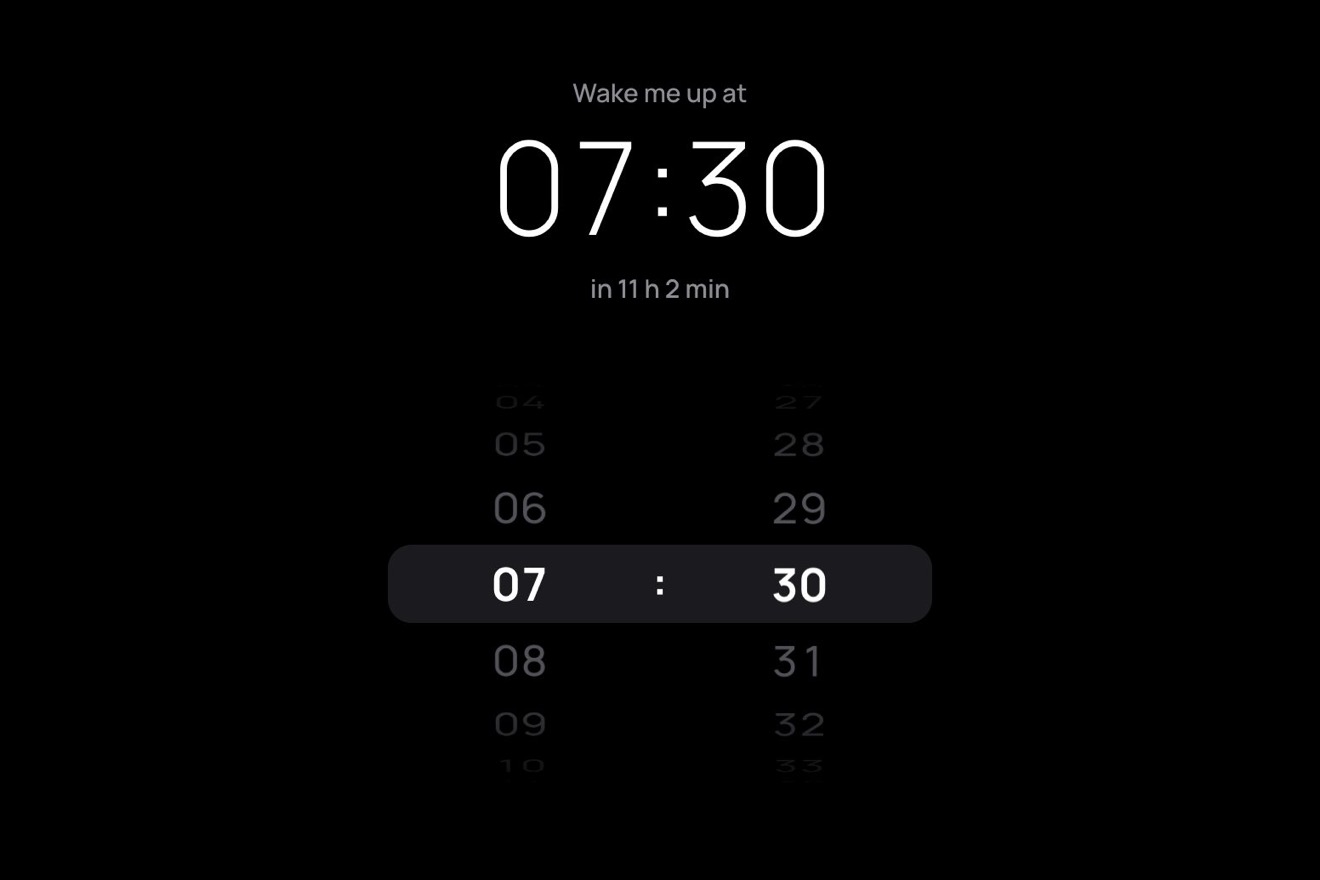
The time wheel
Pickers, 3D, Physics
NewFree
The Menu button is a closed brass telescope with a leather body: pressed, the draw tubes come out one from the other, each with a click against its stop and a bounce, and each has a section of the menu engraved on it. The tube under the pointer turns a little on its axis and the light runs round the brass, the knurling of its collar rolling past. Closing, the tubes go back in from the last to the first. On a computer it draws out sideways, on a phone it hangs down.
A folder that runs on its own: index.html, style.css, script.js and the libraries from a CDN. The React and Vue tabs hold the same demo as a ready component, which switches its animations off when it leaves the page.
<!doctype html>
<html lang="en">
<head>
  <meta charset="utf-8">
  <meta name="viewport" content="width=device-width, initial-scale=1">
  <title>The telescope menu</title>
  <link rel="stylesheet" href="https://cdn.jsdelivr.net/npm/@fontsource-variable/fraunces@5.3.0/index.css">
  <link rel="stylesheet" href="style.css">
</head>
<body>
  <main class="stage">
    <!-- the telescope menu: a closed brass telescope is the Menu button. Pressed, its draw tubes slide out one from
         the other, each with a click and a bounce, and each carries a section of the site; the tube under the pointer
         turns a little and the light runs round the brass. Closing, the tubes go back in from the last to the first -->
    <nav class="scope" aria-label="Main" data-scope>
      <div class="scope__rig" data-rig>
        <ul class="scope__tubes" id="scope-menu" data-menu>
          <li class="tube" data-tube><a class="tube__link" href="#shop" data-link><span class="tube__shell" data-shell></span><span class="tube__collar" data-collar></span><span class="tube__label" data-label>Shop</span></a></li>
          <li class="tube" data-tube><a class="tube__link" href="#collections" data-link><span class="tube__shell" data-shell></span><span class="tube__collar" data-collar></span><span class="tube__label" data-label>Collections</span></a></li>
          <li class="tube" data-tube><a class="tube__link" href="#journal" data-link><span class="tube__shell" data-shell></span><span class="tube__collar" data-collar></span><span class="tube__label" data-label>Journal</span></a></li>
          <li class="tube" data-tube><a class="tube__link" href="#about" data-link><span class="tube__shell" data-shell></span><span class="tube__collar" data-collar></span><span class="tube__label" data-label>About</span></a></li>
          <li class="tube" data-tube><a class="tube__link" href="#account" data-link><span class="tube__shell" data-shell></span><span class="tube__collar" data-collar></span><span class="tube__eye" data-eye></span><span class="tube__label" data-label>Account</span></a></li>
        </ul>
        <button class="body" type="button" aria-expanded="false" aria-controls="scope-menu" data-body data-autoclic>
          <span class="body__cap" data-cap aria-hidden="true"></span>
          <span class="body__leather" data-leather aria-hidden="true"></span>
          <span class="body__collar" data-bcollar aria-hidden="true"></span>
          <span class="body__words" aria-hidden="true"><span class="body__word" data-word="open">Menu</span><span class="body__word body__word--close" data-word="close">Close</span></span>
          <span class="sr" data-name>Open the menu</span>
        </button>
      </div>
    </nav>
  </main>

  <script src="https://cdn.jsdelivr.net/npm/gsap@3.15.0/dist/gsap.min.js"></script>
  <script src="script.js"></script>
</body>
</html>Change values, colours and text with the controls and watch the animation respond live. Or write in the code yourself. Then download the folder with your changes.
21 values to change
With the Animorio connector, Claude Code takes it from here, guide included, and fits it into your project. Paste this request:
Take “The telescope menu” from Animorio and fit it into my siteThe body and five tubes of shrinking diameter (52, 46, 41, 37, 33 pixels) and the same length. Each tube's position is a number s, from minus its travel (all the way in) to 0 (out against its stop), measured from the mouth of the tube before: so a tube carries all those inside it. Each one stays 10 pixels under the collar of the one before, and the wider ones lie on top, so the tubes inside are hidden by the metal.
Opening, each tube is pulled out by a force PULL and held back a little by the air; when it reaches its stop it bounces back with BOUNCE of its speed and the force brings it back against the stop until it settles. The constraint: a tube only starts moving once the one it comes out of has hit its stop; closing it is the other way round, from the last to the first, with a weaker push (PUSH). The physics runs by hand on GSAP's ticker in steps of 1/240 of a second, with the frame's step capped at 1/30.
The shading of each tube is a linear-gradient across it, worked out again when the tube turns: for 28 points on the diameter the script finds the angle of the surface (the arcsine) and adds a diffuse light, a narrow highlight above, a thin line of light below and a dark band, all fixed to the studio, plus the lathe marks, which belong to the metal and so turn with the angle phi. The collars use 72 points with the teeth of the knurling, which roll past as the tube turns.
Each tube has an angle phi on a spring (SPIN) towards TURN radians when the pointer is over it and towards 0 when it leaves: the spring swings a little, and the highlight moves by 22 per cent of the turn while the lathe marks move all the way. The engraved word moves across by the sine of the angle and narrows by its cosine, as if it went round on the surface. At every click against its stop the tube gets a little spin, and the whole telescope a knock along its axis.
The telescope's current length is worked out from the positions, and the group slides by half the difference so that it stays centred as it grows. Under VERTICAL_BELOW pixels of width the telescope hangs down: the measures turn vertical, the gradient turns by 90 degrees and the sections sit beside the tubes. The button has aria-expanded, Esc closes and goes back to the button, the arrows go from one section to the next and the closed menu is inert.
| Name | File | Default | What it changes |
|---|---|---|---|
PULL | script.js | 9000 | How hard each tube is pulled out, in pixels a second squared: more, a faster draw. |
BOUNCE | script.js | 0.32 | How much of its speed a tube keeps bouncing off its stop. |
PUSH | script.js | 0.75 | Closing, done by hand: how hard, against the pull out. |
TURN | script.js | 0.35 | How far a tube turns under the pointer, in radians. |
SPIN | script.js | [70, 0.3] | The spring of that turn: stiffness, and damping (1 = no swing). |
VERTICAL_BELOW | script.js | 820 | Under this page width the telescope hangs down instead of lying across. |
For the menu of a shop or a site with a crafted, antique or travel character: instruments, maps, watches, coffee, a magazine about exploring. Five or six sections at most: each section is a tube.
Under 820 pixels the telescope hangs down from the button and the sections, in gold on black, sit beside each tube: it all fits in 240 pixels across and less than 440 down. A touch on a tube turns it like the mouse over it, and the whole row of the section can be tapped.
No sliding tubes and no turning: opening, the telescope appears already drawn out with a fade, sections and all; closing, it fades and is short again. The MENU and CLOSE word changes without movement.
GSAP 3.15.0, Fraunces (font variabile) 5.3.0.
Compressed with gzip, the three demo files weigh 8.7 KB; the libraries: GSAP 28 KB.
Tested on 5 October 2026
Use it in your own projects and in your clients’ projects. Do not resell it or redistribute it as is. GSAP stays under its own Standard license. Full license.
With your account’s email and password.
or with your email
You’re signed in as .
With your account, you can download the zip of every animation and every pack, for free.