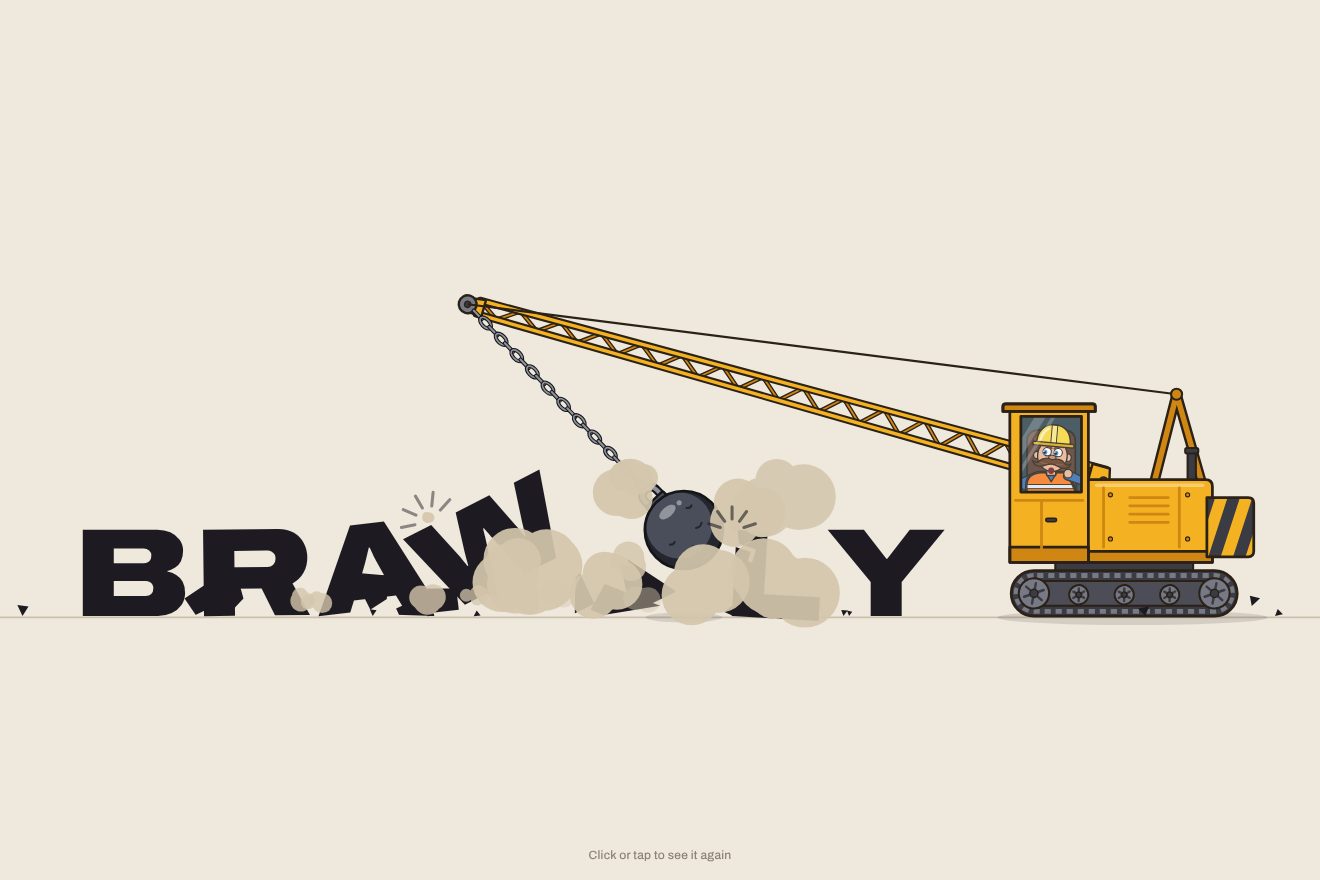
The wrecking-ball logo
Intro, Physics, SVG, Text
NewFree
A big title written with a finger in the sand, letter by letter, with the groove, the raised rim and the grains jumping out; then a foaming wave comes in, wipes it away and leaves the sand wet, where the next phrase is written. A click calls the wave at once.
A folder that runs on its own: index.html, style.css, script.js and the libraries from a CDN. The React and Vue tabs hold the same demo as a ready component, which switches its animations off when it leaves the page.
<!doctype html>
<html lang="en">
<head>
  <meta charset="utf-8">
  <meta name="viewport" content="width=device-width, initial-scale=1">
  <title>The title written in the sand</title>
  <link rel="stylesheet" href="https://cdn.jsdelivr.net/npm/@fontsource-variable/familjen-grotesk@5.3.0/index.css">
  <link rel="stylesheet" href="style.css">
</head>
<body>
  <main class="scena" data-scene>
    <!-- the title, for screen readers: the script keeps it in step with the phrase written in the sand -->
    <h1 class="leggibile" data-reader>Summer starts here. Saltwater Days, July 18 to 21</h1>
    <!-- the beach: the sand, the grooves, the flying grains, the water and the foam are all painted on this canvas -->
    <canvas class="spiaggia" data-beach aria-hidden="true"></canvas>
    <p class="nota" data-hint>Click or tap to call the wave</p>
  </main>

  <script src="https://cdn.jsdelivr.net/npm/gsap@3.15.0/dist/gsap.min.js"></script>
  <script src="script.js"></script>
</body>
</html>Change values, colours and text with the controls and watch the animation respond live. Or write in the code yourself. Then download the folder with your changes.
24 values to change
With the Animorio connector, Claude Code takes it from here, guide included, and fits it into your project. Paste this request:
Take “The title written in the sand” from Animorio and fit it into my siteThe letters do not come from a typeface: they are a single-stroke alphabet drawn for the demo, capitals, numbers and a few signs, each with its strokes written as SVG paths (M, L, C) 100 units tall. Every M is the finger lifting, and the order of the strokes is the writing order: the S in one stroke, the E from the top, the bar of the A last. The script flattens the curves into many points and keeps the running lengths of every stroke, so it knows where the finger is at any moment. A few open pairs (TA, LT, AV) sit a little closer, as a hand would write them.
The sand is painted only once on an offscreen canvas: broad lighter and darker blotches, ripples as wavy lines, tens of thousands of grains and a few bits of shell. The groove is redrawn on every frame in which the finger moves, on two canvases: one goes over the sand with multiply (the shade of the rim, the wall in shadow, the floor) and one with screen (the light on the rim and on the facing wall). The walls come from the same path drawn several times, shifted by a fraction of its width towards the light or away from it, and clipped inside the groove with source-atop and source-in. That way the groove works on dry sand and on wet sand.
Every stroke is a GSAP tween on the length already written, with a duration that depends on the length; between strokes the finger lifts and moves, with a pause in proportion to the distance. At every step grains are born on both sides of the groove, pushed sideways, a little forwards and upwards: gravity brings them down, they bounce once and, when they stop, they are stamped onto a canvas of debris. In flight they have a shadow that moves away with the height.
The edge of the water is a row of points: the height of the wave, which GSAP raises with power2.out and lowers with power1.in, plus three slow sine waves that make the lobes, wider when the water pulls back. Underneath is the water, with a gradient that starts almost clear and gets deeper, and a few ripples of light; in front a thread of light, the sheet of water; behind it two ribbons of foam that swell and thin along the shore and hundreds of bubbles, solid or ring-shaped. The water wipes as it passes: on every frame its shape removes a little of the groove and the debris with destination-out, so a weak wave leaves the words barely visible.
For every column the script remembers the highest point the water reached: below that line the sand is the wet version (the same texture multiplied by a darker colour), with a film of sky that shines and then soaks in, and a darker line where the wave stopped. The next phrase is written over it. At the end the beach dries, the sea calms and the round starts again from the same random seed, so every round is the same. A click stops the finger where it is and calls the wave. With reduced motion the words fade in and out and the sand darkens without a wave.
| Name | File | Default | What it changes |
|---|---|---|---|
TITLE | script.js | ['Summer starts here', 'See you at low tide'] | The phrases written in the sand, one after another: every wave wipes a phrase and the finger writes the next. Letters, numbers and the signs . , ' ! ? : - / & can be used. |
SUBTITLE | script.js | 'Saltwater Days, July 18 to 21' | The smaller line written under the title (empty = no line). |
WRITE_SPEED | script.js | 1 | How fast the finger writes: 2 is twice as fast, 0.5 half as fast. |
WAVE | script.js | 1 | How strong the wave is: how high it runs, how much foam it brings and how cleanly it wipes (with 0.4 the words stay faintly visible under the new phrase). |
GRAINS | script.js | 1 | How many grains of sand jump out of the groove while the finger writes (0 = none). |
REST | script.js | 2.4 | How many seconds the finished phrase stays on show before the wave comes. |
To open the page of a seaside place, a hotel or a beach club, a summer festival, a sunscreen or a beachwear collection; for a message that has to vanish and come back, like a greeting, a date or a promise; for a summer post or story.
The same animation with the sizes adapted: the title wraps onto two or three lines to stay big, the line under it onto one or two, and the grooves, grains, foam and bubbles shrink with the screen. A tap calls the wave.
Nothing moves: the sea at the bottom stays still, the words fade in already written, then fade out while the sand darkens as if wet, and the next phrase fades in; at the end the sand turns dry again.
GSAP 3.15.0, Familjen Grotesk (font variabile) 5.3.0.
Compressed with gzip, the three demo files weigh 14 KB; the libraries: GSAP 28 KB.
Tested on 10 October 2026
Use it in your own projects and in your clients’ projects. Do not resell it or redistribute it as is. GSAP stays under its own Standard license. Full license.
With your account’s email and password.
or with your email
You’re signed in as .
With your account, you can download the zip of every animation and every pack, for free.