Ink that reveals
WebGL, Hover
Free
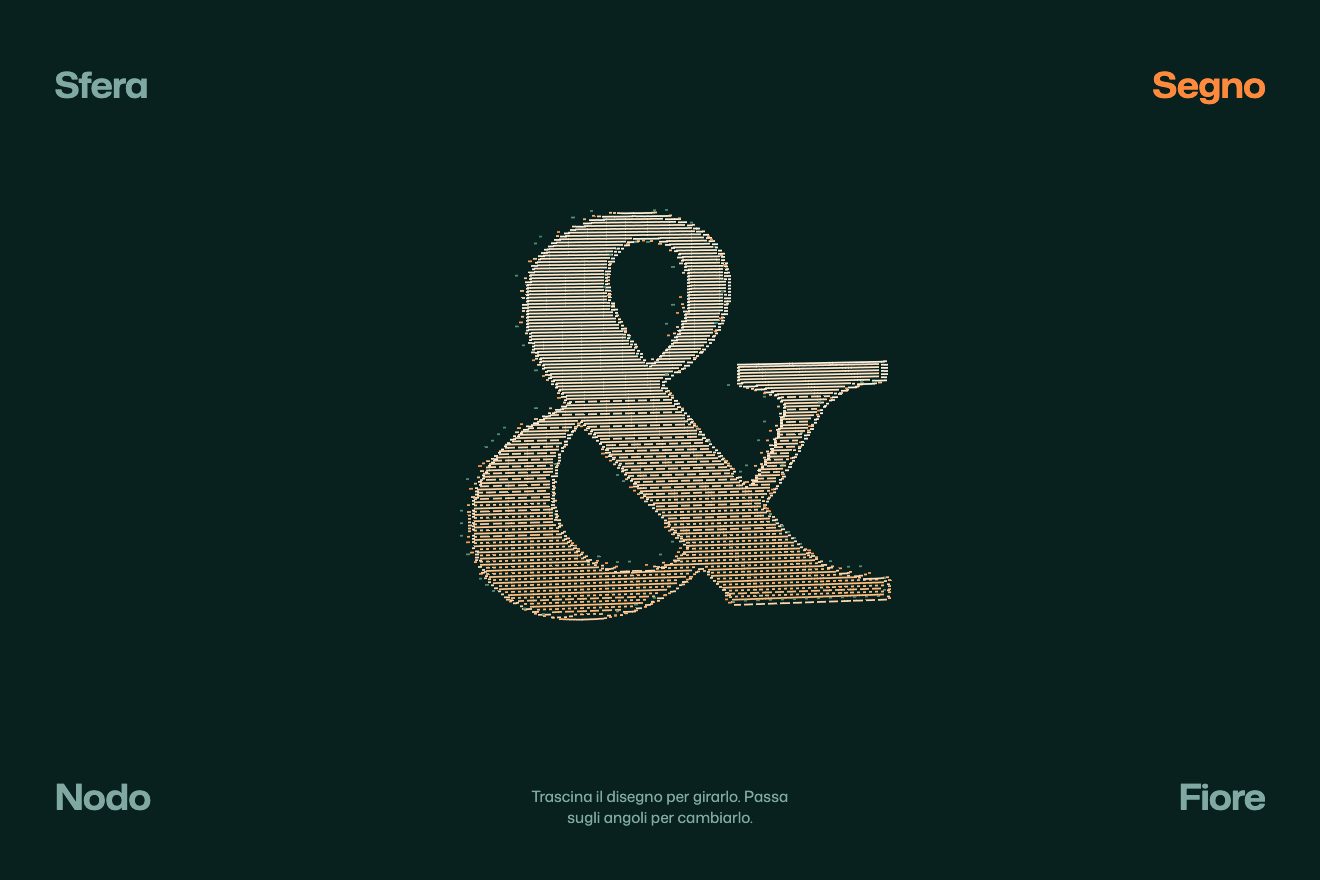
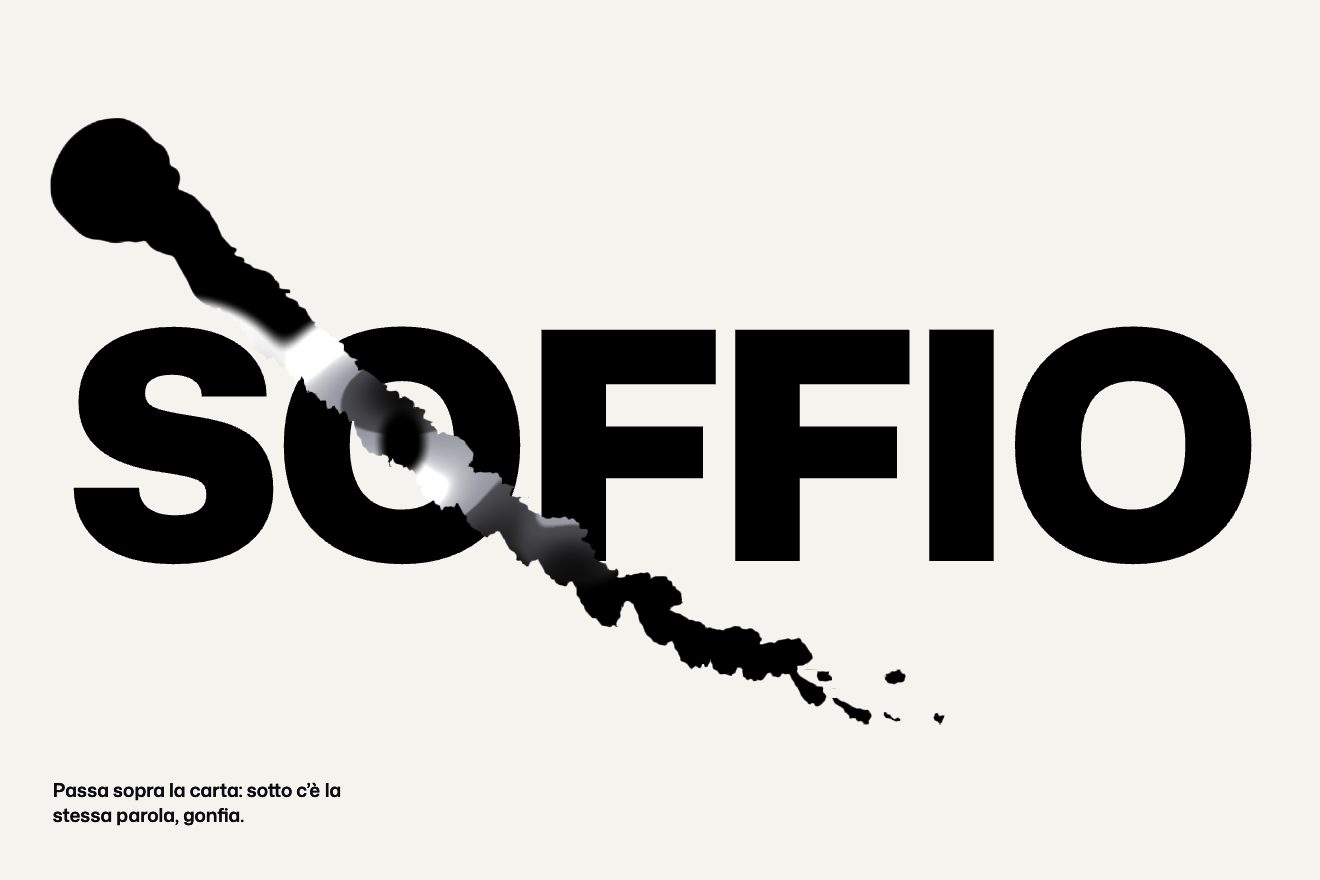
A WebGL field of characters, gathered into islands like a map, that the pointer tears away: it leaves a trail of ragged holes that close up by themselves.
A folder that runs on its own: index.html, style.css, script.js and the libraries from a CDN. The React and Vue tabs hold the same demo as a ready component, which switches its animations off when it leaves the page.
<!doctype html>
<html lang="it">
<head>
  <meta charset="utf-8">
  <meta name="viewport" content="width=device-width, initial-scale=1">
  <title>I caratteri strappati</title>
  <link rel="stylesheet" href="https://cdn.jsdelivr.net/npm/@fontsource-variable/archivo@5.3.0/standard.css">
  <link rel="stylesheet" href="style.css">
</head>
<body>
  <main class="palco" data-palco>
    <!-- il campo di caratteri, in WebGL, sotto a tutto: il puntatore ci strappa dei buchi -->
    <canvas class="campo" data-campo aria-hidden="true"></canvas>

    <header class="testa">
      <p class="testa__riga"><span class="maschera"><span data-entra>Mostra di foto venute male</span></span></p>
      <p class="testa__riga testa__riga--destra"><span class="maschera"><span data-entra>Dal 3 al 26 ottobre</span></span><span class="maschera"><span data-entra>Ingresso libero</span></span></p>
    </header>

    <div class="piede">
      <h1 class="titolo" aria-label="Scarti"><span class="maschera" aria-hidden="true"><span data-titolo>Scarti</span></span></h1>
      <div class="piede__lato">
        <p class="sottotitolo"><span class="maschera"><span data-entra>Mosse, storte, sfocate, col pollice davanti: le foto che nessuno ha voluto, appese come quadri.</span></span></p>
        <p class="nota" data-nota>Muovi il puntatore: dove passa, i caratteri si strappano via e poi ricrescono.</p>
      </div>
    </div>
  </main>

  <script src="https://cdn.jsdelivr.net/npm/gsap@3.15.0/dist/gsap.min.js"></script>
  <script src="script.js"></script>
</body>
</html>Change values, colours and text with the controls and watch the animation respond live. Or write in the code yourself. Then download the folder with your changes.
27 values to change
With the Animorio connector, Claude Code takes it from here, guide included, and fits it into your project. Paste this request:
Take “Torn characters” from Animorio and fit it into my siteThe field is drawn in two WebGL passes. In the first, every screen cell, 9 px wide, is a single pixel of a small texture, and the shader writes its density there. In the second, at full resolution, every pixel finds its cell, reads the density and takes the glyph from an atlas: a canvas strip with the ramp’s characters, each in its own square of real pixels.
It is a level of 0.57, denser at the bottom by 0.22, plus a three-dimensional value noise (the third dimension is time) over four octaves, which moves it by 0.62. A contrast of 2.3 gathers it into full islands with emptiness around them. Ten times a second every cell trembles a little, only where there is already something: the islands’ edges stay alive.
The hole under the pointer is 0.085 screen heights wide and chases it with a 0.06 second lag. Every 0.3 radii of travel, and no more often than every 30 ms, a mark is laid that lives 0.7 seconds: it stays almost full, then shrinks quickly. Hole and marks, 24 at most, reach the shader as an array of vec4: position, radius and a seed for the lumpy outline.
For every cell the shader takes the distance to the nearest mark and, before the threshold, adds a noise whose high octaves weigh more than usual: the edge does not wave, it breaks into shards. Where the distance drops below zero the density goes to zero and the cell falls onto the blank character.
| Name | File | Default | What it changes |
|---|---|---|---|
CELLA | script.js | 9 | The size of one character, in px. |
RAMPA | script.js | ' .:-=+xo%#@' | The characters from empty to full: the first is the space. |
CONTRASTO | script.js | 2.3 | How much the density gathers into islands. |
LIVELLO, PENDENZA | script.js | 0.57, 0.22 | How dense the field is, and how much denser at the bottom. |
RUMORE, SCALA | script.js | 0.62, 2.4 | How much the noise moves the density and how small the islands are. |
RAGGIO | script.js | 0.085 | The hole under the pointer, in screen heights. |
VITA, PASSO | script.js | 0.7, 0.3 | How long a trail mark lives and how much travel lays the next one. |
STRAPPO, TRAMA | script.js | 0.13, 7 | How far the noise tears the edge and how fine the shards are. |
For the background of a page that wants a strong character: a portfolio, an exhibition, a festival, an error page. It works best where the page is short and there is empty space to fill.
The finger draws while it touches: the page is one screen tall and dragging does not scroll it. When the finger lifts, the ghost comes back after two and a half seconds.
The field stands still, with no ghost and no trail: only the hole under the pointer remains, and it moves when you move it.
GSAP 3.15.0, Archivo (font variabile) 5.3.0.
Compressed with gzip, the three demo files weigh 7.8 KB; the libraries: GSAP 28 KB.
Tested on 28 September 2026
Use it in your own projects and in your clients’ projects. Do not resell it or redistribute it as is. GSAP stays under its own Standard license. Full license.
With your account’s email and password.
or with your email
You’re signed in as .
With your account, you can download the zip of every animation and every pack, for free.