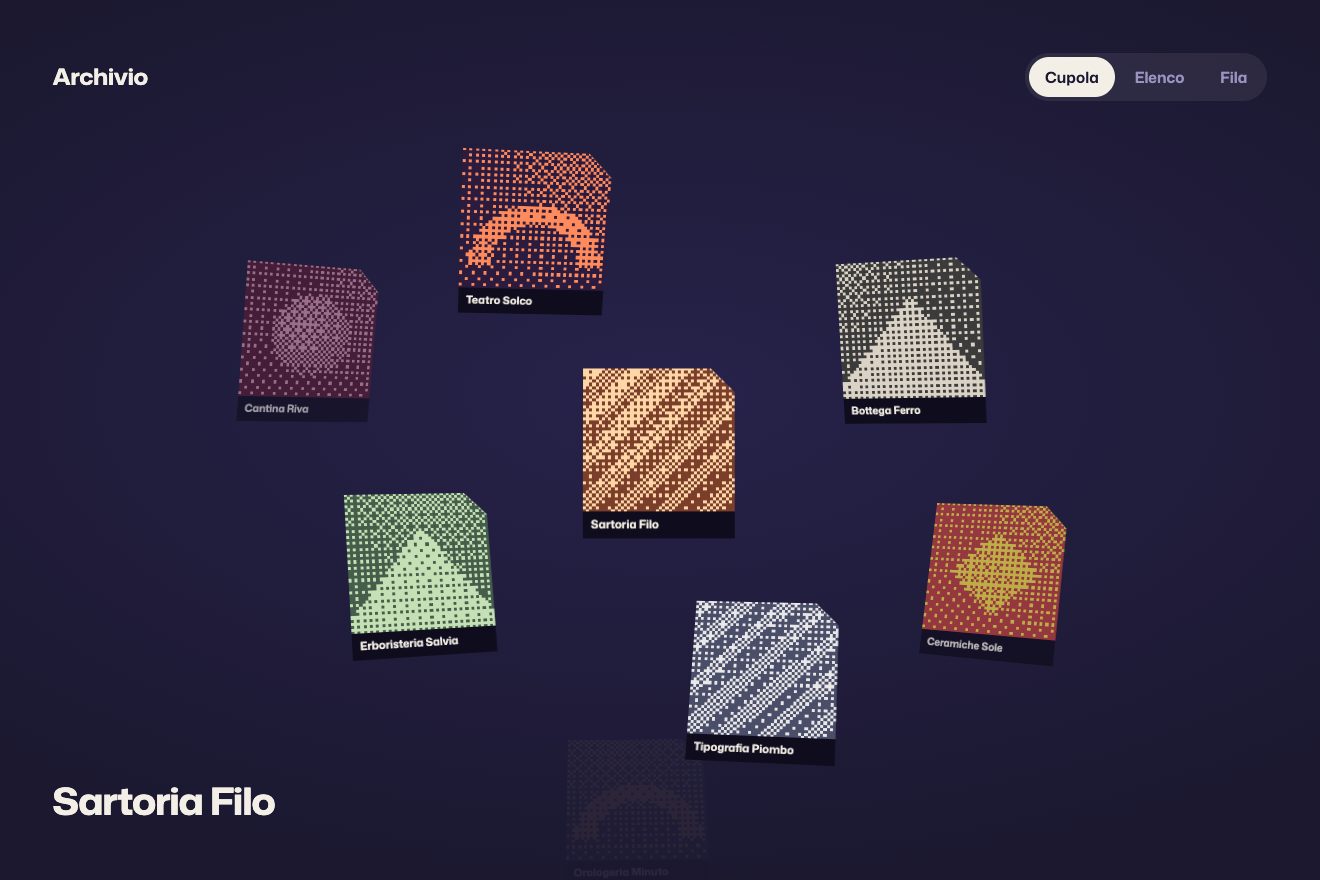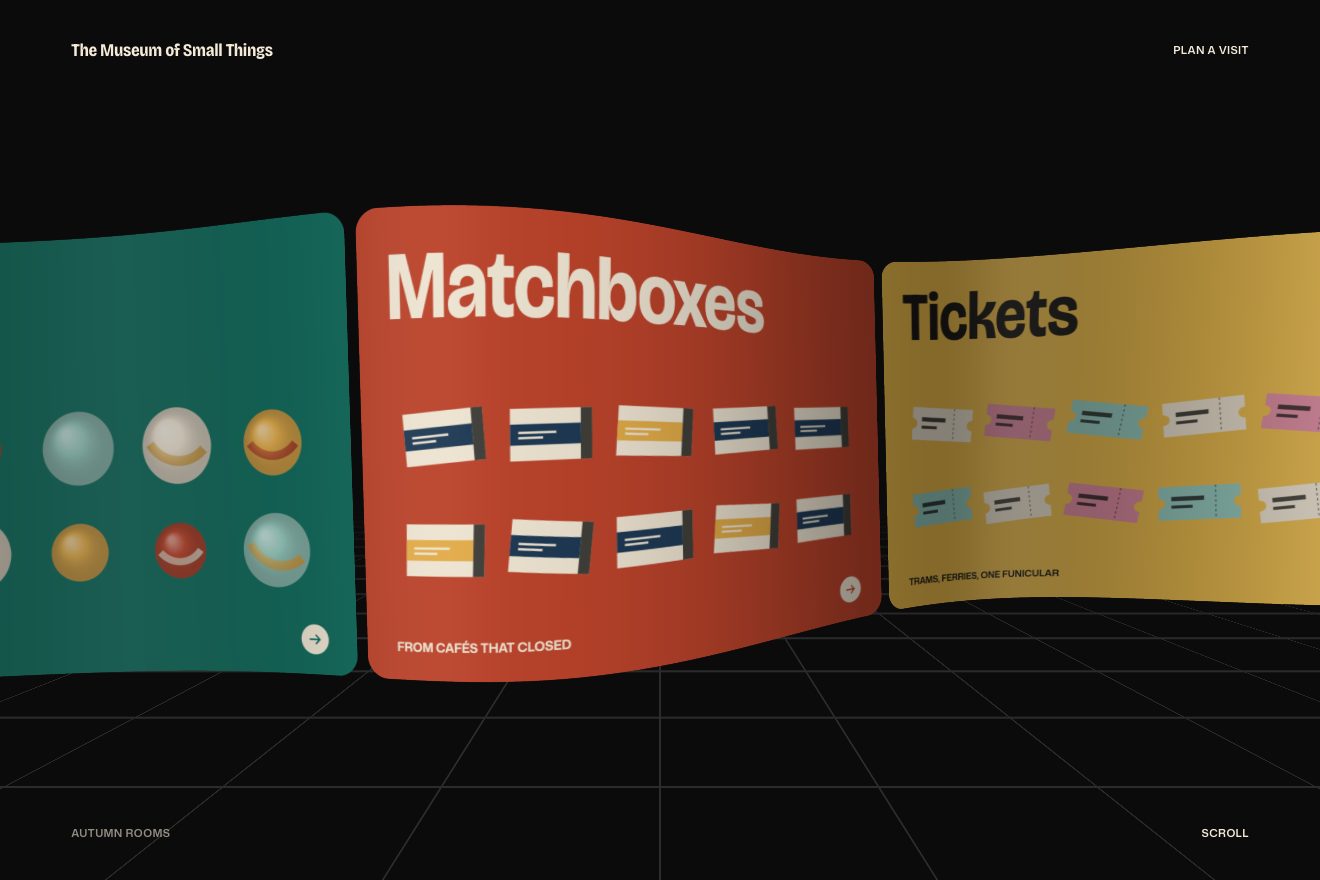
The globe of covers
Scroll, 3D, Images
NewFree
A hundred and twenty photos hanging along a closed knot and a camera walking through it: near ones have colour, far ones turn grey in the fog, and while you scroll the corners round off.
A folder that runs on its own: index.html, style.css, script.js and the libraries from a CDN. The React and Vue tabs hold the same demo as a ready component, which switches its animations off when it leaves the page.
<!doctype html>
<html lang="it">
<head>
<meta charset="utf-8">
<meta name="viewport" content="width=device-width, initial-scale=1">
<title>La galleria sul nodo</title>
<link rel="stylesheet" href="https://cdn.jsdelivr.net/npm/@fontsource-variable/archivo@5.3.0/standard.css">
<link rel="stylesheet" href="style.css">
</head>
<body>
<main class="sala" data-sala>
<!-- le foto: lo script le dipinge e le appende qui, poi le mette in 3D a ogni fotogramma -->
<div class="mondo" data-mondo aria-hidden="true"></div>
<!-- un velo scuro in alto e in basso: le foto ci passano sotto e le scritte restano leggibili -->
<div class="velo" aria-hidden="true"></div>
<header class="testa">
<p class="marchio">Scarti</p>
<p class="testa__riga">Mostra di foto venute male<br>La sala grande</p>
</header>
<div class="didascalia" aria-live="polite">
<p class="didascalia__nome"><span class="maschera"><span data-nome> </span></span></p>
<p class="didascalia__riga"><span class="maschera"><span data-riga> </span></span></p>
</div>
<div class="piede">
<p class="nota" data-nota>Scorri o trascina per camminare fra le foto: più sono vicine, più hanno colore. Le frecce cambiano il percorso.</p>
<div class="percorso">
<span class="percorso__etichetta">Percorso</span>
<button class="tasto" type="button" data-prima aria-label="Percorso precedente">
<svg viewBox="0 0 24 24" aria-hidden="true"><path d="M19 12H5M11 6l-6 6 6 6" /></svg>
</button>
<span class="percorso__nome maschera"><span data-percorso>Trifoglio</span></span>
<button class="tasto" type="button" data-dopo aria-label="Percorso successivo">
<svg viewBox="0 0 24 24" aria-hidden="true"><path d="M5 12h14M13 6l6 6-6 6" /></svg>
</button>
</div>
</div>
</main>
<script src="https://cdn.jsdelivr.net/npm/gsap@3.15.0/dist/gsap.min.js"></script>
<script src="script.js"></script>
</body>
</html>Change values, colours and text with the controls and watch the animation respond live. Or write in the code yourself. Then download the folder with your changes.
29 values to change
With the Animorio connector, Claude Code takes it from here, guide included, and fits it into your project. Paste this request:
Take “The gallery on a knot” from Animorio and fit it into my siteThe path is a closed formula: the trefoil knot (sin a + 2 sin 2a, −0.8 sin 3a, cos a − 2 cos 2a) times 820 px, laid almost flat. It is sampled at 2400 points and its cumulative length measured: a position in px along the path becomes a point through a binary search, and the camera always moves at the same speed, even in tight bends.
The eye sits on the path and looks at the point 0.035 laps ahead. Right is the cross product of the direction and the world’s up, the camera’s up the one of right and direction. The target moves with the wheel (1.1 px per px), with a drag and by itself at 150 px a second; the position chases it with a 0.35 second rubber band. The pointer moves the eye up to 70 px sideways and 44 up, and the aim a little less: the camera leans and turns slightly.
No 3D engine: for every photo the script works out where it sits relative to the eye, with three dot products, and writes translate3d(x, −y, 520 − z) inside a container with perspective: 520px and a layer with transform-style: preserve-3d, which sorts them by depth. They never rotate, so they always face the camera.
Opacity drops between 1500 and 3400 px of distance, and photos nearer than 260 px fade before passing behind the eye. Grey (filter: grayscale) rises between 650 and 2600 px, in steps of a tenth so it is not rewritten every frame. The corners are rounded by the wheel: every flick adds, the value falls back by itself in 0.35 seconds, and it reaches the photos as a single --tondo variable on the container.
An arrow gives the target 3200 px over 1.8 seconds of power3.inOut; halfway, when the camera is fastest, the knot becomes the new path and the photos are hung again around it. None of the three paths crosses itself: a path passing twice through the same point takes the camera into the thickest cluster of photos just as it is running. Every frame adds the difference between the eased total and what was already given, so the distance is exact at any screen refresh rate.
| Name | File | Default | What it changes |
|---|---|---|---|
QUADRI, LATO | script.js | 120, 264 | How many photos on the path and their long edge, in px. |
SCALA | script.js | 820 | How big the path is, in px. |
VICINO, LONTANO | script.js | 300, 950 | How far the photos hang from the path: never less, never more. |
AVANTI | script.js | 0.035 | How far ahead the camera looks, in laps. |
ELASTICO, DERIVA | script.js | 0.35, 150 | The camera’s lag, in seconds, and how fast it walks by itself, in px a second. |
NEBBIA, COLORE | script.js | [1500, 3400], [650, 2600] | Where the fog starts and ends, and where the photos lose their colour. |
TONDO | script.js | 50 | How much the corners round off while you scroll, in percent. |
PIEGA, GIRA | script.js | [70, 44], 0.35 | How far the camera leans with the pointer and how much it turns back towards what it was looking at. |
CORSA | script.js | 3200 | The run-up of the path change, in px. |
For a gallery that should feel like a place rather than a grid: an exhibition, a photo archive, a portfolio with many small images. The more photos, the fuller the journey.
You walk by dragging a finger, up and down or sideways, with a small fling on release. The lens is wider, with a 400 px perspective, so the narrow screen does not feel like a corridor, and the photos hang closer to the path, at two thirds of the distance.
The camera does not walk by itself, the corners stay square and the pointer does not lean it; the wheel and the arrow keys move it with a shorter rubber band.
GSAP 3.15.0, Archivo (font variabile) 5.3.0.
Compressed with gzip, the three demo files weigh 11 KB; the libraries: GSAP 28 KB.
Tested on 28 September 2026
Use it in your own projects and in your clients’ projects. Do not resell it or redistribute it as is. GSAP stays under its own Standard license. Full license.
With your account’s email and password.
or with your email
You’re signed in as .
With your account, you can download the zip of every animation and every pack, for free.