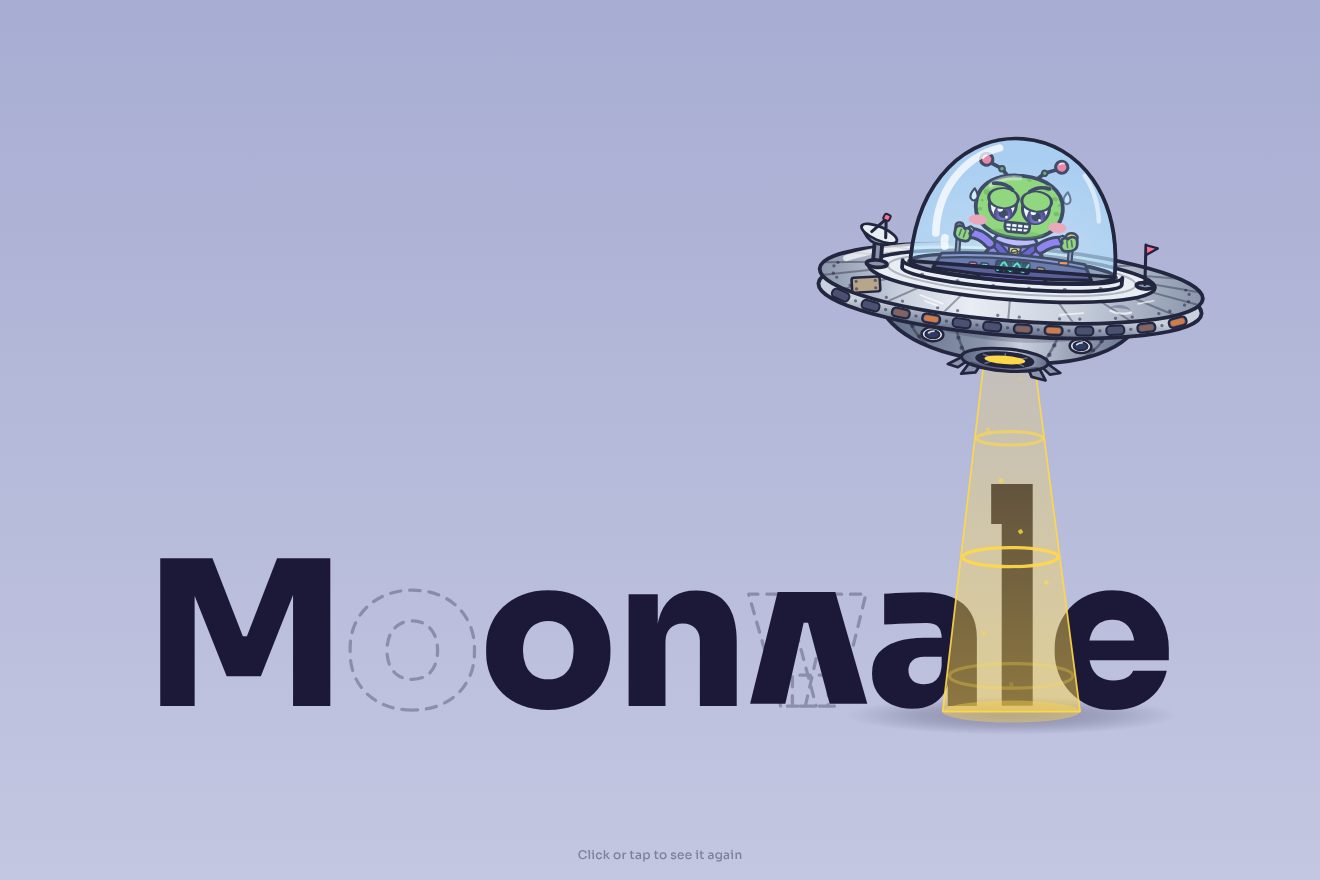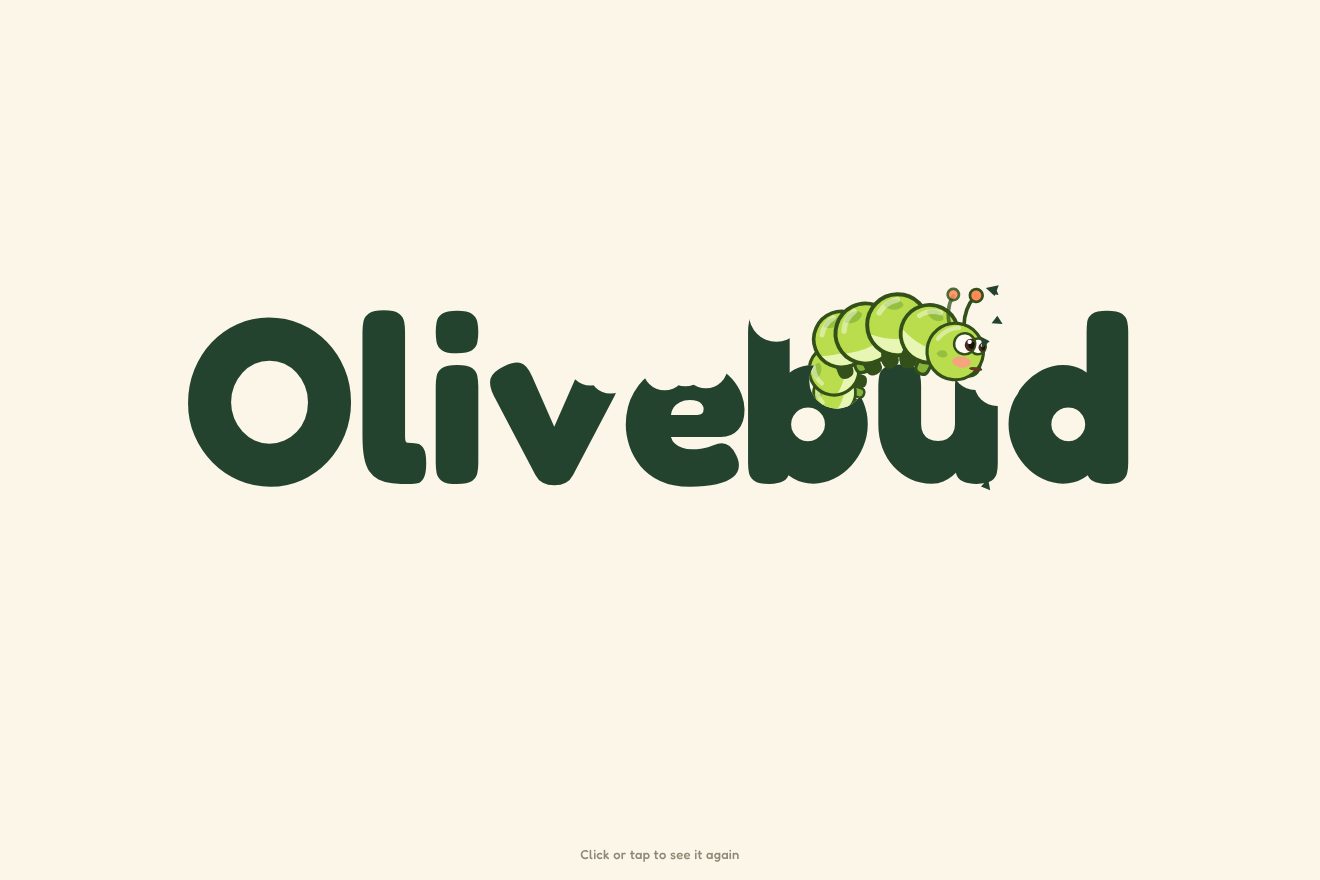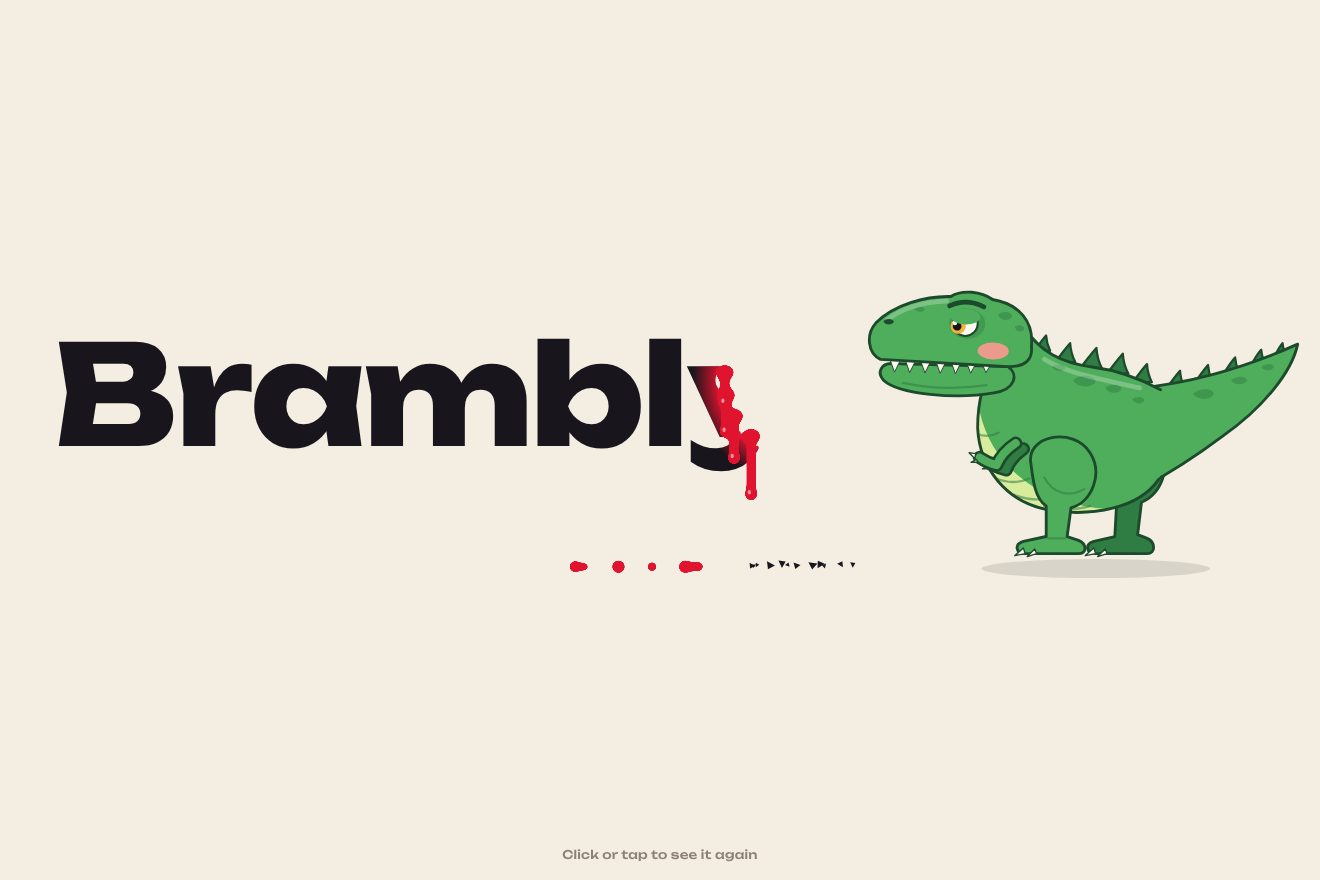
The dinosaur-bitten logo
Intro, SVG, Text
The opening of an invented travel app, in a minimal style: on warm paper a dashed route draws itself between Lisbon, Reykjavik, Oslo and Athens with a small coral plane on its tip, returns to Lisbon and pulls itself round into the O of the logo. The rest of the name comes out from behind the O and the plane circles it before taking off from its shoulder.
A folder that runs on its own: index.html, style.css, script.js and the libraries from a CDN. The React and Vue tabs hold the same demo as a ready component, which switches its animations off when it leaves the page.
<!doctype html>
<!--
  "Flight route loader" from Animorio · https://animorio.com
  License: free on your own sites and your clients’ sites, paid work included.
  Not for resale, redistribution, templates or code collections · https://animorio.com/en/license/
-->
<html lang="en">
<head>
  <meta charset="utf-8">
  <meta name="viewport" content="width=device-width, initial-scale=1">
  <title>The travel app loader whose flight route closes into the logo</title>
  <link rel="stylesheet" href="https://cdn.jsdelivr.net/npm/@fontsource-variable/mona-sans@5.3.0/wdth.css">
  <link rel="stylesheet" href="style.css">
</head>
<body>
  <main class="stage" data-stage>
    <!-- the loader of Orvo, a made-up travel app: a dashed route draws itself between four cities with a small plane
         on it, closes back on the first city, then pulls itself round into the O of the logo; the rest of the name
         comes in, the plane circles the O once and parks on its shoulder -->
    <div class="mark" data-mark>
      <svg class="map" data-map viewBox="0 0 400 260" aria-label="Orvo, loading">
        <defs>
          <mask id="draw" maskUnits="userSpaceOnUse" x="0" y="0" width="400" height="260">
            <path class="draw" data-draw d="" pathLength="1"/>
          </mask>
        </defs>
        <g class="lat" data-lat>
          <path d="M-10 82 Q200 52 410 82"/>
          <path d="M-10 138 Q200 112 410 138"/>
          <path d="M-10 194 Q200 172 410 194"/>
        </g>
        <path class="shadow" data-shadow d=""/>
        <g mask="url(#draw)"><path class="route" data-route d=""/></g>
        <g class="cities" data-cities></g>
        <path class="trail" data-trail d=""/>
        <g class="word" data-word>
          <text data-letter>r</text><text data-letter>v</text><text data-letter>o</text>
        </g>
        <g class="plane" data-plane>
          <g class="plane__body" data-plane-body>
            <ellipse class="plane__shade" cx="1" cy="5" rx="6" ry="1.6"/>
            <path d="M8.6 0c0-.9-.7-1.4-1.6-1.4H2.4L-1.6-7.2h-1.9l1.9 5.8h-3.9l-1.6-2.2h-1.4l.9 3.6-.9 3.6h1.4l1.6-2.2h3.9L-3.5 7.2h1.9L2.4 1.4H7c.9 0 1.6-.5 1.6-1.4Z"/>
          </g>
        </g>
      </svg>
      <p class="tagline" data-tagline>Go the long way.</p>
    </div>

    <div class="load" data-load aria-hidden="true">
      <span class="load__label" data-load-label>Plotting your route</span>
      <span class="load__num"><span data-pct>0</span><i>%</i></span>
      <span class="load__bar"><span data-bar></span></span>
    </div>

    <button class="pillola" type="button" data-replay>
      <span class="pillola__scritta" data-testo="Replay">Replay</span>
    </button>
  </main>

  <script src="https://cdn.jsdelivr.net/npm/gsap@3.15.0/dist/gsap.min.js"></script>
  <script src="script.js"></script>
</body>
</html>Change values, colours and text with the controls and watch the animation respond live. Or write in the code yourself. Then download the folder with your changes.
20 values to change
With the Animorio connector, Claude Code, ChatGPT, Cursor or VS Code take it from here, guide included, and fit it into your project. Paste this request:
Take “Flight route loader” from Animorio and fit it into my siteThe route is four quadratic arcs, one per flight, sampled in 40 points each: 161 points in a single SVG path, rewritten on every frame. The dashes are a stroke-dasharray on the visible path; the progressive drawing is done by a mask with the same path solid, pathLength 1 and stroke-dashoffset from 1 to 0, so the dashes don’t crawl as the route grows.
The plane’s position is the point of the route at the same share of the drawing, and its rotation is the direction from that point to the next. The moment it reaches each city is worked out by inverting the sine.inOut curve of the drawing, so each city’s ring starts exactly as the plane passes.
Every point already has its place on the circle, chosen by how far along the route it is: Lisbon falls on the lower left and the route goes all the way round. A number from 0 to 1 takes each point from the route to the circle with expo.inOut, the later points slightly behind, while the gap between the dashes drops to zero and the width rises from 1.6 to RING_WIDTH.
The letters are SVG texts lined up after the O, measured with getComputedTextLength once the font has arrived. They come out from 22 units to the left, from behind the O, LETTER_STAGGER seconds apart, while the width of Mona Sans drops from 125 to 100 per cent with elastic.out.
The plane goes round the O on a circle 15 units wider, half a turn in ORBIT_TIME seconds, and the dotted trail is an arc redrawn up to the angle it has reached. At the end it rises a few units, turns nose up and grows by 20 per cent with back.out.
| Name | File | Default | What it changes |
|---|---|---|---|
DRAW_TIME | script.js | 3.2 | The seconds in which the route draws itself from city to city, with the small plane on it. |
MORPH_TIME | script.js | 1.15 | The seconds in which the closed route pulls round into the O of the logo. |
RING_WIDTH | script.js | 8 | The thickness of the O at the end, in drawing units (the route is 1.6). |
LETTER_STAGGER | script.js | 0.08 | The delay between one letter of the name and the next, in seconds. |
ORBIT_TIME | script.js | 1.2 | The seconds of the plane’s turn round the O before it settles on its shoulder. |
DASH | script.js | 5 | The length of the route’s dashes, in drawing units. |
For the splash screen or loader of a travel, flights or booking app; to present the logo of a travel agency, an airline or a guide; for the launch page of an app that plans itineraries.
The same opening: everything is drawn in a single SVG sized on both the width and the height of the window, so route, O and name always fit the box, and the loading line narrows.
No route drawing itself, no flying plane, no letters arriving: the logo appears already made in a fade, with the O, the name, the plane on its shoulder and the line; Replay brings it back the same way.
GSAP 3.15.0, Mona Sans (font variabile) 5.3.0.
Compressed with gzip, the three demo files weigh 7.6 KB; the libraries: GSAP 28 KB.
Tested on 30 October 2026
Use it in your own projects and in your clients’ projects. Do not resell it or redistribute it as is. GSAP stays under its own Standard license. Full license.
Support Animorio
Animorio stays free thanks to the people who support it. If you like, buy us a coffee: it helps us make the next animations.
You asked for
We made it for you: it’s in the library, with the preview, the Playground and the code to copy.
An animation you can’t find, or a site to take apart in the journal: tell us which. We pick the next ones from here.
With your account’s email and password.
or with your email
You’re signed in as .
With your account, you can download the zip of every animation and every pack, for free.