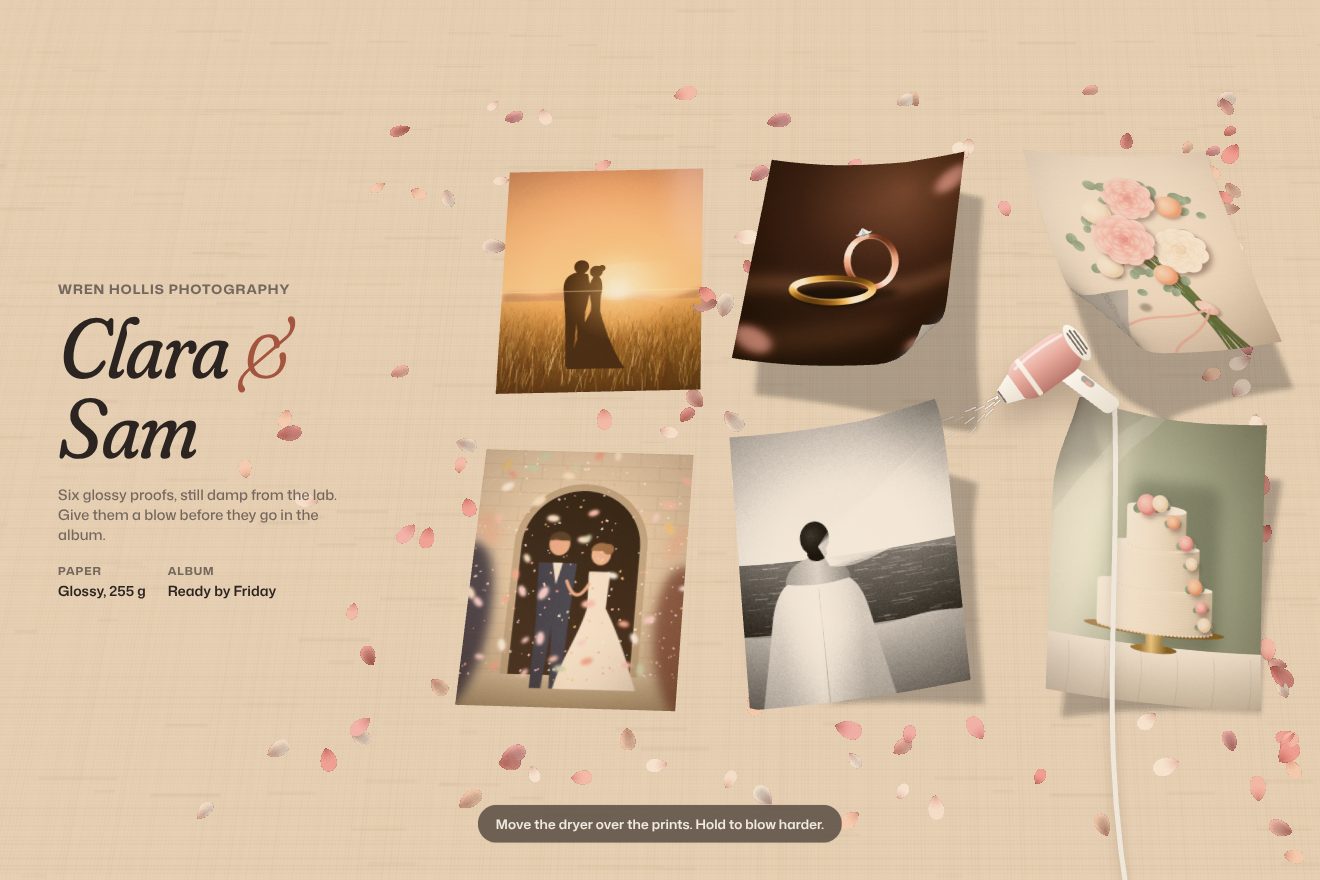
Prints under the hair dryer
Hover, Physics, WebGL
NewFree
Gold rings, gold tubes and pearls float without weight in a thick ring around the middle of the screen: a tunnel seen from inside, with the name in the empty middle. The pointer pushes them away and they turn as they move; a click opens the wall out to the edges and lets it come back. At the start they rush in from outside while the view widens.
A folder that runs on its own: index.html, style.css, script.js and the libraries from a CDN. The React and Vue tabs hold the same demo as a ready component, which switches its animations off when it leaves the page.
<!doctype html>
<html lang="en">
<head>
  <meta charset="utf-8">
  <meta name="viewport" content="width=device-width, initial-scale=1">
  <title>The tunnel that makes room</title>
  <link rel="stylesheet" href="https://cdn.jsdelivr.net/npm/@fontsource-variable/cormorant@5.3.0/index.css">
  <link rel="stylesheet" href="https://cdn.jsdelivr.net/npm/@fontsource-variable/cormorant@5.3.0/wght-italic.css">
  <link rel="stylesheet" href="https://cdn.jsdelivr.net/npm/@fontsource-variable/manrope@5.3.0/index.css">
  <link rel="stylesheet" href="style.css">
  <script type="importmap">
    {
      "imports": {
        "three": "https://cdn.jsdelivr.net/npm/three@0.178.0/build/three.module.min.js",
        "three/addons/": "https://cdn.jsdelivr.net/npm/three@0.178.0/examples/jsm/"
      }
    }
  </script>
</head>
<body>
  <!-- the tunnel: a WebGL canvas behind everything -->
  <canvas class="stage" data-stage aria-hidden="true"></canvas>

  <header class="bar">
    <a class="brand" href="#">Hoop House</a>
    <nav class="bar__nav" aria-label="Sections">
      <a href="#">Rings</a>
      <a href="#">Hoops</a>
      <a href="#">Pearls</a>
      <a href="#">Visit</a>
    </nav>
  </header>

  <!-- what sits in the empty middle of the tunnel -->
  <main class="hole">
    <svg class="mark" viewBox="0 0 64 64" aria-hidden="true">
      <circle cx="32" cy="32" r="22" fill="none" stroke="currentColor" stroke-width="5"/>
      <circle cx="32" cy="32" r="13" fill="none" stroke="currentColor" stroke-width="1.6" opacity="0.6"/>
    </svg>
    <h1 class="title">Fine jewellery, <em>weightless.</em></h1>
    <a class="shop" href="#">Shop the hoops</a>
  </main>

  <p class="hint" data-hint>Move the pointer to make room. Click to scatter everything.</p>

  <!-- where the poster and the collaudo put the pointer: on the tunnel wall, right of the middle -->
  <span class="aim" data-aim aria-hidden="true"></span>

  <script src="https://cdn.jsdelivr.net/npm/gsap@3.15.0/dist/gsap.min.js"></script>
  <script type="module" src="script.js"></script>
</body>
</html>Change values, colours and text with the controls and watch the animation respond live. Or write in the code yourself. Then download the folder with your changes.
30 values to change
With the Animorio connector, Claude Code takes it from here, guide included, and fits it into your project. Paste this request:
Take “The tunnel that makes room” from Animorio and fit it into my siteThree.js draws on a transparent canvas over the CSS background. The reflections in the gold come from a room of lights (RoomEnvironment) run through the PMREMGenerator, with ACES tone mapping. The lens sits 18 units from the middle and the objects float around depth −5; its angle starts at 18 degrees and every frame covers 12% of the way to 40, so the view widens while the objects arrive.
Three shapes: a torus (radius 1, thickness 0.3), a hollow bead made by turning a rectangle with round corners (LatheGeometry) and a sphere. Every shape with its finish is an InstancedMesh: polished gold (roughness 0.16), brushed gold (0.42), and pearl with clearcoat, sheen and a touch of iridescence. Each one’s colour is setColorAt. The positions come from a seeded random, so the tunnel is always built the same: a random angle, a radius between 15 and 25 units (off screen), depth −5 give or take 1.
Sixty steps a second, at a fixed rate. Every force is an impulse divided by the mass, with the original’s numbers: the masses come from the volume of its colliders (4.8 s³ for rings, 2.4 s³ for tubes). Outside the ring, objects come back in with 2 · (d − R); inside, after a second and a half, they go out with 5 · (0.9R − d) and, below the radius of the hole, with 15 · (R − d). The pointer pushes with PUSH · (REACH + size − distance). Every step the speed is divided by 1 + step · DAMPING and never goes past 30 units a second.
Every object is a ball or a capsule, that is a segment with a radius: for two objects the script finds the closest points of their segments (Ericson’s method). If they are closer than the sum of the radii they move apart, each in proportion to the other’s mass, and the part of the speed that brought them together is cancelled with a bounce of 0.15. An off-centre knock adds a spin. Along the axis there is a cylinder: no object gets closer to it than the hole.
The pointer on the screen becomes a point at the depth of the objects through a Raycaster, worked out again at every step with the lens of that moment. A finger counts while it stays down. The click is a GSAP tween: in 0.35 seconds a value goes from 0 to 1 and in 1.4 it goes back to 0; meanwhile the radius of the ring heads for SCATTER and whatever is inside gets pushed out with (R − d) · value · 30. With no pointer for WANDER seconds, an invisible one goes round the wall.
| Name | File | Default | What it changes |
|---|---|---|---|
COUNT | script.js | 120 | How many objects float on a wide screen; on a narrow one six in ten. |
MIX | script.js | [0.45, 0.3, 0.25] | The shares of rings, tubes and pearls. |
HOLE | script.js | 3.4 | The radius of the empty middle, in scene units (the window is about 17 high). |
PUSH | script.js | 180 | How hard the pointer pushes: the impulse for every unit it gets inside an object. |
REACH | script.js | 3.5 | How far around the pointer it pushes, in units, plus the object’s own size. |
SCATTER | script.js | 10 | How far a click opens the wall, as a radius: 10 is the edge of the window. |
SPIN | script.js | 0.35 | How fast the objects turn on their own at most, in radians per second. |
DAMPING | script.js | 0.95 | How quickly movement dies down: at 0.95 about six tenths of the speed go every second. |
WANDER | script.js | 2.5 | The seconds without a pointer before an invisible one goes round the wall (0 for never). |
GOLD | script.js | ['#f2d08c', '#dcae55', '#b9862f'] | The golds, one picked at random for every ring and tube. |
PEARL | script.js | '#f5efe4' | The pearls’ colour. |
FOV | script.js | [18, 40] | The lens angle at the start and once everything has arrived, in degrees. |
For an opening that should feel like a shop window rather than a page: jewellery, perfume, sweets, toys, materials. It wants objects you recognise from afar and a few words in the empty middle; for a page that must load in a flash or for a long text it is too much.
On a narrow screen there are six objects in ten and they are smaller, and the resolution goes up to 1.75 at most. A finger resting on the screen pushes like the pointer while it stays down, a tap opens the wall; when the finger lifts, after two and a half seconds the invisible pointer goes round.
No rushing in and no motion: the tunnel is settled before it is drawn, seven seconds of physics done in an instant, and it holds still. The pointer and the click do nothing, and the hint at the bottom says so.
Three.js 0.178.0, GSAP 3.15.0, Cormorant (font variabile) 5.3.0, Manrope (font variabile) 5.3.0.
Compressed with gzip, the three demo files weigh 9.0 KB; the libraries: GSAP 28 KB, Three.js + RoomEnvironment 176 KB.
Tested on 2 October 2026
Use it in your own projects and in your clients’ projects. Do not resell it or redistribute it as is. GSAP stays under its own Standard license. Full license.
With your account’s email and password.
or with your email
You’re signed in as .
With your account, you can download the zip of every animation and every pack, for free.