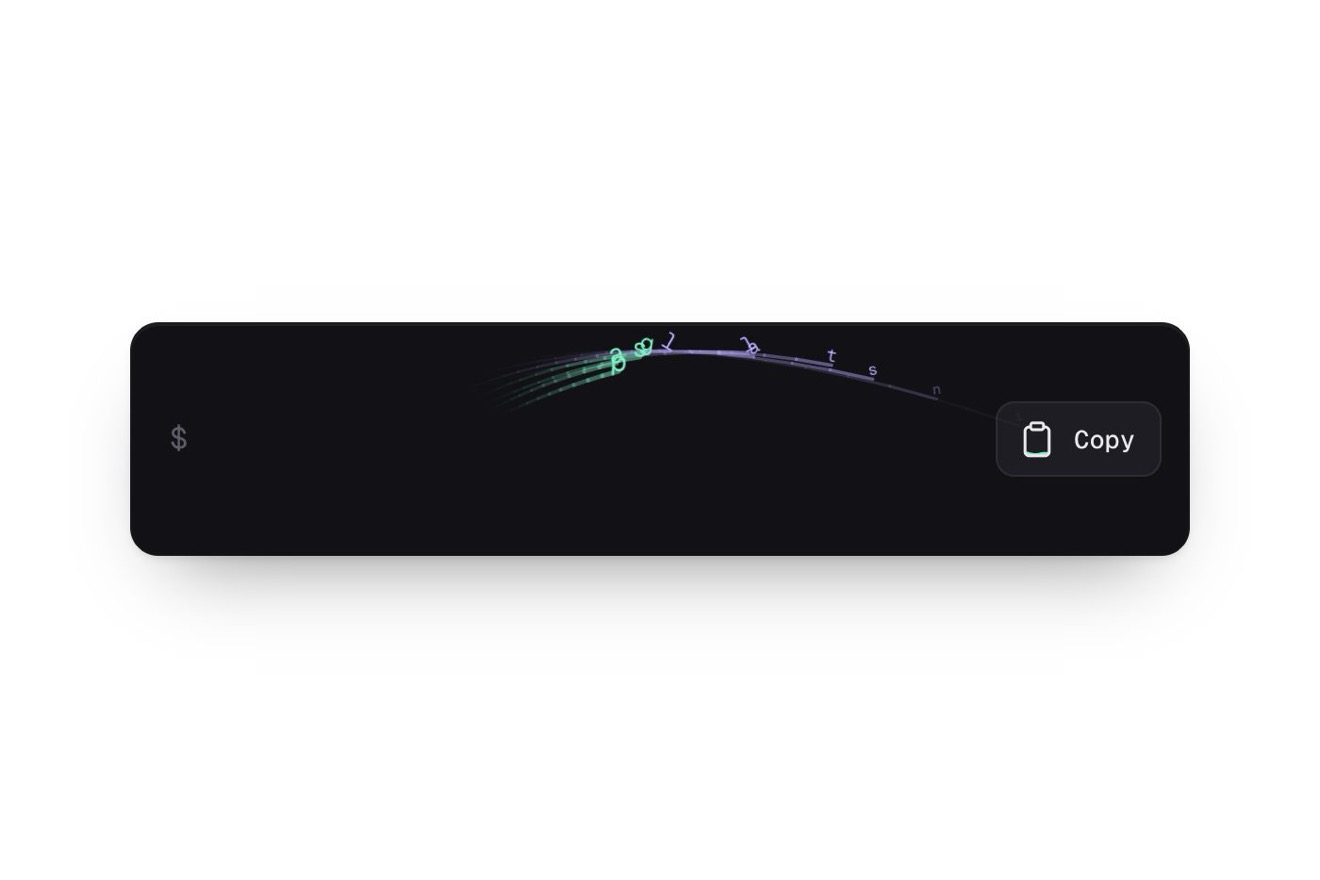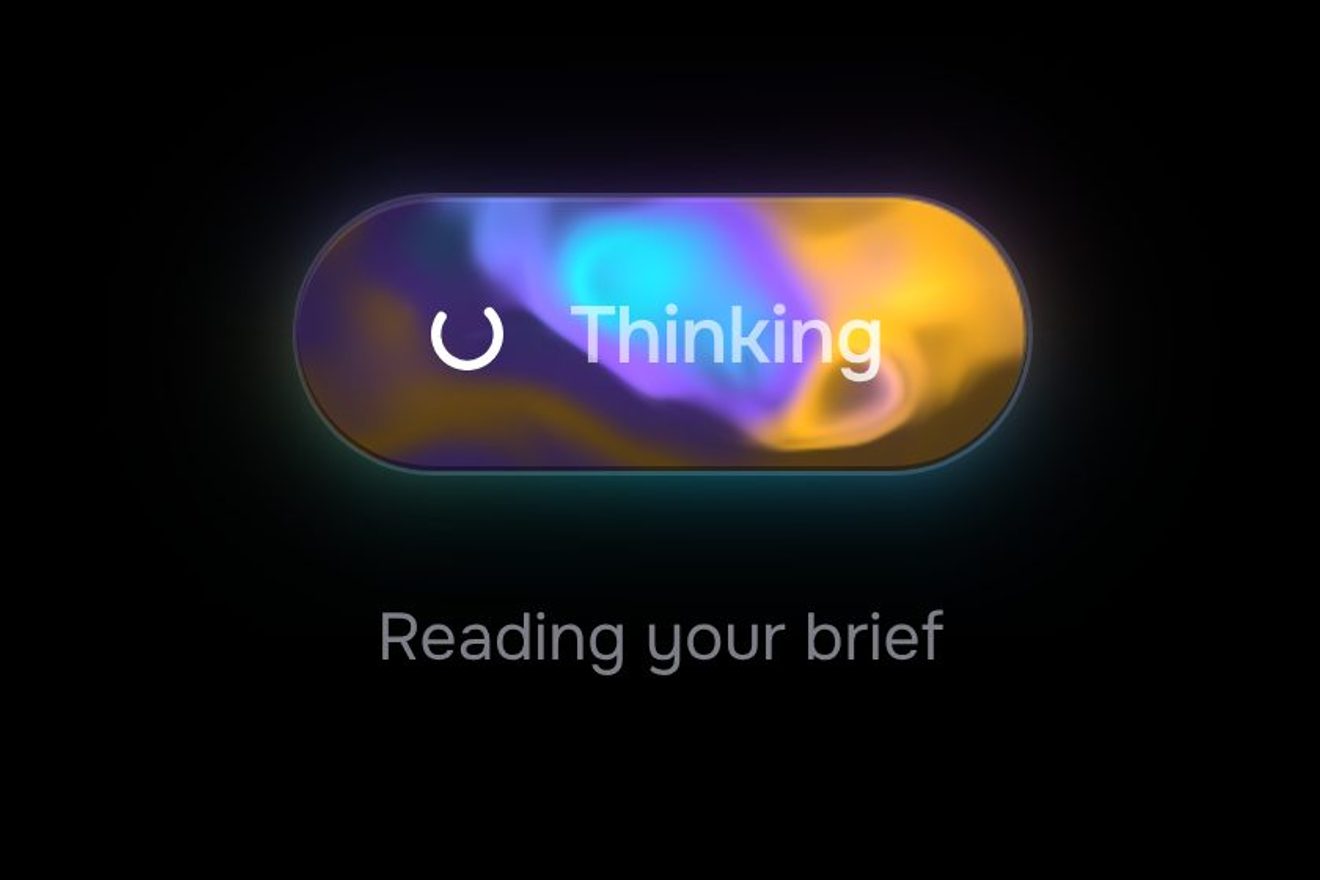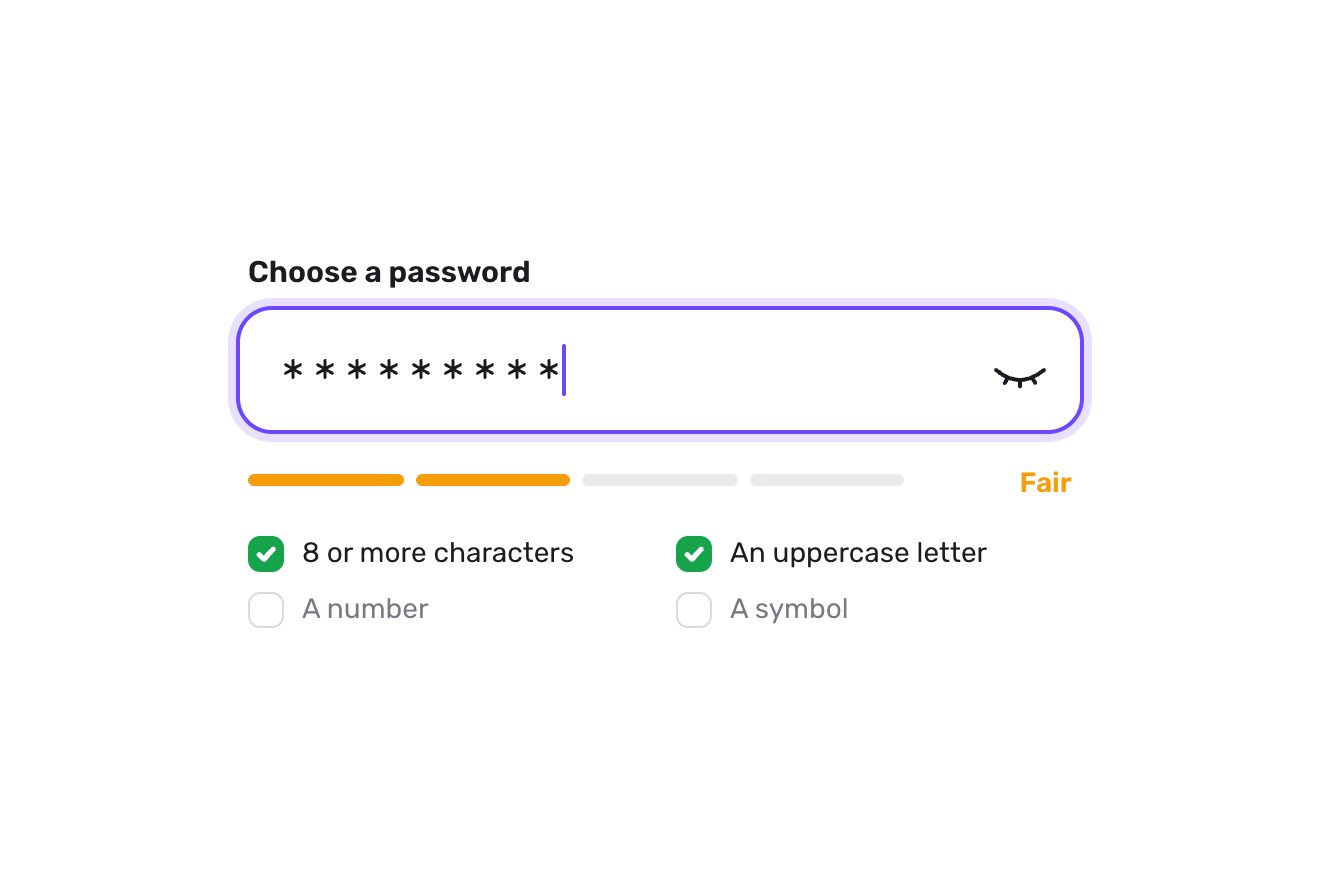
The password field
Forms, Text, SVG
The Username field of a made-up app’s sign up, alone on white in a premium minimal style: with the @ prefix and a rolling counter, after a short pause in typing a thin arc checks the name. If it is free a check draws itself and the line says in green that it is available; if it is taken the field gives a little sideways no, the edge turns thin red and three suggestions come in staggered below, ready to tap, rewriting the field letter by letter. Characters that are not allowed jump out of the caret and fade.
A folder that runs on its own: index.html, style.css, script.js and the libraries from a CDN. The React and Vue tabs hold the same demo as a ready component, which switches its animations off when it leaves the page.
<!doctype html>
<!--
  "Username availability field" from Animorio · https://animorio.com
  License: free on your own sites and your clients’ sites, paid work included.
  Not for resale, redistribution, templates or code collections · https://animorio.com/en/license/
-->
<html lang="en">
<head>
  <meta charset="utf-8">
  <meta name="viewport" content="width=device-width, initial-scale=1">
  <title>The username field that checks if the name is free</title>
  <link rel="stylesheet" href="https://cdn.jsdelivr.net/npm/@fontsource-variable/mona-sans@5.3.0/wdth.css">
  <link rel="stylesheet" href="style.css">
</head>
<body>
  <main class="stage">
    <!-- the username field of a made-up app's sign up: after a short pause a thin arc checks the name, then either a
         drawn check and a green line, or a little sideways no, a thin red edge and three suggestions to tap -->
    <div class="user" data-user>
      <div class="user__top">
        <label class="user__label" for="u-name">Username</label>
        <span class="count" data-count aria-hidden="true">
          <span class="count__digits"><span class="roll roll--tens" data-tens><span class="roll__col" data-tenscol></span></span><span class="roll" data-units><span class="roll__col" data-unitscol></span></span></span><span class="count__max">/<span data-max>20</span></span>
        </span>
      </div>

      <div class="field" data-field>
        <span class="field__ring" aria-hidden="true"></span>
        <span class="field__at" aria-hidden="true">@</span>
        <span class="field__box" data-box>
          <input class="field__input" id="u-name" data-input type="text" autocomplete="username" autocapitalize="none"
                 autocorrect="off" spellcheck="false" inputmode="text" placeholder="yourname"
                 aria-describedby="u-status u-count" aria-invalid="false">
          <span class="field__measure" data-measure aria-hidden="true"></span>
          <span class="bumps" data-bumps aria-hidden="true"></span>
        </span>
        <span class="slot" aria-hidden="true">
          <svg class="slot__spin" data-spin viewBox="0 0 20 20"><circle class="slot__track" cx="10" cy="10" r="7.25"></circle><circle class="slot__arc" data-arc cx="10" cy="10" r="7.25"></circle></svg>
          <svg class="slot__ok" data-ok viewBox="0 0 20 20"><circle class="slot__okbg" data-okbg cx="10" cy="10" r="9"></circle><path data-okpath d="M6.2 10.3 8.8 12.9 13.9 7.4"></path></svg>
          <svg class="slot__no" data-no viewBox="0 0 20 20"><path data-nopath d="M7 7 13 13M13 7 7 13"></path></svg>
        </span>
      </div>

      <p class="status" id="u-status" data-status aria-live="polite"><span class="status__line" data-line>Letters, numbers, dots and underscores.</span></p>
      <p class="sr" id="u-count" data-countsr>0 of 20 characters</p>

      <div class="sugg" data-sugg role="group" aria-label="Free usernames you can use"></div>
    </div>

    <svg class="ghost" data-ghost viewBox="0 0 24 24" aria-hidden="true"><path d="M5 3.2 19.2 11l-6.3 1.6-3.3 5.9Z"></path></svg>
  </main>

  <script src="https://cdn.jsdelivr.net/npm/gsap@3.15.0/dist/gsap.min.js"></script>
  <script src="script.js"></script>
</body>
</html>Change values, colours and text with the controls and watch the animation respond live. Or write in the code yourself. Then download the folder with your changes.
22 values to change
With the Animorio connector, Claude Code, ChatGPT, Cursor or VS Code take it from here, guide included, and fit it into your project. Paste this request:
Take “Username availability field” from Animorio and fit it into my siteEvery input event rereads the value: letters go lowercase, only letters, numbers, dot and underscore stay and never more than MAX_LENGTH. The first refused character is kept with its position, the clean value goes back into the field and the caret stays where it was, counted on the kept characters.
An invisible span in the same type measures the width of the text up to the refused spot, minus the field’s scroll: a red span with the character is born there (the space gets a small bar below so it can be seen) and rises, turns a few degrees and fades, while the text flinches in x with keyframes.
Every change kills the pending delayedCalls and makes a new one of PAUSE seconds: only when typing stops does the arc start, an SVG circle with a stroke-dasharray as long as its circumference, turning with rotation and breathing through stroke-dashoffset on a yoyo. After CHECK_TIME the name is looked up in the TAKEN list.
Units and tens are two columns of digits in a one line window with a faded mask above and below; GSAP moves each column in yPercent with back.out. The units have an eleventh zero at the bottom: going up from nine to zero the column runs on to it and then quietly jumps back to zero, so it never rewinds.
The field is the GSAP element and shakes x on damped keyframes, while the red edge is just a class with a CSS transition. The pills are real buttons built from the parts of the name; the button enters with GSAP, its inner face keeps hover and press in CSS. Once a pill is picked, a timeline deletes back to the shared prefix and types the rest.
| Name | File | Default | What it changes |
|---|---|---|---|
MAX_LENGTH | script.js | 20 | The most letters allowed, the number after the counter’s slash. |
MIN_LENGTH | script.js | 3 | Below this many letters the name is not checked. |
PAUSE | script.js | 0.55 | How many seconds of pause in typing before the check starts. |
CHECK_TIME | script.js | 0.9 | How many seconds the arc turns before the answer. |
TAKEN | script.js | mara.lund, mara, admin, support, pelto | The names already taken, separated by commas. |
SHAKE | script.js | 6 | How many pixels the field moves in its no. |
TYPE_SPEED | script.js | 0.07 | How many seconds for each letter when a suggestion rewrites the field. |
In the sign up of a social network, a community, a messaging app or a personal profile site, in the change of username in the account settings, in an onboarding: wherever the name must be unique and it pays to say so at once, before Continue is pressed.
The field narrows to the screen width minus thirty-two pixels and drops to fifty-two in height, the pills get narrower and stay on one row; the text is sixteen pixels so iOS does not zoom the page on tap, and the keyboard neither corrects nor capitalises.
No shakes, jumps or rolls: the refused character appears in place and fades, the arc stays still, the check and the cross appear already drawn, the digits change at once, lines and pills fade in and a picked suggestion fills the field all at once. The drawn pointer is not shown, the demo still loops.
GSAP 3.15.0, Mona Sans (font variabile) 5.3.0.
Compressed with gzip, the three demo files weigh 8.9 KB; the libraries: GSAP 28 KB.
Tested on 13 November 2026
Use it in your own projects and in your clients’ projects. Do not resell it or redistribute it as is. GSAP stays under its own Standard license. Full license.
Support Animorio
Animorio stays free thanks to the people who support it. If you like, buy us a coffee: it helps us make the next animations.
You asked for
We made it for you: it’s in the library, with the preview, the Playground and the code to copy.
An animation you can’t find, or a site to take apart in the journal: tell us which. We pick the next ones from here.
With your account’s email and password.
or with your email
You’re signed in as .
With your account, you can download the zip of every animation and every pack, for free.