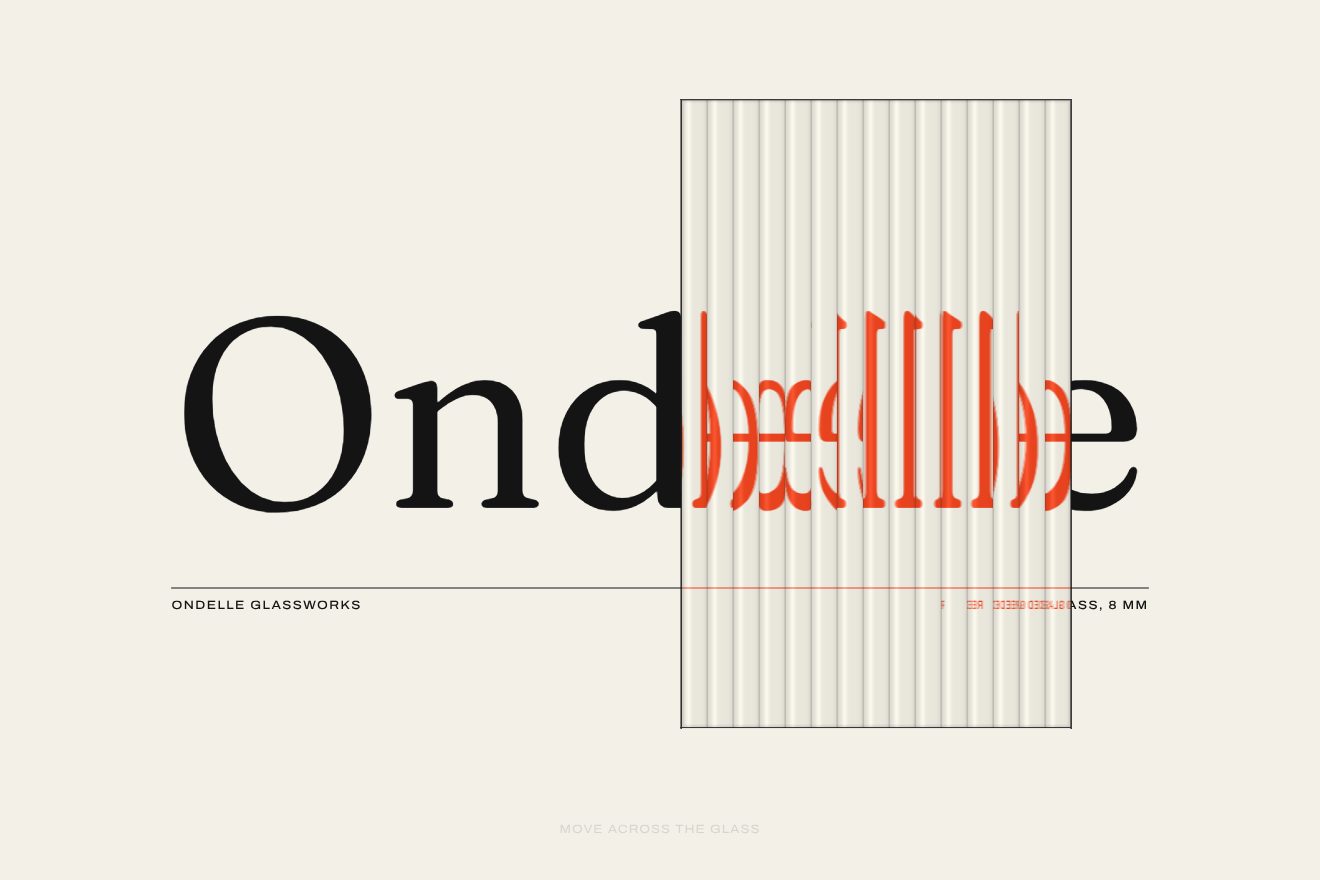
Fluted glass word
WebGL, Text, Hover
A WebGL hover effect for an app’s headline, on light grey paper, in the style of Libraries.dev: a round water drop follows the pointer on a spring and under it the letters are magnified and bent by refraction, with a bright rim and a soft shadow. When it runs it stretches and leaves a wet trail that dries slowly, and a click splits it into two drops that join again.
A folder that runs on its own: index.html, style.css, script.js and the libraries from a CDN. The React and Vue tabs hold the same demo as a ready component, which switches its animations off when it leaves the page.
<!doctype html>
<!--
  "Water drop headline" from Animorio · https://animorio.com
  License: free on your own sites and your clients’ sites, paid work included.
  Not for resale, redistribution, templates or code collections · https://animorio.com/en/license/
-->
<html lang="en">
<head>
  <meta charset="utf-8">
  <meta name="viewport" content="width=device-width, initial-scale=1">
  <title>The water drop that bends the headline under the pointer</title>
  <link rel="stylesheet" href="https://cdn.jsdelivr.net/npm/@fontsource-variable/mona-sans@5.3.0/wdth.css">
  <link rel="stylesheet" href="style.css">
</head>
<body>
  <!-- the opening of an invented reading app, Clearwell, on pale paper grey: a round drop of water sits on the page and
       follows the pointer on a spring. Under it the headline is magnified and bent by refraction, with a bright rim,
       a highlight and a soft shadow with its caustic; moving fast the drop stretches and leaves a wet trail that dries
       slowly; a click splits it into two small drops that run back together -->
  <main class="stage" data-stage>
    <canvas class="water" data-water aria-hidden="true"></canvas>
    <span class="grain" aria-hidden="true"></span>

    <header class="bar" data-in>
      <span class="brand">
        <svg class="brand__mark" viewBox="0 0 20 20" aria-hidden="true"><path d="M10 2.6c2.9 3.6 5 6.5 5 9.2a5 5 0 0 1-10 0c0-2.7 2.1-5.6 5-9.2z"></path><path class="brand__shine" d="M7.6 12.2a2.6 2.6 0 0 0 2 2.4"></path></svg>
        <span data-brand>Clearwell</span>
      </span>
      <span class="bar__link">Sign in</span>
    </header>

    <p class="pill" data-in data-pill>
      <span class="pill__tag">New</span>
      <span class="pill__text">Focus mode</span>
    </p>

    <h1 class="sr" data-title>Read between the lines</h1>
    <p class="sr">Clearwell brings every long read into focus.</p>

    <div class="actions" data-in data-actions>
      <button class="cta" type="button" data-cta>
        <span class="cta__label">Start reading</span>
        <svg class="cta__arrow" viewBox="0 0 16 16" aria-hidden="true"><path d="M3 8h9.5M8.5 4 12.5 8l-4 4"></path></svg>
      </button>
      <span class="hint" data-hint>Drag the drop over the words</span>
    </div>

    <svg class="ghost" data-ghost viewBox="0 0 20 20" aria-hidden="true"><path d="M4 2.5v13.2l3.5-3.3 2.4 5.3 2.3-1-2.4-5.2 4.8-.2z"></path></svg>
  </main>

  <script src="https://cdn.jsdelivr.net/npm/gsap@3.15.0/dist/gsap.min.js"></script>
  <script src="script.js"></script>
</body>
</html>Change values, colours and text with the controls and watch the animation respond live. Or write in the code yourself. Then download the folder with your changes.
19 values to change
With the Animorio connector, Claude Code, ChatGPT, Cursor or VS Code take it from here, guide included, and fit it into your project. Paste this request:
Take “Water drop headline” from Animorio and fit it into my siteHeadline, blue rule and sentence are drawn with a 2D canvas, after waiting for Mona Sans to load, at the real pixel size of the screen, and become the page texture. The rest is a single fragment shader on a triangle covering everything: for each pixel it reads the paper and decides whether it is under the drop, in its shadow or in the trail.
Each drop is a circle stretched along the direction of motion, measured as a signed distance. The two drops of the click are joined with a smooth minimum, so a bridge of water forms between them and breaks when they move apart. The height of the dome comes from the same distance, and the surface normal from its gradient.
Under the drop the paper is read closer to the centre, that is magnified, and shifted along the normal: towards the rim the shift grows and the letters bend. The three colour channels are read at slightly different distances, hence the red and blue thread on the rim. Then a bright rim, a narrow highlight and an offset shadow with its caustic.
The drop chases the pointer with a spring, and its speed decides how much it stretches; another spring makes it wobble when it stops, a third opens and closes the two drops of the click. The trail is a small canvas where the drop, when it runs, leaves soft circles: each frame it is erased a little, and the shader uses it to darken the paper and shift the letters slightly.
| Name | File | Default | What it changes |
|---|---|---|---|
RADIUS | script.js | 1 | How big the drop is. |
REFRACT | script.js | 1 | How much the drop magnifies and bends the letters (0 makes it flat). |
STRETCH | script.js | 1 | How much the drop stretches when it runs (0 keeps it round). |
DRY | script.js | 2.4 | How many seconds the wet trail takes to dry. |
SPLIT | script.js | 1 | How far the two drops move apart on click (0 does not split). |
ACCENT | script.js | #2f6bff | The colour of the pill, the mark and the rule under the headline. |
AUTO_PILOT | script.js | 3 | After how many seconds without a pointer the drawn one moves (0 never). |
As the headline of the first screen of a product that talks about clarity, reading or water: a reading or notes app, a writing tool, a water or beauty brand, an AI app that “brings things into focus”. The drop invites you to pass over the words and makes you read them up close.
The same drop at adapted sizes: the radius is a share of the page’s shorter side, the headline shrinks to fit the width and the invitation line disappears. A finger drags the drop, and a tap splits it.
The drop stays still on the first line, already resting: no springs, no trail, no splitting and no drawn pointer. The words only fade in.
GSAP 3.15.0, Mona Sans (font variabile) 5.3.0.
Compressed with gzip, the three demo files weigh 9.4 KB; the libraries: GSAP 28 KB.
Tested on 27 October 2026
Use it in your own projects and in your clients’ projects. Do not resell it or redistribute it as is. GSAP stays under its own Standard license. Full license.
Support Animorio
Animorio stays free thanks to the people who support it. If you like, buy us a coffee: it helps us make the next animations.
You asked for
We made it for you: it’s in the library, with the preview, the Playground and the code to copy.
An animation you can’t find, or a site to take apart in the journal: tell us which. We pick the next ones from here.
With your account’s email and password.
or with your email
You’re signed in as .
With your account, you can download the zip of every animation and every pack, for free.