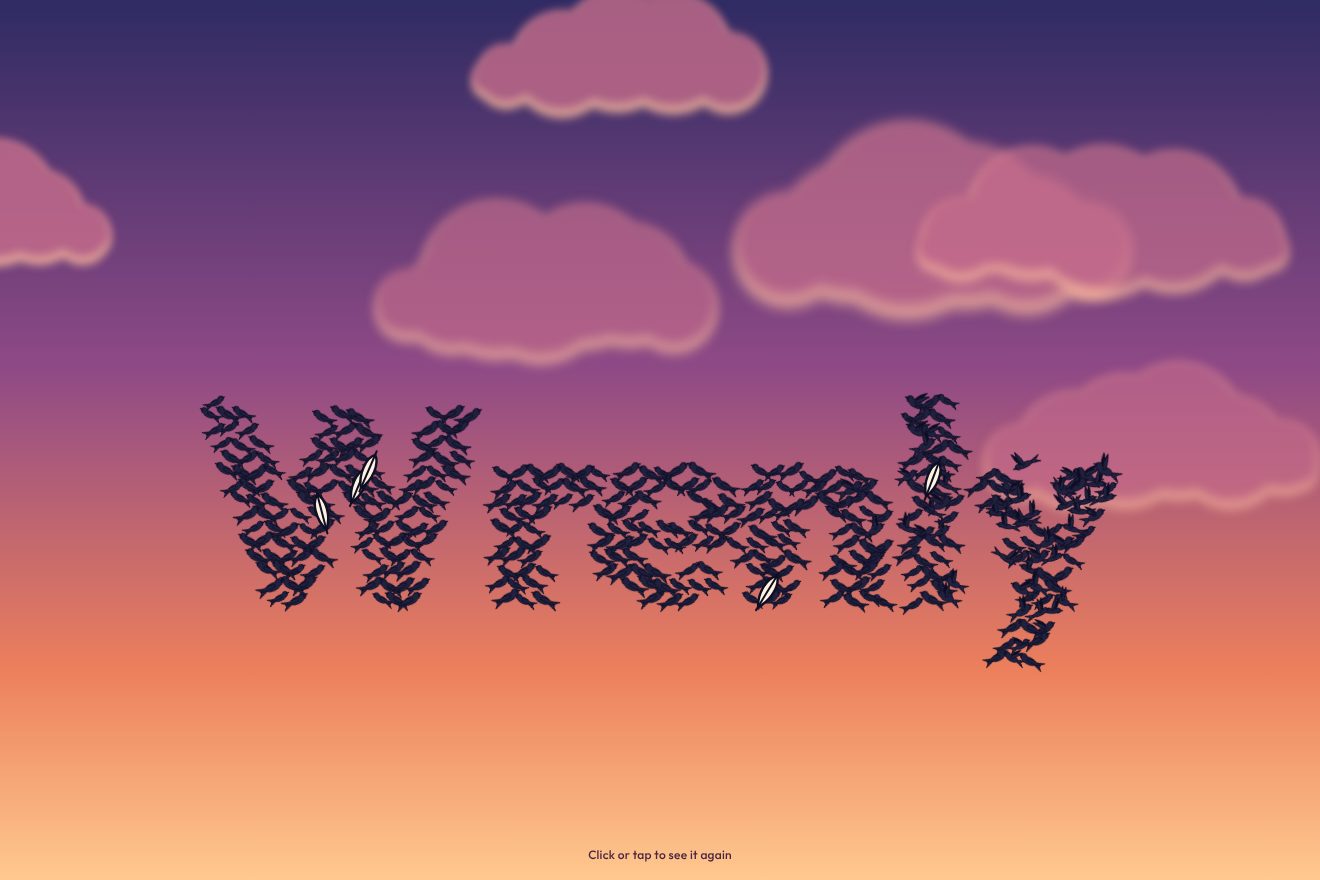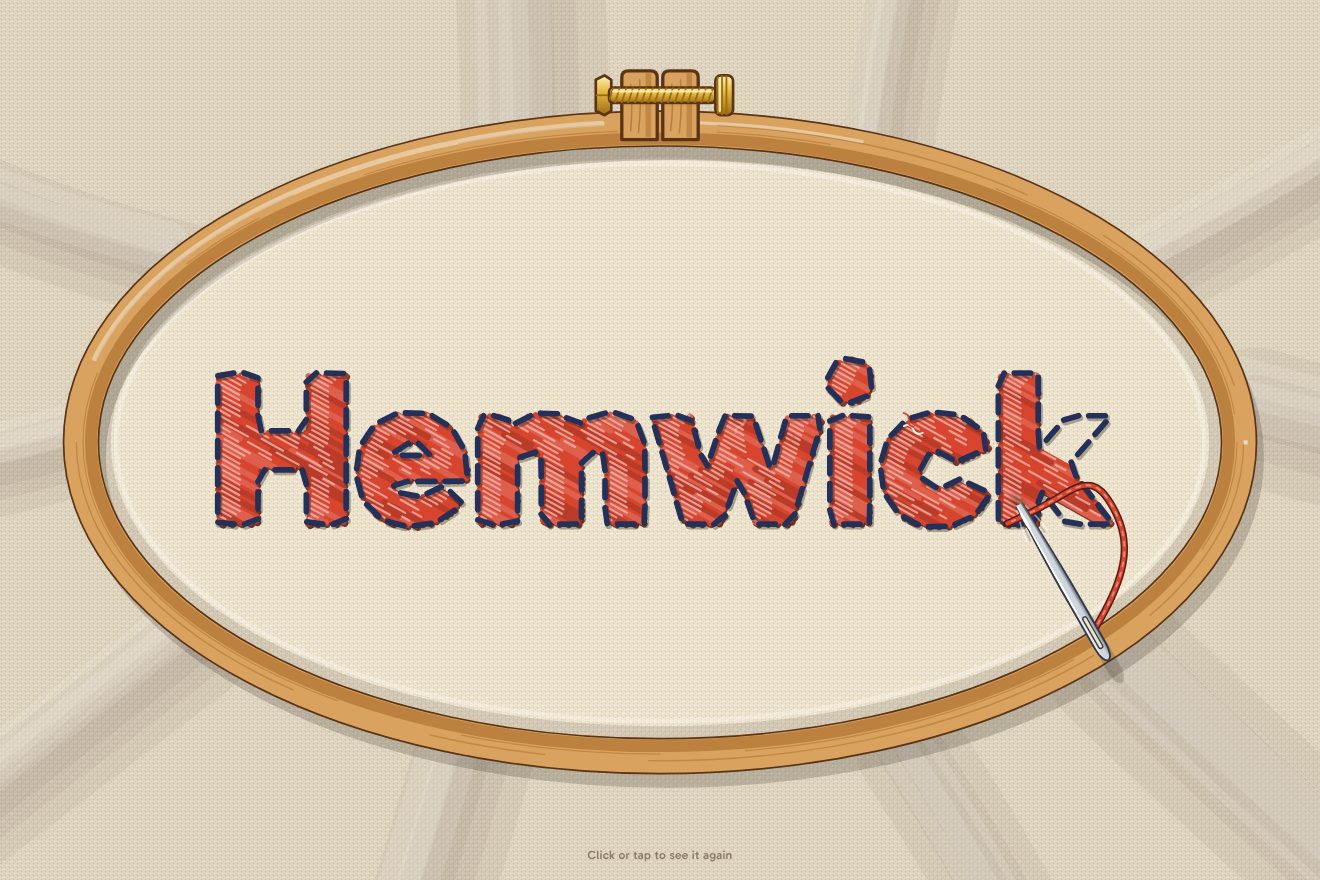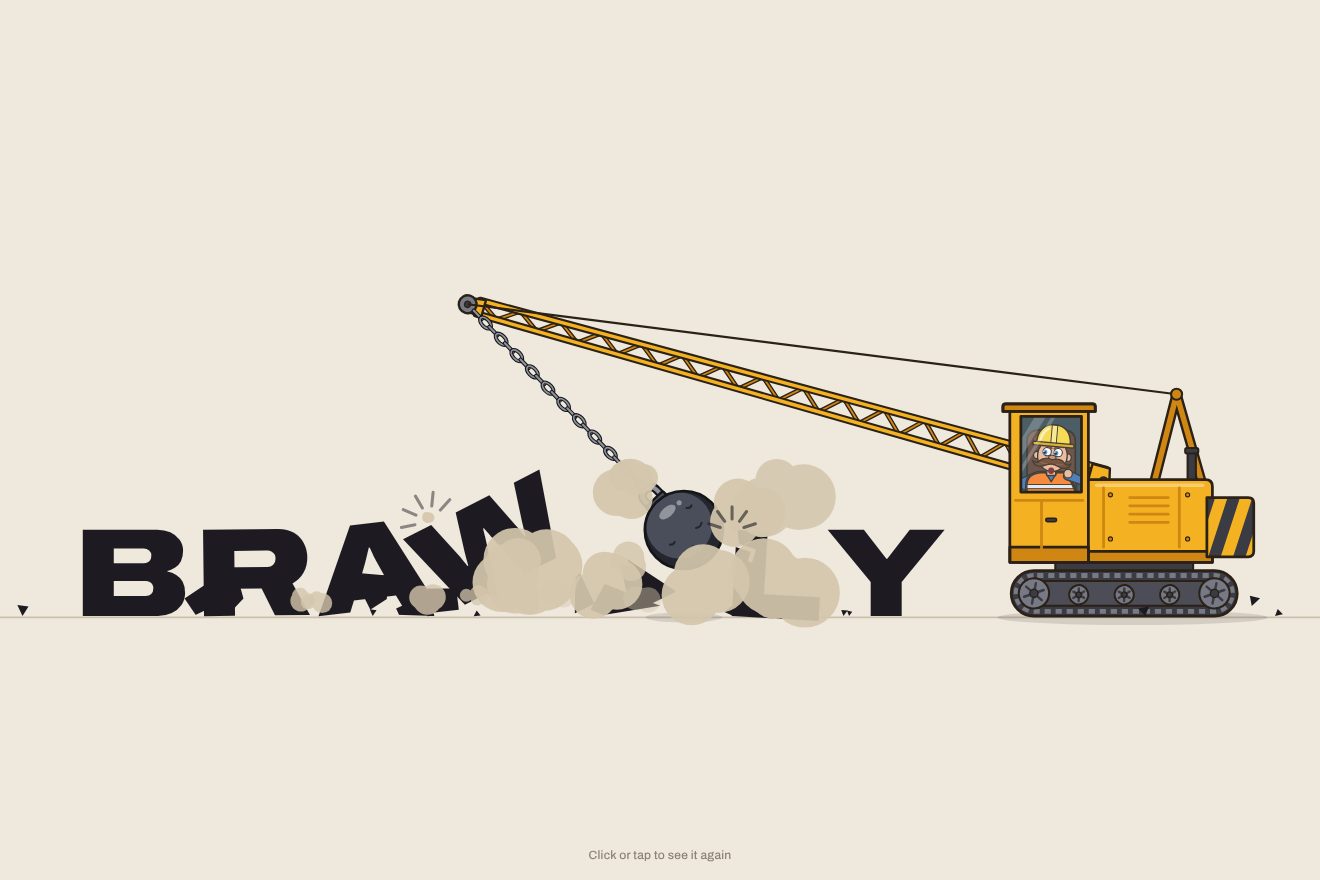
The wrecking-ball logo
Intro, Physics, SVG, Text
NewFree
In the minimal style: a two-pan balance drawn in hairlines and six short words, each in a different weight of the same variable typeface. The blacker the word, the more it weighs. Clicked, it flies onto the lighter pan; dragged, it goes where you take it. The beam is a real damped pendulum: it leans, swings and settles, and when both sides weigh the same the needle stops on zero and lights up.
A folder that runs on its own: index.html, style.css, script.js and the libraries from a CDN. The React and Vue tabs hold the same demo as a ready component, which switches its animations off when it leaves the page.
<!doctype html>
<html lang="en">
<head>
  <meta charset="utf-8">
  <meta name="viewport" content="width=device-width, initial-scale=1">
  <title>Weigh your words</title>
  <link rel="stylesheet" href="https://cdn.jsdelivr.net/npm/@fontsource-variable/roboto-flex@5.3.0/standard.css">
  <link rel="stylesheet" href="style.css">
</head>
<body>
  <!-- a two-pan balance drawn in hairlines: the words weigh what their type weighs, and the needle lights up on zero
       when the two sides are even. The lines are an SVG redrawn by the script at every frame. -->
  <main class="stage" data-stage>
    <svg class="lines" data-lines aria-hidden="true">
      <path class="guide" data-guide d="" />
      <path class="hair" data-base d="" />
      <path class="hair" data-post d="" />
      <path class="hair" data-ticks d="" />
      <path class="zero" data-zero d="" />
      <path class="needle" data-needle d="" />
      <path class="hair" data-strings-l d="" />
      <path class="hair" data-strings-r d="" />
      <path class="pan" data-pan-l d="" />
      <path class="pan" data-pan-r d="" />
      <path class="beam" data-beam d="" />
      <path class="knife" data-knife d="" />
    </svg>

    <span class="total" data-total-l aria-hidden="true">0</span>
    <span class="total" data-total-r aria-hidden="true">0</span>

    <div class="tray" data-tray></div>

    <p class="hint" data-hint>Click a word to weigh it, or drag it onto a pan.</p>
    <p class="read" aria-live="polite"><span class="read__label" data-read-label>Scale</span> <span class="read__clip"><b class="read__value" data-read>Empty</b></span></p>
  </main>

  <script src="https://cdn.jsdelivr.net/npm/gsap@3.15.0/dist/gsap.min.js"></script>
  <script src="script.js"></script>
</body>
</html>Change values, colours and text with the controls and watch the animation respond live. Or write in the code yourself. Then download the folder with your changes.
28 values to change
With the Animorio connector, Claude Code takes it from here, guide included, and fits it into your project. Paste this request:
Take “The word scale” from Animorio and fit it into my siteEach word is a button with its own font-weight, from 100 to 900, and it weighs that number divided by a hundred. The typeface is Roboto Flex, with a weight axis from 100 to 1000 and a width axis from 25 to 151: the weight stays put because it is the word's identity, while the width moves (narrower in flight, wider in the squash). To stack them tightly, the true ink height of each word is measured on a canvas with measureText (actualBoundingBoxAscent and Descent), in the same weight: the line box would leave gaps.
The beam has an angle and a velocity, moved in fixed steps of a two-hundred-and-fortieth of a second inside gsap.ticker. The difference between the pans pushes with its lever (cos θ), the centre of mass of the beam, which sits under the pivot, brings it back level (sin θ), and damping at a fixed ratio does the rest: at rest tan θ is the difference over the sensitivity, so a hundred of difference is worth TILT degrees. The inertia grows with the load, so a full balance swings slower. Past STOP degrees the beam hits its stop and bounces back a little.
Each pan hangs from the tip of the beam with an angle of its own. From the position of the tip at every step come its velocity and acceleration, and the pan answers like a pendulum whose pivot moves: l ψ'' = ẍ cos ψ − (g − ÿ) sin ψ, plus a little damping. When the beam jerks or hits its stop, the pans lag behind and sway. The words on a pan turn with it, in its frame of reference.
The flight is a cubic curve that leaves upwards and comes straight down onto the pan from above, worked out again every frame because the pan moves. The weight only counts when the word touches, not when it leaves: on landing a small impulse in proportion to the weight and the falling speed pushes the beam, the pan bends with elastic.out and the word squashes with scaleY and the width axis; the ones underneath, the nearest first, do the same more softly.
If the two totals are equal and the beam is level and nearly still, a tween takes the needle from black to vermilion with back.out and lengthens the zero tick; any movement of the balance turns it off. When beam and pans are truly still the physics falls asleep and the beam goes to its exact angle, so the picture stays still. With reduced motion the balance fades in, the words fade out and back in where they go and the beam is already at the right angle.
| Name | File | Default | What it changes |
|---|---|---|---|
WORDS | script.js | ['lead', 'stone', 'paper', 'silk', 'bread', 'salt'] | The words under the balance (up to eight, short ones). |
WEIGHTS | script.js | [900, 700, 300, 200, 500, 400] | The type weight of each word, from 100 to 900: it is also what it weighs on the balance. |
SWING | script.js | 1.3 | The seconds of one swing of the empty beam; loaded, it swings slower, like a real one. |
SETTLE | script.js | 0.6 | How soon the swing dies down: 0.2 swings for long, 1 settles with no overshoot. |
TILT | script.js | 2.6 | How many degrees the beam leans for every 100 of difference between the two pans. |
STOP | script.js | 15 | At how many degrees the beam hits its stop (and how far the needle's scale goes). |
FLIGHT | script.js | 0.72 | The seconds a word takes to fly onto a pan. |
KNOCK | script.js | 1 | How hard a landing word knocks its pan down (0 = it is laid down gently). |
--accent | style.css | #e5391c | The colour of the needle when the two sides are even. |
For a page that weighs two things against each other: two subscription plans, two offers, a before and after. For a type cover showing the weights of a typeface, a font's page, a portfolio that plays with words, a landing page that wants something to touch.
The same animations and the same physics, with the sizes adapted: the beam gets shorter so the pans stay on screen, the strings are shorter, the words smaller and on two lines. A tap sends a word to the lighter pan, a finger drags it.
Nothing moves: the balance and the words fade in; a click fades the word out and back in on the pan (or in its place), and the beam is already at the right angle. When the sides are even the needle fades into colour.
GSAP 3.15.0, Roboto Flex (font variabile) 5.3.0.
Compressed with gzip, the three demo files weigh 11 KB; the libraries: GSAP 28 KB.
Tested on 15 October 2026
Use it in your own projects and in your clients’ projects. Do not resell it or redistribute it as is. GSAP stays under its own Standard license. Full license.
With your account’s email and password.
or with your email
You’re signed in as .
With your account, you can download the zip of every animation and every pack, for free.