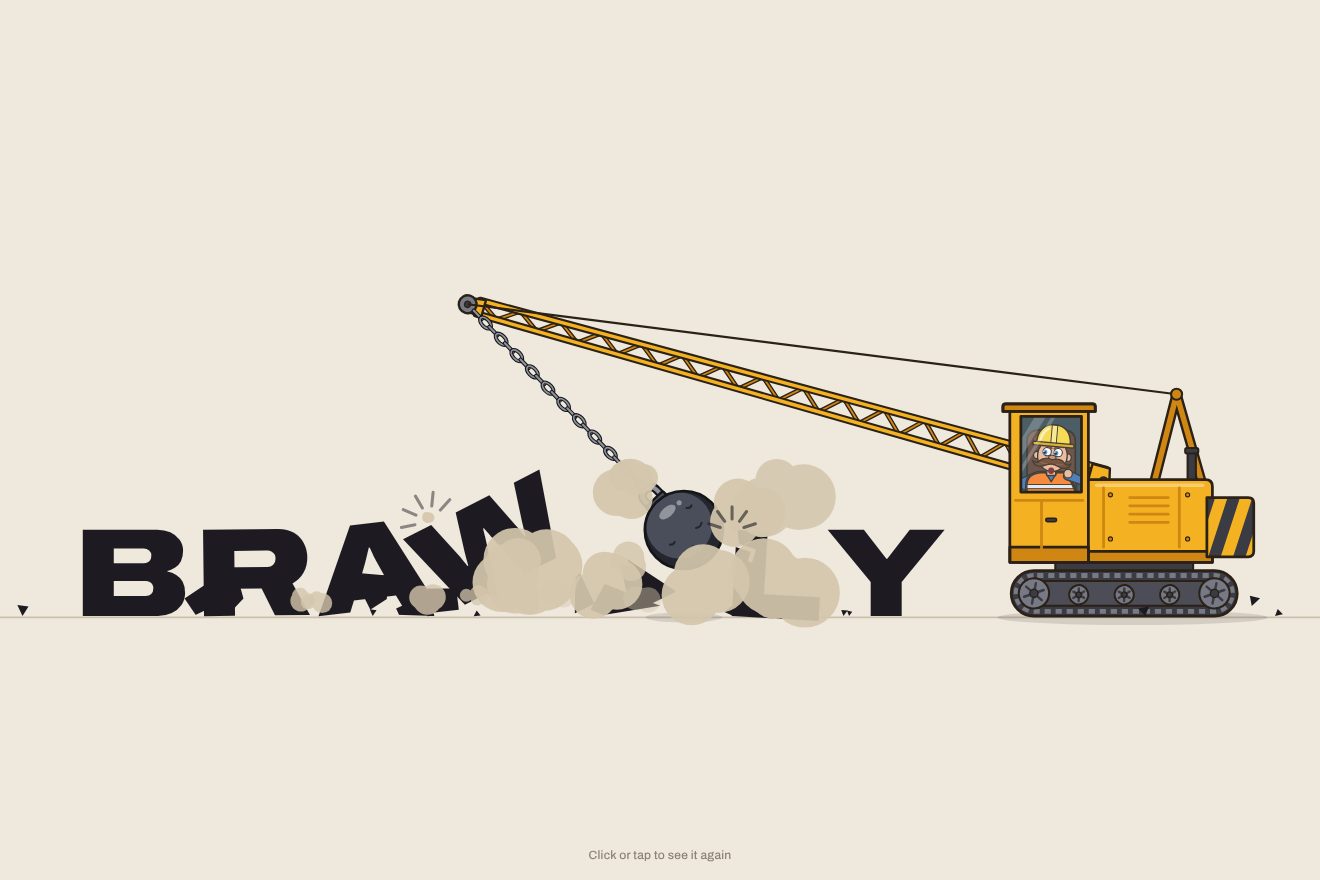
The wrecking-ball logo
Intro, Physics, SVG, Text
NewFree
A minimal-style text animation: the letters of a word arrive stacked in a column on a hairline and, from the top, one at a time they lean out, fall sideways into place with a measured spring and gain weight as they fall. A click stacks them again.
A folder that runs on its own: index.html, style.css, script.js and the libraries from a CDN. The React and Vue tabs hold the same demo as a ready component, which switches its animations off when it leaves the page.
<!doctype html>
<html lang="en">
<head>
  <meta charset="utf-8">
  <meta name="viewport" content="width=device-width, initial-scale=1">
  <title>The word that tips into line</title>
  <link rel="stylesheet" href="https://cdn.jsdelivr.net/npm/@fontsource-variable/fraunces@5.3.0/full.css">
  <link rel="stylesheet" href="style.css">
</head>
<body>
  <main class="stage" data-stage data-autoclic role="button" tabindex="0" aria-label="Baseline. Click to stack the letters again or to set them back in line.">
    <!-- the thin line and the letters: one SVG, built by the script -->
    <svg class="scene" data-scene aria-hidden="true">
      <g data-world>
        <path class="rule" data-rule d="" />
        <path class="tick" data-tick-l d="" />
        <path class="tick" data-tick-r d="" />
        <g data-letters></g>
      </g>
    </svg>

    <h1 class="sr-only" data-word>baseline</h1>

    <p class="hint" aria-hidden="true">
      <span class="hint__track" data-hint>
        <span class="hint__line" data-hint-row>Click to restack</span>
        <span class="hint__line" data-hint-col>Click to set the line</span>
      </span>
    </p>
  </main>

  <script src="https://cdn.jsdelivr.net/npm/gsap@3.15.0/dist/gsap.min.js"></script>
  <script src="script.js"></script>
</body>
</html>Change values, colours and text with the controls and watch the animation respond live. Or write in the code yourself. Then download the folder with your changes.
14 values to change
With the Animorio connector, Claude Code takes it from here, guide included, and fits it into your project. Paste this request:
Take “The word that tips into line” from Animorio and fit it into my siteEvery letter is a text element in an SVG whose viewBox is as big as the window. On a canvas in the same face (variable Fraunces) measureText gives, for every letter and for both weights, where the ink sits from the starting point (actualBoundingBoxLeft and Right), how far it rises and how far it drops below the baseline. The text is shifted inside its group so that the group's origin is the middle of the bottom of the ink: the letters stack ink on ink, turn on a corner and stand on the line with their descenders below it. The font size is the one that fits both the column in height and the word in width.
The places in the line are measured with the widths of pieces of the word (measureText of text.slice(0, i)), so they keep the kerning too. The letters are sorted by distance from the middle: the farthest sit on top of the column and fall first, the one nearest the middle sits at the bottom and in the end only slides. Before each fall the script checks whether the letter's place touches what is left of the column and, if so, moves the column aside just enough.
The top letter turns around the edge of the one below: a tween on a single number (the angle, power2.in) and in onUpdate the position is worked out from the pivot with sine and cosine. Then a parabola starts: x with ease none, y with power2.in, the duration from the square root of the height over gravity; meanwhile the weight goes from LIGHT to HEAVY. On arrival an elastic.out tween brings the rotation to zero, and one rule in the drawing does the rest: a letter on the line always rests on its lowest corner, so as it swings it rocks from one corner to the other.
The line is a path redrawn on every frame with a point every five pixels. Every landing adds a bell-shaped dip (exp of minus x squared) whose depth goes back with elastic.out; the letters on the line move with it, so their neighbours sway. The two ends stretch out with expo.out just before a letter arrives that sits beyond them, and the ticks grow from the ends. Everything that moves is an object of numbers animated by GSAP; a single function on GSAP's ticker turns them into transforms and font-weight.
Every sequence is a timeline built at the moment of the click from where the letters really are: a click halfway stops the timeline and starts a new one, which knows who is in the column, who is in the air and who is already on the line. The letters in the column are always the bottom of the stack, so putting them back only means adding the missing ones on top. A camera (a translation of the group) keeps the column or the word in the middle. With reduced motion the letters go from one shape to the other with a fade, without moving.
| Name | File | Default | What it changes |
|---|---|---|---|
WORD | script.js | 'baseline' | The word: it arrives stacked and tips into line (up to 14 letters; spaces only leave room). |
SPRING | script.js | 1 | How springy every landing is: 0.4 lands dead, 2 rocks and wobbles for longer. |
LEAN | script.js | 24 | How many degrees a letter leans past the edge of the stack before it lets go. |
GAP | script.js | 0.28 | The seconds between one letter falling and the next (going back into the column they move almost twice as fast). |
GRAVITY | script.js | 1 | How fast the letters fall: 2 is a heavier world, 0.5 a lighter one. |
LIGHT | script.js | 240 | The weight of the letters in the stack (100 to 900). |
HEAVY | script.js | 560 | The weight the letters reach as they fall into line (100 to 900). |
For a headline or a wordmark that has to arrive with elegance and no noise: the opening of a design studio's or a type foundry's site, a magazine, a portfolio, a black and white launch page, the loading screen of a one-word brand.
The same animation with the sizes adapted: the font size is chosen so the word fits the width of the screen, the column always fits in height and the line never runs off the edges. A tap stacks the letters again and another drops them back into line.
Nothing moves: the word fades in already set on the line. A click fades it out and the column fades in in its place, and back again.
GSAP 3.15.0, Fraunces (font variabile) 5.3.0.
Compressed with gzip, the three demo files weigh 9.9 KB; the libraries: GSAP 28 KB.
Tested on 14 October 2026
Use it in your own projects and in your clients’ projects. Do not resell it or redistribute it as is. GSAP stays under its own Standard license. Full license.
With your account’s email and password.
or with your email
You’re signed in as .
With your account, you can download the zip of every animation and every pack, for free.