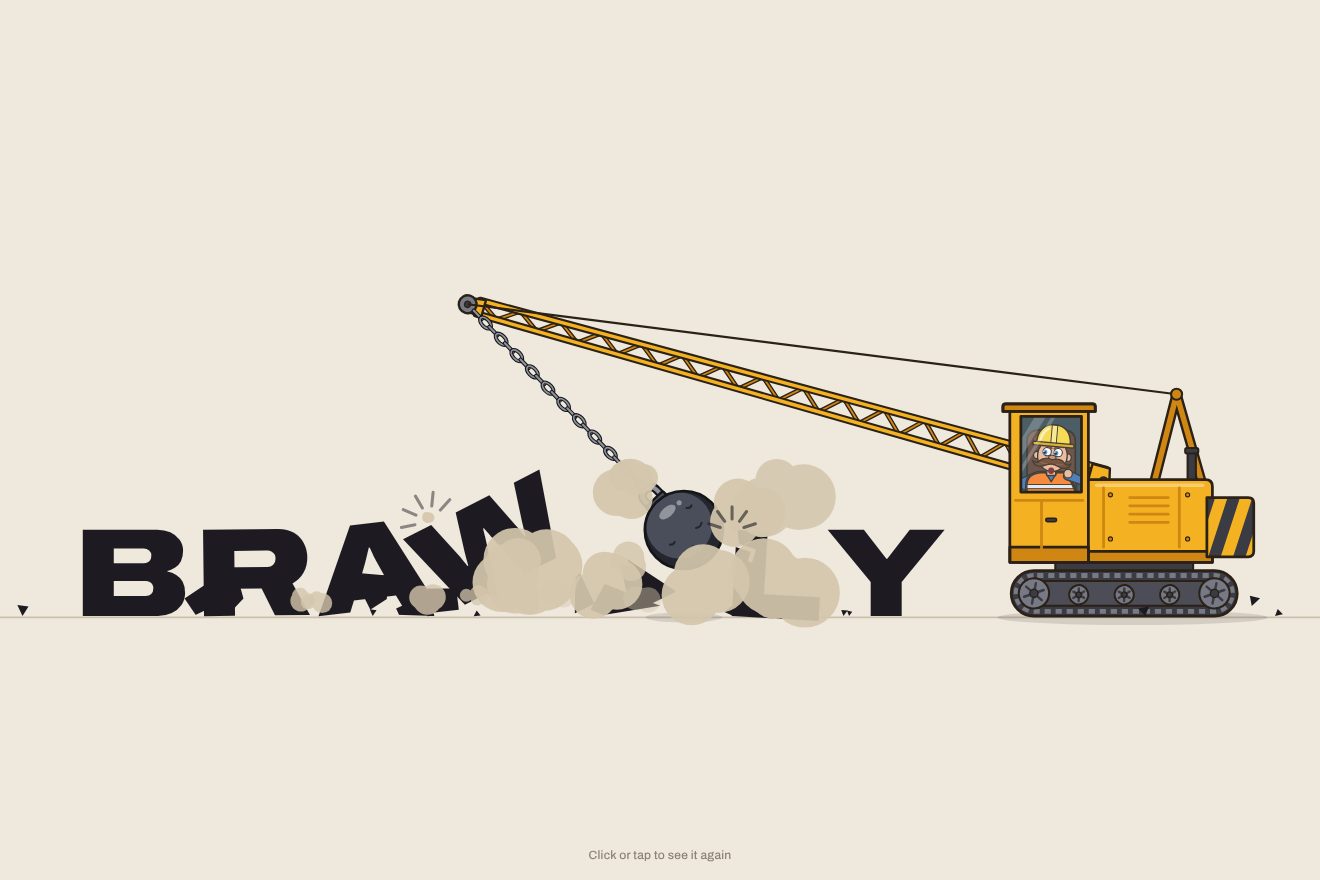
The wrecking-ball logo
Intro, Physics, SVG, Text
NewFree
In the minimal style: two words at the ends of a thin beam balanced on a fulcrum, and the weight of the type is the real weight, measured on the ink of the letters. A click gives the weight to one word: it turns black and bold, the beam leans its way on a spring and the word left light, up high, slips a little towards the middle.
A folder that runs on its own: index.html, style.css, script.js and the libraries from a CDN. The React and Vue tabs hold the same demo as a ready component, which switches its animations off when it leaves the page.
<!doctype html>
<html lang="en">
<head>
  <meta charset="utf-8">
  <meta name="viewport" content="width=device-width, initial-scale=1">
  <title>This or that</title>
  <link rel="stylesheet" href="https://cdn.jsdelivr.net/npm/@fontsource-variable/inter-tight@5.3.0/index.css">
  <link rel="stylesheet" href="style.css">
</head>
<body>
  <!-- two words on a thin beam balanced on a fulcrum: the weight of the type is the weight on the scale -->
  <main class="stage" data-stage>
    <div class="balance" data-balance>
      <svg class="lines" data-lines aria-hidden="true">
        <path class="fulcrum" data-fulcrum d="" />
        <path class="plinth" data-plinth d="" />
        <path class="dial" data-dial d="" />
        <path class="ticks" data-ticks d="" />
        <path class="beam" data-beam d="" />
        <path class="stop" data-stop-l d="" />
        <path class="stop" data-stop-r d="" />
        <path class="needle" data-needle d="" />
        <circle class="pin" data-pin cx="0" cy="0" r="2.6" />
      </svg>
      <button class="word" type="button" data-word="left" data-autoclic aria-label="Give the weight to this">
        <span class="word__box" data-box><span class="word__ink" data-ink>this</span></span>
        <span class="word__cap" data-cap>wght <b data-num>530</b></span>
      </button>
      <button class="word" type="button" data-word="right" data-autoclic aria-label="Give the weight to that">
        <span class="word__box" data-box><span class="word__ink" data-ink>that</span></span>
        <span class="word__cap" data-cap>wght <b data-num>530</b></span>
      </button>
    </div>
    <p class="hint" data-hint>Click a word to give it the weight.</p>
    <p class="read" data-readout><span class="read__label">Tilt</span> <b class="read__value" data-read>0.0°</b></p>
  </main>

  <script src="https://cdn.jsdelivr.net/npm/gsap@3.15.0/dist/gsap.min.js"></script>
  <script src="script.js"></script>
</body>
</html>Change values, colours and text with the controls and watch the animation respond live. Or write in the code yourself. Then download the folder with your changes.
21 values to change
With the Animorio connector, Claude Code takes it from here, guide included, and fits it into your project. Paste this request:
Take “Words in the balance” from Animorio and fit it into my siteAt start each word is drawn on a hidden canvas at the nine weights of the variable font (100 to 900) and the filled pixels are counted: that is its mass at that weight. Between weights the mass is interpolated, so as the word grows bold the scale feels the weight rise frame by frame. A tare makes the two words weigh the same at the same weight, even when one has more letters or wider ones: the empty scale starts level.
The beam is a body turning on the pivot, moved in fixed steps of a two-hundred-and-fortieth of a second inside gsap.ticker. The two words give it a torque (mass times distance from the pivot) and a restoring spring brings it back towards level, like the low weight of a real balance: so the tilt follows the difference in weight instead of always ending on the ground. The stiffness comes from TILT (how many degrees with a heavy word against a light one), the speed from SWING and the damping from DAMPING; with little damping the beam overshoots and comes back, and that is where the physics shows.
Each word has its place on the beam and its speed. Standing still, it stays put until the slope under it (the beam's angle plus the bend of the arm) beats the friction angle, GRIP times the normal tilt: that only happens in the strongest moment of a swing. Once moving it holds a little less, and it slides until the swing comes back under. The two words share the same beam and feel the same swing: what the light one loses slipping towards the middle it gets back when it is the heavy one and runs down to its stop.
The beam is not a straight line: each arm bends a little under its word, like a shelf loaded at its tip (the curve of a cantilever), and the bend has its own quick spring, so it quivers when a word lands. The beam is drawn as a polyline of thirty points, and each word stands on the right point at the local angle. When a sliding word knocks into its stop, the stop bends and comes back with elastic.out and the letters squash on the side of the knock.
The click runs a GSAP tween on the word's weight, with elastic.out: the type goes through a slightly heavier weight and back, while scaleX and scaleY give the squash and the letters dip and rise staggered. The weight reaches the page as font-weight, only when it changes by a unit. With reduced motion nothing moves: the balance fades out, the weights and the tilt take their places and the balance fades back in.
| Name | File | Default | What it changes |
|---|---|---|---|
LEFT_WORD | script.js | 'this' | The word on the left end of the beam (up to 14 letters: long words get smaller to fit). |
RIGHT_WORD | script.js | 'that' | The word on the right end of the beam. |
LIGHT | script.js | 200 | The weight of the type of the light word, from 100 to 900. |
HEAVY | script.js | 860 | The weight of the type of the word that has the weight: the further from LIGHT, the sharper the difference between the two words. |
TILT | script.js | 5 | How many degrees the beam leans when a heavy word faces a light one. |
SWING | script.js | 0.9 | How fast the beam swings, in swings per second: 0.4 is a big slow scale, 2 a nervous little one. |
DAMPING | script.js | 0.22 | How soon the swing dies down: 0.1 rocks for a long time (and the words slip more), 0.4 settles almost at once and the words do not slip. |
GRIP | script.js | 1.25 | How well the words hold: the slope that makes them slip, in times the normal tilt. Lower and they slip more, higher and they stay put. |
To set two things against each other with a gesture: a heading that asks you to choose (this or that, before or after, monthly or yearly), the opening of a type designer's portfolio, the page that presents a variable font, a playful moment in a landing page.
The same balance with the sizes adapted: the arms take almost the whole width, the words are bigger relative to the arms and the physics is the same, in proportion. A tap on a word gives it the weight; there is no hover lean, since a phone has no hover.
Nothing moves: the balance fades in already level with the words in place. A click fades it out and back in with the new weights and the beam already tilted where it comes to rest.
GSAP 3.15.0, Inter Tight (font variabile) 5.3.0.
Compressed with gzip, the three demo files weigh 10.0 KB; the libraries: GSAP 28 KB.
Tested on 14 October 2026
Use it in your own projects and in your clients’ projects. Do not resell it or redistribute it as is. GSAP stays under its own Standard license. Full license.
With your account’s email and password.
or with your email
You’re signed in as .
With your account, you can download the zip of every animation and every pack, for free.