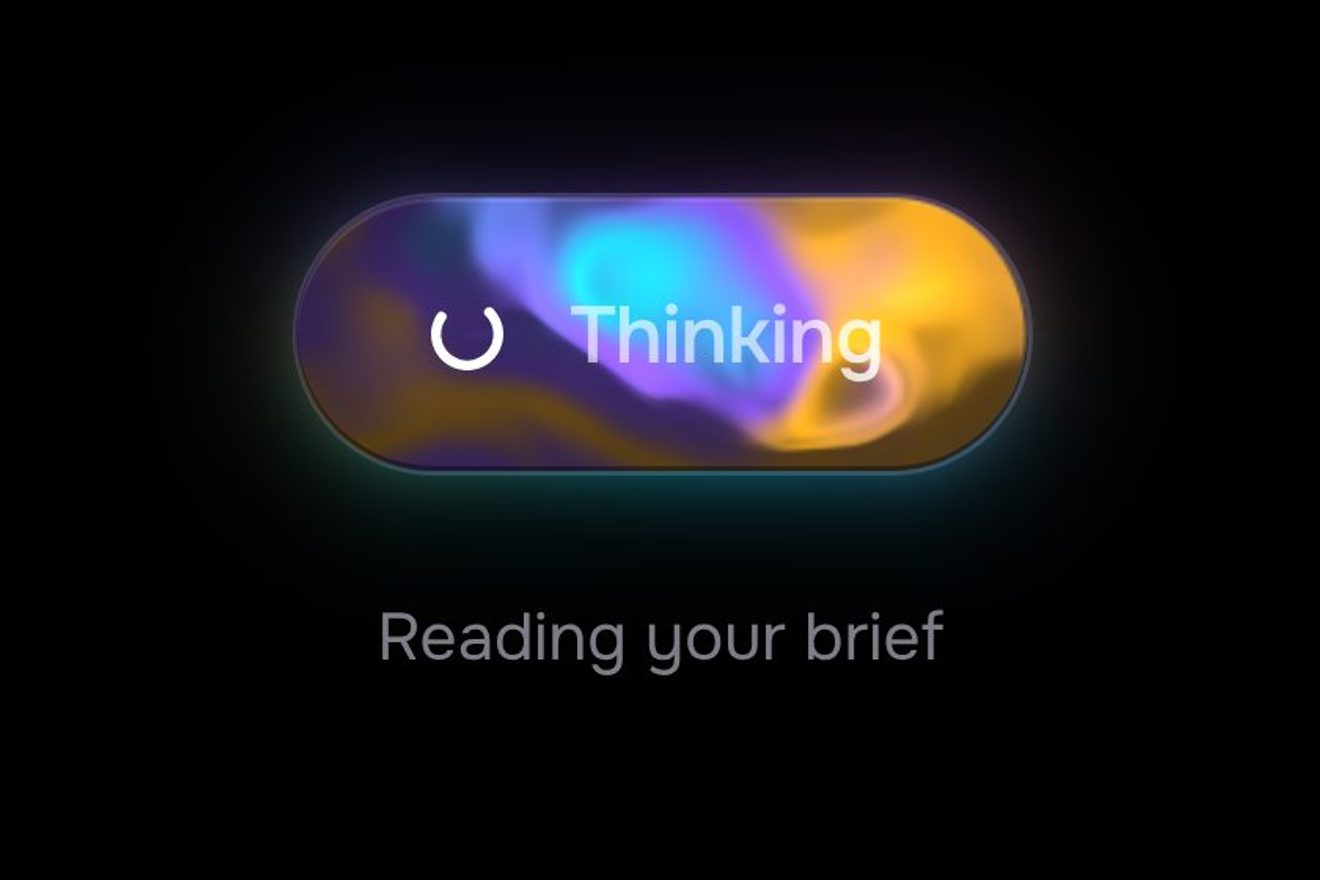
The AI generate button
Buttons, WebGL, SVG, Hover, Text
NewFree
The airplane mode switch, in the minimal style: the track is a dashed runway and the knob a small plane seen from above, which takes a run-up, lifts off leaving its shadow on the ground and flies on in orange, while the Wi-Fi waves go out one by one.
A folder that runs on its own: index.html, style.css, script.js and the libraries from a CDN. The React and Vue tabs hold the same demo as a ready component, which switches its animations off when it leaves the page.
<!doctype html>
<html lang="en">
<head>
  <meta charset="utf-8">
  <meta name="viewport" content="width=device-width, initial-scale=1">
  <title>The airplane mode switch</title>
  <link rel="stylesheet" href="https://cdn.jsdelivr.net/npm/@fontsource-variable/archivo@5.3.0/wdth.css">
  <link rel="stylesheet" href="style.css">
</head>
<body>
  <main class="stage">
    <div class="setting" data-setting>
      <div class="setting__text">
        <label class="setting__name" id="air-name" for="air-switch">Airplane mode</label>
        <span class="setting__sub" aria-hidden="true">
          <svg class="wifi" viewBox="0 0 20 14" aria-hidden="true" focusable="false">
            <path class="wifi__arc" data-arc d="M7.6 11.2 A3.4 3.4 0 0 1 12.4 11.2"></path>
            <path class="wifi__arc" data-arc d="M5.2 8.6 A6.8 6.8 0 0 1 14.8 8.6"></path>
            <path class="wifi__arc" data-arc d="M2.7 6 A10.2 10.2 0 0 1 17.3 6"></path>
            <path class="wifi__cut" data-cut d="M3 12.6 L17 1.4"></path>
          </svg>
          <span class="setting__subwords">
            <span class="setting__s" data-sub-off>Wi-Fi and cellular on</span>
            <span class="setting__s" data-sub-on>All radios off</span>
          </span>
        </span>
      </div>
      <div class="setting__ctrl">
        <span class="setting__word" id="air-word" aria-hidden="true">
          <span class="setting__w" data-word-off>Off</span>
          <span class="setting__w" data-word-on>On</span>
        </span>
        <button class="switch" id="air-switch" type="button" role="switch" aria-checked="false" aria-labelledby="air-name air-word" data-switch data-autoclic>
          <svg class="switch__art" viewBox="0 0 104 56" aria-hidden="true" focusable="false">
            <rect class="switch__track" x="1" y="1" width="102" height="54" rx="27"></rect>
            <line class="switch__runway" data-runway x1="12" y1="28" x2="92" y2="28"></line>
            <ellipse class="switch__shadow" data-shadow cx="0" cy="0" rx="13" ry="2.8"></ellipse>
            <path class="switch__trail" data-trail d=""></path>
            <g data-knob>
              <circle class="switch__knob" cx="0" cy="0" r="17"></circle>
              <path class="switch__plane" data-plane d="M11 0 C11 1.2 9.6 1.6 8 1.6 L3.2 1.6 L-1.8 9 L-4.4 9 L-1.6 1.6 L-6.4 1.6 L-8.4 4.4 L-10.4 4.4 L-9.2 0 L-10.4 -4.4 L-8.4 -4.4 L-6.4 -1.6 L-1.6 -1.6 L-4.4 -9 L-1.8 -9 L3.2 -1.6 L8 -1.6 C9.6 -1.6 11 -1.2 11 0 Z"></path>
            </g>
          </svg>
        </button>
      </div>
    </div>
  </main>

  <script src="https://cdn.jsdelivr.net/npm/gsap@3.15.0/dist/gsap.min.js"></script>
  <script src="script.js"></script>
</body>
</html>Change values, colours and text with the controls and watch the animation respond live. Or write in the code yourself. Then download the folder with your changes.
16 values to change
With the Animorio connector, Claude Code takes it from here, guide included, and fits it into your project. Paste this request:
Take “The airplane mode switch” from Animorio and fit it into my siteEverything is in one object of numbers: the position on the runway p, the height, the nose, the squash, the breath of the flight, the lean, the press, the colour and the word. A single render function writes them on every frame: the knob's hand-built transform (translate and scale), the plane's rotation, the shadow that stays on the runway, the streaming dashes and the word's axes.
A GSAP timeline takes p to 0.55 with power2.in, the run-up speeding up; meanwhile the nose rises PITCH degrees and the height reaches CLIMB pixels, then p goes to 1 with back.out(SPRING), which goes past by about a pixel and comes back. The colour moves from black to orange with gsap.utils.interpolate and at the end a breath up and down of HOVER pixels starts, as a yoyo.
The line down the middle of the track has stroke-dasharray 4 4: its stroke-dashoffset follows p times the run times STREAM, so the dashes stream under the plane faster than it moves, like the runway seen from the window. The shadow is an ellipse that does not rise: with the height it moves back, narrows and fades.
The nose drops a few degrees, the height goes back to zero and on touchdown the knob squashes (wider and lower) and recovers with elastic.out; then p goes back to 0 with back.out, braking with one pixel too many. The Wi-Fi waves come back on from the innermost.
It is a button with role="switch" and aria-checked, labelled by the setting's name and the word; Space and Enter turn it like a click, the right and left arrows switch it on and off, and focus shows as an orange ring. A click halfway stops the running turn and starts the new one from where the plane is.
| Name | File | Default | What it changes |
|---|---|---|---|
TAKEOFF | script.js | 0.95 | How long the take-off takes, in seconds (the landing is a little shorter). |
CLIMB | script.js | 3 | How high the plane flies above the runway, in pixels. |
PITCH | script.js | 10 | How far the nose lifts at take-off, in degrees. |
SPRING | script.js | 1.6 | How far the plane goes past the far end (0 not at all; 1.6 is about a pixel). |
HOVER | script.js | 0.7 | How much the plane rises and sinks while it flies, in pixels (0 still). |
STREAM | script.js | 2.2 | How fast the runway dashes stream under the plane, against its own speed. |
PEEK | script.js | 3 | How far the plane edges forward under the mouse, in pixels. |
For an on or off setting in the settings of an app or a dashboard: airplane mode, offline mode, sync, notifications on a trip. It also suits the profile page of a flights or travel site.
The same with a tap: the switch stays 104 by 56, the setting's row narrows to the screen's width and the line under the name wraps if it needs to.
No run-up and no flight: the plane is already at the far end, in orange, with its shadow under it; the words swap in a short fade, the line and the Wi-Fi waves change at once.
GSAP 3.15.0, Archivo (font variabile) 5.3.0.
Compressed with gzip, the three demo files weigh 5.7 KB; the libraries: GSAP 28 KB.
Tested on 23 October 2026
Use it in your own projects and in your clients’ projects. Do not resell it or redistribute it as is. GSAP stays under its own Standard license. Full license.
With your account’s email and password.
or with your email
You’re signed in as .
With your account, you can download the zip of every animation and every pack, for free.