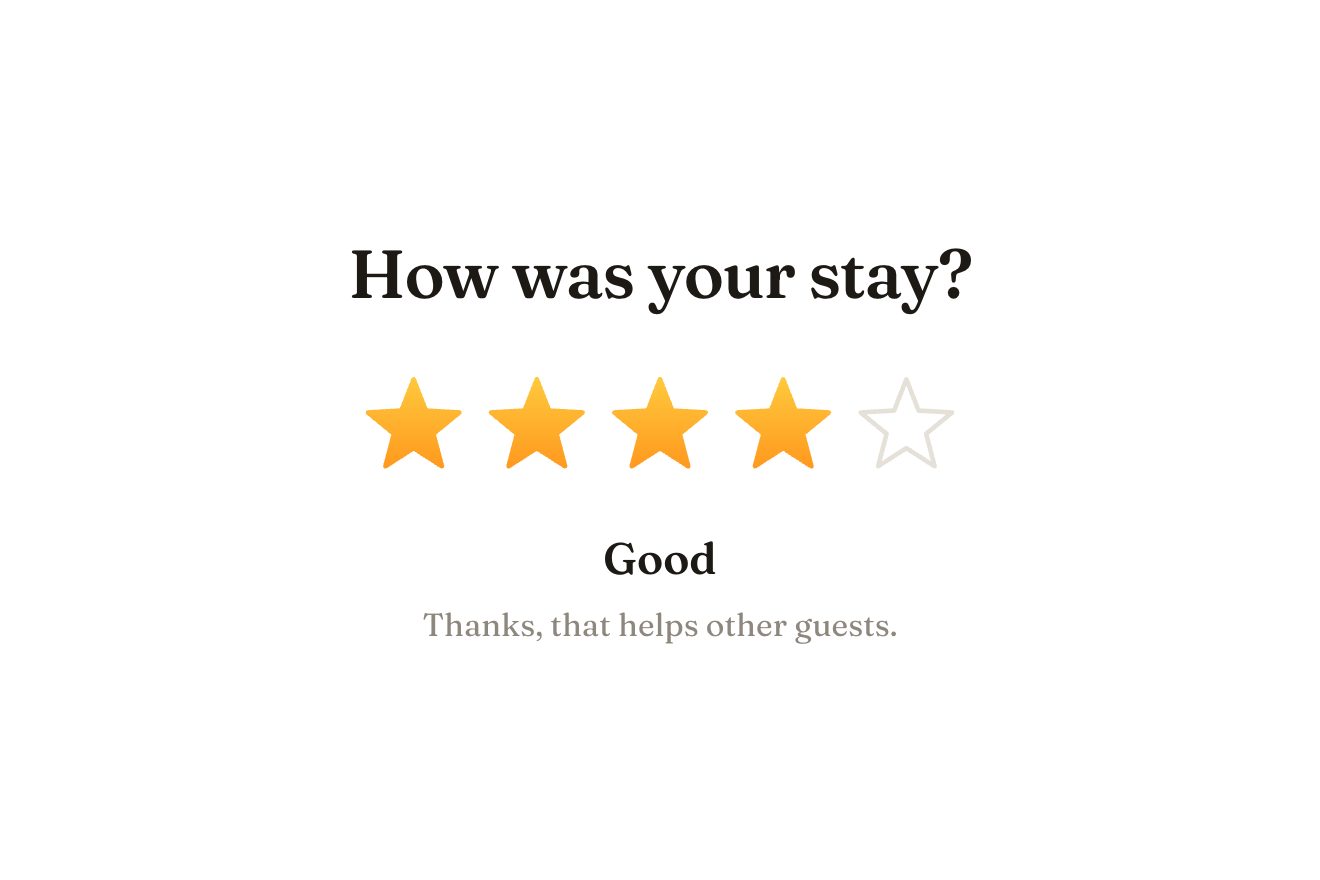
The star rating
Ratings, SVG, Hover
NewFree
The product card of an art supply shop: a teal lacquered tin full of watercolour pencils, on a pale table. The card tilts towards the pointer and a band of light slides across the lid. A tap opens the lid on its hinge and shows the bare metal inside; the pencils are there, one above the other. Under the pointer (or the finger) the pencil in that row slides out on a spring and scribbles its colour on the strip of paper below, like a painter’s colour tests. Add to cart closes the tin with a clink, bounces it on the table and counts it on the cart.
A folder that runs on its own: index.html, style.css, script.js and the libraries from a CDN. The React and Vue tabs hold the same demo as a ready component, which switches its animations off when it leaves the page.
<!doctype html>
<html lang="en">
<head>
  <meta charset="utf-8">
  <meta name="viewport" content="width=device-width, initial-scale=1">
  <title>The pencil tin card</title>
  <link rel="stylesheet" href="https://cdn.jsdelivr.net/npm/@fontsource-variable/bricolage-grotesque@5.3.0/standard.css">
  <link rel="stylesheet" href="style.css">
</head>
<body>
  <main class="stage">
    <!-- the product card of an art supply shop: a lacquered tin of watercolour pencils on a table. The card tilts
         towards the pointer and the light slides over the lid; a tap opens the lid on its hinge and the pencils are
         there, side by side. Under the pointer a pencil slides out of the row and scribbles its colour on the strip
         of paper below. Add to cart closes the tin with a clink. Everything is drawn by the script -->
    <article class="card" data-card>
      <div class="tilt" data-tilt>
        <button class="tin" type="button" data-tin data-autoclic aria-label="Open the tin" aria-expanded="false">
          <svg class="scene" viewBox="0 0 300 210" aria-hidden="true" data-scene></svg>
        </button>
        <div class="words">
          <p class="eyebrow" data-brand>Halftone art supply</p>
          <h2 class="title"><span data-product>Watercolour pencils</span>, <span class="title__soft">tin of <span data-count>12</span></span></h2>
          <div class="strip" aria-hidden="true">
            <svg class="strip__paper" viewBox="0 0 260 40" preserveAspectRatio="none" data-strip></svg>
            <span class="strip__name" data-name>Tap the tin to open it</span>
          </div>
          <div class="buy">
            <p class="price"><span class="price__num" data-price>€34</span><span class="price__note">Free shipping over €50</span></p>
            <button class="add" type="button" data-add>
              <span class="add__icon" aria-hidden="true">
                <svg viewBox="0 0 24 24"><path d="M3.5 4.5h2.2l2.1 10.2a1.6 1.6 0 0 0 1.6 1.3h7.7a1.6 1.6 0 0 0 1.6-1.2l1.5-6.3H6.6" /><circle cx="10" cy="19.6" r="1.3" /><circle cx="17" cy="19.6" r="1.3" /></svg>
                <span class="add__badge" data-badge hidden>1</span>
              </span>
              <span class="add__words"><span class="add__label" data-add-label>Add to cart</span></span>
              <svg class="add__tick" viewBox="0 0 16 16" aria-hidden="true"><path d="M3 8.4 6.4 11.6 13 4.6" data-tick /></svg>
            </button>
          </div>
        </div>
      </div>
      <p class="sr" aria-live="polite" data-live></p>
    </article>
  </main>

  <script src="https://cdn.jsdelivr.net/npm/gsap@3.15.0/dist/gsap.min.js"></script>
  <script src="script.js"></script>
</body>
</html>Change values, colours and text with the controls and watch the animation respond live. Or write in the code yourself. Then download the folder with your changes.
53 values to change
With the Animorio connector, Claude Code takes it from here, guide included, and fits it into your project. Paste this request:
Take “The pencil tin card” from Animorio and fit it into my siteThe whole scene is a 300 × 210 SVG written by the script: the table with its grain, the tin (top face, front band in shadow, metal inside), the pencils and the lid. The colours come from the :root variables, read once with getComputedStyle, so the Playground’s Palette repaints the drawing too, and the shades (lacquer, metal, shadow) are worked out from those colours.
The lid is a group scaled vertically about its back edge: translate, scale(1, s) and translate back, written by hand on every frame from an object GSAP animates. From 1 to −0.44 the lid lifts and flips over; when s goes through zero the printed outside gives way to the metal inside with its upside-down lettering, the way a real lid looks. It opens with power3.out going a little past and closes with power2.in, then an elastic knock.
Each pencil is a group: the body in its colour with two bands (shiny above, in shadow below) that make the hexagon, the gold lettering, the sharpened wood with its grain, the collar of paint and the lead. How many there are sets the height of the row; under the pointer the script finds the row with getScreenCTM and the pencil slides out by LIFT with back.out while its shadow widens.
Every colour test is a path of quadratic curves going back and forth like a hand trying out a pencil, drawn from the left with stroke-dashoffset. The grain comes from an SVG filter: fractal noise turned into holes and composited with the line, so the stroke has the gaps of wax on paper. The tests line up and the sixth takes the place of the first.
The card turns in 3D towards the pointer with two quickTo calls (rotationX and rotationY, TILT degrees), and two more quickTo calls move the band of light on the lid and the tin’s shadow the other way. Add to cart closes the lid, bounces the tin with bounce.out while its shadow shrinks and widens again, brings the number onto the cart with back.out and swaps the words for a drawn tick.
| Name | File | Default | What it changes |
|---|---|---|---|
PENCILS | script.js | [{ name: 'Cadmium yellow', color: '#f2c230' }, …] | The pencils in the tin, top to bottom: name and colour. From 6 to 12; the number on the label and in the title updates by itself. |
BRAND | script.js | Halftone | The shop’s name, on the lid and above the title. |
PRICE | script.js | €34 | The price of the tin. |
TILT | script.js | 7 | How far the card tilts towards the pointer, in degrees. |
LID_TIME | script.js | 0.8 | The seconds the lid takes to open. |
LIFT | script.js | 16 | How far a pencil slides out of the tin, in pixels of the drawing. |
SCRIBBLE | script.js | 3.4 | How thick the scribbles on the paper strip are. |
For a product card in an online art supply, stationery or gift shop: a tin of pencils, watercolours or markers, a case, a kit; also for a creative toy shop or the page of a drawing course.
The card is 300 pixels wide, or the screen minus 32, and never taller than the window: its width follows the height too. The words are in container units. A tap opens the tin, a tap on a pencil slides it out to scribble, a tap on the table closes it. Springs and timings are the same as on a computer.
No tilt, no sliding pencils and no hops: the lid opens and closes with a fade, the chosen pencil stays full and the others dim, the scribble appears already drawn and the button’s words change without moving.
GSAP 3.15.0, Bricolage Grotesque (font variabile) 5.3.0.
Compressed with gzip, the three demo files weigh 9.9 KB; the libraries: GSAP 28 KB.
Tested on 23 October 2026
Use it in your own projects and in your clients’ projects. Do not resell it or redistribute it as is. GSAP stays under its own Standard license. Full license.
With your account’s email and password.
or with your email
You’re signed in as .
With your account, you can download the zip of every animation and every pack, for free.