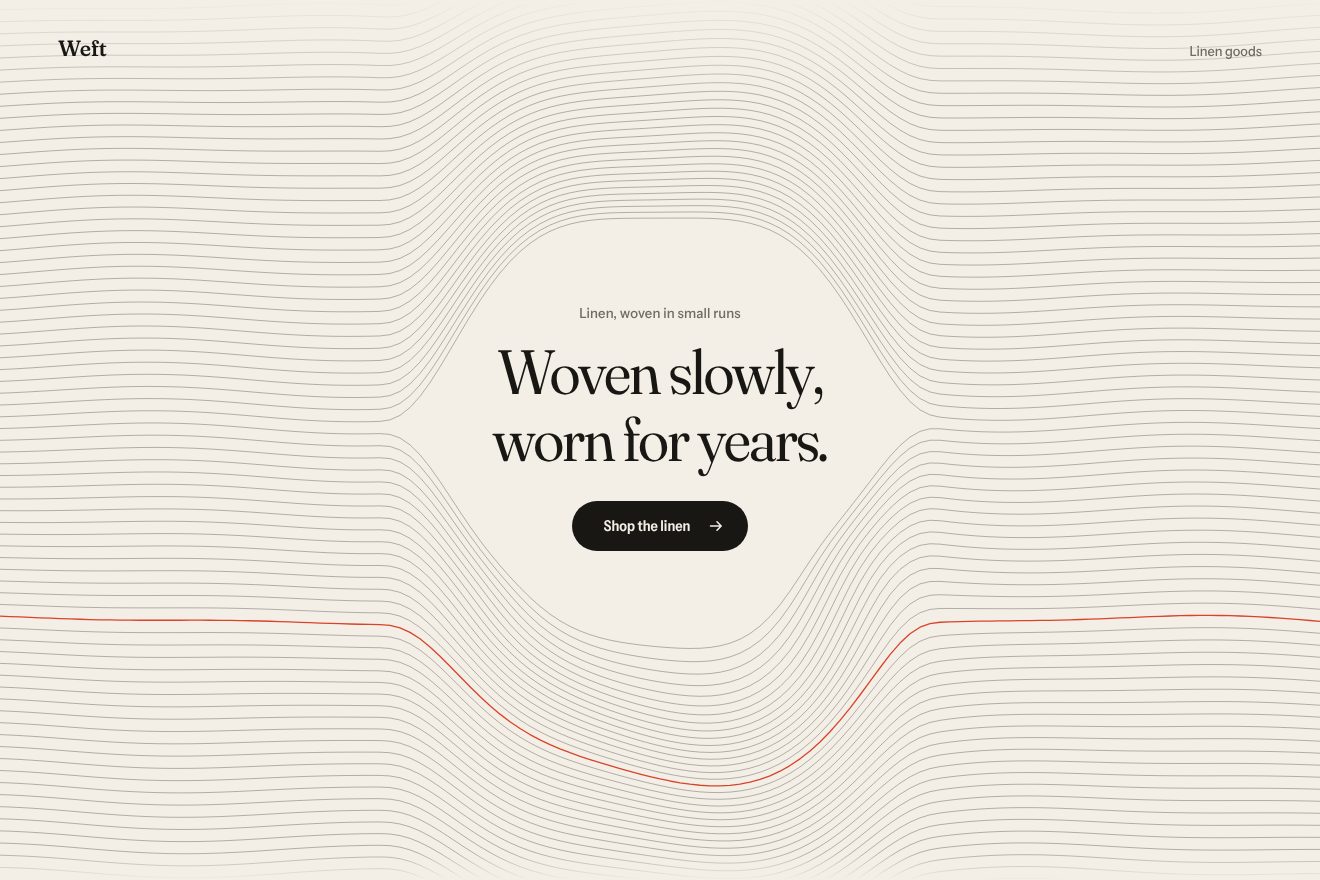
Woven thread background
Backgrounds, Hover
The opening of a made-up AI app, Eosa: behind the headline and the glass prompt field a soft field of light in three colours breathes, violet, rose and apricot. Bring the pointer near the field and the light leaves the background and gathers under it like a pool, following it on a spring and lighting the rim of the glass. Press Enter and the light climbs both edges of the field, meets at the top and opens over the page like a dawn. Premium minimal style.
A folder that runs on its own: index.html, style.css, script.js and the libraries from a CDN. The React and Vue tabs hold the same demo as a ready component, which switches its animations off when it leaves the page.
<!doctype html>
<!--
  "Prompt dawn background" from Animorio · https://animorio.com
  License: free on your own sites and your clients’ sites, paid work included.
  Not for resale, redistribution, templates or code collections · https://animorio.com/en/license/
-->
<html lang="en">
<head>
  <meta charset="utf-8">
  <meta name="viewport" content="width=device-width, initial-scale=1">
  <title>The light that pools under the prompt and opens like a dawn</title>
  <link rel="stylesheet" href="https://cdn.jsdelivr.net/npm/@fontsource-variable/mona-sans@5.3.0/wdth.css">
  <link rel="stylesheet" href="style.css">
</head>
<body>
  <!-- the opening of an invented AI app, Eosa: a soft field of light in three colours breathes behind a short title and
       a glass prompt; as the pointer nears the prompt the light gathers under it like a pool, and Enter sends the light
       up along the edges of the field until it opens over the page like a dawn -->
  <main class="stage" data-stage>
    <canvas class="field" data-field aria-hidden="true"></canvas>
    <span class="grain" aria-hidden="true"></span>

    <section class="hero" aria-labelledby="hero-title">
      <p class="pill" data-in>
        <span class="pill__tag">New</span>
        <span class="pill__text">Eosa 2 plans with your files</span>
      </p>
      <h1 class="title" id="hero-title" data-in>Start the day<br><span class="title__soft">with a clear plan.</span></h1>

      <form class="prompt" data-prompt data-in autocomplete="off">
        <span class="prompt__glow" data-glow aria-hidden="true"></span>
        <svg class="prompt__rim" data-rim aria-hidden="true">
          <defs>
            <linearGradient id="rim-grad" x1="0" y1="1" x2="0" y2="0">
              <stop offset="0"></stop>
              <stop offset="0.55"></stop>
              <stop offset="1"></stop>
            </linearGradient>
            <filter id="rim-soft" x="-20%" y="-60%" width="140%" height="220%"><feGaussianBlur stdDeviation="3"></feGaussianBlur></filter>
          </defs>
          <g class="rim__halo" filter="url(#rim-soft)">
            <path data-path="l" pathLength="1"></path><path data-path="r" pathLength="1"></path>
          </g>
          <g class="rim__line">
            <path data-path="l" pathLength="1"></path><path data-path="r" pathLength="1"></path>
          </g>
        </svg>
        <label class="sr" for="ask">Ask Eosa</label>
        <input class="prompt__input" id="ask" data-input type="text" placeholder="What should today look like?" spellcheck="false">
        <button class="send" type="submit" data-send aria-label="Send">
          <svg viewBox="0 0 20 20" aria-hidden="true"><path d="M10 15.5V4.5M5 9.5l5-5 5 5"></path></svg>
        </button>
      </form>

      <p class="hint" data-in>
        <span class="hint__key">Enter</span><span data-status>to plan your morning</span>
      </p>
    </section>

    <svg class="cursor" data-cursor viewBox="0 0 24 24" aria-hidden="true"><path d="M5 3.5l13 7.2-5.6 1.5-2.9 5.3z"></path></svg>
  </main>

  <script src="https://cdn.jsdelivr.net/npm/gsap@3.15.0/dist/gsap.min.js"></script>
  <script src="script.js"></script>
</body>
</html>Change values, colours and text with the controls and watch the animation respond live. Or write in the code yourself. Then download the folder with your changes.
27 values to change
With the Animorio connector, Claude Code, ChatGPT, Cursor or VS Code take it from here, guide included, and fit it into your project. Paste this request:
Take “Prompt dawn background” from Animorio and fit it into my siteA 2D canvas a quarter of the page’s size, stretched by CSS: light is soft by nature, so the low resolution does not show and it costs little. Every frame it is filled with black and five radial gradients are drawn in «lighter» mode, adding up like real light. The radius, position and strength of each follow a sine with its own phase and frequency over the same period of BREATH seconds: the field breathes without ever repeating itself.
The distance between the pointer and the field’s rectangle gives a value from 1 (on it) to 0 (beyond POOL_REACH), through a smoothstep. That value dims the five background lights and slides them 30% towards the pointer, and lights four stacked gradients under it: so the same light seems to move, instead of a new one switching on. The pool follows the pointer on a damped spring, corrected for the frame time.
The field is glass with backdrop-filter, which blurs the pool on its own. Over it a layer holds a radial gradient placed where the pool is (the --gx and --gy variables), masked to the one pixel rim with two linear-gradients and mask-composite: the rim lights up only where the light is near.
Two SVG paths with pathLength 1 start at the middle of the bottom edge and climb one left and one right to the middle of the top one, with a gradient from apricot to white. The thin line fills in with stroke-dasharray, and a wider blurred copy shows only a short piece in front, the head, with stroke-dashoffset. The paths are rebuilt at every resize.
Where the two threads meet, a radial gradient squashed into an ellipse (ctx.scale on the vertical axis) grows from the top edge of the field to cover the page in DAWN_TIME seconds with expo.out, rising a little as it opens; a second, very thin ellipse makes the horizon line. It stays DAWN_HOLD seconds and fades with sine.inOut.
After AUTO_PILOT seconds without a pointer, a GSAP timeline moves a pointer drawn in SVG: its coordinates go down the same road as the real ones, so the pool follows it just the same. It comes close, clicks the field, types a question, presses the button and leaves; a real movement stops it at once.
| Name | File | Default | What it changes |
|---|---|---|---|
BREATH | script.js | 9 | Seconds of one breath of the light field. |
FIELD_GLOW | script.js | 1 | Strength of the background light. |
POOL_REACH | script.js | 220 | How many pixels from the field the light starts to gather. |
POOL_SIZE | script.js | 1 | Size of the pool under the pointer. |
POOL_SPRING | script.js | 0.09 | How quickly the pool follows the pointer. |
CLIMB_TIME | script.js | 0.9 | Seconds of the light climbing the edges of the field. |
DAWN_TIME | script.js | 1.8 | Seconds of the dawn opening. |
DAWN_HOLD | script.js | 2.2 | Seconds the dawn stays open. |
AUTO_PILOT | script.js | 4 | After how many seconds without a pointer it plays on its own (0 never). |
--c1, --c2, --c3 | style.css | #6f63ff, #ff6f8e, #ffb169 | The three colours of the light: violet, rose, apricot. |
For the opening of an AI product, an assistant, a search or any page whose main thing is a field to fill: the light leads the eye to the field and rewards sending. It also works behind a sign up form or a site search.
The same animation with adapted sizes: headline, field and button are measured on the height too, the pool and its reach shrink with the screen (never below three quarters), and the canvas and the rims of light are rebuilt at every resize. With a finger the pool goes where you touch.
The light field is still, with no breath and no pool. On Enter the rim of the field fades in and the dawn appears already open, fading in, then fades away. No pointer on its own.
GSAP 3.15.0, Mona Sans (font variabile) 5.3.0.
Compressed with gzip, the three demo files weigh 8.9 KB; the libraries: GSAP 28 KB.
Tested on 12 November 2026
Use it in your own projects and in your clients’ projects. Do not resell it or redistribute it as is. GSAP stays under its own Standard license. Full license.
Support Animorio
Animorio stays free thanks to the people who support it. If you like, buy us a coffee: it helps us make the next animations.
You asked for
We made it for you: it’s in the library, with the preview, the Playground and the code to copy.
An animation you can’t find, or a site to take apart in the journal: tell us which. We pick the next ones from here.
With your account’s email and password.
or with your email
You’re signed in as .
With your account, you can download the zip of every animation and every pack, for free.