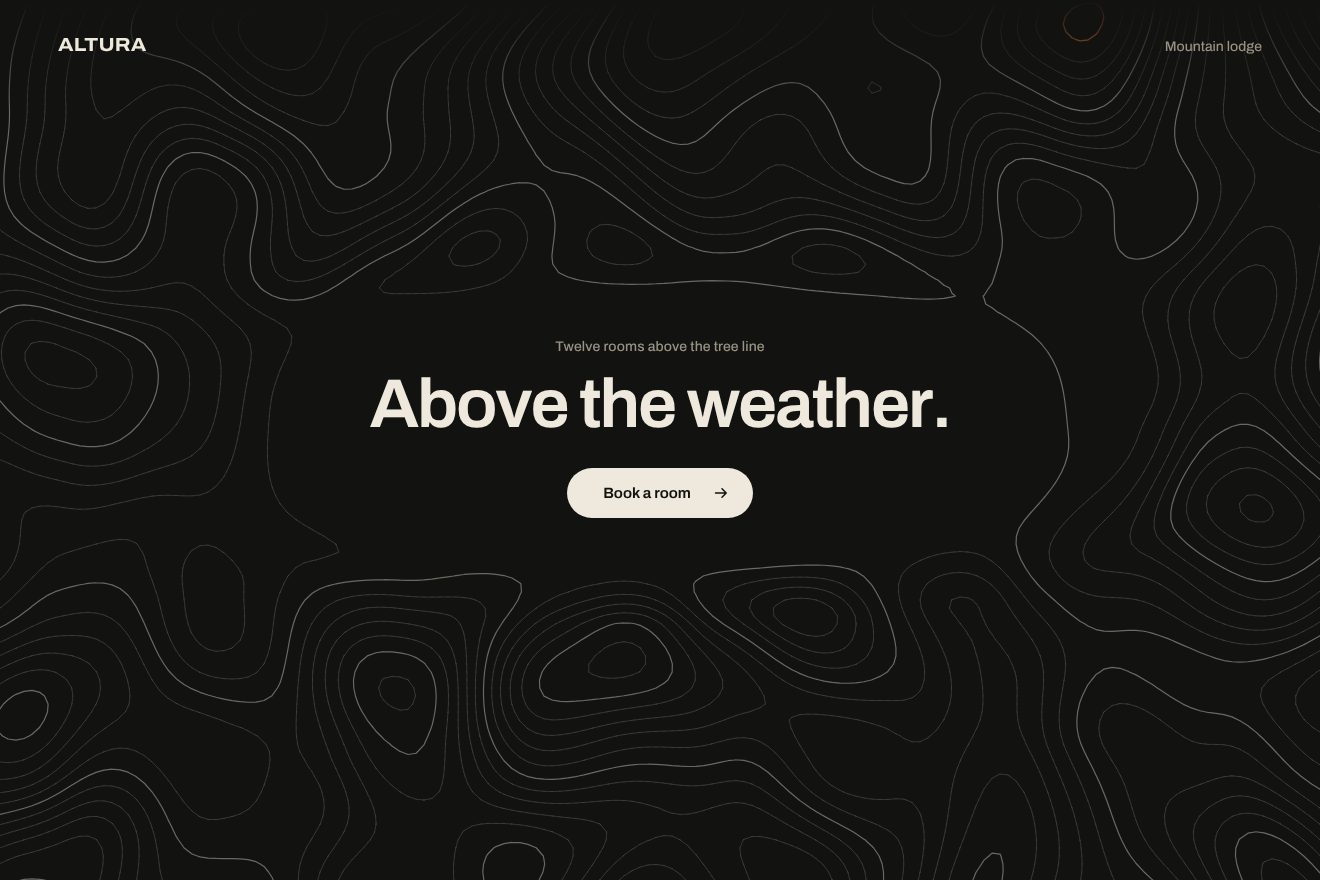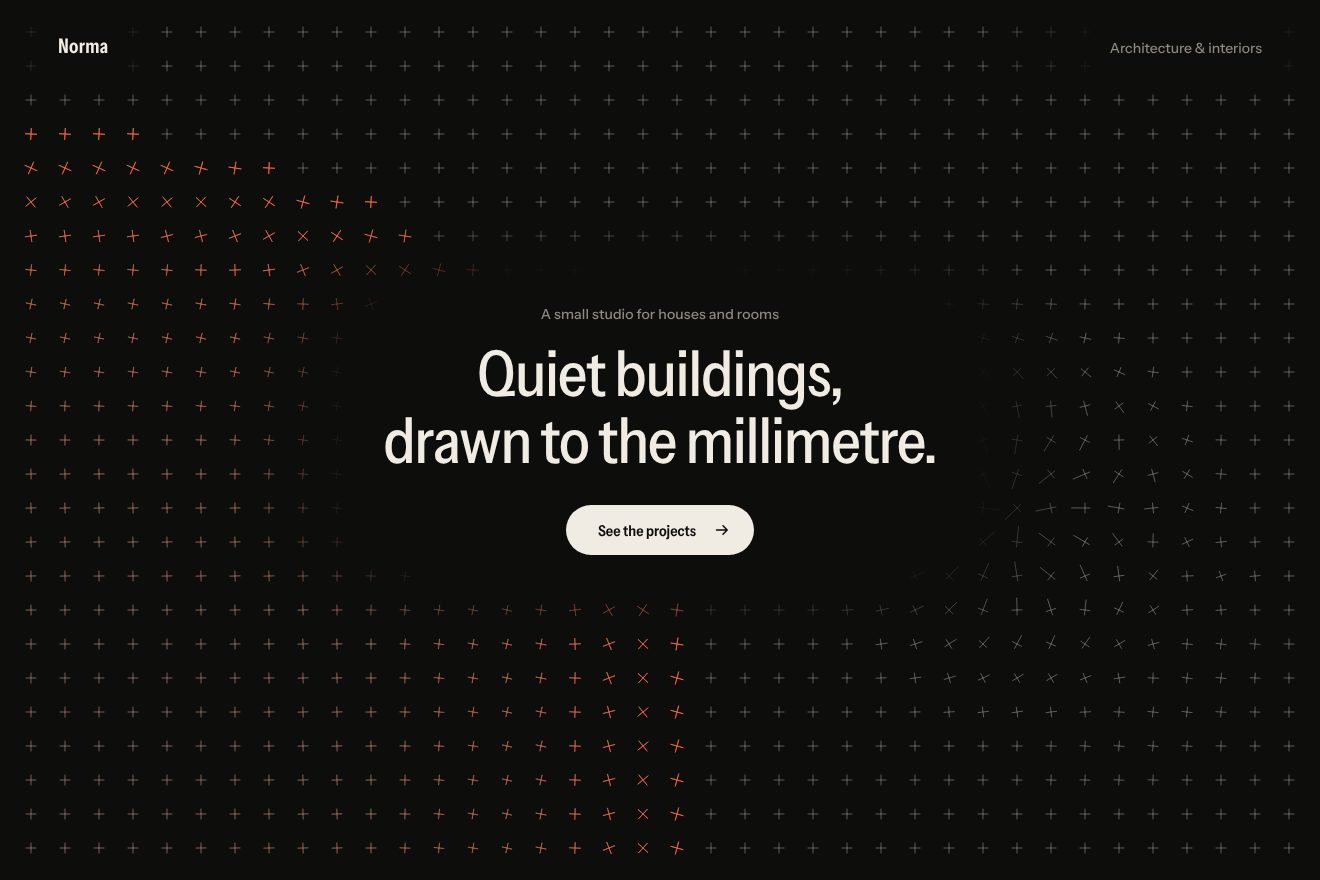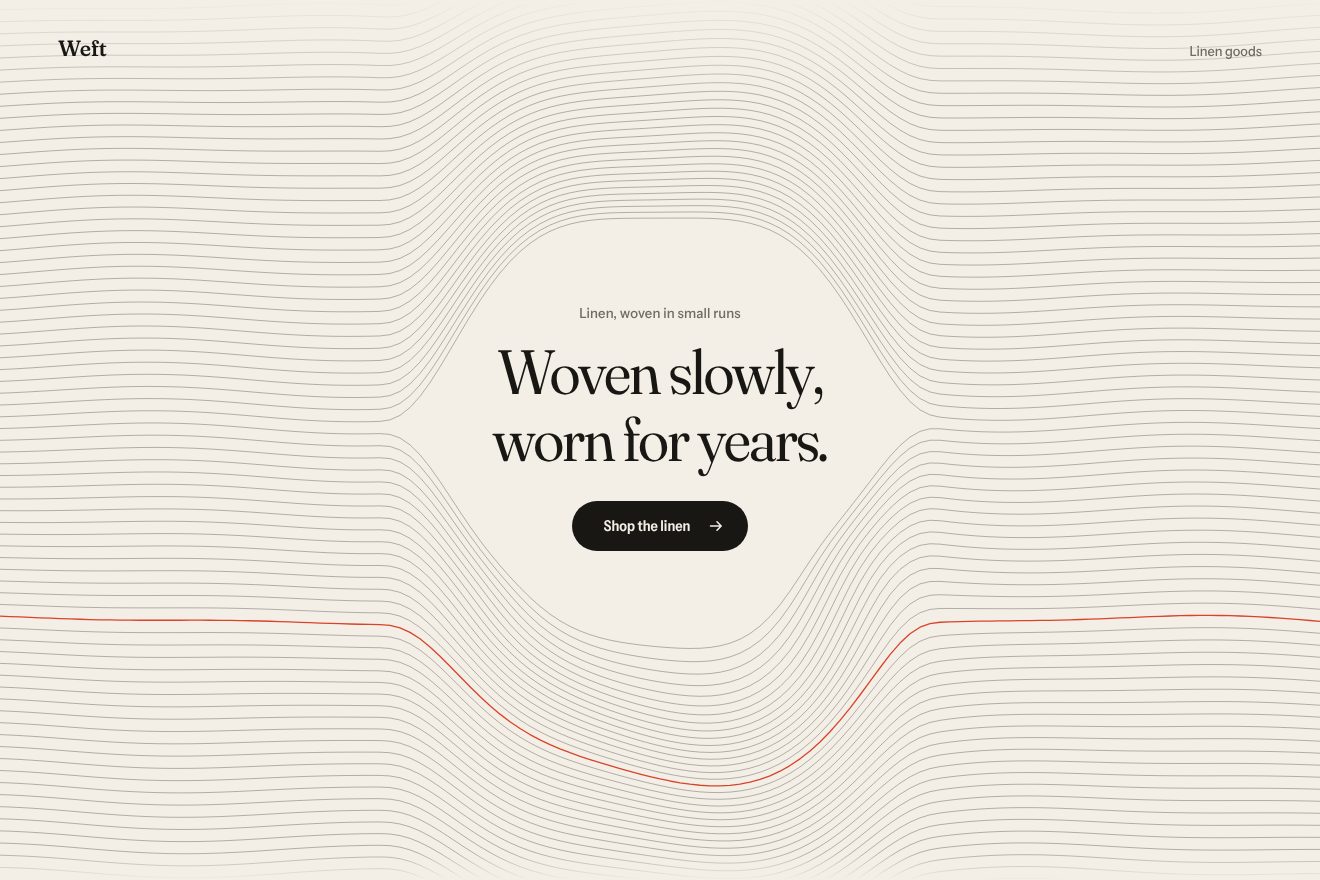
Woven thread background
Backgrounds, Hover
An animated background for an app’s hero, on almost black, in the style of Libraries.dev but restrained: below the words a floor of thin lines in perspective runs slowly towards a horizon in the mist. The pointer is a weight under a sheet: the floor sinks in a soft hollow that follows it on a spring and catches more light where it bends; a click sends a wave running along the lines, and the headline holds a reflection of the floor that follows the pointer.
A folder that runs on its own: index.html, style.css, script.js and the libraries from a CDN. The React and Vue tabs hold the same demo as a ready component, which switches its animations off when it leaves the page.
<!doctype html>
<!--
  "Horizon grid background" from Animorio · https://animorio.com
  License: free on your own sites and your clients’ sites, paid work included.
  Not for resale, redistribution, templates or code collections · https://animorio.com/en/license/
-->
<html lang="en">
<head>
  <meta charset="utf-8">
  <meta name="viewport" content="width=device-width, initial-scale=1">
  <title>The background of a grid running to the horizon</title>
  <link rel="stylesheet" href="https://cdn.jsdelivr.net/npm/@fontsource-variable/mona-sans@5.3.0/wdth.css">
  <link rel="stylesheet" href="style.css">
</head>
<body>
  <!-- the hero of an invented spatial-mapping app, Tessaline, on near black: below the words a floor of thin lines in
       perspective runs slowly towards a misty horizon. The pointer is a weight under a sheet: the floor sinks in a soft
       hollow that follows it on a spring; a click sends a wave running along the lines -->
  <main class="stage" data-stage>
    <canvas class="floor" data-floor aria-hidden="true"></canvas>
    <span class="mist" aria-hidden="true"></span>
    <span class="grain" aria-hidden="true"></span>

    <section class="hero" aria-labelledby="hero-title">
      <p class="pill" data-in>
        <span class="pill__tag">Beta</span>
        <span class="pill__text">Room scans in real time</span>
        <svg class="pill__arrow" viewBox="0 0 16 16" aria-hidden="true"><path d="M6 3.5 10.5 8 6 12.5"></path></svg>
      </p>
      <h1 class="title" id="hero-title" data-in data-title>Map every room<br>before it’s built</h1>
      <p class="lede" data-in>Tessaline turns a phone scan into a floor plan you can walk through, measure and share.</p>
      <div class="actions" data-in>
        <button class="cta" type="button" data-cta>
          <span class="cta__label">Request access</span>
          <svg class="cta__arrow" viewBox="0 0 16 16" aria-hidden="true"><path d="M3 8h9.5M8.5 4 12.5 8l-4 4"></path></svg>
        </button>
        <span class="note">For studios and builders</span>
      </div>
    </section>

    <svg class="ghost" data-ghost viewBox="0 0 20 20" aria-hidden="true"><path d="M4 2.5v13.2l3.5-3.3 2.4 5.3 2.3-1-2.4-5.2 4.8-.2z"></path></svg>
  </main>

  <script src="https://cdn.jsdelivr.net/npm/gsap@3.15.0/dist/gsap.min.js"></script>
  <script src="script.js"></script>
</body>
</html>Change values, colours and text with the controls and watch the animation respond live. Or write in the code yourself. Then download the folder with your changes.
22 values to change
With the Animorio connector, Claude Code, ChatGPT, Cursor or VS Code take it from here, guide included, and fit it into your project. Paste this request:
Take “Horizon grid background” from Animorio and fit it into my siteEvery point of the floor has an x and a distance z. On screen it sits K over z below the horizon and x times K over z from the centre: with a single number, K, that depends on the height of the page, the lines converge towards the horizon by themselves. The long lines are sampled more closely near the viewer, with a geometric progression of the distance.
The cross lines are not evenly spaced: the gap grows with the distance, so in perspective the squares look square all the way to the mist. The scrolling moves every line by a fraction of its gap; when the fraction goes back to zero every line has reached the place of the next one, and the loop cannot be seen.
The pointer is brought back onto the floor: its distance is K over how far below the horizon it is. There a Gaussian bell makes the floor sink; the centre of the hollow and its depth follow the pointer on two springs, so the hollow arrives a moment later and rises slowly when the pointer leaves.
A click adds a ring on the floor that grows at constant speed; the points near its edge rise and fall with a damped cosine, and the force fades in under two seconds. On screen the wave is squashed by the perspective, like a ripple seen from afar.
Every short stretch has a light that falls with distance and grows where the floor bends. Rather than changing colour thousands of times, the stretches are gathered into twelve steps of transparency and each step is drawn with a single stroke.
| Name | File | Default | What it changes |
|---|---|---|---|
SPEED | script.js | 0.55 | How fast the floor runs towards the horizon (0 stops it). |
SPACING | script.js | 0.34 | The distance between the floor’s lines: smaller, a denser grid. |
HORIZON | script.js | 0.47 | Where the horizon sits, as a share of the height. |
DEPTH | script.js | 0.55 | How deep the hollow under the pointer sinks. |
RADIUS | script.js | 0.9 | How wide the hollow is, in floor squares. |
WAVE | script.js | 1 | How strong the click’s wave is (0 turns it off). |
AUTO_PILOT | script.js | 3 | After how many seconds without a pointer the drawn one moves (0 never). |
As the background of the first screen of an app or a piece of software on a dark background about spaces, maps, scans, architecture or 3D: the floor gives depth without stealing the scene from the words.
The same floor at adapted sizes: the horizon stays just below the middle, the squares narrow with the width and the headline goes on two smaller lines. A sliding finger makes the hollow sink, a tap sends the wave.
The floor stays still: no scrolling, no hollow, no wave and no drawn pointer. Under the pointer there is only a faint light, and the reflection in the headline follows it slowly.
GSAP 3.15.0, Mona Sans (font variabile) 5.3.0.
Compressed with gzip, the three demo files weigh 7.3 KB; the libraries: GSAP 28 KB.
Tested on 27 October 2026
Use it in your own projects and in your clients’ projects. Do not resell it or redistribute it as is. GSAP stays under its own Standard license. Full license.
Support Animorio
Animorio stays free thanks to the people who support it. If you like, buy us a coffee: it helps us make the next animations.
You asked for
We made it for you: it’s in the library, with the preview, the Playground and the code to copy.
An animation you can’t find, or a site to take apart in the journal: tell us which. We pick the next ones from here.
With your account’s email and password.
or with your email
You’re signed in as .
With your account, you can download the zip of every animation and every pack, for free.