Woven thread background
Backgrounds, Hover
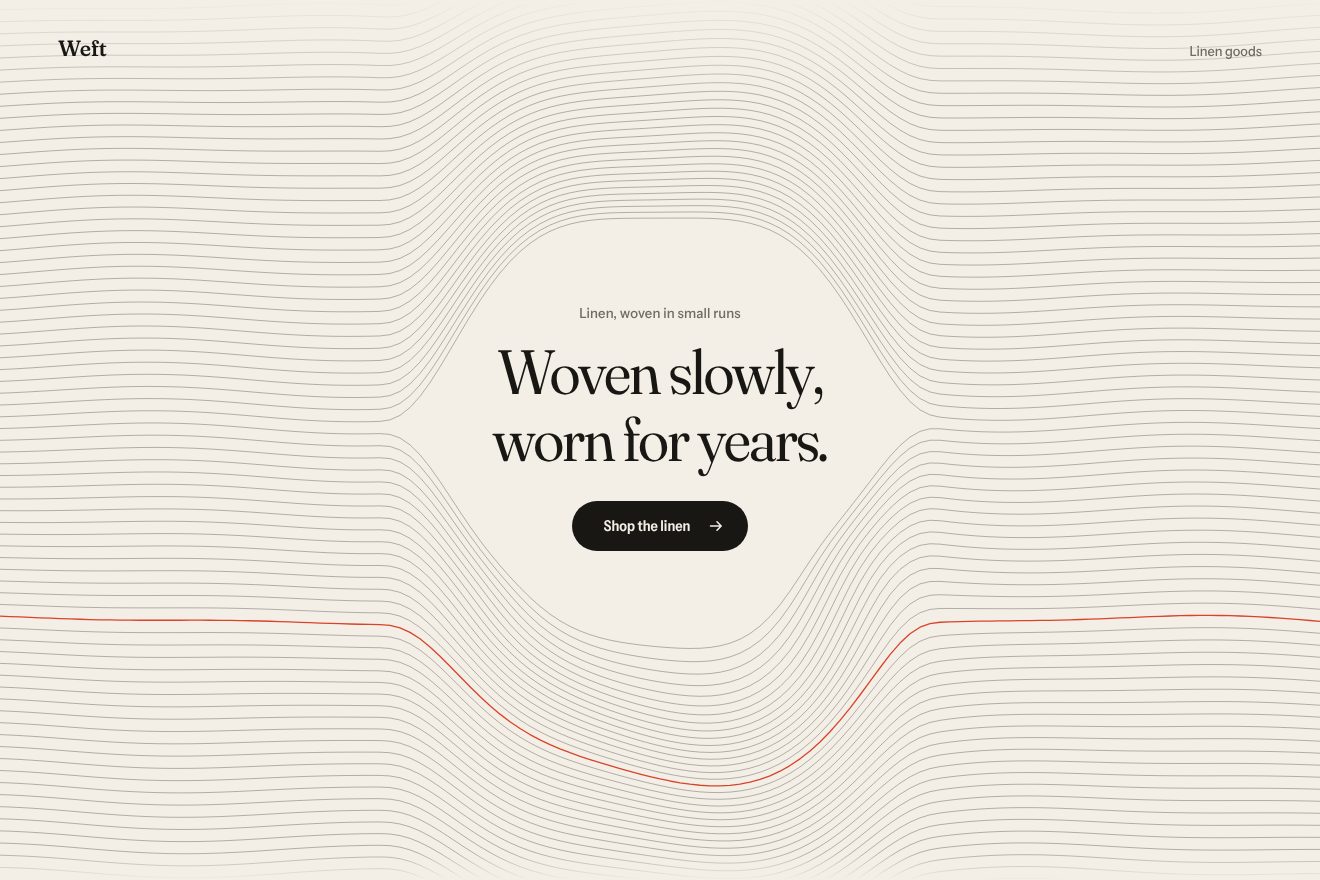
An animated background for an app’s hero, on almost black, in the style of Libraries.dev: many thin horizontal lines and the pointer acting as a soft magnet. The nearby lines move apart above and below it like an opening eye, each on its own spring, turn blue where they bend the most and straighten again with a small sway. They breathe slowly even when still, a click sends a ring running through them and the letters of the headline under the magnet light up.
A folder that runs on its own: index.html, style.css, script.js and the libraries from a CDN. The React and Vue tabs hold the same demo as a ready component, which switches its animations off when it leaves the page.
<!doctype html>
<!--
  "Bending lines background" from Animorio · https://animorio.com
  License: free on your own sites and your clients’ sites, paid work included.
  Not for resale, redistribution, templates or code collections · https://animorio.com/en/license/
-->
<html lang="en">
<head>
  <meta charset="utf-8">
  <meta name="viewport" content="width=device-width, initial-scale=1">
  <title>The background of lines bending around the pointer</title>
  <link rel="stylesheet" href="https://cdn.jsdelivr.net/npm/@fontsource-variable/mona-sans@5.3.0/wdth.css">
  <link rel="stylesheet" href="style.css">
</head>
<body>
  <!-- the hero of an invented alerting app, Lodera, on near black: behind the words, many thin horizontal lines.
       The pointer is a soft magnet: the lines bend away from it on a spring, light up in blue where they bend the most
       and settle back with a small sway; a click sends a ring that runs through them -->
  <main class="stage" data-stage>
    <canvas class="lines" data-lines aria-hidden="true"></canvas>
    <span class="hush" aria-hidden="true"></span>

    <section class="hero" aria-labelledby="hero-title">
      <p class="pill" data-in>
        <span class="pill__tag">New</span>
        <span class="pill__text">Signal routing is live</span>
        <svg class="pill__arrow" viewBox="0 0 16 16" aria-hidden="true"><path d="M6 3.5 10.5 8 6 12.5"></path></svg>
      </p>
      <h1 class="title" id="hero-title" data-in data-title>Pull the signal<br>from the noise</h1>
      <p class="lede" data-in>Lodera bends a thousand alerts around the one that matters, and sends it to the right person.</p>
      <div class="actions" data-in>
        <button class="cta" type="button" data-cta>
          <span class="cta__shine" aria-hidden="true"></span>
          <span class="cta__label">Start listening</span>
          <svg class="cta__arrow" viewBox="0 0 16 16" aria-hidden="true"><path d="M3 8h9.5M8.5 4 12.5 8l-4 4"></path></svg>
        </button>
        <span class="note">Free for small teams</span>
      </div>
    </section>

    <svg class="ghost" data-ghost viewBox="0 0 20 20" aria-hidden="true"><path d="M4 2.5v13.2l3.5-3.3 2.4 5.3 2.3-1-2.4-5.2 4.8-.2z"></path></svg>
  </main>

  <script src="https://cdn.jsdelivr.net/npm/gsap@3.15.0/dist/gsap.min.js"></script>
  <script src="script.js"></script>
</body>
</html>Change values, colours and text with the controls and watch the animation respond live. Or write in the code yourself. Then download the folder with your changes.
24 values to change
With the Animorio connector, Claude Code, ChatGPT, Cursor or VS Code take it from here, guide included, and fit it into your project. Paste this request:
Take “Bending lines background” from Animorio and fit it into my siteEvery line is a row of points, one every nine pixels, and every point has an offset and a velocity in two Float32Arrays. On each frame the spring takes the offset towards its target: the acceleration is the difference times the stiffness minus the velocity times the damping. With a low damping the spring goes a little past and comes back: that is the sway when the magnet leaves.
Each point’s target is the slow wave plus the push of the magnet: a Gaussian bell on the distance from the pointer, multiplied by the hyperbolic tangent of the vertical distance. The tangent gives the direction, up or down, but near zero it is gentle, so the line right under the pointer barely moves and the others open like an eye. The magnet itself follows the pointer on a short spring, for that touch of delay.
The amount of blue of each stretch is how far it has moved from its resting wave, plus a little of the field. Rather than drawing thousands of stretches in different colours, the stretches are gathered into eight steps of transparency and each step is drawn with a single stroke: each frame has the grey lines and at most eight blue paths.
A click adds a ring that grows by three quarters of the page per second. Every point near the edge of the ring gets a push in the direction away from the centre, with a bell twenty-six pixels wide and a force that fades in a little over a second; the springs do the rest and the ring passes over the lines like a ripple.
The headline is split into one span per letter, and the position of each letter is measured on resize and after the entrance. In the ticker each letter chases its own light, a bell on the distance from the magnet, and changes weight, colour with color-mix, blue shadow and two pixels of lift; the values are rounded to sixtieths, so the page only updates when something really changes.
| Name | File | Default | What it changes |
|---|---|---|---|
GAP | script.js | 11 | The pixels between one line and the next. |
RADIUS | script.js | 150 | How wide the magnet’s field is, in pixels. |
PUSH | script.js | 32 | How many pixels the lines move away at most. |
STIFF | script.js | 150 | How stiff the lines’ spring is: higher, they come back sooner. |
DAMP | script.js | 7 | How much the sway is damped: lower, they sway more. |
WAVE | script.js | 1.6 | The height of the slow wave of the still lines, in pixels. |
RING | script.js | 1 | How strong the click’s ring is (0 turns it off). |
AUTO_PILOT | script.js | 3 | After how many seconds without a pointer the drawn one moves (0 never). |
As the background of the first screen of an app or a piece of software on a dark background, especially one about signals, data, alerts or listening: the lines are the background noise and the pointer pushes them aside, and the button pulls hardest of all.
The same magnet at adapted sizes: the lines are a little denser, the field smaller and the push shorter, the headline goes on two smaller lines. A sliding finger is the magnet, and a tap sends the ring.
The lines stay straight and still: no wave, no springs, no ring and no drawn pointer. Under the pointer the lines take a faint blue and the letters light up without moving; on the button the swell stays, without the passing light.
GSAP 3.15.0, Mona Sans (font variabile) 5.3.0.
Compressed with gzip, the three demo files weigh 7.7 KB; the libraries: GSAP 28 KB.
Tested on 26 October 2026
Use it in your own projects and in your clients’ projects. Do not resell it or redistribute it as is. GSAP stays under its own Standard license. Full license.
Support Animorio
Animorio stays free thanks to the people who support it. If you like, buy us a coffee: it helps us make the next animations.
You asked for
We made it for you: it’s in the library, with the preview, the Playground and the code to copy.
An animation you can’t find, or a site to take apart in the journal: tell us which. We pick the next ones from here.
With your account’s email and password.
or with your email
You’re signed in as .
With your account, you can download the zip of every animation and every pack, for free.