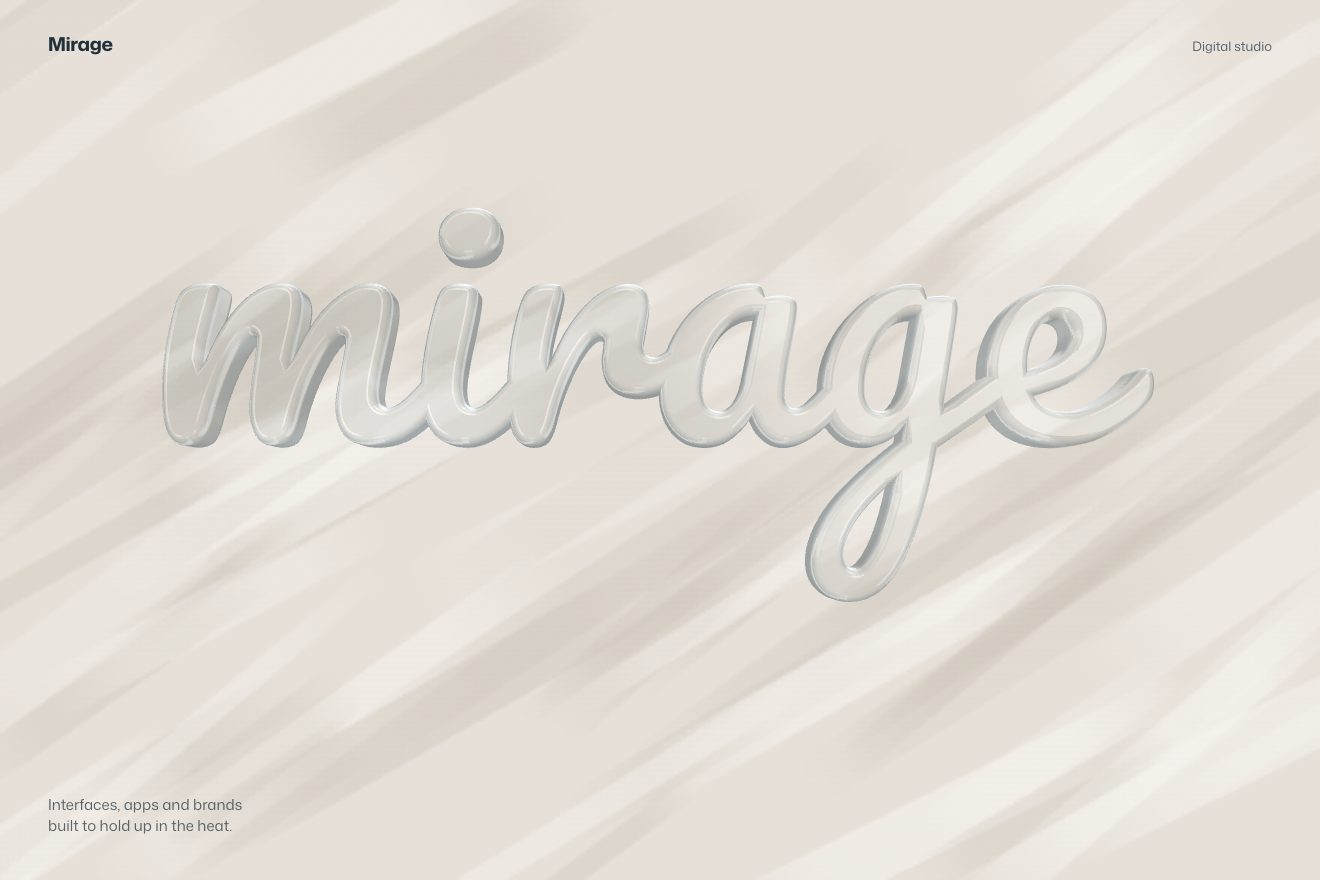
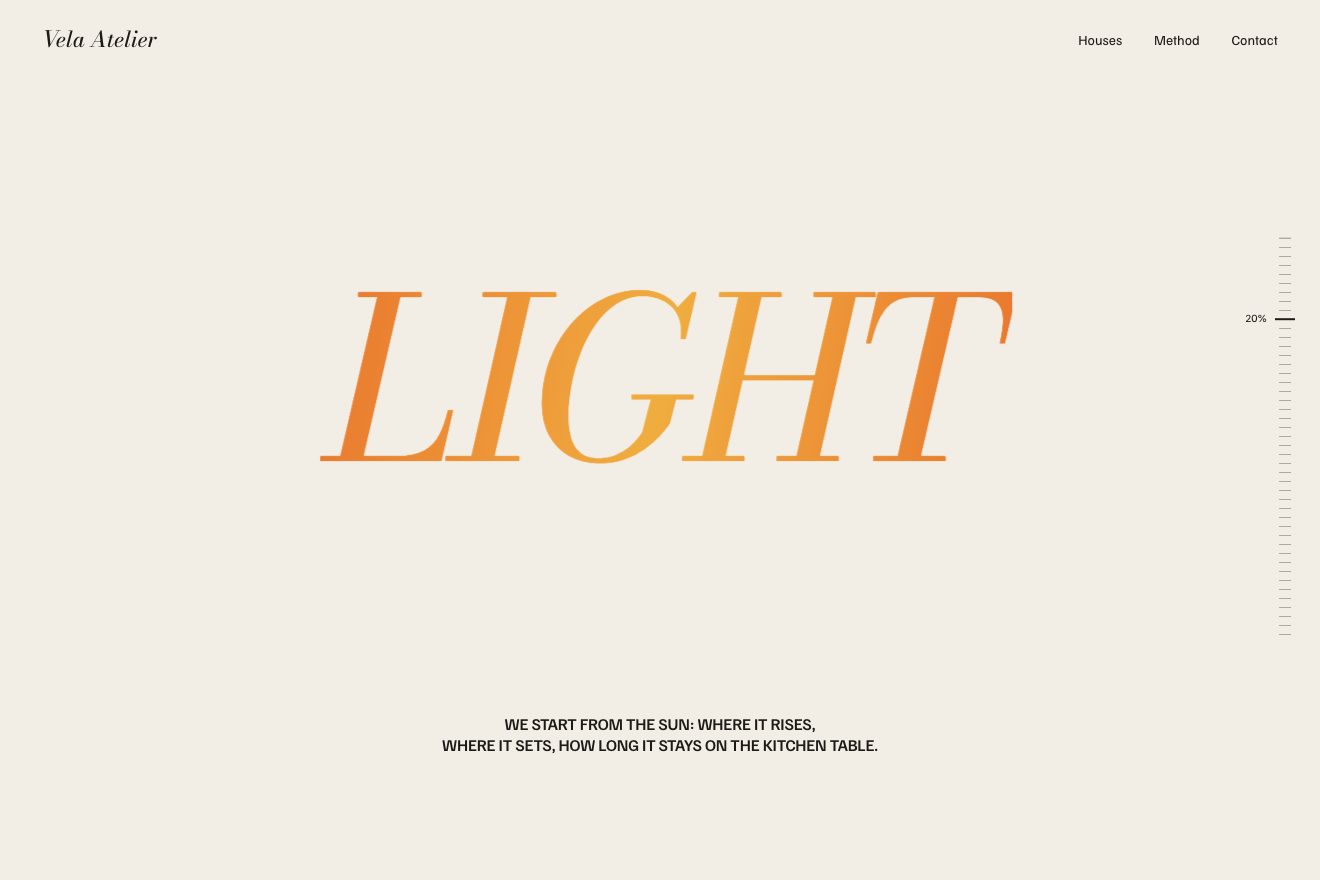
Standing letters with a long shadow
Text, Scroll, 3D
NewFree
A minimal-style 3D text animation: a real CSS cube, six paper faces with an ink edge, rolls along a hairline one tumble at a time. On the faces that hit the ground there is a reversed letter, as on a rubber stamp, and at every landing the letter stays printed on the line, settling wide and light and gaining weight, until the name is spelled out.
A folder that runs on its own: index.html, style.css, script.js and the libraries from a CDN. The React and Vue tabs hold the same demo as a ready component, which switches its animations off when it leaves the page.
<!doctype html>
<html lang="en">
<head>
  <meta charset="utf-8">
  <meta name="viewport" content="width=device-width, initial-scale=1">
  <title>Tumble</title>
  <link rel="stylesheet" href="https://cdn.jsdelivr.net/npm/@fontsource-variable/archivo@5.3.0/wdth.css">
  <link rel="stylesheet" href="style.css">
</head>
<body>
  <main class="palco" data-palco>
    <header class="testa">
      <p class="marchio">Tumble</p>
      <p class="nota">Letterpress studio</p>
    </header>

    <!-- one cube with six real faces rolls along a thin baseline, tipping over its bottom edge; every face that
         lands prints its letter on the line, and the letters stay behind it to spell the name -->
    <div class="scena" data-scena>
      <svg class="riga" data-riga aria-hidden="true"><path class="riga__filo" data-filo d="" /></svg>
      <p class="parola" data-parola></p>
      <div class="posto" data-posto aria-hidden="true">
        <div class="rullo" data-rullo>
          <div class="corpo">
            <span class="faccia faccia--davanti"></span>
            <span class="faccia faccia--dietro"></span>
            <span class="faccia faccia--anello" data-faccia="destra"><span class="faccia__lettera"></span></span>
            <span class="faccia faccia--anello" data-faccia="sotto"><span class="faccia__lettera"></span></span>
            <span class="faccia faccia--anello" data-faccia="sinistra"><span class="faccia__lettera"></span></span>
            <span class="faccia faccia--anello" data-faccia="sopra"><span class="faccia__lettera"></span></span>
          </div>
        </div>
      </div>
    </div>

    <div class="azione">
      <button class="pillola" type="button" data-ancora data-autoclic>
        <span class="pillola__scritta" data-testo="Again">Again</span>
        <svg class="pillola__segno" viewBox="0 0 16 16" aria-hidden="true"><path d="M12.6 6.1A5 5 0 1 0 13 9.4" /><path d="M13.2 2.6v3.7H9.5" /></svg>
      </button>
    </div>
  </main>

  <script src="https://cdn.jsdelivr.net/npm/gsap@3.15.0/dist/gsap.min.js"></script>
  <script src="script.js"></script>
</body>
</html>Change values, colours and text with the controls and watch the animation respond live. Or write in the code yourself. Then download the folder with your changes.
19 values to change
With the Animorio connector, Claude Code takes it from here, guide included, and fits it into your project. Paste this request:
Take “The cube that prints the word” from Animorio and fit it into my siteThe cube is a roller holding a body and six faces: front, back and the four of the ring that touches the ground (right, bottom, left, top). The body sits half a side behind the page plane, so the front face is exactly on the plane of the line and the letters and the perspective does not push it below the line. The ring faces are the right face turned a quarter at a time around the centre: a face that moves into another’s place has the same orientation, so the letters do not jump. The perspective is set on each cube’s container, with the viewpoint at the top right worked out in pixels from the side, so the cube looks the same wherever it is.
The roller turns around its bottom right edge (transform-origin 100% 100%): from 0 to 90 degrees with power2.in, slow to lift and fast in the fall, then back ROCK degrees with power2.out and down to 90 again with power2.in, the rocking of the landing. At that point the cube, being symmetrical, is set straight again on the next cell: it does not show, and the next tumble starts from zero. The letters on the faces depend only on the cell: on the right the one that lands next, on top the one after that, on the left (hidden) the next one.
The line is a path redrawn every frame with a point every six pixels: at the start it grows from the middle, and at every landing it gives in a bell shape under the cell that was hit, with a depth that goes back to zero with elastic.out. Each ring face takes its shade from the angle it is at in that moment relative to the light at the top right (a cosine between light and dark), so the top face darkens as it turns and becomes the right face.
Each letter sits in a cell as wide as the cube. To fill it like a piece of wood type, at start-up its width is measured at wdth 100 and the axis width that brings it to eight tenths of the cell is chosen. When the cube leaves the cell, the letter fades in and goes from weight LIGHT to HEAVY and from 14 wdth points wider to its own width, with power3.out: it arrives wide and light and settles narrow and full.
Everything that moves is an object of numbers (the cell, the angle, the line, the letters) in a single GSAP timeline, and one function draws every frame: when the window changes size it only needs redrawing. ‘Again’ appears when the word is finished and ignores clicks before that, so nothing interrupts it halfway. With reduced motion the word is already printed and the cube stands still after the last letter, and the scene fades in.
| Name | File | Default | What it changes |
|---|---|---|---|
WORD | script.js | 'Tumble' | The word to print: one tumble per letter, up to 8 letters. |
CUBE_SIZE | script.js | 108 | The side of the cube on a computer, in px; on a phone it shrinks so the word fits the width. |
ROLL_TIME | script.js | 0.52 | How long one tumble lasts, in seconds. |
PAUSE | script.js | 0.12 | The pause between one tumble and the next, in seconds. |
ROCK | script.js | 1.6 | How many degrees the cube rocks back as it lands. |
DIP | script.js | 3 | How many px the line gives under the knock. |
LIGHT | script.js | 220 | The weight of a freshly printed letter. |
HEAVY | script.js | 760 | The weight of a settled letter. |
For the opening of a graphic design studio, a print shop or a type foundry, for the name of a board game or a short brand that wants to arrive with a physical gesture, for the loading of a page presenting a product.
The same animation with the sizes adapted: the cube shrinks so the word, the starting cell and the last one fit the width; the button works with a tap.
Nothing moves: the word fades in already printed on the line, with the cube standing still after the last letter; ‘Again’ fades it out and back in.
GSAP 3.15.0, Archivo (font variabile) 5.3.0.
Compressed with gzip, the three demo files weigh 6.9 KB; the libraries: GSAP 28 KB.
Tested on 21 October 2026
Use it in your own projects and in your clients’ projects. Do not resell it or redistribute it as is. GSAP stays under its own Standard license. Full license.
With your account’s email and password.
or with your email
You’re signed in as .
With your account, you can download the zip of every animation and every pack, for free.