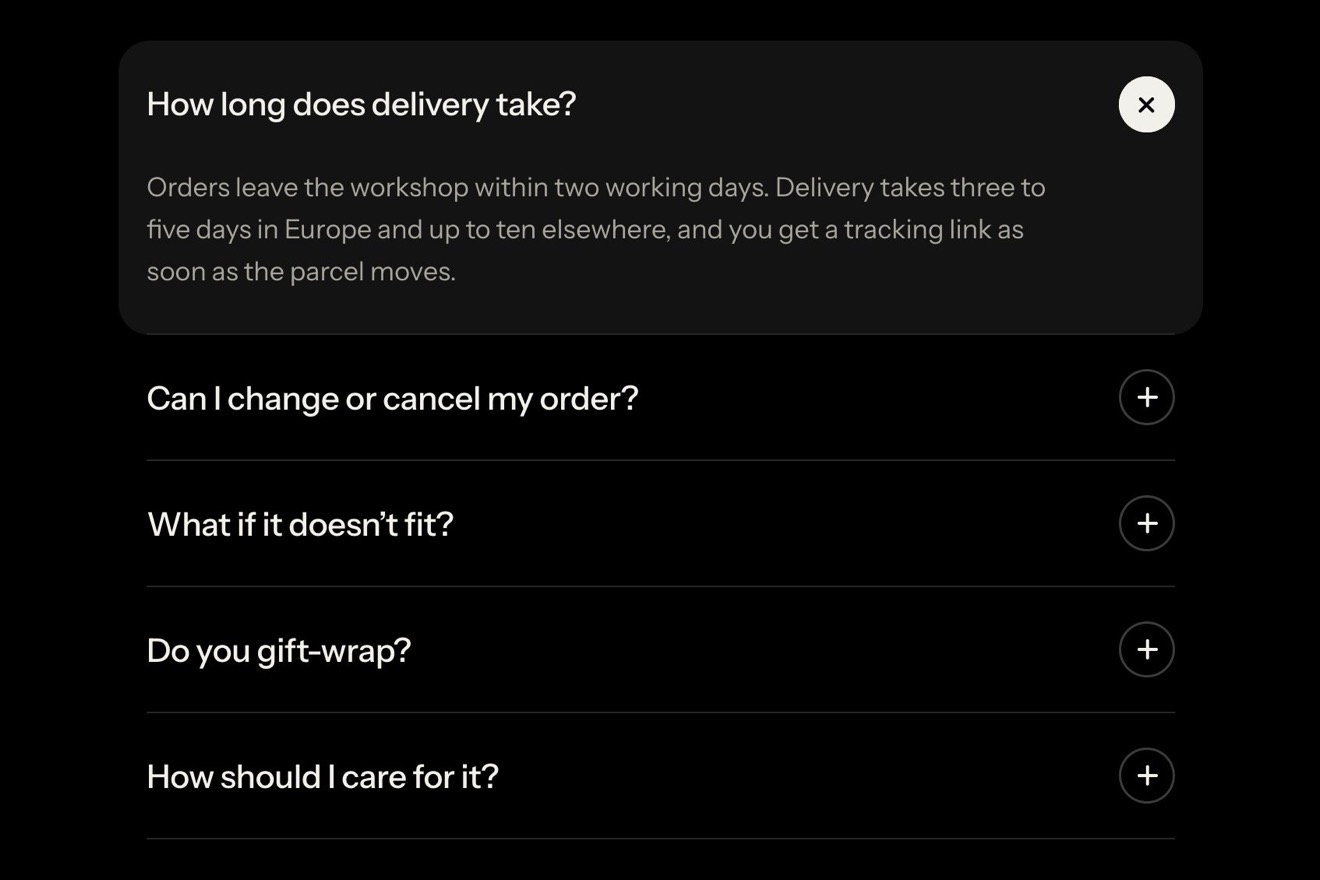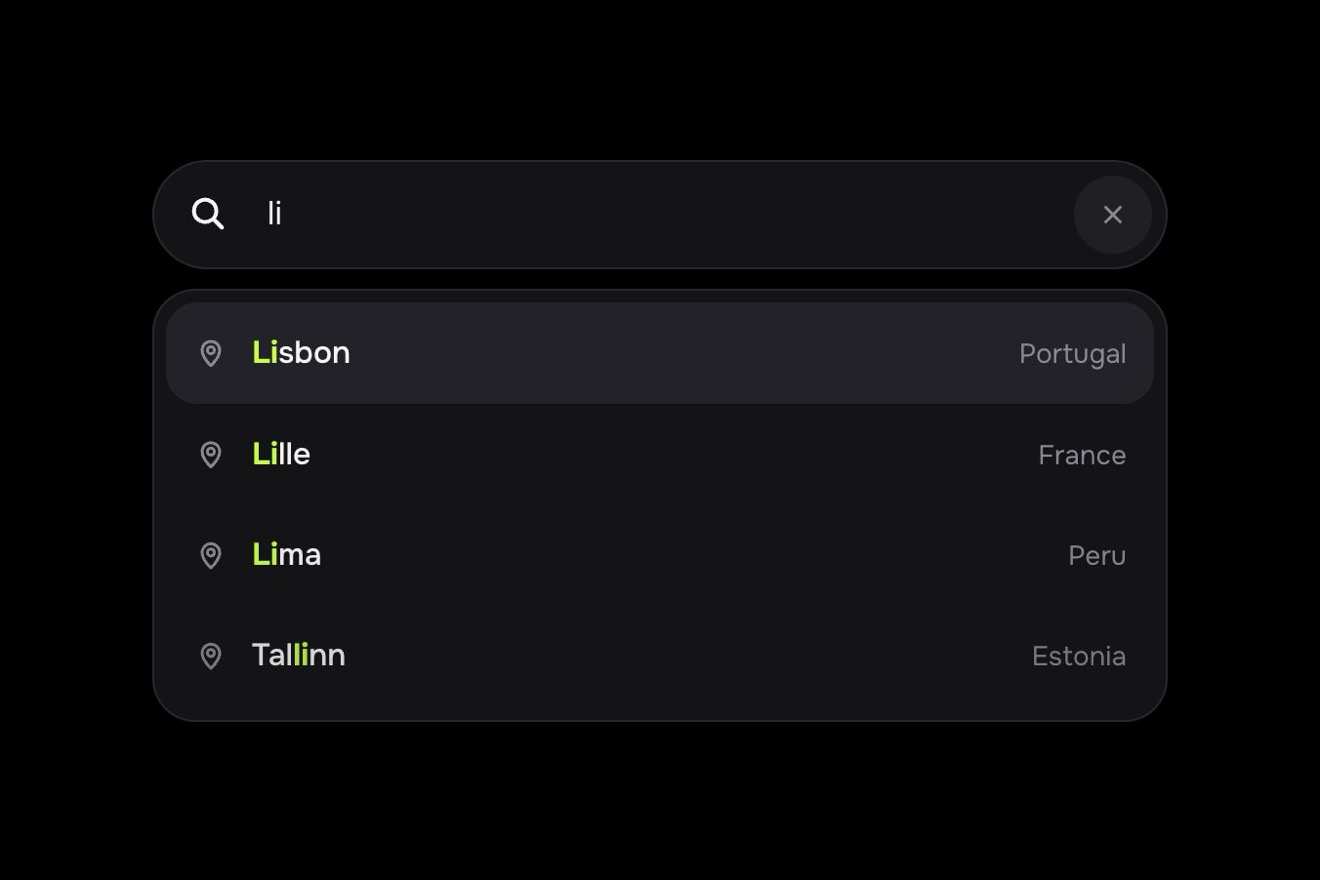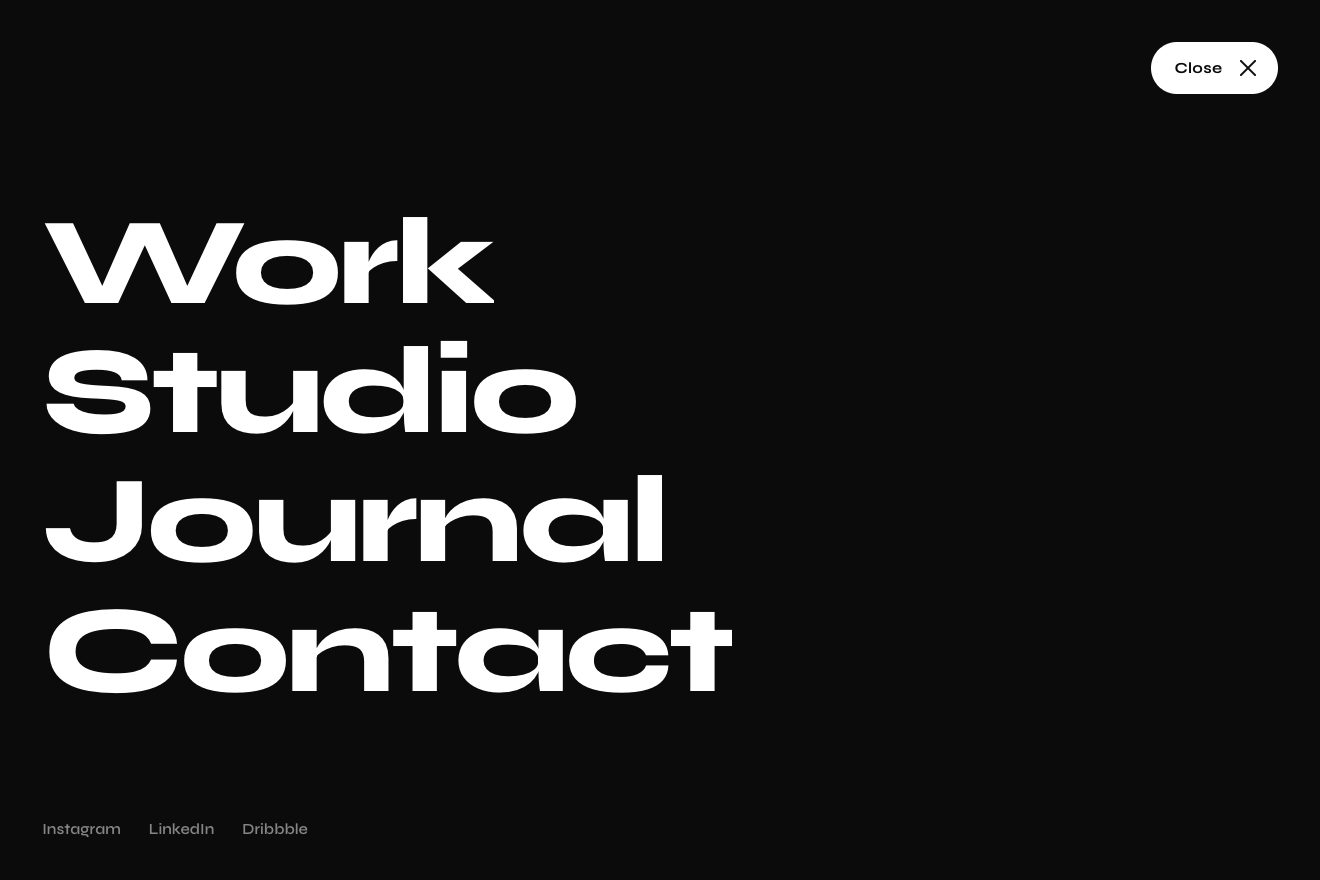
Button menu
Menus, Transitions, Text
The confirmation dialog for deleting a project in Kestrel, a made up deploy tool, like a Dribbble shot: it springs out of the Delete project button while the page behind darkens and blurs. To confirm you type the project's name over its ghost letters: every right letter lights up on its own little line, the red button fills from the left and, once the name is whole, arms itself with a streak of light and the bin opening its lid. A wrong letter turns red and the field gives a small shake. Pressed, the dialog's shell shrinks into the dark toast Project deleted with Undo.
A folder that runs on its own: index.html, style.css, script.js and the libraries from a CDN. The React and Vue tabs hold the same demo as a ready component, which switches its animations off when it leaves the page.
<!doctype html>
<!--
"Delete project dialog" from Animorio · https://animorio.com
License: free on your own sites and your clients’ sites, paid work included.
Not for resale, redistribution, templates or code collections · https://animorio.com/en/license/
-->
<html lang="en">
<head>
<meta charset="utf-8">
<meta name="viewport" content="width=device-width, initial-scale=1">
<title>The delete project dialog that asks you to type the name</title>
<link rel="stylesheet" href="https://cdn.jsdelivr.net/npm/@fontsource-variable/mona-sans@5.3.0/wdth.css">
<link rel="stylesheet" href="https://cdn.jsdelivr.net/npm/@fontsource-variable/jetbrains-mono@5.3.0/index.css">
<link rel="stylesheet" href="style.css">
</head>
<body>
<main class="stage">
<!-- the danger zone of a project in Kestrel, a made up deploy tool. Delete project opens a dialog that springs out of
the button while the page behind darkens and blurs; to confirm you type the project's name, every right letter
lights up and the red button arms itself, filling from the left. Pressed, the dialog shrinks into a toast with Undo -->
<div class="frame" data-frame>
<section class="panel" data-panel aria-labelledby="dz-title">
<header class="panel__head">
<p class="panel__crumb">Kestrel <svg viewBox="0 0 12 12" aria-hidden="true"><path d="M4.5 2.5l3.5 3.5-3.5 3.5"/></svg> <span data-name></span> <svg viewBox="0 0 12 12" aria-hidden="true"><path d="M4.5 2.5l3.5 3.5-3.5 3.5"/></svg> Settings</p>
<h2 class="panel__title" id="dz-title">Danger zone</h2>
</header>
<div class="panel__row" data-row>
<span class="avatar" aria-hidden="true"><span data-initial></span></span>
<span class="panel__info">
<span class="panel__name"><span data-name></span><i class="panel__strike" data-strike aria-hidden="true"></i></span>
<span class="panel__meta" data-meta>Production · 214 deploys · 3 domains</span>
</span>
<button class="open" type="button" data-open>
<svg class="open__icon" viewBox="0 0 20 20" aria-hidden="true"><path d="M4 6h12M8 6V4.6c0-.6.4-1 1-1h2c.6 0 1 .4 1 1V6M6 6l.7 9.4c0 .6.5 1.1 1.1 1.1h4.4c.6 0 1.1-.5 1.1-1.1L14 6"/></svg>
<span>Delete project</span>
</button>
</div>
</section>
<div class="scrim" data-scrim aria-hidden="true"></div>
<div class="dialog" data-dialog role="dialog" aria-modal="true" aria-labelledby="dl-title" aria-describedby="dl-text" hidden>
<i class="dialog__shell" data-shell aria-hidden="true"><i class="dialog__glow" data-glow></i><i class="dialog__dark" data-dark></i></i>
<div class="dialog__body" data-body>
<div class="dialog__top">
<span class="badge" aria-hidden="true">
<svg viewBox="0 0 24 24"><path d="M12 4.2l8.4 14.6H3.6z"/><path d="M12 10v3.6"/><path d="M12 16.3v.1"/></svg>
</span>
<button class="x" type="button" data-cancel aria-label="Close">
<svg viewBox="0 0 16 16" aria-hidden="true"><path d="M4.5 4.5l7 7M11.5 4.5l-7 7"/></svg>
</button>
</div>
<h3 class="dialog__title" id="dl-title">Delete project</h3>
<p class="dialog__text" id="dl-text">This permanently removes <strong data-name></strong>, its 214 deploys and 3 domains. It can’t be undone after the toast goes.</p>
<label class="confirm__label" for="dl-input">Type <code data-name></code> to confirm</label>
<div class="confirm" data-confirm>
<input class="confirm__input" id="dl-input" data-input type="text" autocomplete="off" autocapitalize="off" spellcheck="false">
<span class="confirm__glyphs" data-glyphs aria-hidden="true"></span>
<span class="confirm__caret" data-caret aria-hidden="true"></span>
<svg class="confirm__ok" viewBox="0 0 20 20" aria-hidden="true"><path data-ok pathLength="1" d="M5 10.4l3.3 3.2L15 6.8"/></svg>
</div>
<p class="confirm__hint" data-hint aria-live="polite"></p>
<div class="dialog__actions">
<button class="ghost" type="button" data-cancel>Cancel</button>
<button class="del" type="button" data-del aria-disabled="true" aria-label="Delete project">
<span class="del__fill" data-fill aria-hidden="true"></span>
<span class="del__shine" data-shine aria-hidden="true"></span>
<span class="del__label del__label--off" aria-hidden="true">
<svg class="bin" viewBox="0 0 20 20"><g class="bin__lid" data-lid><path d="M3.8 6h12.4"/><path d="M8 6V4.6c0-.6.4-1 1-1h2c.6 0 1 .4 1 1V6"/></g><path d="M5.9 6.6l.8 8.8c.1.6.5 1.1 1.1 1.1h4.4c.6 0 1.1-.5 1.1-1.1l.8-8.8M8.6 9.2v4.4M11.4 9.2v4.4"/></svg>
<span>Delete project</span>
</span>
<span class="del__label del__label--on" data-on aria-hidden="true">
<svg class="bin" viewBox="0 0 20 20" aria-hidden="true"><g class="bin__lid" data-lid><path d="M3.8 6h12.4"/><path d="M8 6V4.6c0-.6.4-1 1-1h2c.6 0 1 .4 1 1V6"/></g><path d="M5.9 6.6l.8 8.8c.1.6.5 1.1 1.1 1.1h4.4c.6 0 1.1-.5 1.1-1.1l.8-8.8M8.6 9.2v4.4M11.4 9.2v4.4"/></svg>
<span>Delete project</span>
</span>
</button>
</div>
</div>
</div>
<div class="toast-slot">
<div class="toast" data-toast role="status" hidden>
<span class="toast__icon" aria-hidden="true"><svg viewBox="0 0 20 20"><circle cx="10" cy="10" r="7.4"/><path data-tick pathLength="1" d="M6.6 10.2l2.4 2.3 4.4-4.7"/></svg></span>
<span class="toast__text">Project deleted</span>
<span class="toast__dot" aria-hidden="true">·</span>
<button class="toast__undo" type="button" data-undo>
<svg viewBox="0 0 16 16" aria-hidden="true"><path d="M5.2 3.6L2.6 6.2l2.6 2.6"/><path d="M2.8 6.2h6.6a3.6 3.6 0 010 7.2H7"/></svg>
Undo
</button>
<i class="toast__drain" data-drain aria-hidden="true"></i>
</div>
</div>
</div>
<p class="sr" aria-live="polite" data-live></p>
</main>
<script src="https://cdn.jsdelivr.net/npm/gsap@3.15.0/dist/gsap.min.js"></script>
<script src="script.js"></script>
</body>
</html>Change values, colours and text with the controls and watch the animation respond live. Or write in the code yourself. Then download the folder with your changes.
38 values to change
With the Animorio connector, Claude Code, ChatGPT, Cursor or VS Code take it from here, guide included, and fit it into your project. Paste this request:
Take “Delete project dialog” from Animorio and fit it into my siteBefore opening, the centres of the button and of the dialog are measured with getBoundingClientRect: the dialog starts moved by that difference and scaled to 14%, and reaches the centre with x, y and scale on a spring. The spring is our own function, 1 minus e to the minus d times t times the cosine of 2.5 pi times t: at t equal to 1 it is exactly 1, so it lands in the right place after passing the mark only once; SPRING changes the damping.
The field is a real input with transparent text and caret; over it, for every letter of the name, a span with the ghost letter, the typed letter and its little line. On every input we count how many letters are right from the start: those are lit, the one that is wrong and the ones after it are red, the rest stay ghosts. The drawn caret moves to the offsetLeft of the next letter.
The fill is a red layer with scaleX equal to a CSS variable --p, which GSAP moves to the share of the name that is right. The white words are an exact copy of the red ones, on top, cut with clip-path inset up to where the red has arrived: so the letters turn white one at a time, right under the edge of light moving ahead.
When the value equals the name the button gets the is-armed class (red shadow, a light edge on top), a slanted reflection crosses it with xPercent, the button makes a small bounce with scale keyframes and the bin's lid, an SVG group, turns by 26 degrees around its hinge with svgOrigin.
The dialog's material is an element of its own, the shell. On confirmation the dialog and the hidden toast are measured, the shell switches to pixel sizes and GSAP takes it to the toast's left, top, width and height with expo.inOut, while the content fades and a dark veil rises inside the shell. When they match, the real toast takes its place and the time to undo drains with a scaleX.
| Name | File | Default | What it changes |
|---|---|---|---|
PROJECT | script.js | halcyon-web | The project's name, the one to type to confirm. |
OPEN | script.js | 0.75 | How many seconds the dialog takes to spring out of the button. |
SPRING | script.js | 1 | How springy every settle is: 0.5 calm, 2 very bouncy. |
TYPING | script.js | 8 | How many letters per second the dialog types when it runs by itself. |
MISTAKE | script.js | true | Typing by itself it gets one letter wrong, to show the error. |
UNDO_TIME | script.js | 5 | How many seconds the toast keeps Undo before it goes. |
AUTO | script.js | true | Opens, types, deletes and undoes by itself until someone touches it. |
For actions that cannot be undone in an app, a dashboard or a developer tool: deleting a project, a repository, a workspace, an account or a database. Typing the name makes people stop for a moment, the lighting letters and the arming button make clear how much is left, and the toast with Undo leaves one last way out.
On the phone the project's row wraps and the Delete project button becomes as wide as the card; the dialog is almost as wide as the screen, margins and text tighten on the height, and with a finger everything does what the click does. The rest is the same.
No springs and no movement: the dialog and the veil fade in, the card behind turns pale instead of blurring, the letters light up in place, the error colours the field with no shake, the lid stays closed and the dialog fades into the toast instead of shrinking.
GSAP 3.15.0, Mona Sans (font variabile) 5.3.0, JetBrains Mono (font variabile) 5.3.0.
Compressed with gzip, the three demo files weigh 12 KB; the libraries: GSAP 28 KB.
Tested on 6 November 2026
Use it in your own projects and in your clients’ projects. Do not resell it or redistribute it as is. GSAP stays under its own Standard license. Full license.
Support Animorio
Animorio stays free thanks to the people who support it. If you like, buy us a coffee: it helps us make the next animations.
You asked for
We made it for you: it’s in the library, with the preview, the Playground and the code to copy.
An animation you can’t find, or a site to take apart in the journal: tell us which. We pick the next ones from here.
With your account’s email and password.
or with your email
You’re signed in as .
With your account, you can download the zip of every animation and every pack, for free.