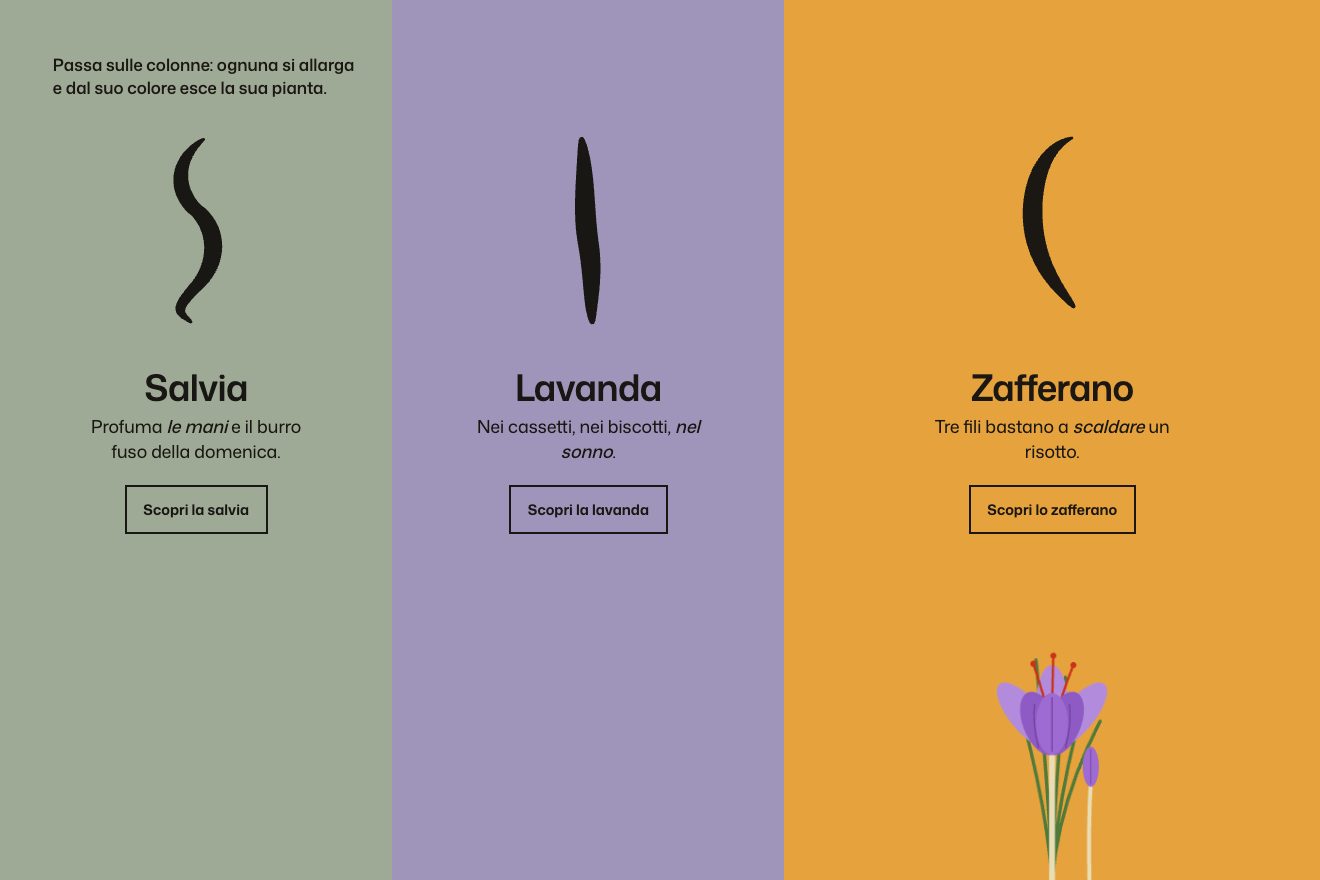
The colour columns
Hover, SVG
NewFree
A diamond-shaped button, “[ Let’s talk ]”, sits on a dashed line and follows the mouse: as it goes it turns 90 degrees at each step and takes more sides, six, eight, twelve, sixteen, until it becomes a circle. Every shape it leaves behind stays for a moment as an empty outline that fades. On a phone you drag it with a finger.
A folder that runs on its own: index.html, style.css, script.js and the libraries from a CDN. The React and Vue tabs hold the same demo as a ready component, which switches its animations off when it leaves the page.
<!doctype html>
<html lang="en">
<head>
<meta charset="utf-8">
<meta name="viewport" content="width=device-width, initial-scale=1">
<title>The diamond that becomes a circle</title>
<link rel="stylesheet" href="https://cdn.jsdelivr.net/npm/@fontsource/instrument-serif@5.3.0/index.css">
<link rel="stylesheet" href="https://cdn.jsdelivr.net/npm/@fontsource/instrument-serif@5.3.0/400-italic.css">
<link rel="stylesheet" href="https://cdn.jsdelivr.net/npm/@fontsource-variable/onest@5.3.0/index.css">
<link rel="stylesheet" href="https://cdn.jsdelivr.net/npm/@fontsource/dm-mono@5.3.0/500.css">
<link rel="stylesheet" href="style.css">
</head>
<body>
<!-- the booking corner of a small pottery school: a lump of clay with a corner at each side sits on a dashed line.
Move the pointer along the line and the lump follows, turning a quarter at each step and taking more sides
(six, eight, twelve, sixteen) until it runs round. Every shape it leaves behind stays as an outline for a moment. -->
<main class="pagina" data-pagina>
<header class="barra" data-entra>
<a class="marchio" href="#">
<svg class="marchio__segno" viewBox="0 0 40 40" aria-hidden="true" focusable="false">
<path d="M20 3 L37 20 L20 37 L3 20 Z"/>
<circle cx="20" cy="20" r="8.5"/>
</svg>
<span class="marchio__nome">Kiln & Wheel</span>
<span class="marchio__sotto">Pottery school</span>
</a>
<p class="barra__orari">Thursdays, 7 to 9 pm</p>
</header>
<section class="invito" aria-labelledby="titolo">
<p class="invito__occhiello" data-entra>Evening wheel course</p>
<h1 class="invito__titolo" id="titolo">
<span class="riga" data-entra>Every bowl starts</span>
<span class="riga" data-entra>out <em>all corners.</em></span>
</h1>
<p class="invito__testo" data-entra>Bring an apron and nothing else. Over six evenings you wedge, centre, open and pull a lump of clay until it runs round, and we fire it twice for you.</p>
</section>
<section class="banco" aria-label="Book a wheel session">
<!-- the dashed line runs across the whole page; the clay travels only along the middle part -->
<div class="linea" data-linea aria-hidden="true"></div>
<div class="binario" data-binario>
<div class="tacche" data-tacche aria-hidden="true"></div>
<div class="scie" data-scie aria-hidden="true"></div>
<a class="pezzo" href="#book" data-pezzo aria-describedby="aiuto">
<span class="pezzo__molla" data-molla>
<svg class="pezzo__forma" data-forma viewBox="0 0 220 220" aria-hidden="true" focusable="false">
<path class="pezzo__argilla" data-argilla d="M210 110 L110 210 L10 110 L110 10 Z"/>
</svg>
<span class="pezzo__scritta">
<span class="parentesi parentesi--a" aria-hidden="true">[</span>
<span class="pezzo__parole">Let’s talk</span>
<span class="parentesi parentesi--b" aria-hidden="true">]</span>
</span>
</span>
<span class="pezzo__fase" aria-hidden="true"><span class="pezzo__finestra"><span class="pezzo__fase-testo" data-fase></span></span></span>
</a>
</div>
<p class="banco__aiuto" id="aiuto" data-aiuto data-entra>Move along the line to throw the pot</p>
</section>
<footer class="piede" data-entra>
<p>Eight wheels, clay and two firings included</p>
<p>Book a wheel, we write back the same day</p>
</footer>
</main>
<script src="https://cdn.jsdelivr.net/npm/gsap@3.15.0/dist/gsap.min.js"></script>
<script src="https://cdn.jsdelivr.net/npm/gsap@3.15.0/dist/MorphSVGPlugin.min.js"></script>
<script src="script.js"></script>
</body>
</html>Change values, colours and text with the controls and watch the animation respond live. Or write in the code yourself. Then download the folder with your changes.
38 values to change
With the Animorio connector, Claude Code takes it from here, guide included, and fits it into your project. Paste this request:
Take “The diamond that becomes a circle” from Animorio and fit it into my siteEach shape is an SVG path in the same 220 square, centred at 110 with a radius of 100, written by the script: a polygon with the number of sides in SIDES and a corner pointing right, so the first one, with 4 sides, is a diamond standing on a corner. 0 is the circle, made of four arcs.
A paused timeline holds the whole way: from each shape to the next a MorphSVG tween with type rotational, all the same length and in a straight line, which also turns by TURN degrees. Every tween is a fromTo that also says which shape it starts from (with immediateRender: false, otherwise all the starting shapes would be drawn at once).
The horizontal position of the mouse, anywhere on the page, becomes a number from 0 to 1 along the useful part of the line. A tween of FOLLOW seconds carries an object there, and on every frame that number moves the lump along the line and sends the timeline to the same point with progress: position and shape are the same thing.
Between one frame and the next the script checks whether the number has gone past a stop, by a thousandth. If so, an SVG is born with just the outline of that shape, turned like it and still in its place, which fades in TRAIL_BASE plus TRAIL_STEP seconds for every outline still there: the faster you go, the more of them stay and the longer they last.
The lump’s speed leans it (skewX) and widens it a little, with quickTo and an elastic curve that straightens it when it stops. On a phone you drag the lump with a finger, or tap the line to send it there; with the keyboard the arrows take it from one shape to the next.
| Name | File | Default | What it changes |
|---|---|---|---|
SIDES | script.js | [4, 6, 8, 12, 16, 0] | The shapes along the line, by number of sides: 4 is the diamond, 0 the circle (as on the site). |
STAGES | script.js | ['A lump of clay', 'Wedged', 'Centred', 'Opened up', 'Walls pulled', 'A round bowl'] | The word under the lump for each shape, in the same order. |
TURN | script.js | 90 | The degrees the lump turns from one shape to the next (90 on the site). |
SIZE | script.js | 220 | The side of the lump in pixels on a computer; on a phone it shrinks by itself. |
FOLLOW | script.js | 0.2 | The seconds the lump takes to catch up with the mouse (0.1 on the site). |
TRAIL_BASE | script.js | 0.3 | The seconds an outline left behind takes to fade (0.3 on the site). |
TRAIL_STEP | script.js | 0.4 | The seconds added for every outline still on the line (0.4 on the site). |
STRETCH | script.js | 0.6 | How much the lump leans when pulled fast (0 keeps it straight). |
For the main button at the bottom of a page, the contact or booking one: instead of just waiting for a click it plays with whoever passes and tells the brand’s idea (here the pot being thrown). It works where there is room across, a whole section to itself.
The same six shapes with a smaller lump: drag it with a finger along the line, or tap the line and the lump goes there; a tap without dragging is the click.
The lump does not travel or turn, and leaves no outlines: it fades out and comes back already with the shape nearest the mouse, standing on its own mark.
GSAP 3.15.0, MorphSVG (GSAP) 3.15.0, Instrument Serif 5.3.0, Onest (font variabile) 5.3.0, DM Mono 5.3.0.
Compressed with gzip, the three demo files weigh 8.2 KB; the libraries: GSAP + MorphSVG 37 KB.
Tested on 13 October 2026
Use it in your own projects and in your clients’ projects. Do not resell it or redistribute it as is. GSAP stays under its own Standard license. Full license.
With your account’s email and password.
or with your email
You’re signed in as .
With your account, you can download the zip of every animation and every pack, for free.