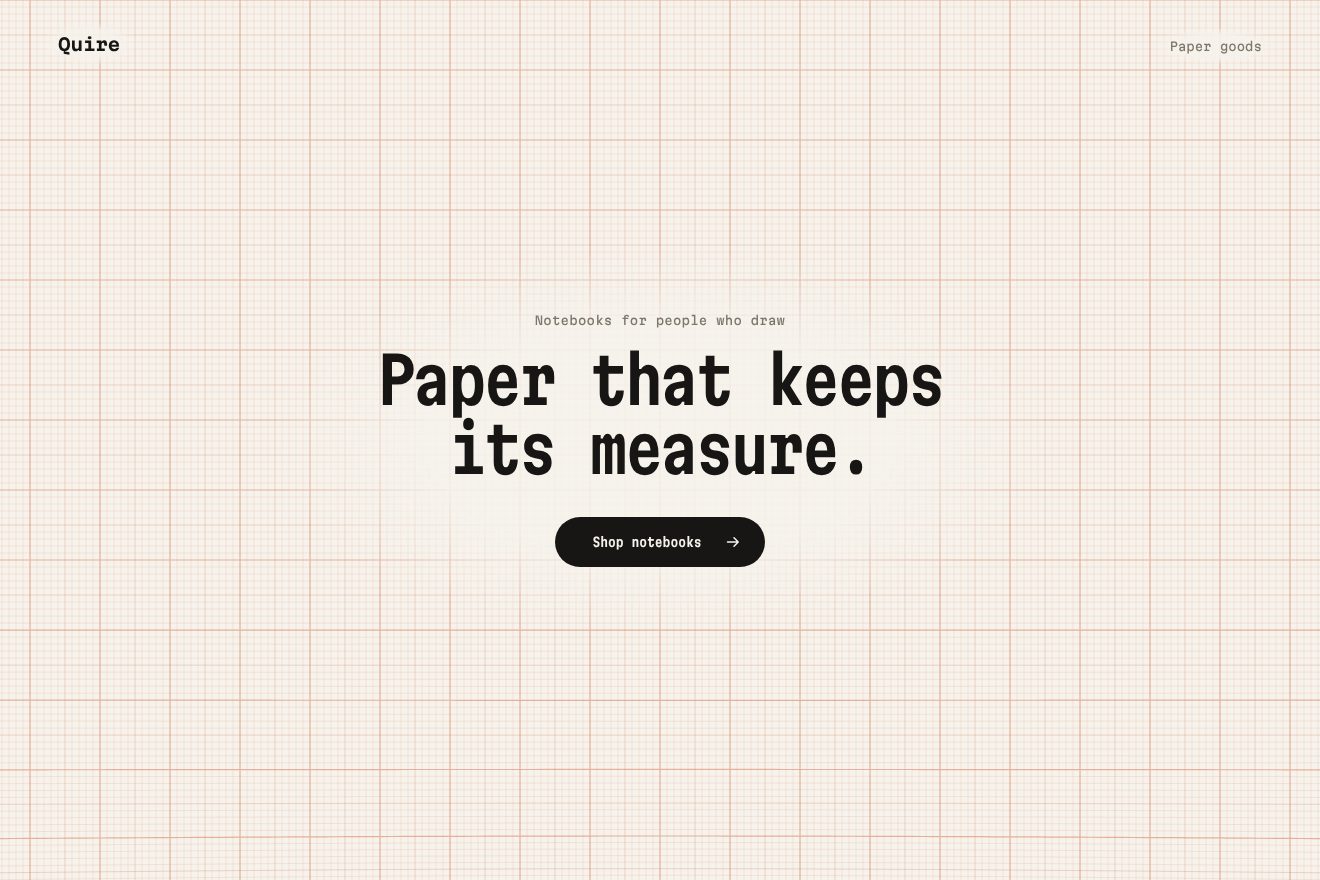
The graph paper background
Backgrounds, Scroll
Scroll inside the preview
A particle background to scroll through, in minimal style: on a warm white, hundreds of thin dashes drift like dust in a room, behind the heading of a focus app. As you scroll the dust settles, from the heading out to the edges: each dash glides onto its point of a grid and turns level on a spring, one pixel past and back, while the heading gains weight and tightens. The pointer pushes the dashes aside and lights them cobalt.
A folder that runs on its own: index.html, style.css, script.js and the libraries from a CDN. The React and Vue tabs hold the same demo as a ready component, which switches its animations off when it leaves the page.
<!doctype html>
<!--
  "Dust particle background" from Animorio · https://animorio.com
  License: free on your own sites and your clients’ sites, paid work included.
  Not for resale, redistribution, templates or code collections · https://animorio.com/en/license/
-->
<html lang="en">
<head>
  <meta charset="utf-8">
  <meta name="viewport" content="width=device-width, initial-scale=1">
  <title>Stillwork</title>
  <link rel="stylesheet" href="https://cdn.jsdelivr.net/npm/@fontsource-variable/mona-sans@5.3.0/wdth.css">
  <link rel="stylesheet" href="style.css">
</head>
<body>
  <!-- a long section with a sticky stage: a field of tiny dashes drifts like dust in the air behind the heading;
       scrolling settles them, from the heading outwards, into an even grid of level dashes -->
  <main class="corsa" data-corsa>
    <section class="palco" data-palco>
      <canvas class="pulviscolo" aria-hidden="true" data-tela></canvas>

      <header class="testa">
        <p class="marchio" data-entra>Stillwork</p>
        <p class="testa__nota" data-entra>Deep work for small teams</p>
      </header>

      <div class="centro">
        <div class="titolo" data-titolo>
          <p class="occhiello" data-entra>Focus mode</p>
          <h1 class="titolo__testo" data-testo>Find your<br>focus.</h1>
          <span class="titolo__riga" aria-hidden="true" data-riga></span>
        </div>
      </div>

      <footer class="piede">
        <p class="piede__nota" data-entra>Scroll to let the dust settle</p>
        <p class="piede__lettura" data-entra>
          <span class="lettura__nome">Settled</span>
          <span class="lettura__valore" data-lettura>0</span><span class="lettura__unita">%</span>
        </p>
      </footer>
    </section>
  </main>

  <script src="https://cdn.jsdelivr.net/npm/gsap@3.15.0/dist/gsap.min.js"></script>
  <script src="https://cdn.jsdelivr.net/npm/gsap@3.15.0/dist/ScrollTrigger.min.js"></script>
  <script src="https://cdn.jsdelivr.net/npm/lenis@1.3.26/dist/lenis.min.js"></script>
  <script src="script.js"></script>
</body>
</html>Change values, colours and text with the controls and watch the animation respond live. Or write in the code yourself. Then download the folder with your changes.
21 values to change
With the Animorio connector, Claude Code, ChatGPT, Cursor or VS Code take it from here, guide included, and fit it into your project. Paste this request:
Take “Dust particle background” from Animorio and fit it into my siteThe section is 320lvh tall and the stage inside is sticky, 100lvh tall. The grid has a point every PASSO px (tighter on small stages, wider on huge ones, so there are always a few hundred dashes) and each point has its own grain. Each grain has a scroll threshold: 0.12 plus ONDA times its distance from the heading, plus a little randomness.
When free, the grain follows its own point drifting on a current made of three slow sine waves in x, y and t, so neighbours move almost together, at DERIVA px per second and slightly upwards; whoever leaves one side comes back from the other. The direction turns slowly, each at its own speed, and the light flickers a little.
When the progress passes the threshold the target becomes the grid point: a spring (MOLLA, stiffness and damping, damped close to 0.8) takes the grain there one pixel too far, and the same spring takes the angle to zero, that is level. There are two half steps per frame, so the spring stays stable even on long frames.
Every frame counts the grains really settled (within 1.5 px of their point and almost level): that share is the reading at the bottom and the heading’s target, which follows it with a delay going from 300 to 640 in weight and from 112 to 94 in width. Past 90% the cobalt rule opens with back.out.
The pointer moves the target of the grains within PUNTATORE px, not the grains: the spring does the rest, and any grain more than 4 px out of place is drawn in cobalt. A pointerdown gives a radial push to the grains within 2.2 times that radius, fading with distance, and the heading gives an elastic jolt.
| Name | File | Default | What it changes |
|---|---|---|---|
PASSO | script.js | 26 | The distance between the grid points, in px. |
TRATTO | script.js | 6 | The length of each dash, in px. |
DERIVA | script.js | 14 | How fast the free dust drifts, in px per second. |
ONDA | script.js | 0.55 | How much of the run order takes to travel from the heading to the edges. |
MOLLA | script.js | [70, 13] | The spring each dash settles on: how stiff and how damped. |
PUNTATORE | script.js | 90 | The radius within which the pointer pushes the dashes aside, in px. |
SPESSORE | script.js | 1.2 | The thickness of the dashes, in px. |
As the background of the first screen of a productivity or focus app, a team tool, a meditation or organisation service, a studio that brings order (archives, consulting, systems design), a landing page telling the move from chaos to order. The dash colour and the accent are set in the CSS.
The same animations with the sizes adapted: the grid tightens on the stage’s short side, the heading is sized on the height too and the small notes at the top and bottom give way to the reading alone. The finger pushes the dashes aside and a tap scatters them; the page still scrolls vertically.
Nothing moves: the scattered dust and the grid in line are two still images that cross-fade as you scroll; the heading gains weight without moving, the cobalt rule fades in and the pointer pushes nothing aside.
GSAP 3.15.0, ScrollTrigger 3.15.0, Lenis 1.3.26, Mona Sans (font variabile) 5.3.0.
Compressed with gzip, the three demo files weigh 7.1 KB; the libraries: GSAP + ScrollTrigger 45 KB, Lenis 5.3 KB.
Tested on 1 November 2026
Use it in your own projects and in your clients’ projects. Do not resell it or redistribute it as is. GSAP stays under its own Standard license. Full license.
Support Animorio
Animorio stays free thanks to the people who support it. If you like, buy us a coffee: it helps us make the next animations.
You asked for
We made it for you: it’s in the library, with the preview, the Playground and the code to copy.
An animation you can’t find, or a site to take apart in the journal: tell us which. We pick the next ones from here.
With your account’s email and password.
or with your email
You’re signed in as .
With your account, you can download the zip of every animation and every pack, for free.